

DiviMotion Features
The Motion Layer Your Divi Site Has Been Missing
DiviMotion brings it all together — a GSAP-powered Animation Builder, ready-to-use Extensions, purpose-built Modules, and motion-ready Layout Packs and Section Layouts. Everything you need to make your Divi site move, built natively into the Visual Builder.
a
PowerfulAnimation Builder
Attach GSAP-powered animations to any Divi element — triggered by scroll, hover, click, or page load. No code, no developer, no limits.

4 Triggers

30+ Animation Properties

36+ Easing Options

Interactions

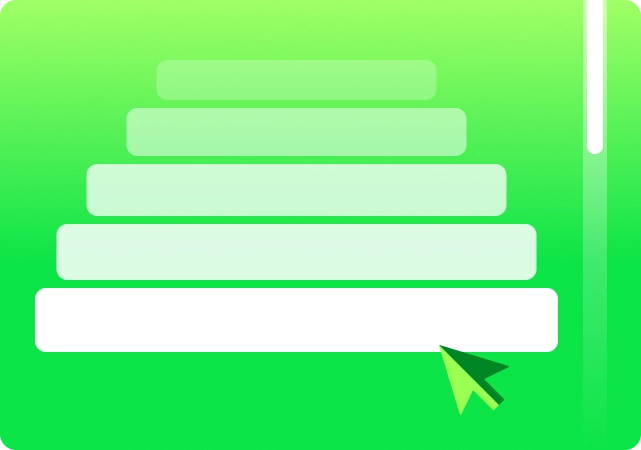
Scroll Interaction
Animate as visitors scroll — fully in your control
Fire once on enter, loop continuously, scrub frame-by-frame with the scrollbar, or pin an element in place while it animates. Set exactly what happens at every scroll boundary — on enter, on leave, on enter back, on leave back — independently for each interaction.

Click Interaction
Animate on click — toggle forward and back
Fire any animation when a visitor clicks an element. Use Toggle mode to alternate between playing forward and reversing on each click. Add multiple click targets per interaction for fully interactive moments built without a line of code.

Hover Interaction
Animate on cursor enter — reverse on leave
Trigger animations the moment a visitor hovers over any element. Add multiple hover targets to a single interaction, each with its own enter and leave actions, and combine them into one fluid, reactive moment.

Page Load Interaction
Animate automatically — the moment the page loads.
No trigger needed. Set a delay to bring elements in one after another. Enable Play Once and the animation fires only on the first visit — returning visitors see the page already at rest.
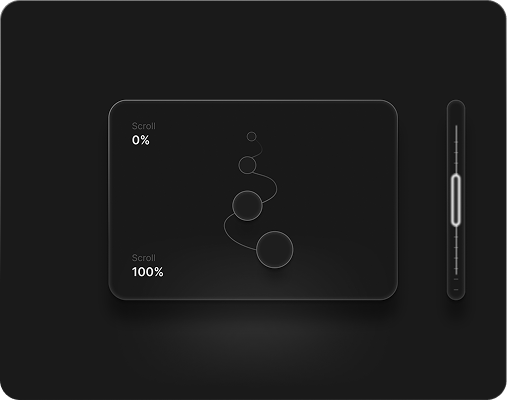
Scroll-driven motion
Scrub
Stay. Then release
Pin
Silky smooth scroll
Scroll Smoother
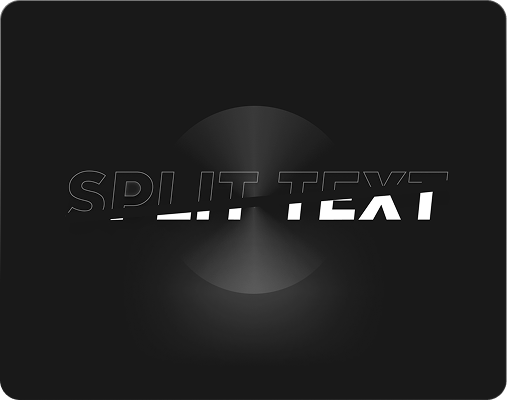
Words that come alive.
SplitText
One setting. Infinite rhythm
Stagger
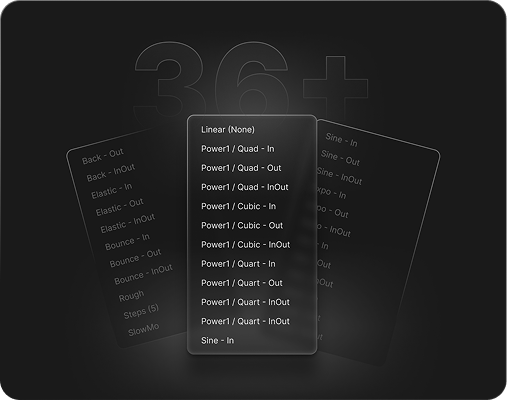
Every curve imaginable
36+ Easing Options
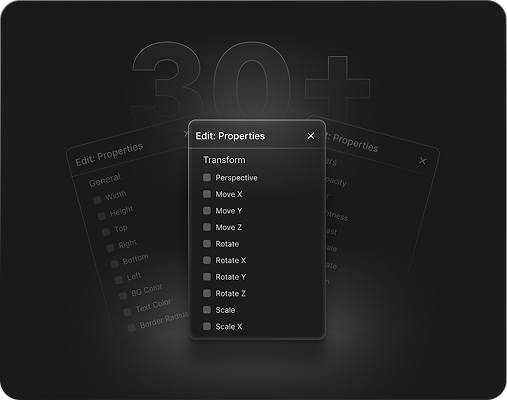
Full-width marquee strip
30+ Animation Properties
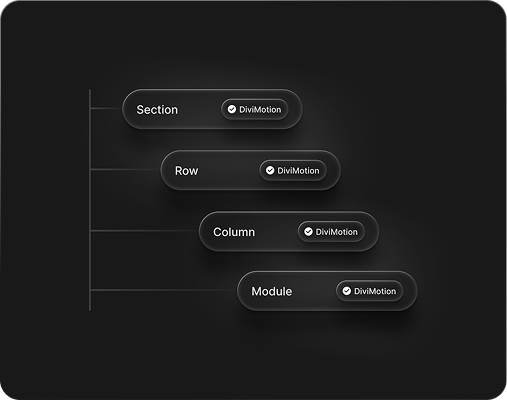
Module-Level Animations
Target down to the module
a
Helpful6 Extensions
Drop-in scroll effects and UI interactions — apply any extension to a Section, Row, or Column directly from the Divi Visual Builder. No code, no shortcodes, no separate page.
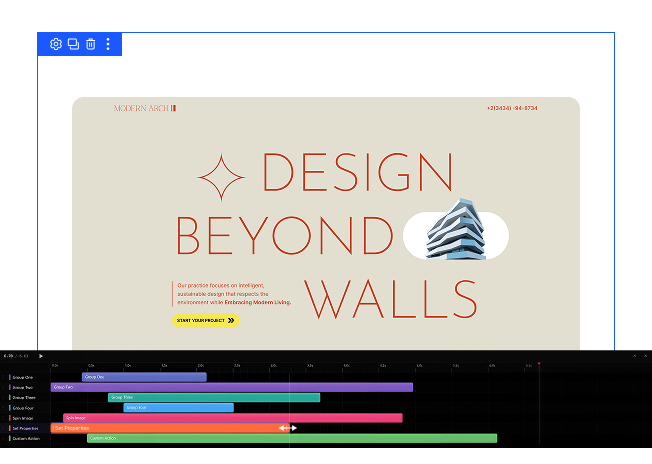
Animation Timeline
See your animation before visitors do.
- Visual track editor built into the Divi Visual Builder bottom bar
- Drag to move or resize any step
- Play / Pause live in the builder canvas
- 8 colour-coded tracks with rename, duplicate, copy, and delete
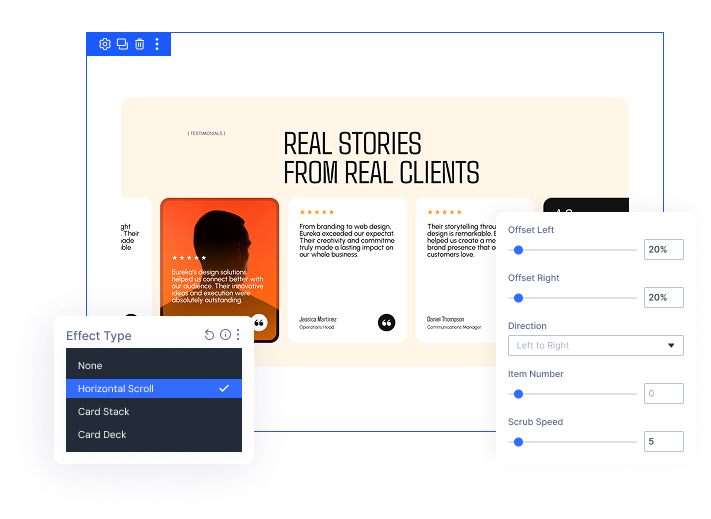
Horizontal Scroll
Turn any section into a scroll-driven filmstrip.
- Pin any Section, Row, or Column — panels slide horizontally as you scroll
- Set how many panels are visible at once — responsive per breakpoint
- Built-in progress bar with 9 position options and full colour control
- Disable independently on Phone, Tablet, or Desktop
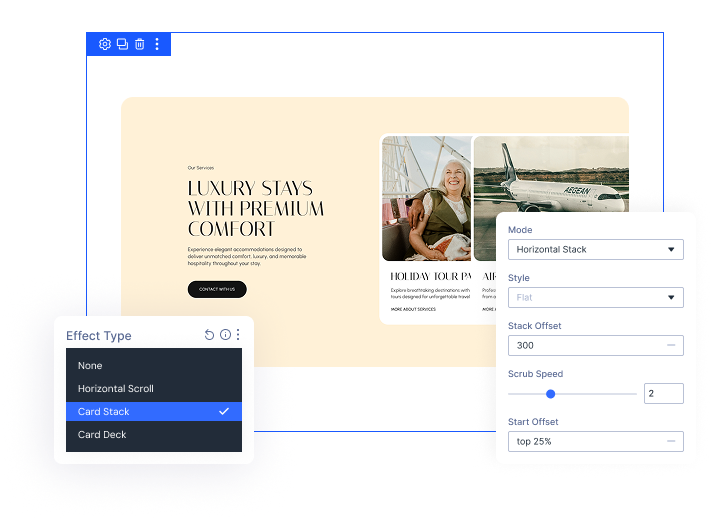
Card Stack
Four ways to reveal content as visitors scroll.
- 4 modes: Stack, Peel, Horizontal Stack, Horizontal Peel
- Flat or Slide Rotate style for subtle depth and physicality
- Stack Offset controls how much of each underlying card peeks out
- Works on Section, Row, or Column — disable per device
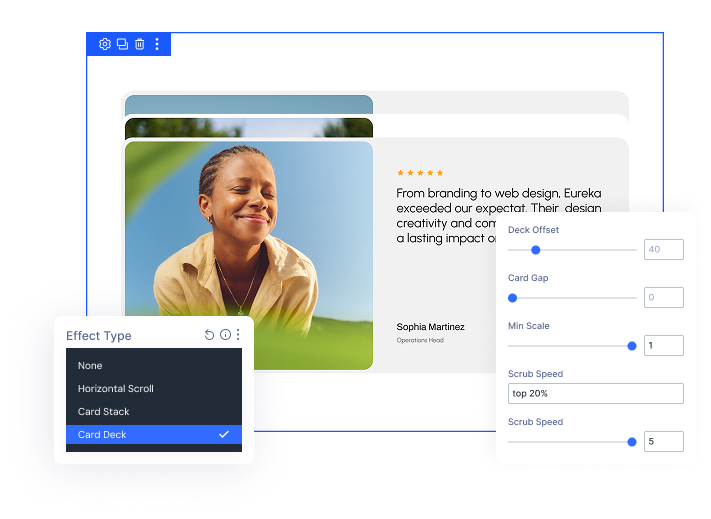
Card Deck
Cinematic depth-layered card reveal.
- Cards scale back as new ones slide over the top
- Min Scale sets the depth drama — subtle at 0.95, strong at 0.50
- All visual settings are responsive — Desktop, Tablet, and Phone
- Disable independently on any device
Preloader
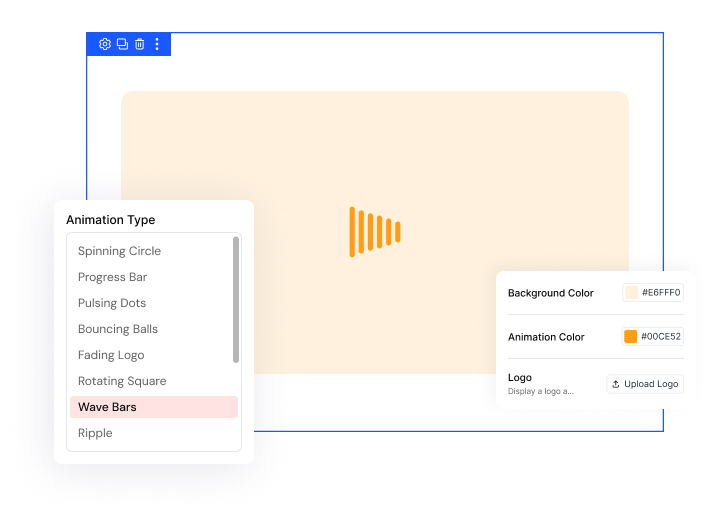
A polished first impression on every page load.
- 13 pure CSS animation styles — spinner, wave bars, heartbeat, DNA helix, and more
- Fully customisable background and animation colours
- Optional logo with a gentle pulse animation
- Enable once from the Dashboard — works site-wide automatically
Scroll Header
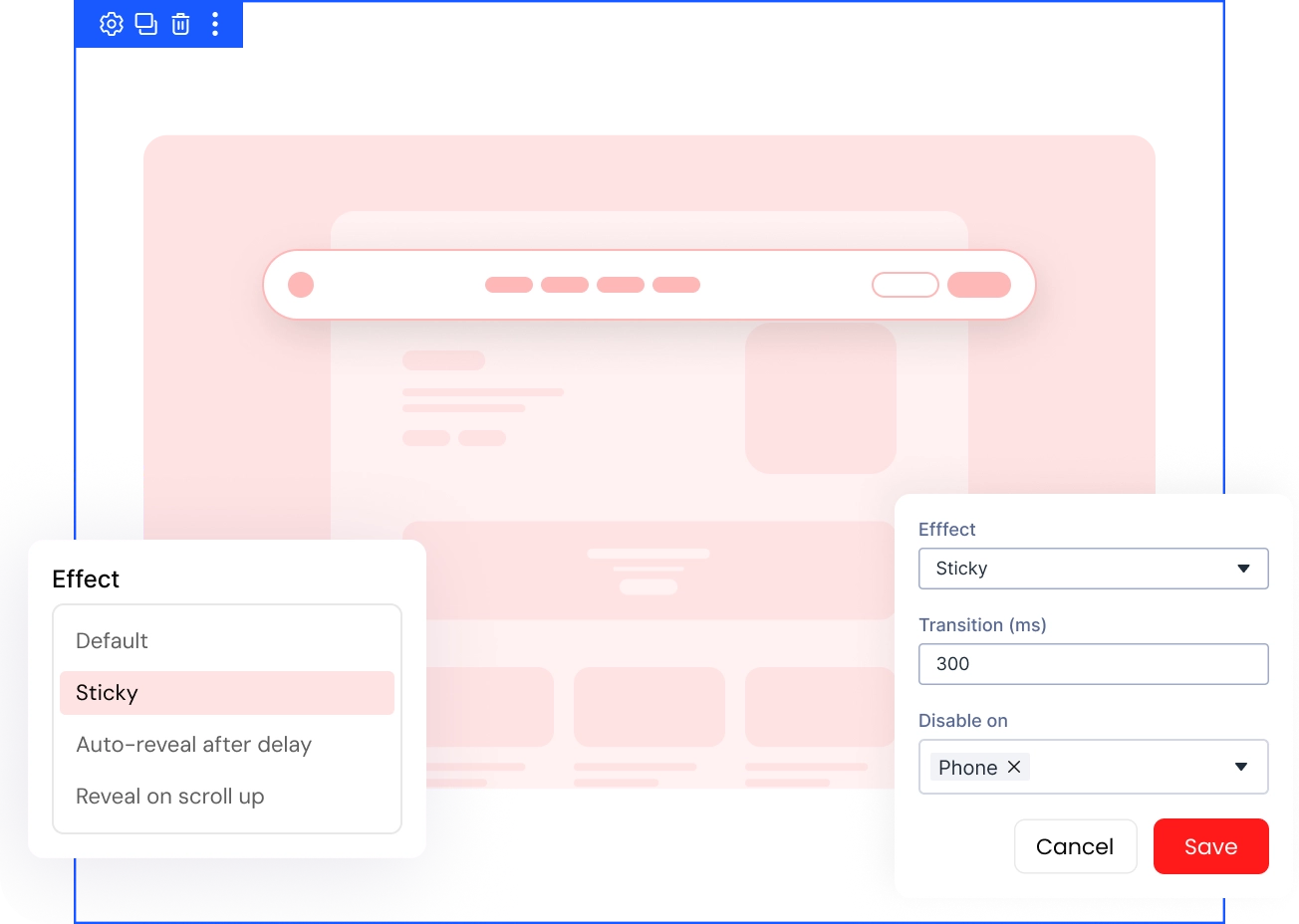
Give your header a behavior for every scroll
- Four header effects: Sticky, Auto-Reveal After Delay, Reveal on Scroll Up, or Default
- Set transition speed and reveal delay for exactly how the header slides in and out
- Auto-detects Divi's classic header and Theme Builder global headers
- Disable independently on Desktop, Tablet, or Phone
a
Effective10+ Modules
Purpose-built Divi modules with motion designed in from the start — not bolted on after.

Animate SVG paths as visitors scroll
DrawSVG

Let elements fall and land with weight
Gravity Box

Play video by scrolling, not waiting
Scroll Video

Add spring and bounce to any card
Elastic Cards

Sweep headlines across the screen as visitors scroll
Horizontal Scroll Text

Assemble headlines from thousands of tiny particles
Particle Text

Turn any process into an interactive flow diagram
Animated Process Flow
a
StunningLayout Packs
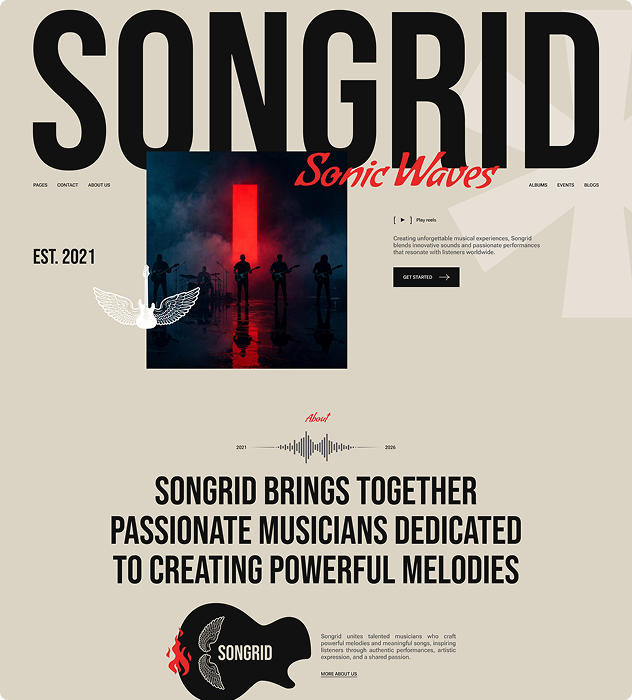
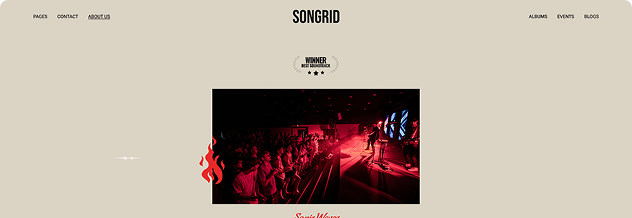
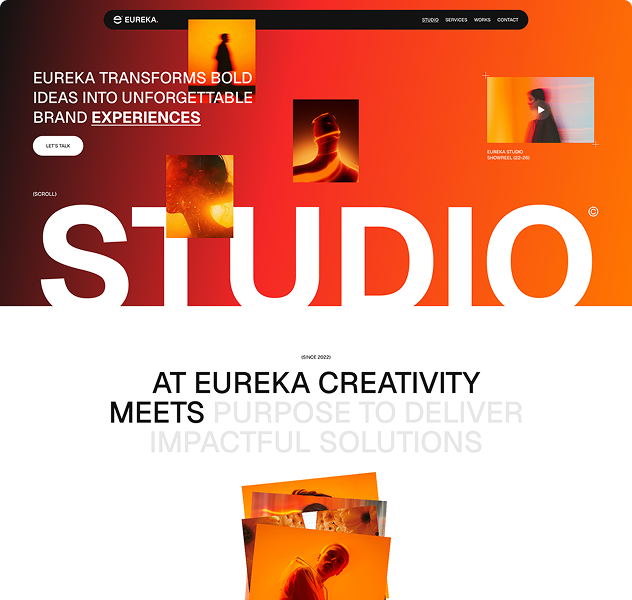
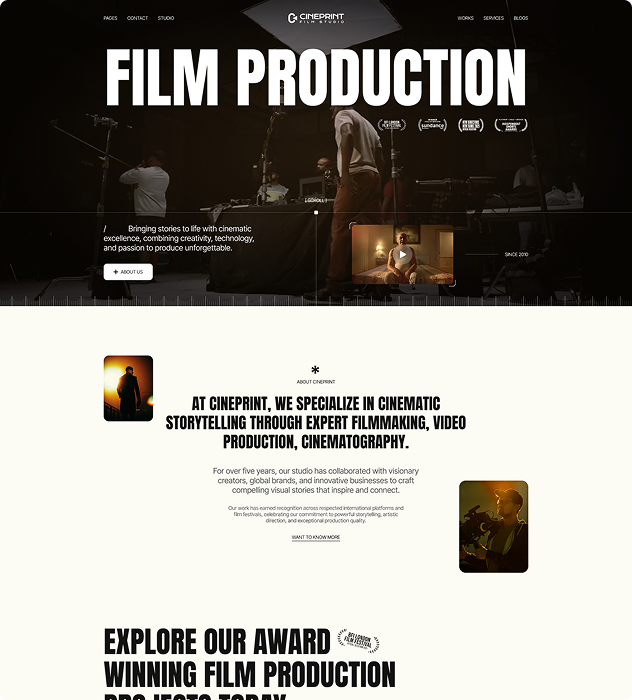
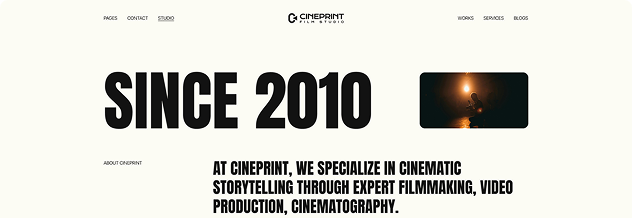
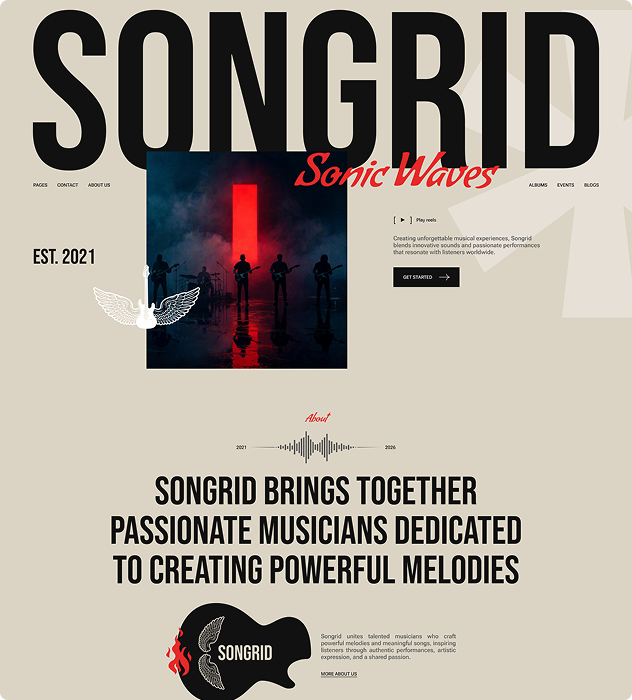
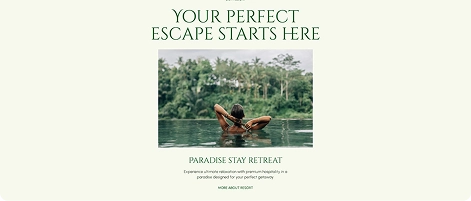
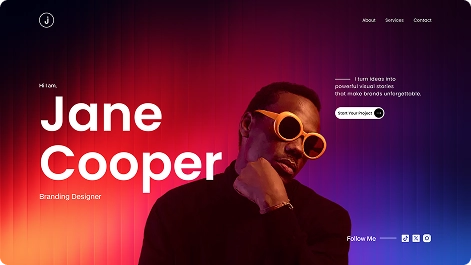
Motion-ready full website layouts for agencies, portfolios, and SaaS products. DiviMotion animations are pre-configured throughout — choose a layout, swap your content, and your site moves from day one.

a
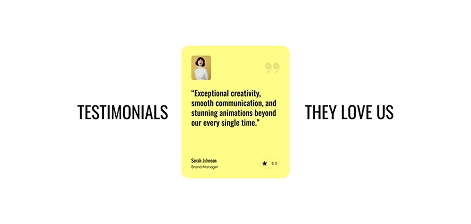
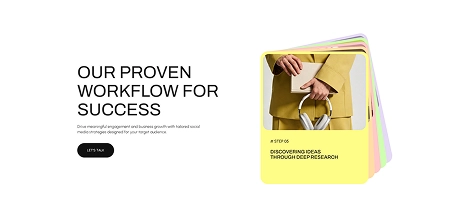
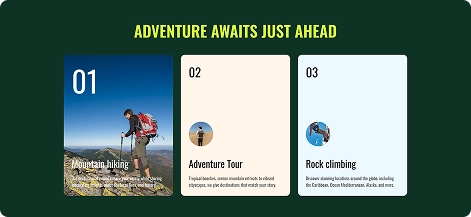
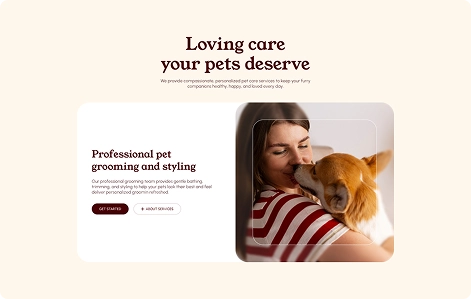
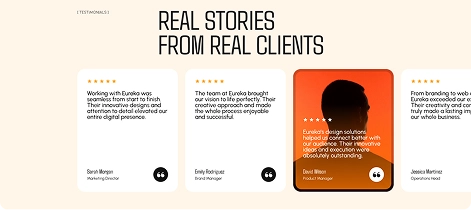
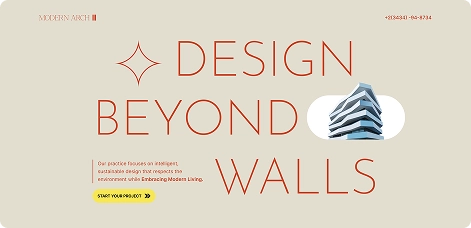
Reusable70+ Section Layouts
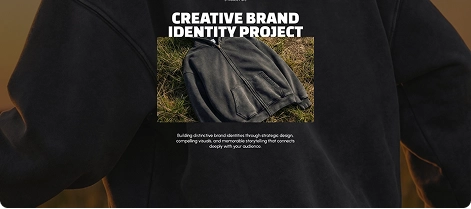
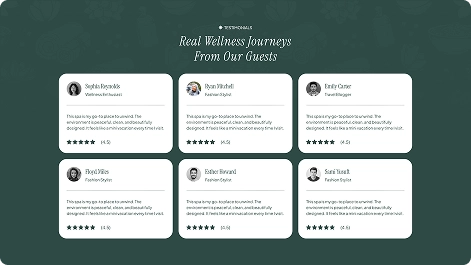
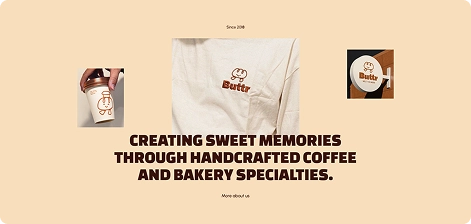
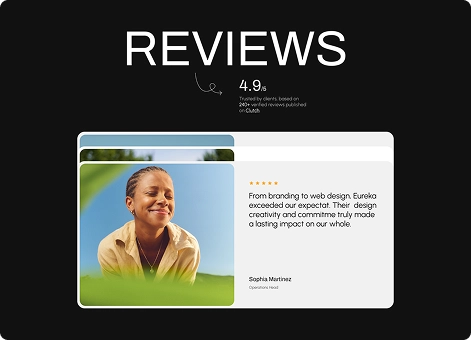
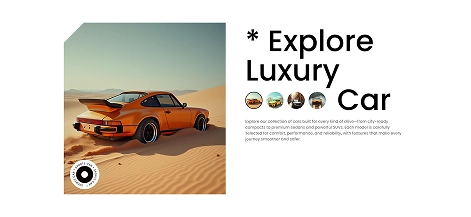
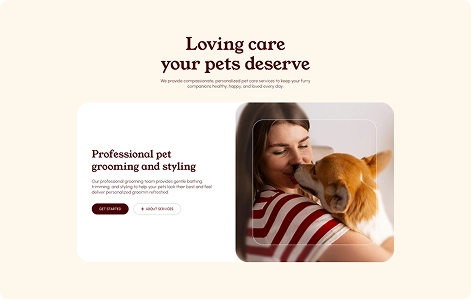
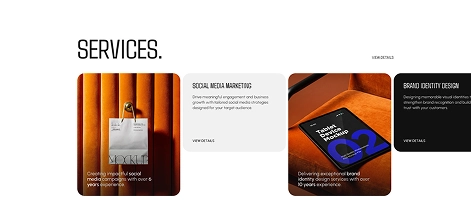
Pre-animated sections ready to drop into any Divi page. Hero sections, feature blocks, CTAs — every section has DiviMotion interactions baked in. Replace the content and publish.




ExploreDiviMotion Is Just Getting Started
What's Coming Next
More modules, more extensions, and more layout packs are in active development. Everything that ships is included with your licence — buy once, get everything.

Request a Feature
Have an idea for a module, extension, or animation type you'd love to see in DiviMotion? We're building this alongside our users — your suggestion could be next.

Ready to Add Professional Motion to Your Divi Site?
The Animation Builder. Five extensions. Full website layouts. GSAP under the hood — no code required.
Pre-Sale Frequently Asked Questions
Still have questions? Email us at [email protected] or use the chat box in the bottom right corner.
Is DiviMotion compatible with Divi 5?
Yes. DiviMotion is built specifically for Divi 5 and its modern React-based architecture. It is not compatible with Divi 4 or earlier versions.
Do I need coding knowledge to use DiviMotion?
Not at all. DiviMotion is completely visual. You can create advanced animations without writing a single line of CSS, JavaScript, or using timeline code.
How is DiviMotion different from Divi’s built-in animations?
Divi’s default animations work well for basic entrance effects. DiviMotion goes much further—enabling scroll-based motion, click and hover interactions, timeline animations, and layered sequences using GSAP precision. It’s animation without limits, built directly into the Divi Builder.
Will using DiviMotion slow down my website?
No. DiviMotion is performance-optimized and loads only what’s needed. It’s built for smooth, efficient animations that don’t weigh down your site.
Can I use DiviMotion on client websites?
Yes. Depending on your license, you can use DiviMotion on one or unlimited websites—including client projects.
Is DiviMotion beginner-friendly?
Absolutely. You can start fast with ready-made presets and templates, then explore more advanced motion techniques as you go. If you can use Divi, you can use DiviMotion.
Do you offer a money-back guarantee?
Yes. We offer a 30-day, no-questions-asked refund policy. If DiviMotion doesn’t work for you, we’ll make it right.
Can I upgrade my license later?
Yes. You can upgrade from a single site to unlimited, or from a yearly to lifetime plan anytime—just pay the difference.


We offer a 30-day money-back guarantee; so joining is completely risk-free.