

Divi Particle Text Effect
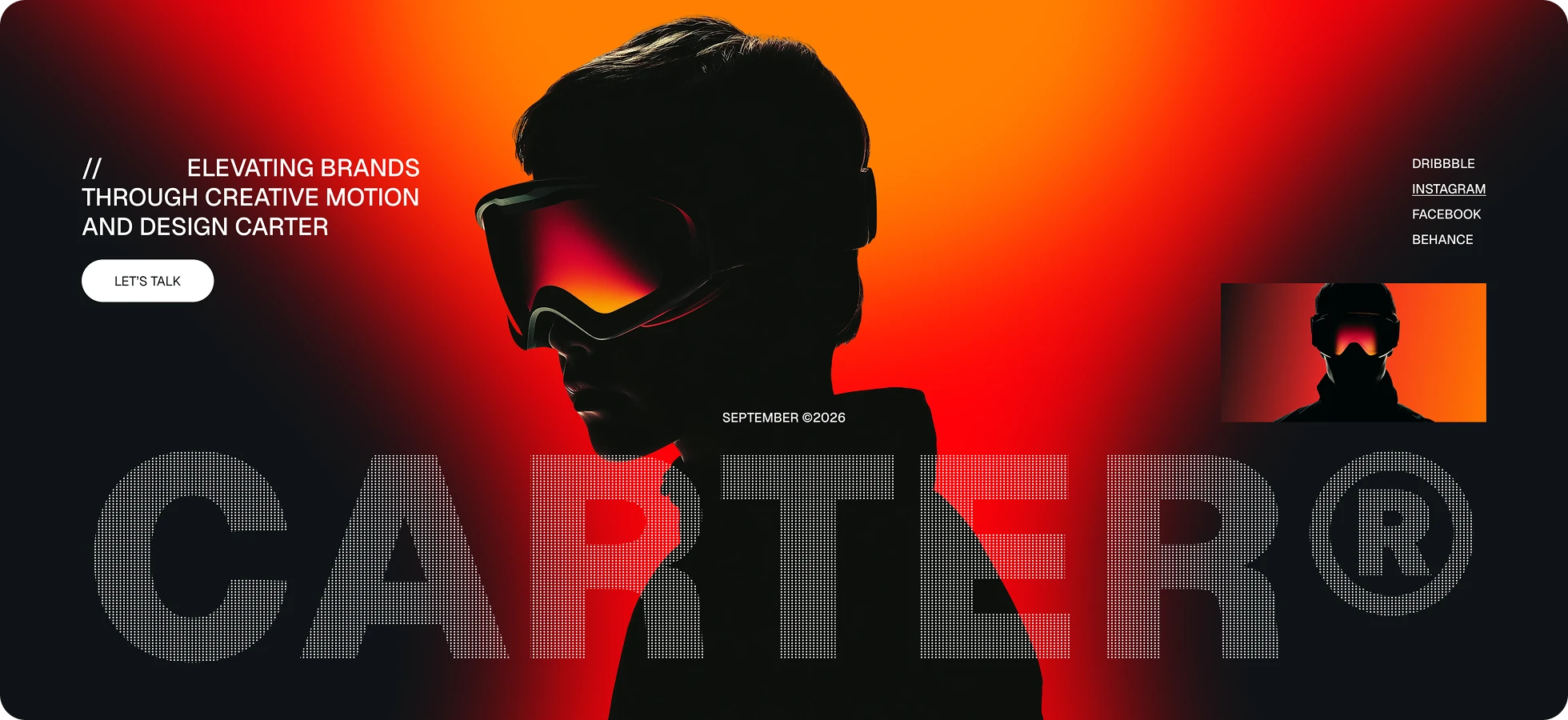
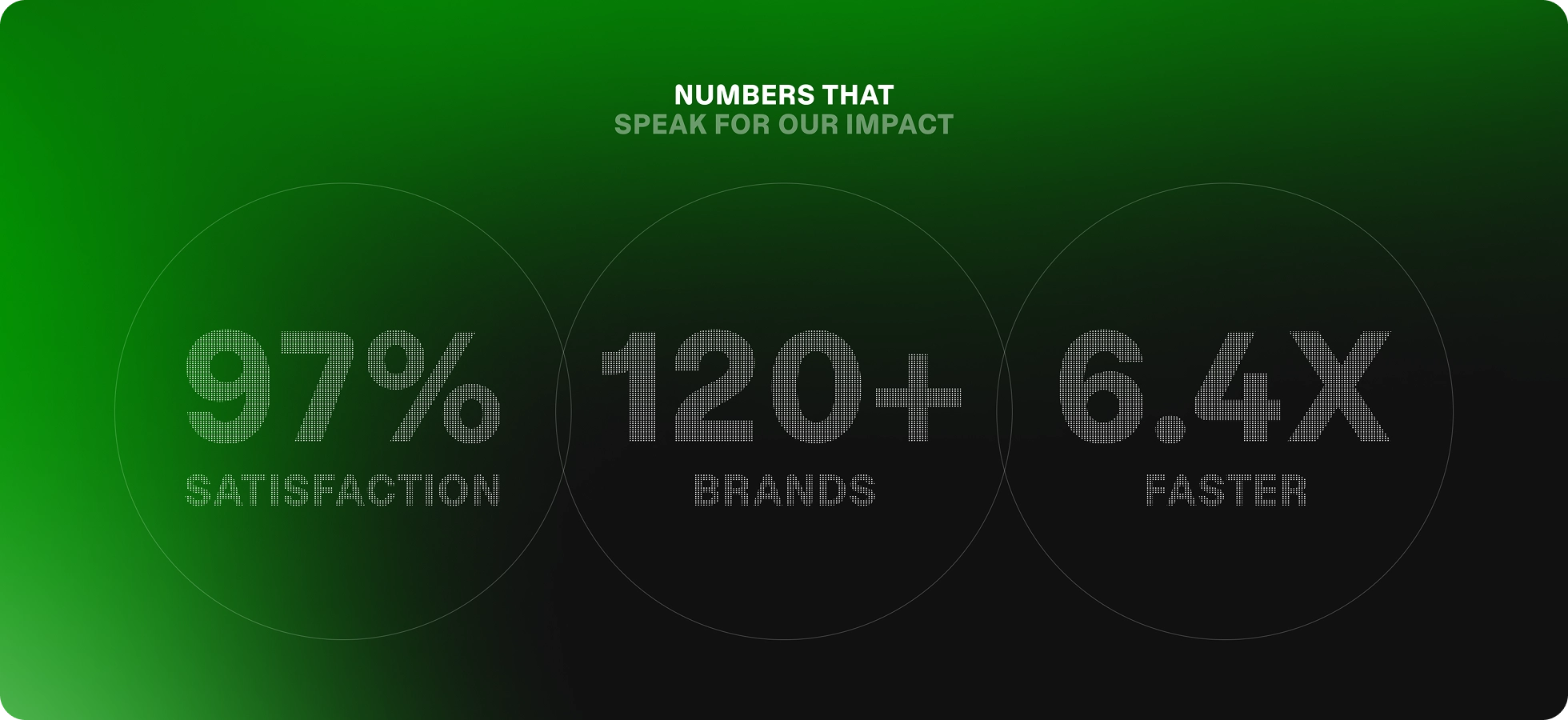
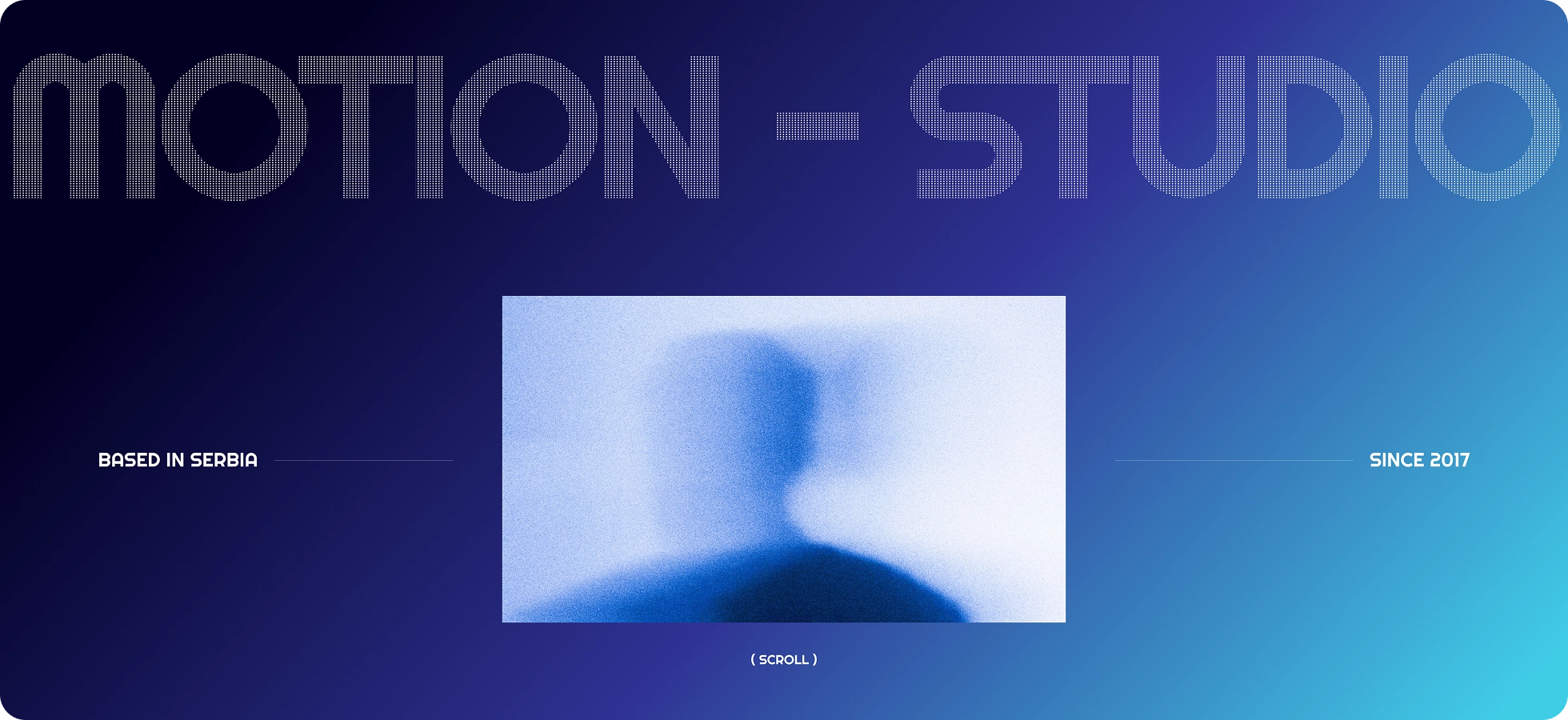
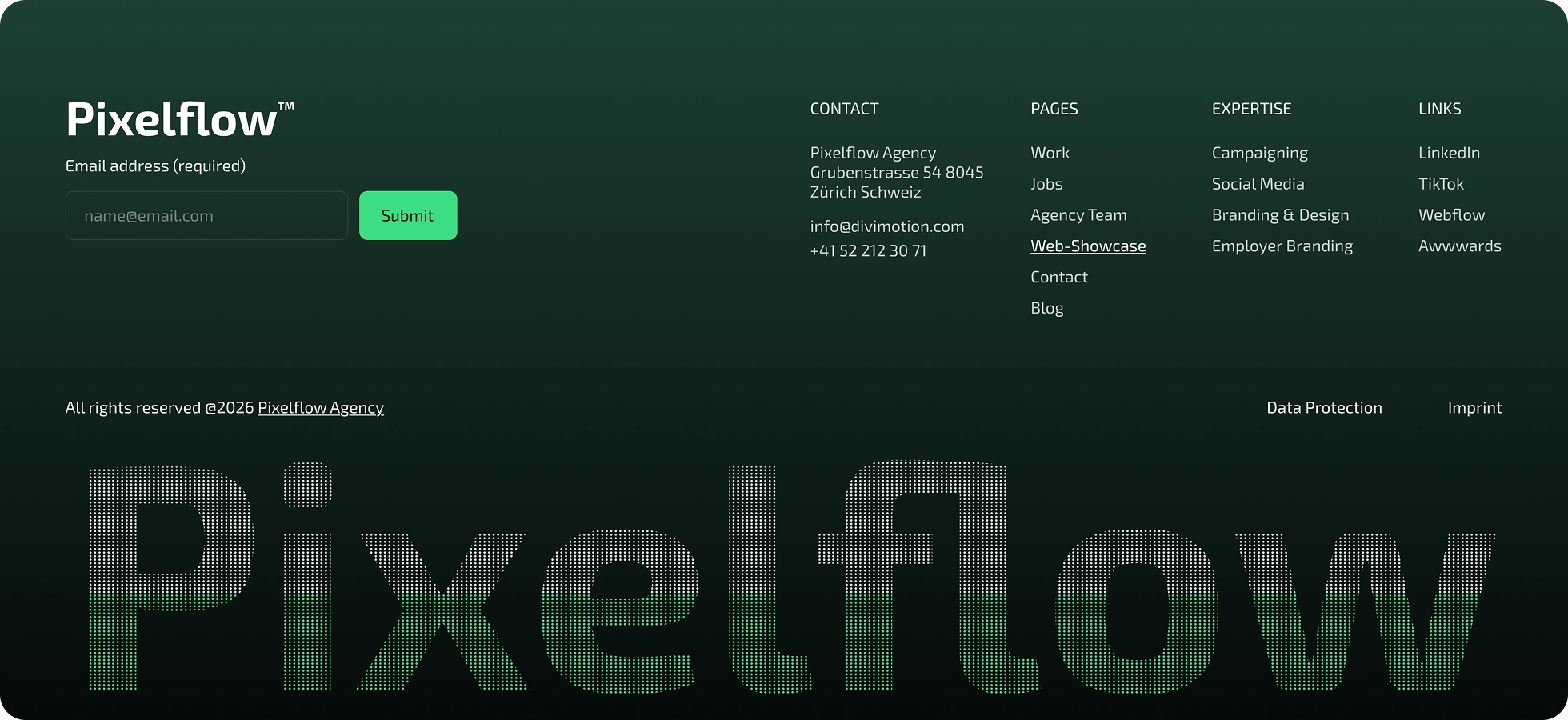
Divi Particle Text Module assembles any headline from thousands of tiny particles that fly into place and form the letters, then scatter and drift back as visitors move their cursor nearby.
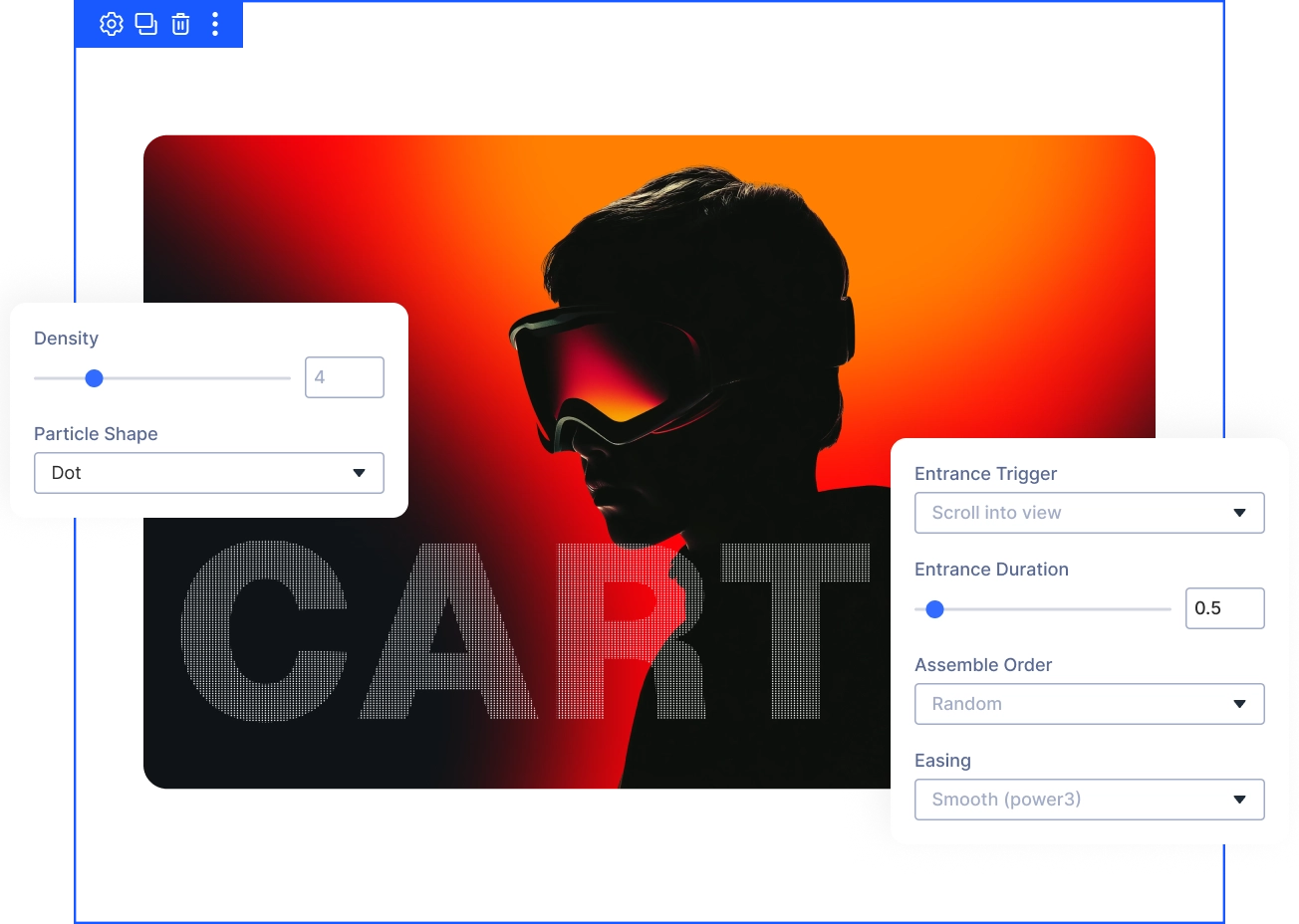
Live Pointer Interaction
Set Pointer Push and Pointer Radius so nearby particles scatter, then settle back into place exactly the way your design calls for.
Four Assemble Orders
Random, Left to Right, From the Center, or From the Edges. Pick the exact entrance pattern that fits your headline's big reveal.
Real, Accessible Text
Particles are sampled live from your exact font, so headlines stay indexable for SEO, readable by screen readers, and visible if scripts are off.
Build Particle HeadlinesThat Still Read Like Real Text
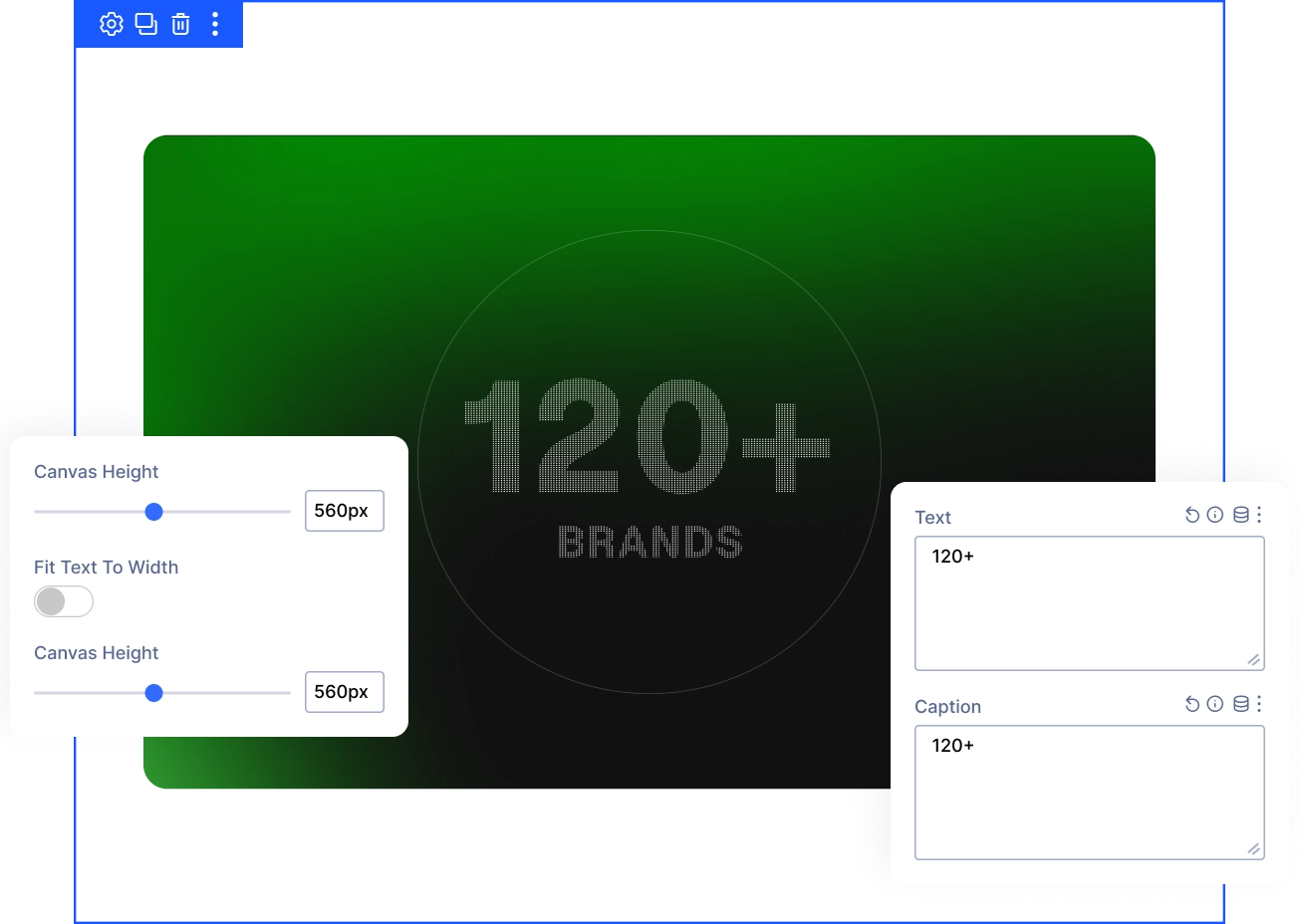
Shape Your Headline Text and Caption
- Type any headline into Text, plus an optional Caption line built from particles the same way.
- Turn on Fit Text To Width to auto-scale the headline across the full canvas width.
- Set Canvas Height per device, from 120 to 1000 pixels, keeping phones a sensible size.
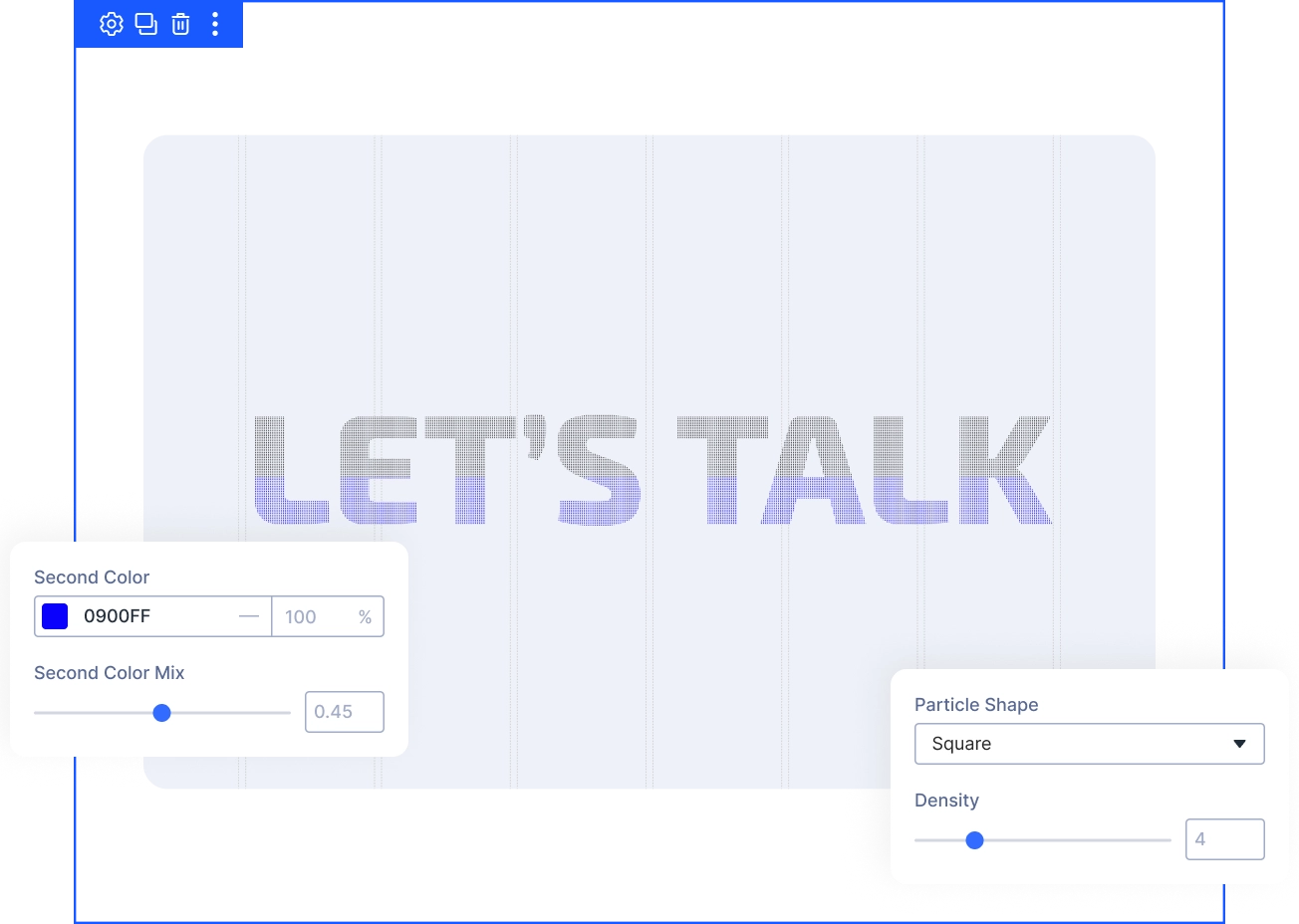
Style the Particles to Match Your Brand
- Choose Square or Dot particle shapes for a crisp pixel look or a softer texture.
- Control Density from 2 to 12, with lower numbers packing in more particles per letter.
- Blend in a Second Color and tune Second Color Mix for a subtle two-tone shimmer.
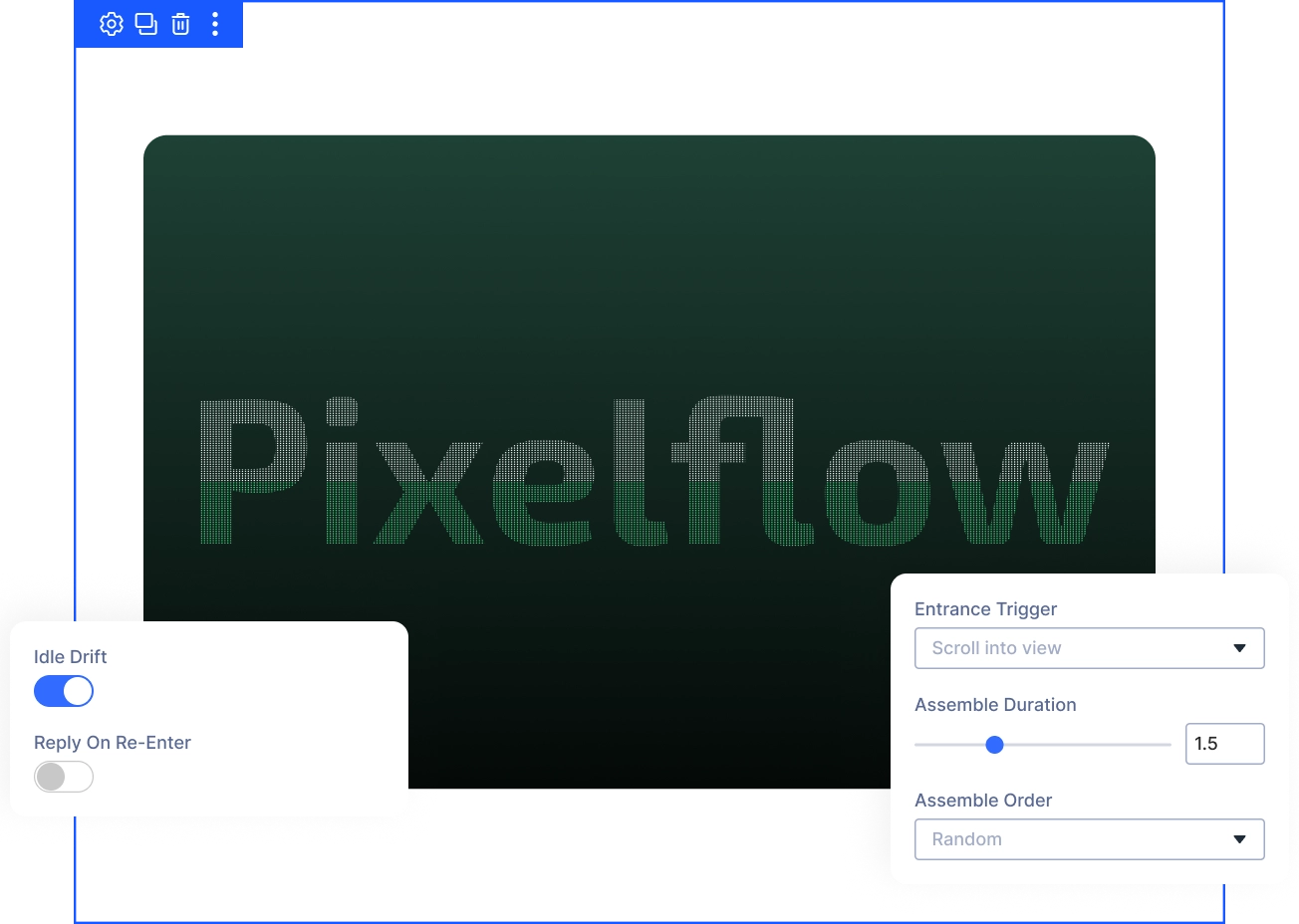
Control How Headline Assembles and Reacts
- Trigger the assemble On Page Load or Scroll Into View, timed by Assemble Duration.
- Pick an Assemble Order: Random, Left to Right, From the Center, or From the Edges.
- Add Idle Drift for gentle motion at rest, or enable Replay On Re-Enter for scroll pages.
Free Ready-to-Use Particle Text Layouts to Get Started
Skip the setup and go straight to publishing. Our pre-built Particle Text layouts are fully customizable, responsive on all devices, and ready to drop into any Divi page. Choose a layout, swap in your headline, and your particle effect is live in minutes.


DiviMotion Particle Text vs Default Divi Text Animation — Which One Gives You More Control?
| Feature | DiviMotion Particle Text | Default Divi Text Animation |
|---|---|---|
| Text rendering |  Real text, sampled from your chosen font Real text, sampled from your chosen font |  N/A — animates existing elements only N/A — animates existing elements only |
| Interaction | Reacts live to pointer position and radius |  No pointer-reactive text effect No pointer-reactive text effect |
| Assemble pattern | Random, left-to-right, center-out, edges-in | Not available |
| Easing options | 6 curves, including Overshoot and Elastic | Basic easing presets |
| Idle motion | Continuous Idle Drift after entrance | Not available |
| Accessibility fallback | Full real-text fallback, no JS required | N/A |
Ready to Turn Static Headlines Into a Living Particle Effect?
Helpful Resources
Documentation
Divi Particle Text Animation Module Overview

Video
How to Use Divi Particle Text Animation Module

Coming Soon
Try DiviMotion Risk-Free for 30 Days
Not sure yet? Every DiviMotion plan comes with a 30-day money-back guarantee. Try it on your site, and if it's not the right fit, you get a full refund — no questions asked.
Frequently Asked Questions
Everything you need to know about particle text before you get started.
Does Particle Text work with Divi 5?
Yes. DiviMotion is built specifically for Divi 5. It is not compatible with Divi 4 or earlier.
How do I enable Particle Text?
Particle Text is disabled by default. Go to your WordPress Dashboard → DiviMotion → Modules and enable it before adding the module to a page.
Is the headline a real image?
No. The word is sampled live from the exact font you choose, so it always renders as sharp, real text — never a static image.
Do I need to write code to use Particle Text?
No. Every setting is available in the Divi Visual Builder — text, particle style, and motion are all configured visually.
Will my headline still be readable by search engines and screen readers?
Yes. The module always outputs your real headline and caption as normal text. The particle canvas is hidden from assistive technology, so readers and search engines see the actual words.
What happens for visitors who prefer reduced motion?
With Respect Reduced Motion left on (the default), those visitors see the finished headline immediately, with no particle entrance animation.
Will Particle Text slow down my site?
Particle density is automatically eased on smaller screens to keep phones smooth, and you can set a lower Canvas Height for mobile devices.
How is Particle Text different from Divi's built-in text animations?
Divi's default animations move a text block as a whole. Particle Text breaks the headline into individual particles that assemble, then react live to the visitor's cursor.


We offer a 30-day money-back guarantee; so joining is completely risk-free.
Don’t Just Design Divi Sites; Bring Them to Life
a