

Divi Elastic Cards Hover Animation
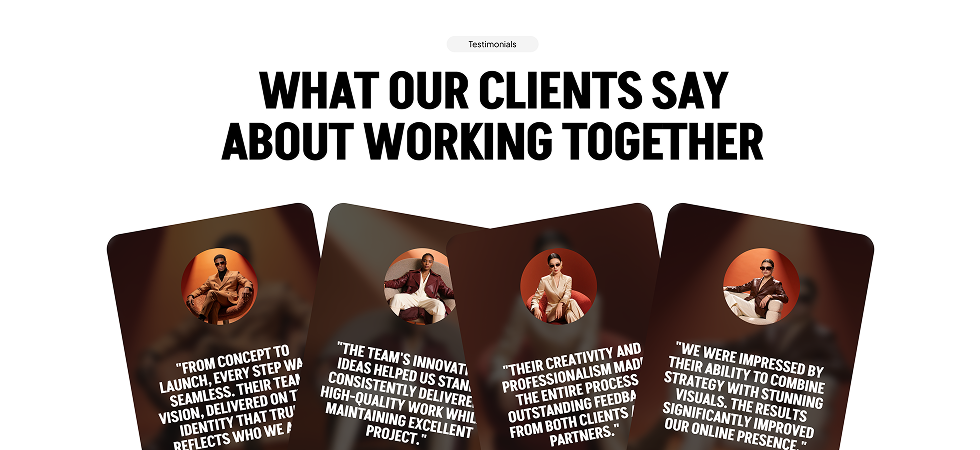
DiviMotion's Elastic Cards module fans your content into an overlapping, tilted pile that springs to life the moment a visitor hovers or taps — the active card straightens and lifts to the front while its neighbours glide aside, turning a plain row of boxes into something people actually want to touch.
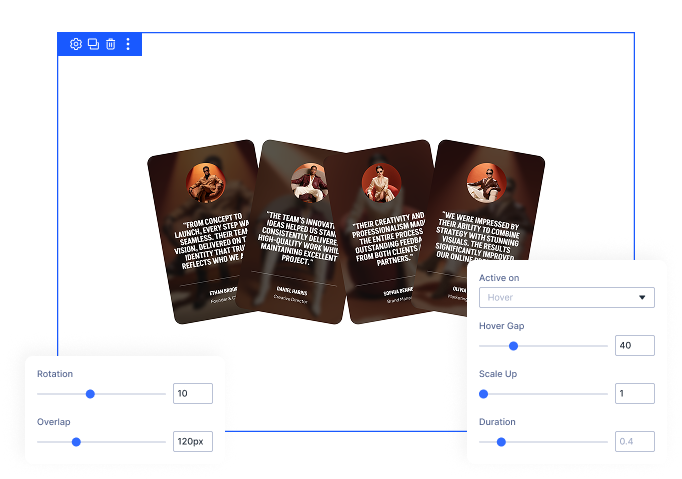
Fanned Card Layout
Overlap and alternating tilt come built in, so an ordinary row of Divi content becomes a hand-fanned scrapbook pile the moment you add it.
Pop-to-Front Interaction
Hover or tap any card and it straightens, scales up, and jumps forward while the surrounding cards slide away to make room.
Real Divi Groups Inside
Every card is a genuine Divi Group, so the images, headings, buttons, and links inside stay fully editable and fully clickable.
Build Card LayoutsThat Feel Tactile and Still Behave Like Normal Divi Content
Shape the Fan Exactly How You Want
- Tilt cards alternately left and right for a hand-fanned look, or flatten them completely for a straight row.
- Pull cards onto one another to pack the fan tight, or ease off for an airy spread with visible gaps.
- Every card keeps its own natural width, and the whole fan stays centered in the column automatically.
- Set tilt and overlap separately for desktop, tablet, and phone using Divi's standard responsive controls.
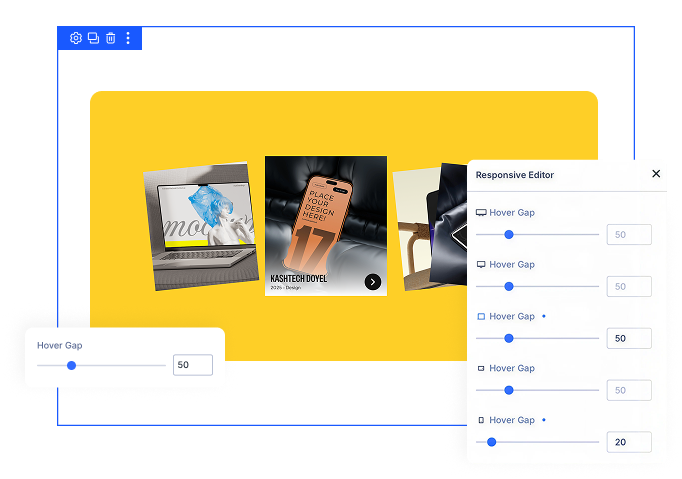
Control How Cards React to Visitors
- Choose whether cards come forward on hover or on click, with touch devices always falling back to tap.
- Push neighbouring cards aside when one becomes active, with the closest cards moving furthest.
- Scale the active card up so it clearly dominates the pile, or keep it flat for a subtler lift.
- Tune how long the springy pop-and-settle takes, from snappy and responsive to slow and languid.
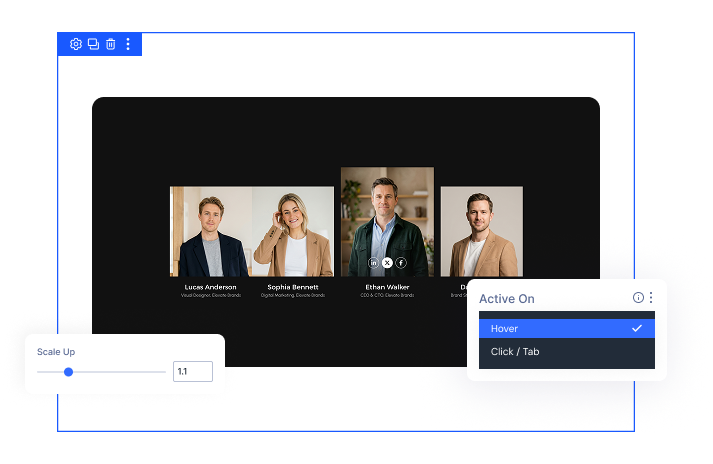
Fill Every Card With Real Divi Content
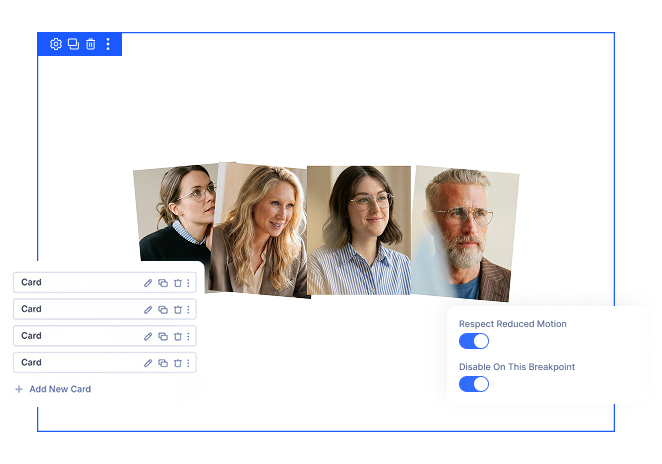
- Add, duplicate, and reorder cards straight from the module's card list or the layers panel.
- Build each card from anything Divi offers — background images, headings, body text, icons, and buttons.
- Keep every link and button in the normal reading and tab order, so they work exactly as visitors expect.
- Respect reduced-motion preferences automatically, and switch the effect off entirely on any breakpoint.
Free Ready-to-Use Elastic Cards Layouts to Get Started
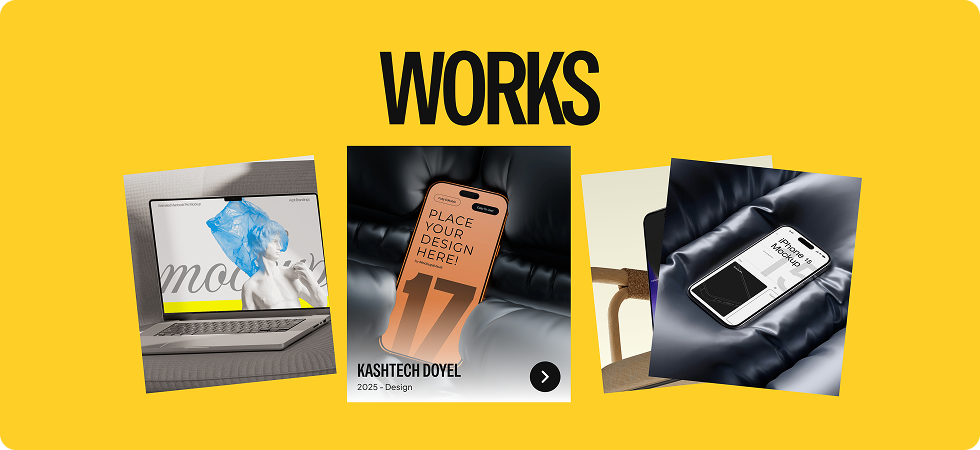
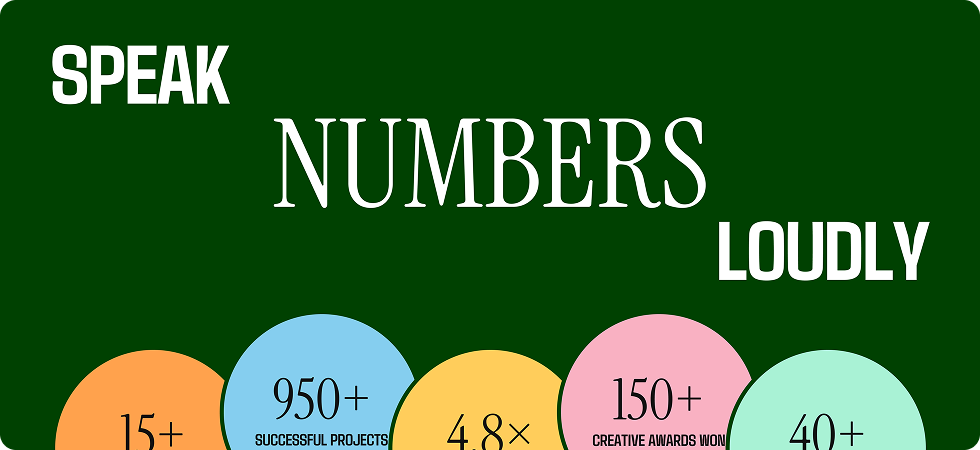
Skip the setup and go straight to publishing. Our pre-built Elastic Cards layouts are fully customizable, responsive on all devices, and ready to drop into any Divi page. Choose a layout, swap in your own images and text, and your interactive card fan is live in minutes.



DiviMotion Elastic Cards vs Manual Divi / Custom Code — Which One Gives You More Control?
| Feature | DiviMotion Elastic Cards | Manual Divi / Custom Code |
|---|---|---|
| Overlapping fanned layout |  Built-in Built-in |  Negative margins and manual CSS Negative margins and manual CSS |
| Alternating card tilt | Built-in | Custom CSS written per card |
| Pop-to-front on hover or tap | Built-in |  Not available Not available |
| Neighbouring cards slide aside | Built-in, distance-aware | Not available |
| Springy elastic motion | Powered by GSAP | Not available |
| Hover and click/tap activation | Both, with automatic touch fallback | Custom JavaScript needed |
| Responsive tilt, overlap, hover gap & scale | Per device from the Divi panel | Media queries written by hand |
| Reduced-motion support | On by default | Manual media query |
| Disable on any breakpoint | One toggle per device | Custom CSS |
| Code required | None | Custom CSS/JS needed for any of the above |
Ready to Turn a Plain Row of Boxes Into Cards People Want to Touch?
Helpful Resources
Documentation
Divi Elastic Cards Module Overview

Video
How to Use Divi Elastic Cards Module

Coming Soon
Try DiviMotion Risk-Free for 30 Days
Not sure yet? Every DiviMotion plan comes with a 30-day money-back guarantee. Try it on your site, and if it's not the right fit, you get a full refund — no questions asked.
Frequently Asked Questions
Everything you need to know about Elastic Cards before you get started.
Is Elastic Cards compatible with Divi 5?
Yes. DiviMotion is built specifically for Divi 5. It is not compatible with Divi 4 or earlier.
How do I add Elastic Cards to a page?
Enable it once in WordPress Dashboard → DiviMotion → Modules, then drop the Elastic Cards module into any column like any other Divi module.
What can I put inside a card?
Anything Divi can build. Each card is a real Divi Group, so you can add background images, headings, text, icons, buttons, or any combination of modules.
How many cards work best?
Three to six is the sweet spot. Fewer than that and the fan barely reads as a pile; many more and the stack starts to feel crowded on smaller screens.
Does it work on mobile?
Yes. Touch devices activate on tap automatically. You can also set a tighter tilt and overlap for phone, or switch the effect off on that breakpoint so the cards render as plain content.
Do the links inside my cards still work?
Yes. Because each card is a real Divi Group rather than a decorative shell, every link, button, and heading inside stays clickable and keyboard accessible.
Can I loop the animation?
Yes. Set it to play once or loop infinitely, and turn on Yoyo to have it draw and un-draw each cycle instead of resetting.
Is it accessible?
Yes. The module respects each visitor's reduced-motion preference by default, showing a calm static fan instead of animating, and all card content remains in the normal reading and tab order.
Will this slow down my site?
No. The Elastic Cards script only loads on pages where you've actually applied the module — it adds nothing to pages that don't use it.
What's the difference between Elastic Cards and Card Stack?
Card Stack is a scroll effect that pins and animates cards as the visitor scrolls down the page. Elastic Cards is a hover and tap effect — the fan sits in place and reacts to pointer or touch input instead of scroll position.


We offer a 30-day money-back guarantee; so joining is completely risk-free.
Don’t Just Design Divi Sites; Bring Them to Life
a