

Divi Animated Process Flow
DiviMotion Animated Process Flow module turns any process into an interactive flow diagram, complete with four drivers and four animated line styles.
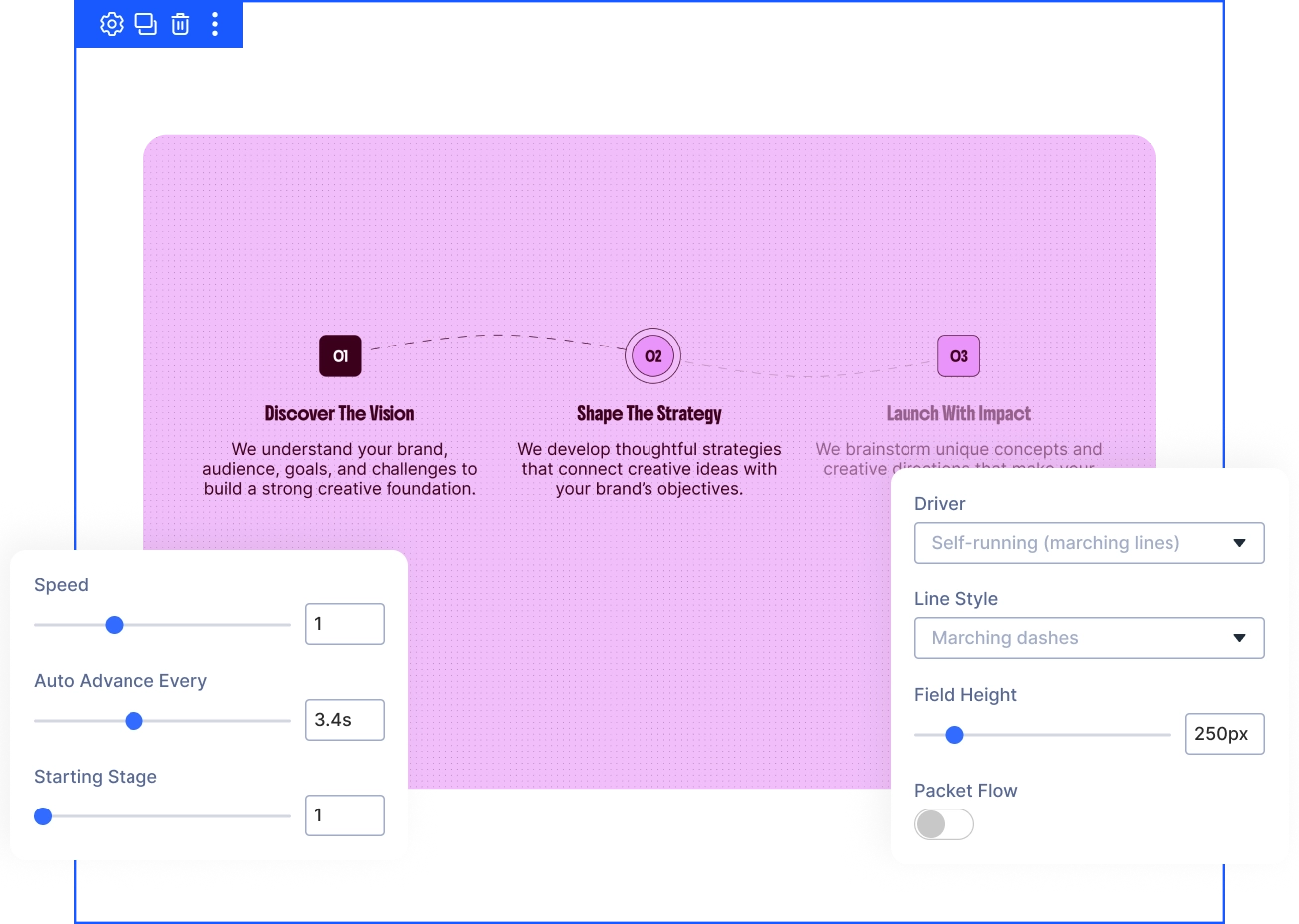
Four Flow Drivers
Pick exactly how each visitor discovers your process, from fully automatic playback to full visitor control, with self-running, hover, click, or scroll drivers.
Four Line Styles
Give the connecting lines a feel that matches your brand using marching dashes, rubber band, wet ink, or travelling wave.
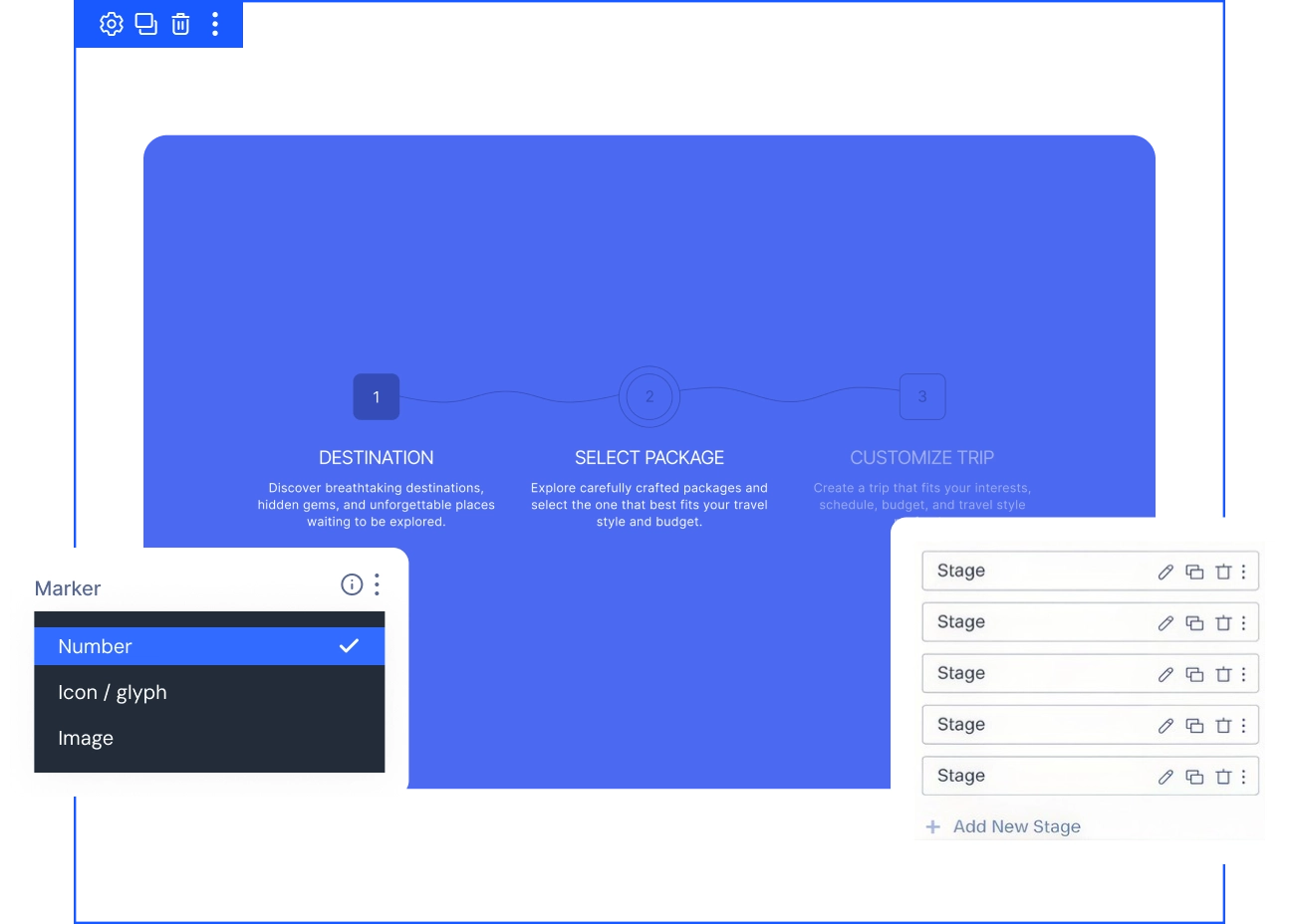
Three Marker Options
Make every step read clearly without extra design work, choosing a number, a custom icon, or an image for each stage marker.
Turn Your ProcessInto a Living, Animated Diagram Visitors Actually Follow
Build and Style Every Single Stage
- Add, remove, or reorder Stage modules anytime, each with its own label and short description.
- Choose a number, icon, or image for each marker, with an automatic fallback to the step number.
- Set one accent color to drive every node, link, and packet, then align stages left, center, or right.
Control How Visitors Move Through It
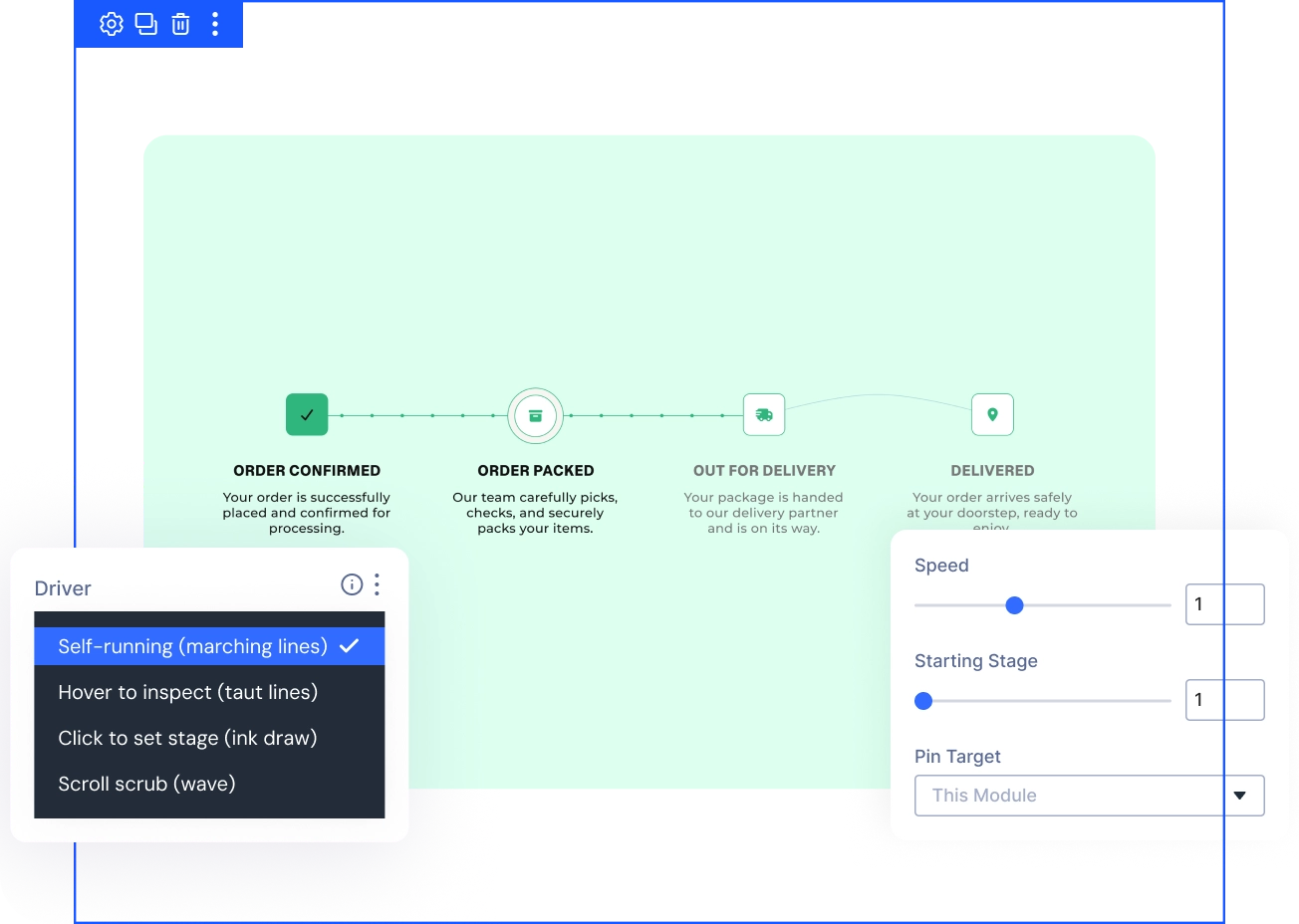
- Pick Self-running, Hover, Click, or Scroll Scrub as the driver that fits how visitors explore your page.
- Set Auto Advance Every and Starting Stage to control exactly how Self-running flows begin and progress.
- Turn on Pin While Scrubbing to hold the module in place until the flow fully completes.
Reveal Your Process Stage by Stage
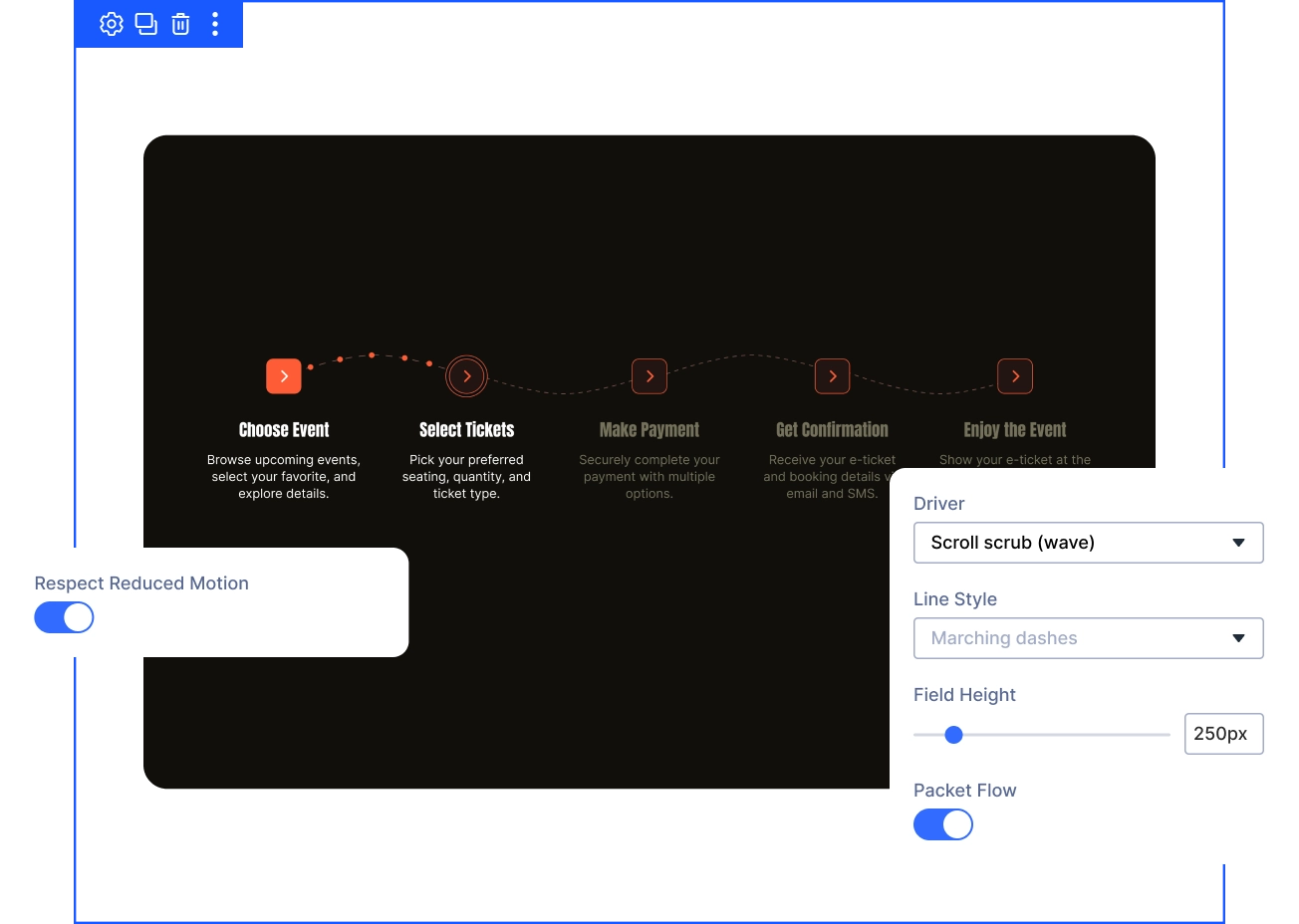
- Turn on Packet Flow to send small dots riding the links, suggesting real throughput between stages.
- Set the driver to Scroll Scrub to reveal each stage only as visitors scroll down the page.
- Leave Respect Reduced Motion on by default, so sensitive visitors still see every stage and label clearly.
Free Ready-to-Use Animated Process Flow Layouts to Get Started
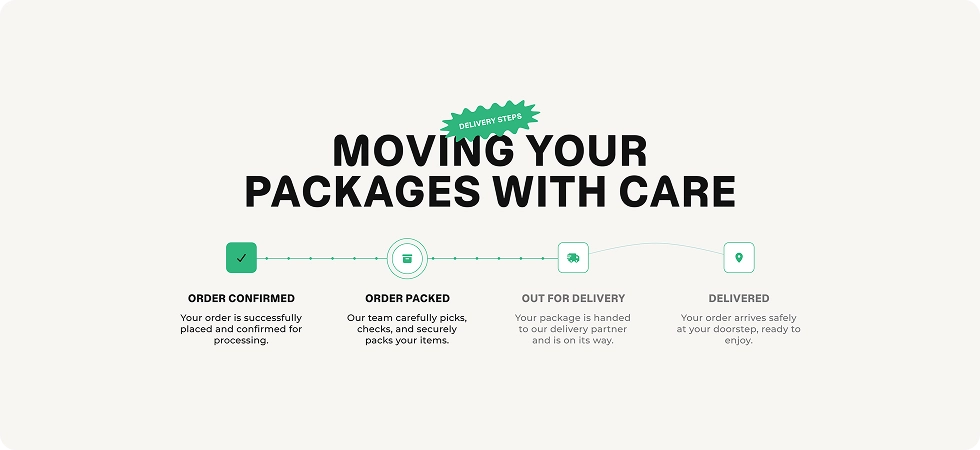
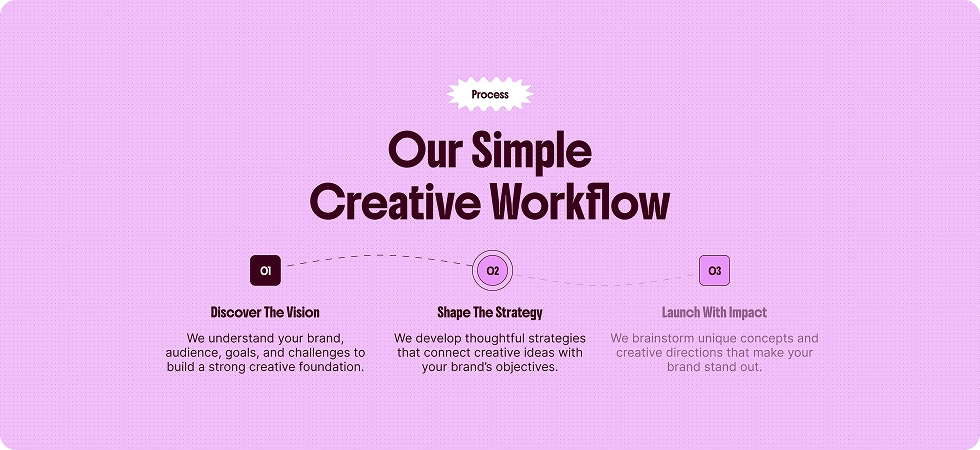
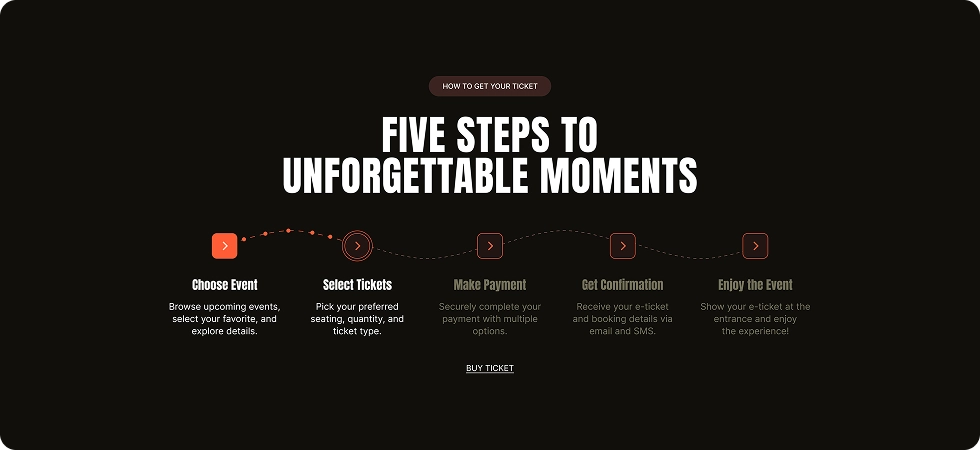
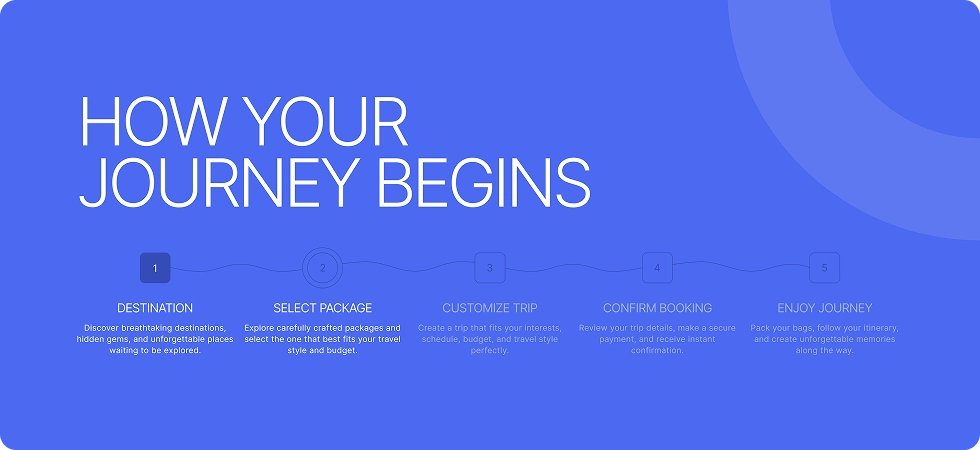
Skip the blank canvas. Our pre-made Animated Process Flow layouts save you time from the first click, fully customizable and responsive on every device, and ready to drop into any Divi page.
Ready to Turn Your Process Into a Flow Visitors Actually Follow?
Helpful Resources
Documentation
Divi Animated Process Flow Animation Overview

Video
How to Use Divi Animated Process Flow Module

Coming Soon
Try DiviMotion Risk-Free for 30 Days
Not sure yet? Every DiviMotion plan comes with a 30-day money-back guarantee. Try it on your site, and if it's not the right fit, you get a full refund — no questions asked.
Frequently Asked Questions
Everything you need to know about animated process flow before you get started.
Is Animated Process Flow enabled by default?
No. Animated Process Flow ships disabled. Enable it from your WordPress Dashboard under DiviMotion → Modules, then it appears as a module in the Divi 5 Visual Builder.
What's the difference between the four drivers?
Self-Running advances automatically on a timer. Hover and Click hand control to the visitor. Scroll Scrub ties the flow directly to how far visitors have scrolled, and can be pinned in place while it completes.
Can I use icons or images instead of numbers on each stage?
Yes. Each Stage's Marker can be set to Number, Icon, or Image. If you pick Icon or Image and leave it empty, the marker automatically falls back to the step number.
Will Animated Process Flow reflow properly on mobile?
Yes. Turn on Reflow on Small Devices to have stages drop to two per row and then a single column at breakpoints you set, with the connecting line snaking between them.
Is Animated Process Flow accessible?
The animated lines and marker graphics are decorative and hidden from assistive tech. Each stage's Label and Description are real text on the page, so screen readers and search engines still read and index the content. Respect Reduced Motion is on by default.
Is DiviMotion Animated Process Flow compatible with Divi 5?
Yes. Animated Process Flow is built specifically for Divi 5, like every DiviMotion feature. It is not compatible with Divi 4 or earlier.


We offer a 30-day money-back guarantee; so joining is completely risk-free.
Don’t Just Design Divi Sites; Bring Them to Life
a