

One of 6 Extensions
Divi Card Deck
Divi Card Deck extension transforms any Section, Row, or Column into a layered, cinematic scroll experience where each card pins to the screen and glides back as the next one scrolls in. Your visitors scroll through content that feels alive, not flat.
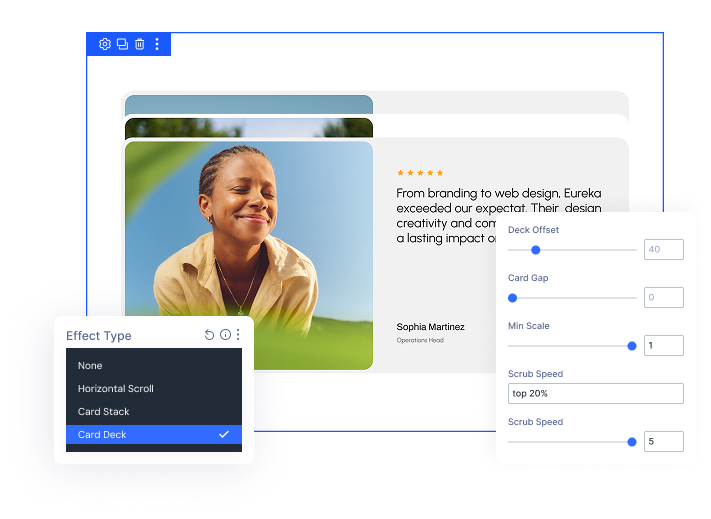
Cinematic Scroll, Zero Code
Turn any Section, Row, or Column into a stacked card reveal — entirely from the Divi Visual Builder, with no custom CSS or JavaScript.
6 Settings, Full Control
Dial in the exact speed, scale, spacing, and pin point of every card — with responsive controls for Desktop, Tablet, and Phone.
Performance Built In
The Card Deck script only loads on pages where you've used it — zero impact on pages that don't.
Build Scroll ExperiencesThat Keep Visitors Engaged
Stack Cards Your Way — From Subtle to Cinematic
- Apply Card Deck to a Section, Row, or Column — it animates each child panel automatically, no extra setup needed.
- Control Deck Offset to set how far a visitor scrolls before the next card slides in — slower for storytelling, faster for rapid reveals.
- Adjust Min Scale to decide how much back cards shrink — subtle for a flat-stack look, dramatic for a deep perspective effect.
- Add Card Gap to give cards breathing room before scrolling starts — page height adjusts automatically.
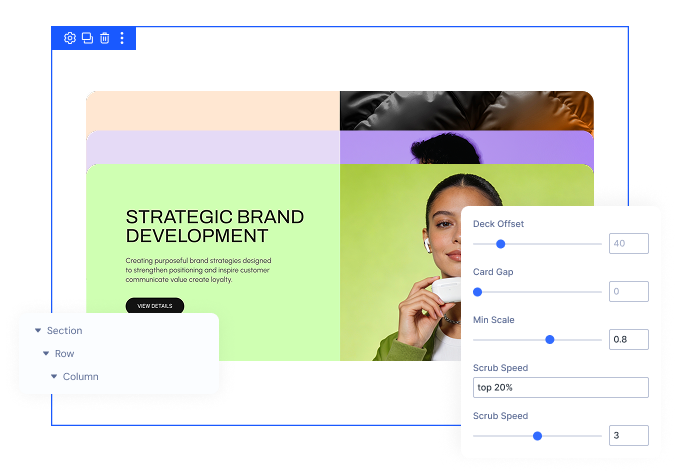
Fine-Tune the Feel on Every Device
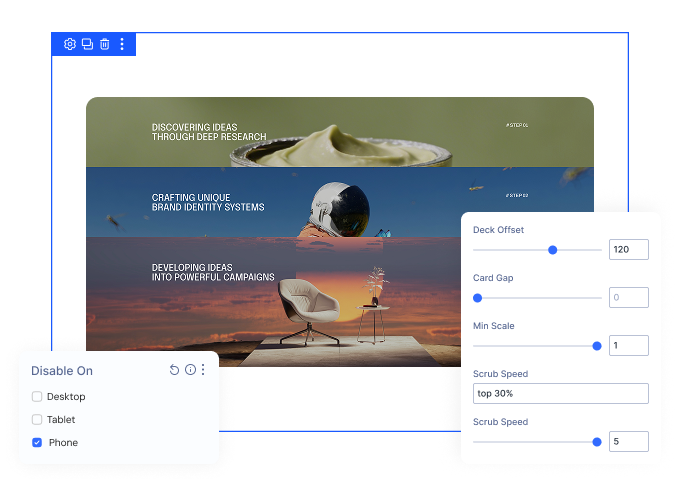
- Set Scroll Offset to control exactly where in the viewport each card pins — and adjust it differently per breakpoint.
- Use Scrub Speed to control animation tightness — snappy and instant, or slow and cinematic.
- Disable Card Deck on Phone, Tablet, or Desktop independently — disabled devices fall back to Divi's standard layout cleanly.
- Deck Offset, Card Gap, Min Scale, and Scroll Offset all have per-breakpoint controls — values cascade from Desktop down.
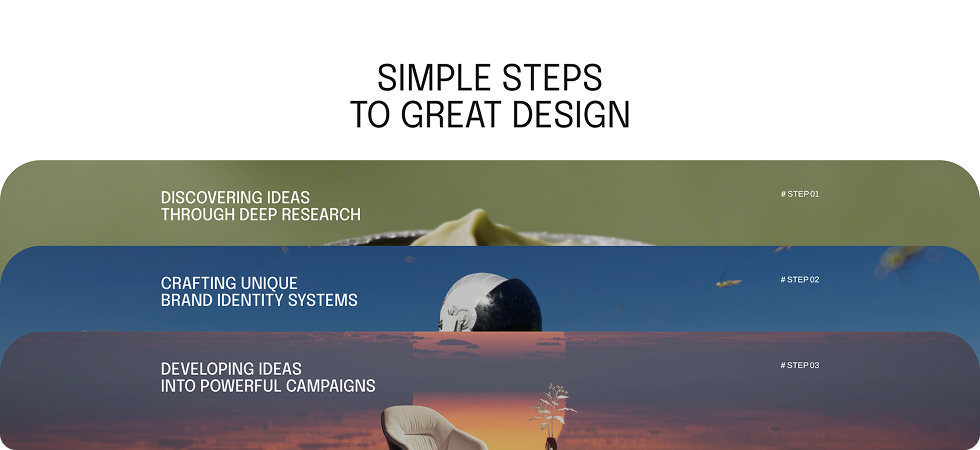
Free Ready-to-Use Card Deck Layouts to Get Started
Skip the setup and go straight to publishing. Our pre-built Card Deck layouts are fully customizable, responsive on all devices, and ready to drop into any Divi page. Choose a layout, swap in your content, and your scroll experience is live in minutes.



DiviMotion Card Deck vs Default Divi Scroll Effects — Which One Gives You More Control?
| Feature | DiviMotion Card Deck | Default Divi |
|---|---|---|
| Stacked card scroll effect |  Yes Yes |  No No |
| Works on Section, Row, Column | All three | Not available |
| Scale control for back cards | Fully adjustable | No |
| Responsive pin point control | Per breakpoint | No |
| Scroll speed / scrub control | Adjustable | No |
| Card spacing before scroll | Card Gap control | No |
| Disable per device type | Phone, Tablet, Desktop | No |
| No-flash first load | Yes | No |
| Resize / rotation safe | Auto re-initializes | No |
| No code required | Yes | No |
| Performance-safe loading | Script loads only when used |  Native Native |
Ready to Make Your Pages Scroll Like They Were Built by a Motion Designer?
Helpful Resources
Documentation
Divi Card Deck Extension Overview

Video
How to Use Divi Card Deck Extension

Coming Soon
Try DiviMotion Risk-Free for 30 Days
Not sure yet? Every DiviMotion plan comes with a 30-day money-back guarantee. Try it on your site, and if it's not the right fit, you get a full refund — no questions asked.
Frequently Asked Questions
Everything you need to know about Card Deck before you get started.
Is Card Deck included in all DiviMotion plans?
Yes. Card Deck is available on all DiviMotion plans.
Does Card Deck work with any Divi layout?
It works on Sections, Rows, and Columns — but not on individual modules like Text, Image, or Button.
How many cards do I need for the effect to work?
You need at least two child panels. With only one, the effect is skipped and the layout stays normal.
Will Card Deck slow down my site?
No. The script only loads on pages where you've applied the effect — pages that don't use it are unaffected.

We offer a 30-day money-back guarantee; so joining is completely risk-free.
Don’t Just Design Divi Sites; Bring Them to Life
a