

Divi DrawSVG Animation
DiviMotion's DrawSVG animation module traces your logo, icon, or illustration stroke by stroke using GSAP's DrawSVG engine, triggered by scroll, hover, click, or page load, making static graphics feel hand-drawn the instant visitors arrive.
Sanitized SVG Upload
Paste raw SVG markup or upload a file, stripped of scripts and external references automatically before anything reaches your live page.
Five Fill Styles
Reveal color beneath every stroke with Fade In, Instant, Wipe, Iris, or Liquid, a fill style set default Divi cannot match.
Five Draw Triggers
Fire the stroke animation on load, scroll into view, scroll-scrub with pin support, hover, or click, all from one dropdown menu.
Draw SVG GraphicsThat Feel Hand-Illustrated and Still Load Fast
Draw Your SVG Path Exactly Right
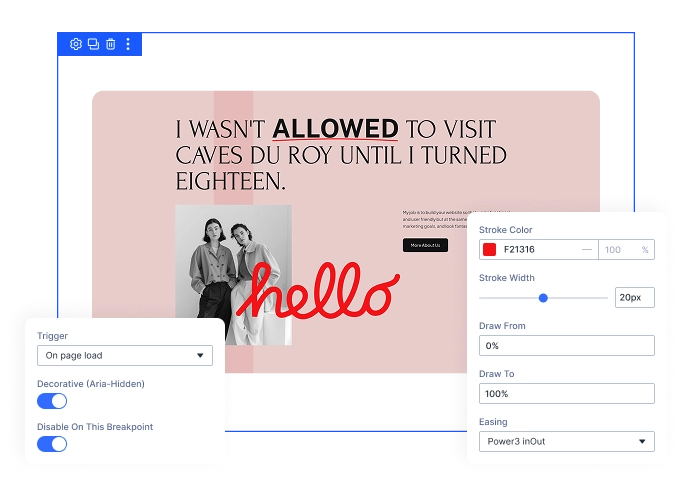
- Paste raw SVG markup or upload a file without touching a single line of code.
- Override the stroke color and width, or keep the original colors from your SVG.
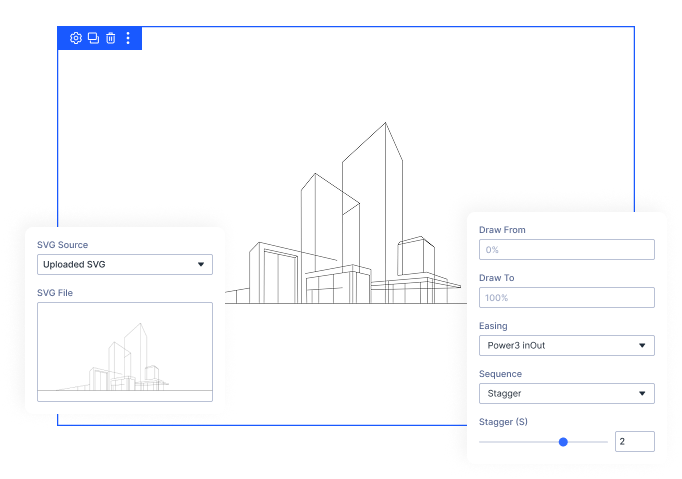
- Choose from seven easing curves, ranging from constant linear motion to a full elastic overshoot.
- Draw multiple SVG paths together, staggered one after another, or fully sequential in order.
Decide Exactly What Starts the Draw
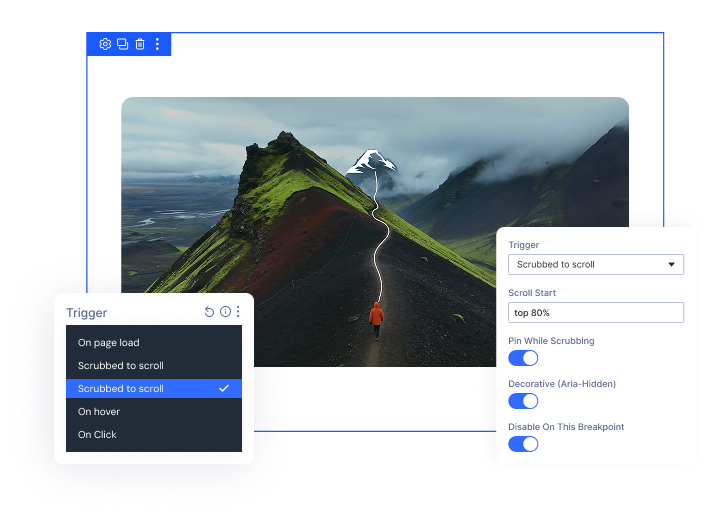
- Trigger the draw on page load, scroll into view, scroll-scrub, on hover, or on click.
- Turn on Pin While Scrubbing to hold the SVG steady during the Scrubbed to Scroll trigger.
- Enable Reverse On Mouse Leave to un-draw the graphic when the cursor exits during Hover triggers.
- Disable the animation on any device, falling back to a static SVG on that breakpoint.
Style the Fill However You Like
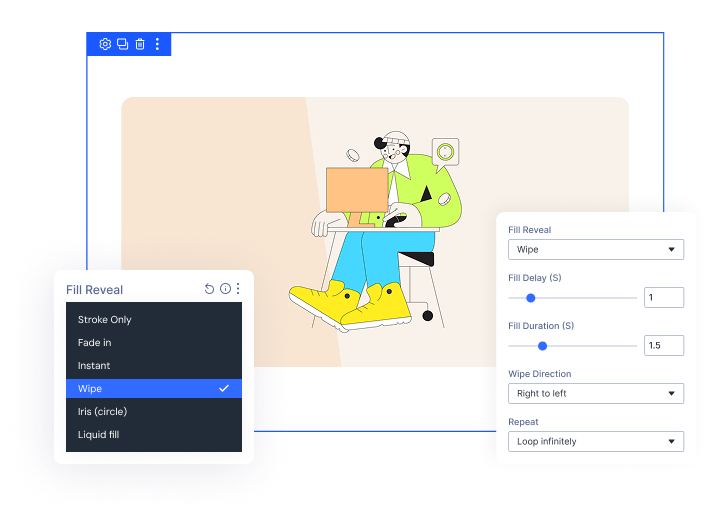
- Pick from five fill reveal styles, including Fade In, Instant, Wipe, Iris, and Liquid.
- Set Wipe to sweep left, right, top, bottom, or straight out from the center.
- Add a Fill Delay or set Fill Duration to control the exact reveal pacing.
- Loop the draw once or infinitely, turning on Yoyo to draw and un-draw each cycle.
Free Ready-to-Use DrawSVG Animation Layouts to Get Started
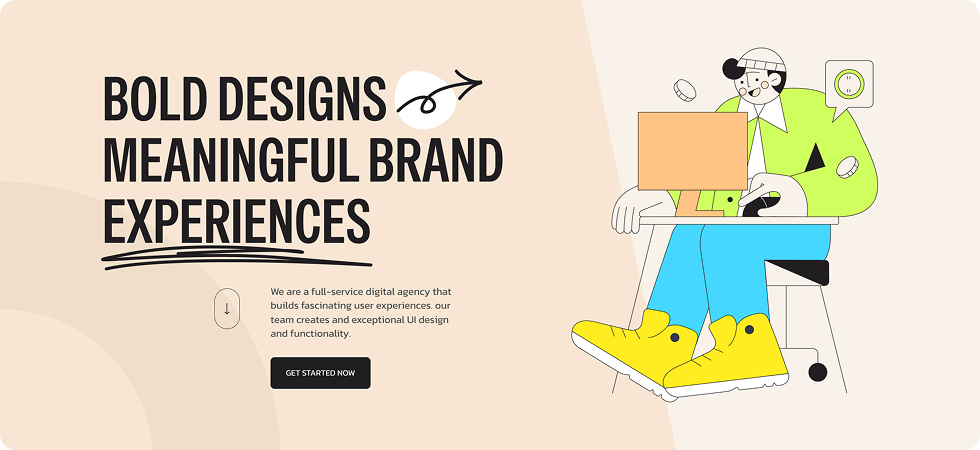
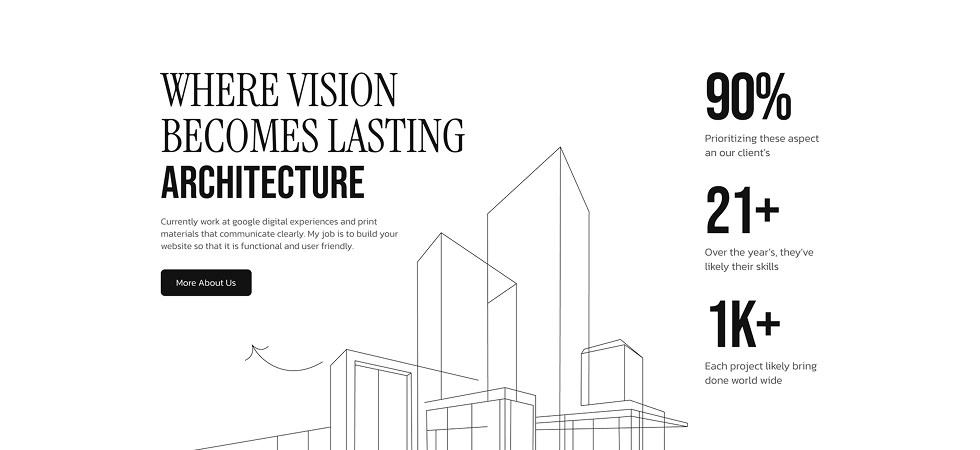
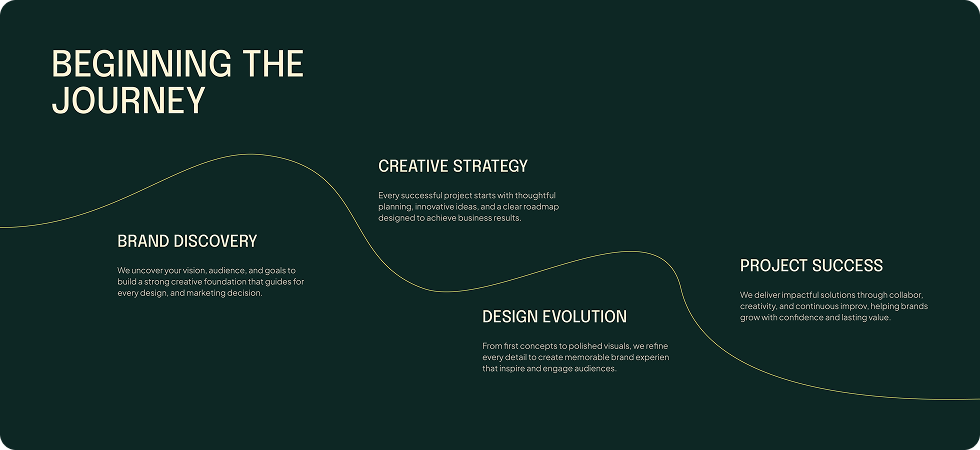
Skip the setup and go straight to publishing. Our pre-built DrawSVG Animation layouts are fully customizable, responsive on all devices, and ready to drop into any Divi page. Choose a layout, swap in your own SVG, and your animated graphic is live in minutes.



DiviMotion DrawSVG Module vsDefault Divi SVG Module
— Which One Gives You More Control?
| Feature | DrawSVG Module | Default Divi |
|---|---|---|
| Dedicated SVG module |  Yes Yes | Yes |
| Upload or paste SVG | Built-in |  Needs a plugin or custom code Needs a plugin or custom code |
| Stroke-draw SVG animation | Built-in, powered by GSAP DrawSVGPlugin |  Not available Not available |
| Fill reveal styles | 5 styles, including Liquid | None |
| Trigger options | 5 — Load, Scroll Into View, Scrubbed to Scroll (with pin), Hover, Click | Not available |
| Sequencing control | 7 curves, including Back and Elastic | Not available |
| Loop / Yoyo playback | Both (Yoyo requires Loop Infinitely) | Not available |
| Code required | None | Custom CSS/JS needed for any animation |
Ready to Make Your SVGs Draw Themselves Without Touching Code?
Helpful Resources
Documentation
Divi DrawSVG Module Overview

Video
How to Use Divi DrawSVG Module

Coming Soon
Try DiviMotion Risk-Free for 30 Days
Not sure yet? Every DiviMotion plan comes with a 30-day money-back guarantee. Try it on your site, and if it's not the right fit, you get a full refund — no questions asked.
Frequently Asked Questions
Everything you need to know about SVG draw animation before you get started.
Is DrawSVG compatible with Divi 5?
Yes. DiviMotion is built specifically for Divi 5. It is not compatible with Divi 4 or earlier.
How do I add DrawSVG to a page?
Enable it once in WordPress Dashboard → DiviMotion → Modules, then drop the DrawSVG module into any Section, Row, or Column like any other Divi module.
Is the animation powered by GSAP?
Yes. Stroke drawing runs on GSAP's DrawSVGPlugin, the same animation engine used across DiviMotion's other scroll, hover, click, and load effects.
Do I need any coding knowledge to use this?
No. Upload an SVG file or paste the markup, then control every part of the draw, fill, and trigger from Divi's Design panel — no code required.
Can I trigger the animation on scroll instead of on load?
Yes. Choose On Scroll Into View for a one-time reveal, or Scrubbed To Scroll to tie the draw progress directly to how far the visitor has scrolled, with an option to pin the SVG in place while it plays.
Is my uploaded SVG safe?
Yes. Every SVG, uploaded or pasted, is sanitized server-side. Scripts, event handlers, and external references are stripped before it ever renders on your site.
Can I loop the animation?
Yes. Set it to play once or loop infinitely, and turn on Yoyo to have it draw and un-draw each cycle instead of resetting.
Is it accessible?
Yes. The module respects each visitor's reduced-motion preference automatically, and you can add an ARIA label for meaningful graphics or mark decorative ones as hidden from screen readers.
Will this slow down my site?
No. The DrawSVG script only loads on pages where you've actually applied the module — it adds nothing to pages that don't use it.
What's the difference between DrawSVG and DiviMotion's Split Text animation?
Split Text animates typography by character, word, or line. DrawSVG animates vector graphics — logos, icons, and illustrations — by drawing their strokes and revealing their fills.


We offer a 30-day money-back guarantee; so joining is completely risk-free.
Don’t Just Design Divi Sites; Bring Them to Life
a