

GSAP-Powered Divi Animation Plugin
Animate Anything in Divi 5 Without Writing a Line of Code
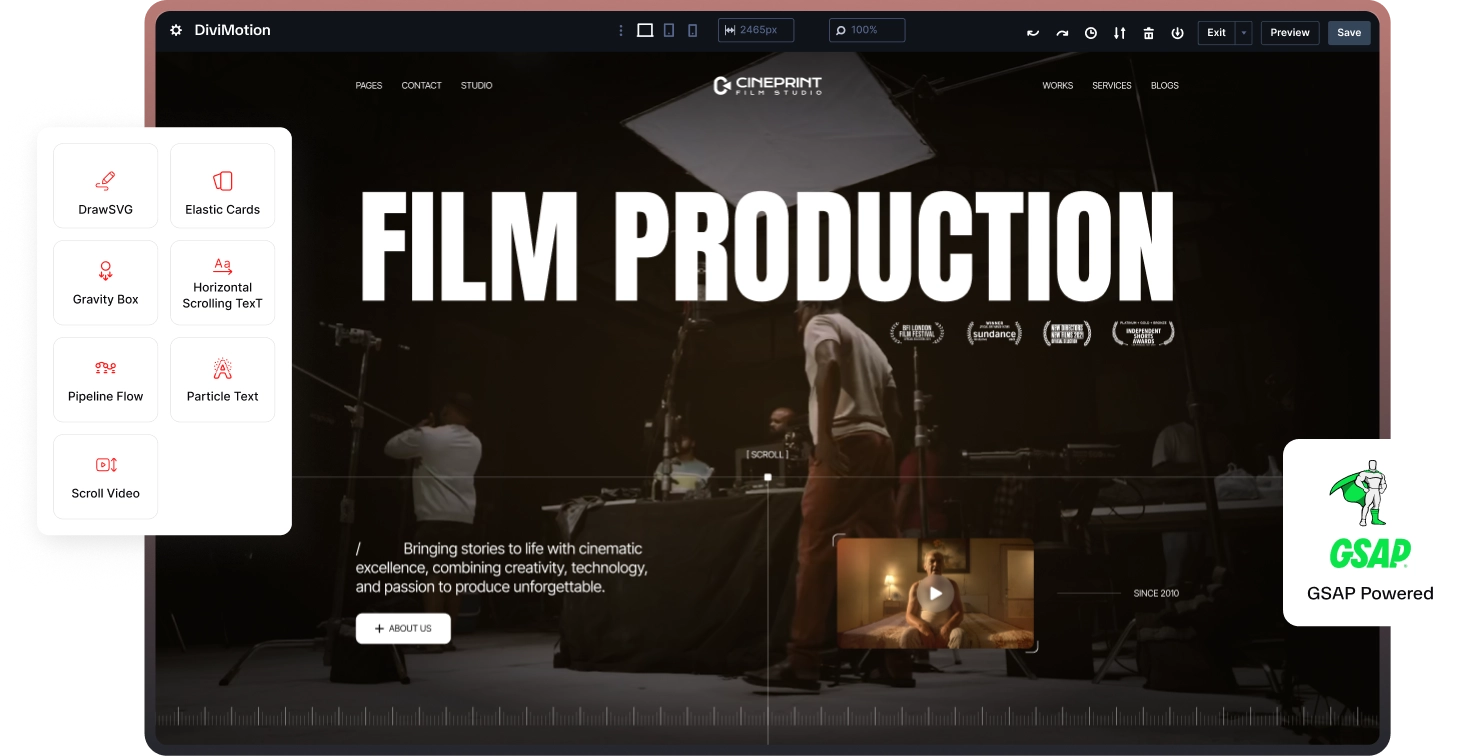
DiviMotion is a GSAP-powered animation plugin for Divi 5 that adds scroll, click, hover, and page-load animations to any section, row, column, or module. Build motion in the visual Animation Builder, drop in ready-made effect modules, or import pre-animated layouts, then preview every move live in the Divi Visual Builder.
4 Animation Triggers 35+ Animation Properties 20+ Modules and Extensions 100+ Animated Layouts
From the Makers of Some of the Most Loved Divi Plugins

RioForms

DiviGear

DiviFlash

DiviMerc

RioVizual
Every Animation
Control You Need, Inside the Divi Builder
DiviMotion puts GSAP-powered animation controls inside a Divi-native settings panel. Start with one interaction or build a longer sequence across several elements, and control what moves, what starts it, and what happens next.
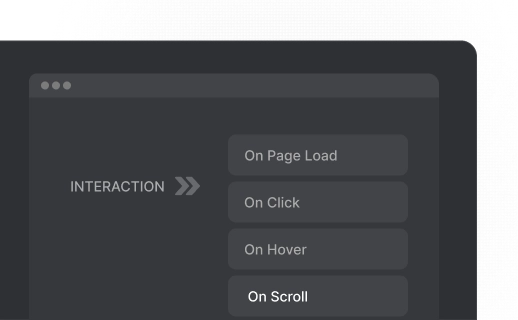
Start the Right Animation From the Right Action
Trigger motion on scroll, click, hover, or page load. Choose the element that starts the interaction, then target the content that should move.
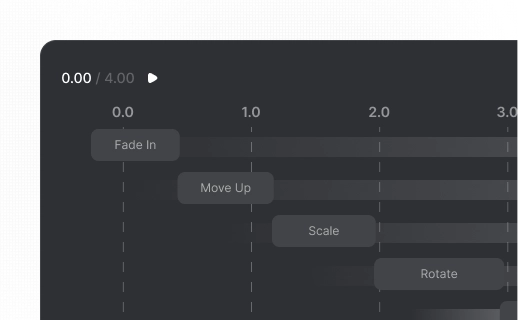
Turn Separate Effects Into One Sequence
Place multiple actions on a timeline. Control their duration, delay, order, overlap, and stagger, then replay or loop the sequence where the design calls for it.
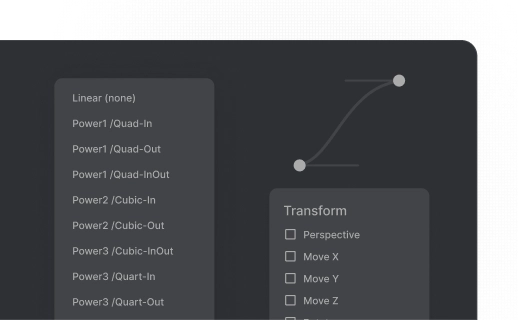
Shape Exactly How Every Move Feels
Animate movement, rotation, scale, opacity, color, filters, and more. Shape the result with 30+ easing curves instead of settling for one generic transition.
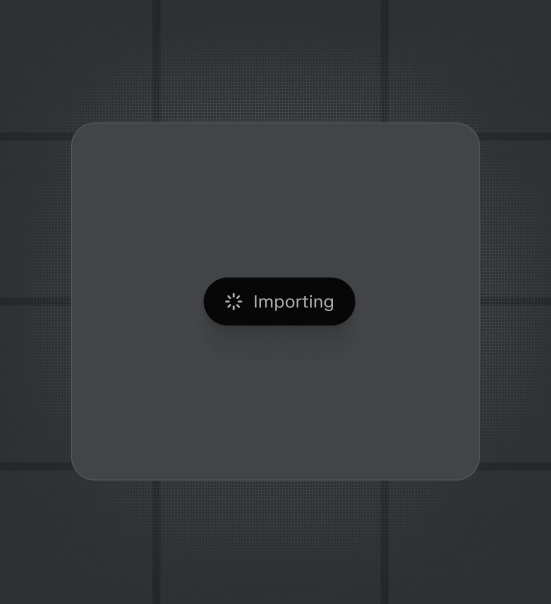
Import a Finished Animated Layout in One Click
Skip building from scratch. Import a full page or a single section from 100+ animated layouts with every animation already set up, then customize it and go live.
- Import
- Customize
- Publish
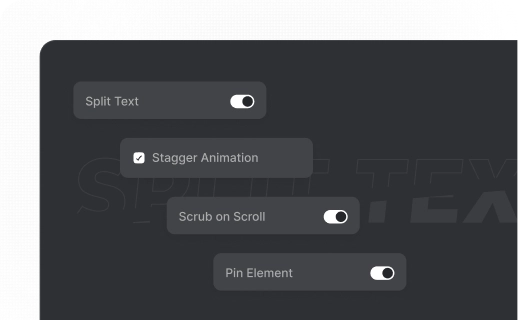
Use GSAP Scroll, Text, and SVG Tools Visually
Work with ScrollTrigger, SplitText, ScrollSmoother, and DrawSVG through the DiviMotion interface. Pin sections, scrub animations to the scrollbar, split headlines into words or letters, and draw SVG paths without loading a library or touching code.
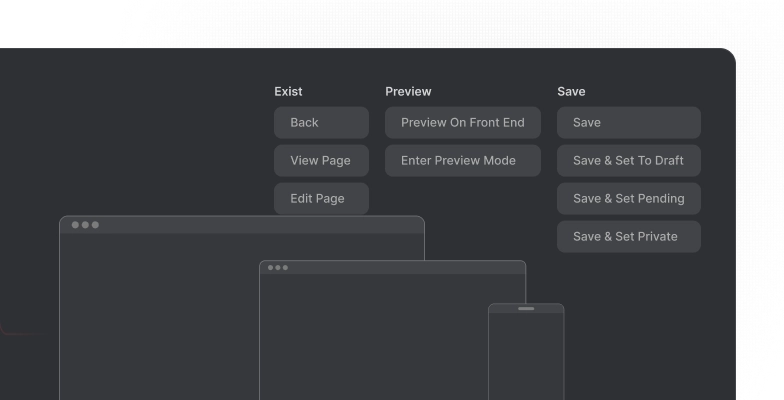
Build, Preview, and Manage It All Where the Page Is Designed
Configure every interaction on the page in one panel and preview changes on the canvas without reloading. Adjust the sequence on the Animation Timeline, copy and paste animations between elements, and choose what plays on desktop, tablet, and phone.
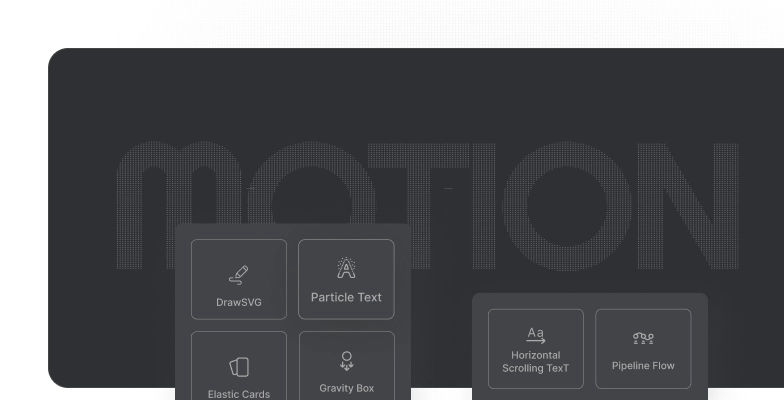
Use Purpose-Built Effects When a Timeline Is Not Enough
Add 3D Gallery, Parallax Carousel, Particle Text, Scroll Video, or Staggered Entrance in seconds. Each one is a ready-made module or extension, so the hardest effects become the fastest ones to ship.
Everything Divi's Animations Can't Do, Built Right Into Divi 5
Divi's built-in animations handle entrance effects, scroll effects, and simple show and hide interactions well. DiviMotion is for when you need real control over timing, scroll, sequence, triggers, and targeting without leaving the Divi Builder.
Divi Animations for
Every Element, Scenario, and Website
Choose an example, preview the interaction, and see how DiviMotion handles different animation design jobs.
Three Ways to Add
Animation: Build It, Add It, or Import It
Every DiviMotion animation starts one of three ways. Pick the one that fits the job, or mix all three on the same page.
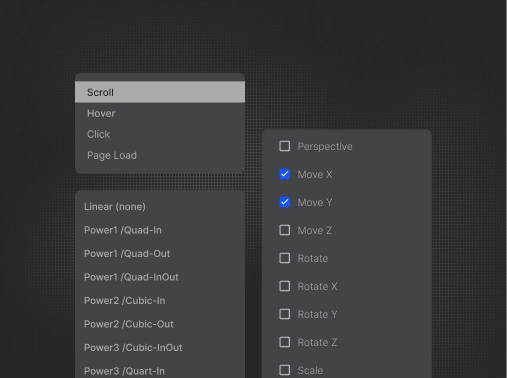
Build With the Animation Builder
Add triggers, targets, properties, easing, and timeline steps to the Divi elements already on your page.
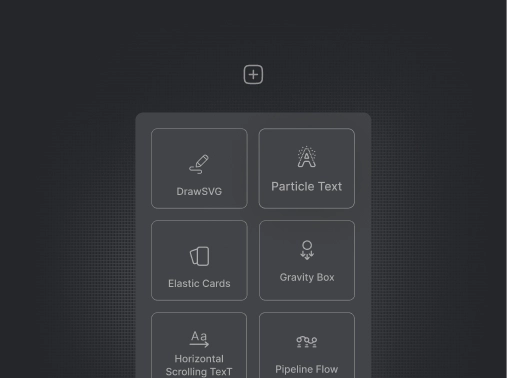
Add a Module or Extension
Use a purpose-built motion tool for effects such as particle text, scroll video, card stacks, preloaders, and horizontal scrolling.
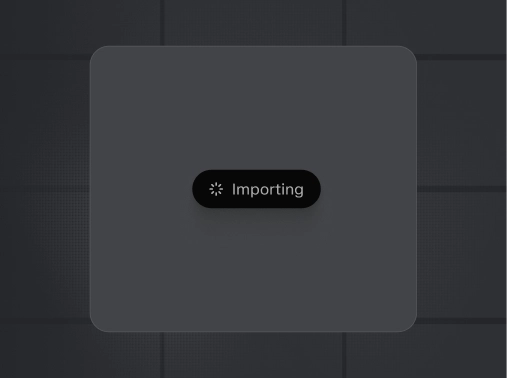
Import a Demo Layout
Start from an animated page or section with the free Layout Importer, then replace the content and refine the motion for your own design.
Ready-Made Animation
Modules and Extensions for Divi 5
Modules add animated content components to Divi. Extensions add broader interaction patterns that work across elements, sections, or the full page.

DrawSVG
Module

Gravity Box
Module

Scroll Video
Module

Elastic Cards
Module

Horizontal Scrolling Text
Module

Particle Text
Module

Animated Process Flow
Module

Vertical Marquee
Module

Image Hover List
Module

Animation Timeline
Extensions

Horizontal Scroll
Extensions

Card Stack
Extensions

Card Deck
Extensions

Image Reveal
Extensions

Scroll Header
Extensions

Custom Cursor
Extensions
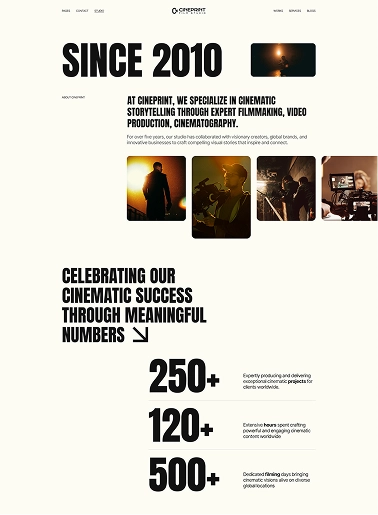
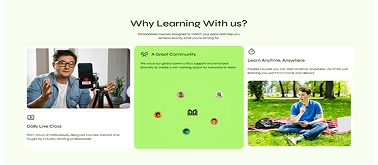
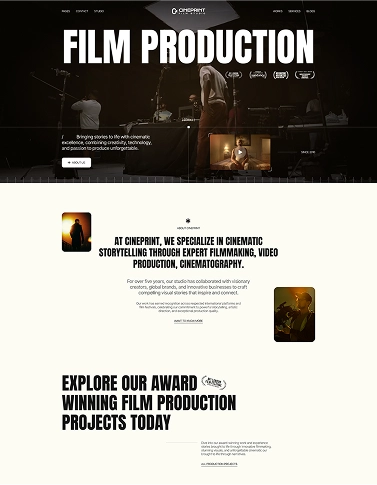
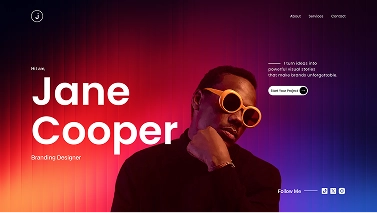
Ready-to-Import Animated Divi Templates to Kickstart Your Next Website
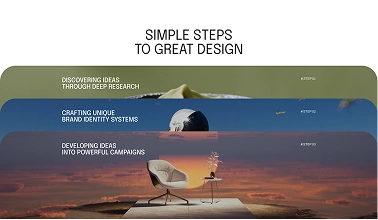
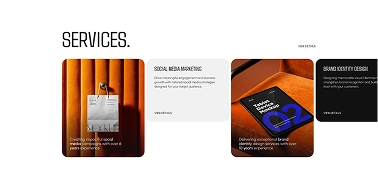
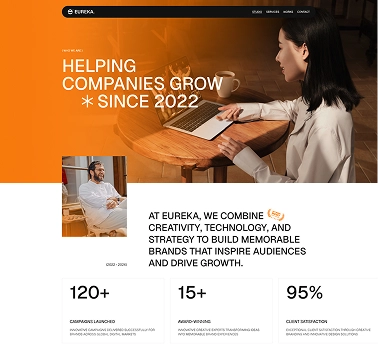
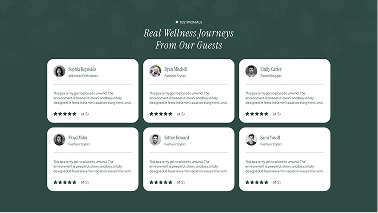
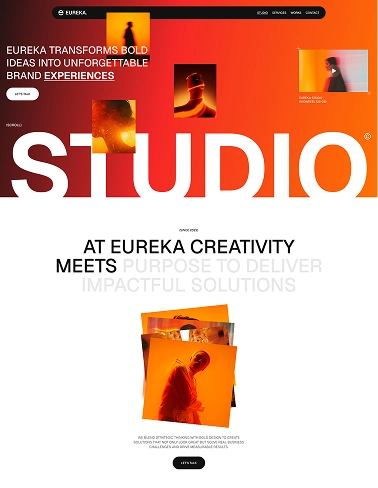
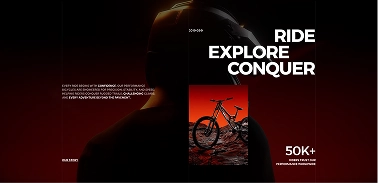
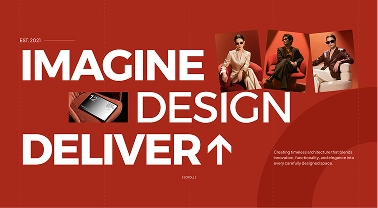
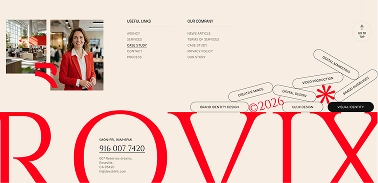
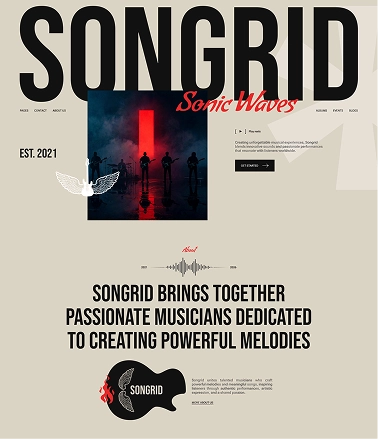
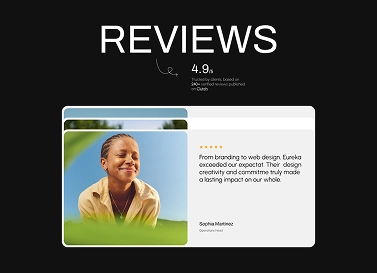
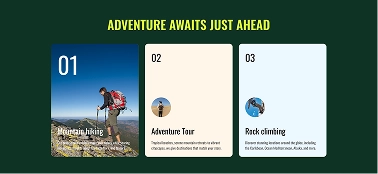
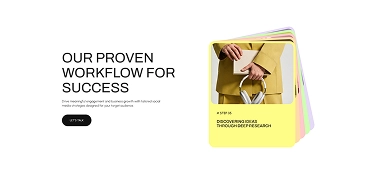
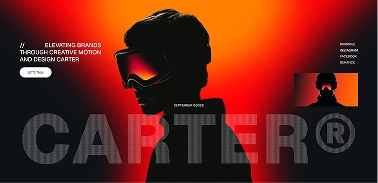
See triggers, timelines, modules, and extensions working together in complete designs. Import any of 100+ animated pages and sections in one click, then swap in your content and adapt the motion to your Divi 5 project.





Built for Performance,
SEO, Accessibility, and Compatibility
Animation should never cost you page speed or rankings. DiviMotion is built to stay fast, stay readable to search engines, and keep working as Divi 5 evolves.
Loads Only What You Use
Scripts and styles load only on pages that use them, so pages without animation stay exactly as light as before.
Text Stays Text
Animated headings, body copy, links, and buttons stay real page content, so search engines and screen readers still read every word.
Motion for Every Screen Size
Adjust each interaction for desktop, tablet, and phone. Keep the full sequence where it works, and simplify it where a smaller layout needs a different approach.
Respects Reduced Motion
DiviMotion follows each visitor's reduced-motion setting, so animation never gets in the way of accessibility.
Native to Divi 5
Built on Divi 5's architecture from day one, so your animations stay compatible as Divi keeps evolving.
Third-Party Compatibility
Animate any default Divi module, plus third-party modules built to Divi's development standards.
Made for Anyone
Who Wants More Than Fade-In
Whether you ship client sites every week or run one site of your own, DiviMotion fits the way you already work in Divi.
Freelancers and Agencies
Deliver the animation clients usually pay a developer for, then reuse your best work on every build with copy-paste animations and importable layouts.
Divi Developers
Control triggers, targets, properties, and sequences visually instead of writing and maintaining custom animation scripts.
Web Designers
Set timing, easing, stagger, and scroll behavior in the same builder where you design the layout.
Website Owners and Marketers
Guide attention through campaigns and launches with animated headlines, scroll video, process flows, and interactive cards.

DiviMotion Plans & Pricing
Save Up to 50%
Before the Black Friday Sale Ends!
Personal Yearly
For individuals & solopreneurs
$29.40
/Year
$49.00
Save 40%
Renews at $29.40 annually;
cancel anytime.
- Use on 1 website
- 1-year updates & human support
- Native Divi 5 compatibility
- All features included
Personal Lifetime
For individuals & solopreneurs
$74.50
/One-Time
$149.00
Save 50%
No renewals;
lifetime access.
- Use on 1 website
- Lifetime updates & human support
- Native Divi 5 compatibility
- All features included
Professional Yearly
For freelancers & agencies
$47.40
/Year
$79.00
Save 40%
Renews at $47.40 annually;
cancel anytime.
- Use on unlimited websites
- 1-year updates & human support
- Native Divi 5 compatibility
- All features included
Professional Lifetime
For freelancers & agencies
$124.50
/One-Time
$249.00
Save 50%
No renewals;
lifetime access.
- Use on unlimited websites
- Lifetime updates & human support
- Native Divi 5 compatibility
- All features included
OneSuite Yearly
For freelancers & agencies
$123.50
/Year
$247.00
Save 50%
Renews at $123.50 annually; cancel anytime.
- 3 Divi Plugins

- Use on unlimited websites
- 1-year updates & human support
- Everything in DiviMotion ($79 value)
- Everything in DiviFlash ($89 value)
- Everything in DiviMerc ($79 value)
OneSuite Lifetime
For freelancers & agencies
$318.80
/One-Time
$797.00
Save 60%
No renewals; lifetime access.
- 3 Divi Plugins
- Use on unlimited websites
- Lifetime updates & human support
- Everything in DiviMotion ($249 value)
- Everything in DiviFlash ($299 value)
- Everything in DiviMerc ($249 value)
All prices are in USD and exclude VAT/taxes. The total amount, including applicable taxes, will be displayed on the checkout page based on your billing location.
Explore More About DiviMotion
Roadmap

What’s New

Documentation

Pre-Sale Frequently Asked Questions
Still have questions? Email us at [email protected] or use the chat box in the bottom right corner.
What is DiviMotion?
DiviMotion is a GSAP-powered animation plugin for Divi 5. It adds scroll, click, hover, and page-load animations to any section, row, column, or module, with a visual animation timeline, ready-made animated modules and extensions, and 100+ importable layouts, all without code.
What do I need to use DiviMotion?
DiviMotion requires Divi 5.0 or later, either the Divi Theme or the Divi Builder plugin by Elegant Themes. It does not work with Divi 4 or earlier. Your site also needs WordPress 6.0+, PHP 7.4+, and MySQL 5.7+ with InnoDB.
How is DiviMotion different from Divi 5's built-in animations and Interactions?
Divi 5 covers preset entrance animations, basic scroll effects, and interactions that show, hide, or swap elements. DiviMotion adds scroll-scrubbed motion, pinning, split text, staggered sequences, multi-step timelines, and the ability to animate any element from any other, all powered by GSAP.
Do I need to know how to code?
Every animation is built visually in the Divi Builder, with no CSS or JavaScript to write. Selectors and IDs are there for advanced targeting when you want them.
Is DiviMotion beginner-friendly?
DiviMotion lets you start with one-click presets such as Fade, Slide, Scale, Rotate, and Bounce, or import a ready-made layout, then fine-tune the settings as you learn. Live preview shows every change on the canvas.
Can I animate default and third-party Divi modules?
DiviMotion animates any section, row, column, or module, including default Divi modules and third-party modules built to Divi's development standards, such as DiviFlash.
Do animations work on phones and tablets?
You choose what plays on desktop, tablet, and phone for every interaction, so you can change, simplify, or turn off motion on smaller screens.
Will DiviMotion slow down my website?
DiviMotion loads its animation scripts only on pages that use them. Pages without animation stay exactly as fast as before.
Do I need a separate GSAP license?
DiviMotion ships with every GSAP tool it uses, including ScrollTrigger, SplitText, ScrollSmoother, and DrawSVG. There is nothing extra to buy or install.
Can I use DiviMotion on client websites?
Every plan includes all features. The Personal plan covers one website, and the Professional plan covers unlimited websites, including client projects. License keys cannot be resold, transferred, or shared.
What is the difference between yearly and lifetime plans?
Yearly plans are billed once a year. Lifetime plans are a one-time payment with lifetime updates. You can upgrade from one site to unlimited, or from yearly to lifetime, at any time and pay only the difference.
Will my renewal price go up after the Black Friday sale?
Your yearly renewal stays at the price you pay today. Buy Personal Yearly at $29.40 or Professional Yearly at $47.40, and that is what you pay every year you stay subscribed.
What happens if my license expires?
DiviMotion keeps working on your site. New modules, extensions, and layouts are included while your license is active. An expired license only stops updates and priority support.
Do you offer a money-back guarantee?
Every plan comes with a 30-day money-back guarantee. Request a full refund within 30 days of your original purchase.