

One of 6 Extensions
Divi Horizontal Scroll Effect
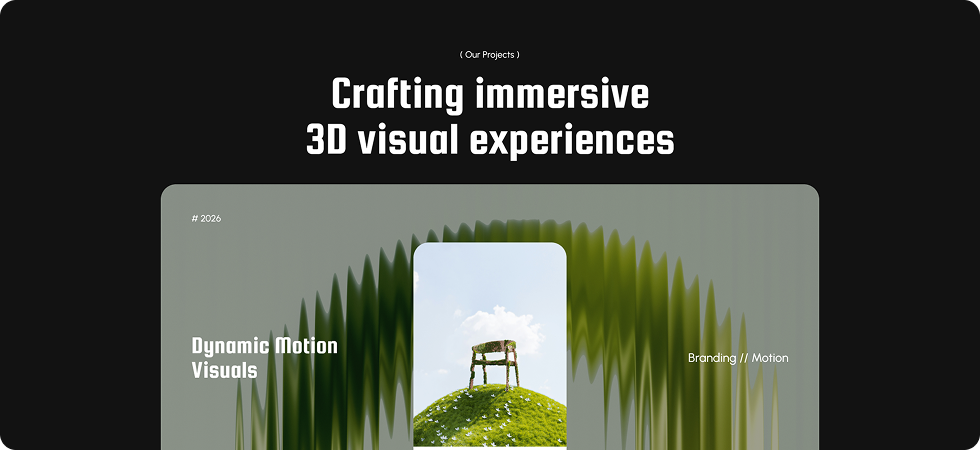
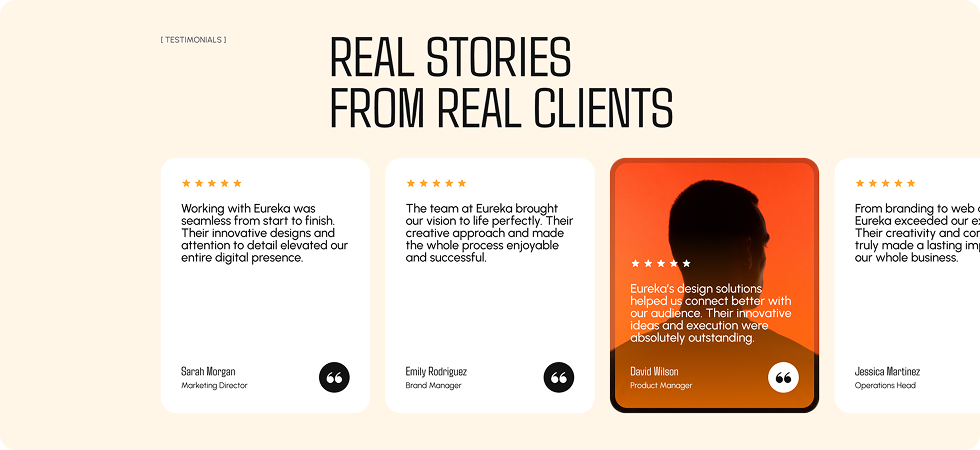
DiviMotion Horizontal Scroll turns any Divi Section, Row, or Column into a scroll-driven filmstrip, sliding panels sideways as visitors scroll down with full control over direction, pacing, and a progress bar that shows them how far they've come — so your pages tell a story instead of scrolling in a straight line.
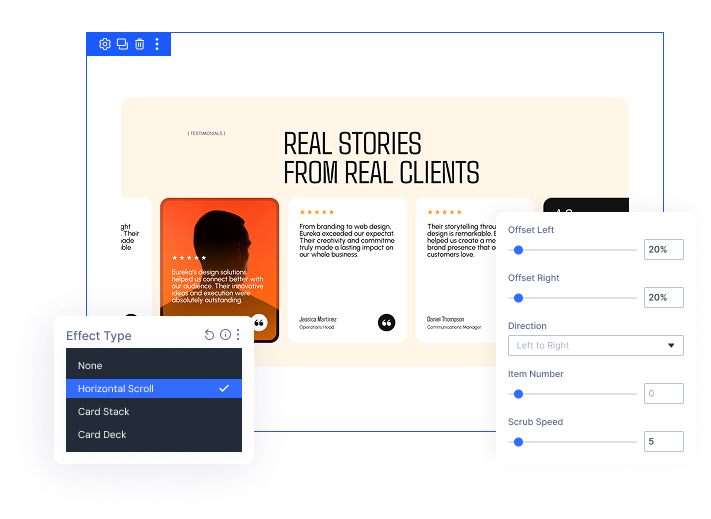
True Horizontal Filmstrip Scroll
Slide panels Left to Right or Right to Left, locking up to 8 panels on screen at once — no code required.
Fully Customizable Progress Bar
Position the bar in nine placements, size it with Width and Height, then color Fill and Track to match your design exactly.
Complete Pace & Device Control
Tune Scrub Speed, Start Offset, and Scroll Length, then disable the effect independently on Phone, Tablet, or Desktop.
Build Scroll StoriesThat Move Sideways and Still Stay Fast
Turn Any Section Into A Horizontal Story
- Choose Left to Right or Right to Left, controlling which way panels slide as visitors scroll.
- Lock a fixed panel count with Item Number, or leave it empty for natural width.
- Add Offset Left and Offset Right to create lead-in and trailing gaps around the filmstrip.
- Panel widths lock in place and re-measure automatically on every resize, keeping nothing shifting or collapsing mid-scroll.
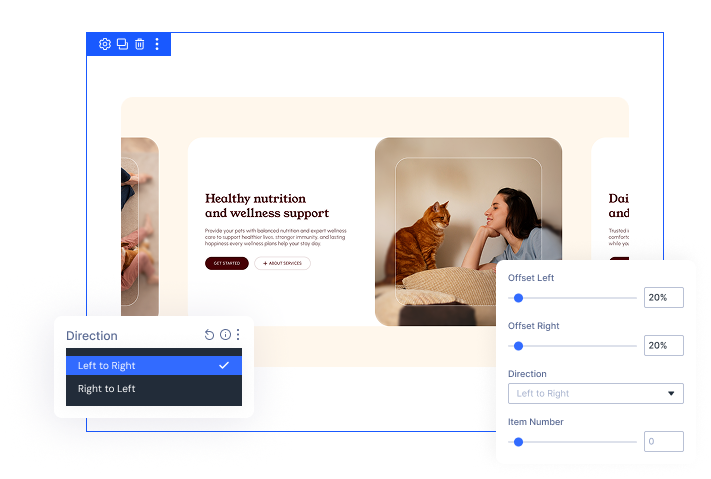
Dial In Scroll Feel on Any Device
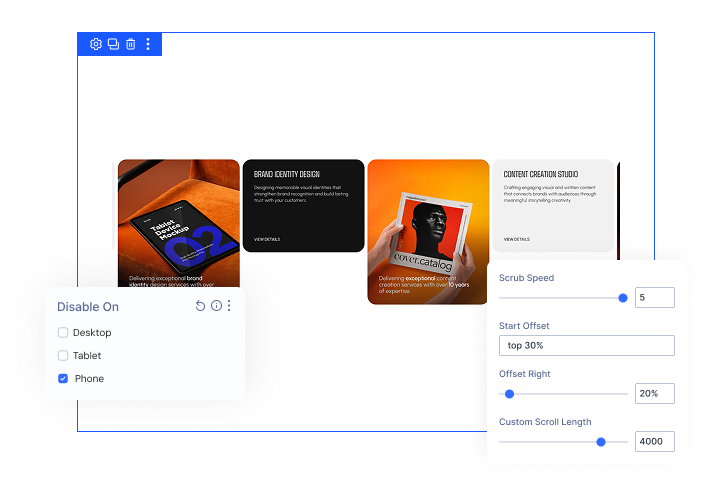
- Adjust Scrub Speed from snappy and fast to slow and cinematic, matching your site's personality.
- Set Start Offset to control exactly where the section pins before the filmstrip begins scrolling.
- Override Custom Scroll Length to speed up or slow down the pacing, or leave it empty for auto-calculation.
- Disable the effect on any device while it falls back to Divi's normal vertical layout.
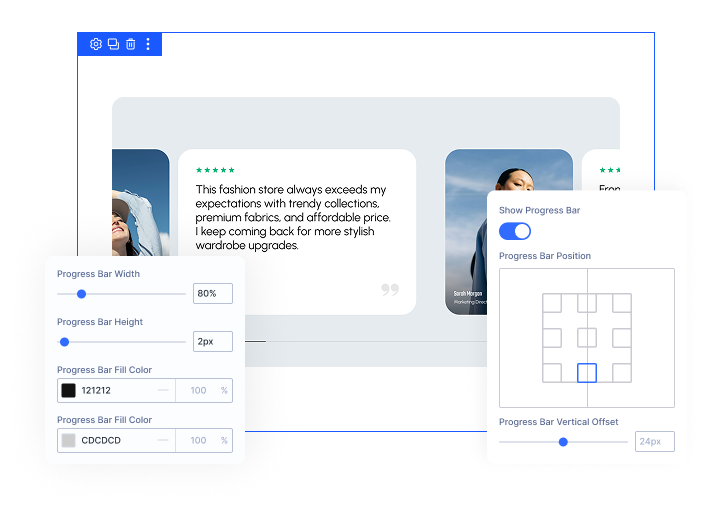
Style A Progress Bar That Fits
- Turn on Show Progress Bar to give visitors a clear sense of scroll progress instantly.
- Place it in any of nine positions, fine-tuning vertical and horizontal offsets independently for exact placement.
- Set Width and Height to match your site's scale while the bar keeps rounded ends automatically.
- Choose Fill Color and Track Color, making the bar feel designed instead of bolted onto your page.
Free Ready-to-Use Horizontal Scroll Layouts to Get Started
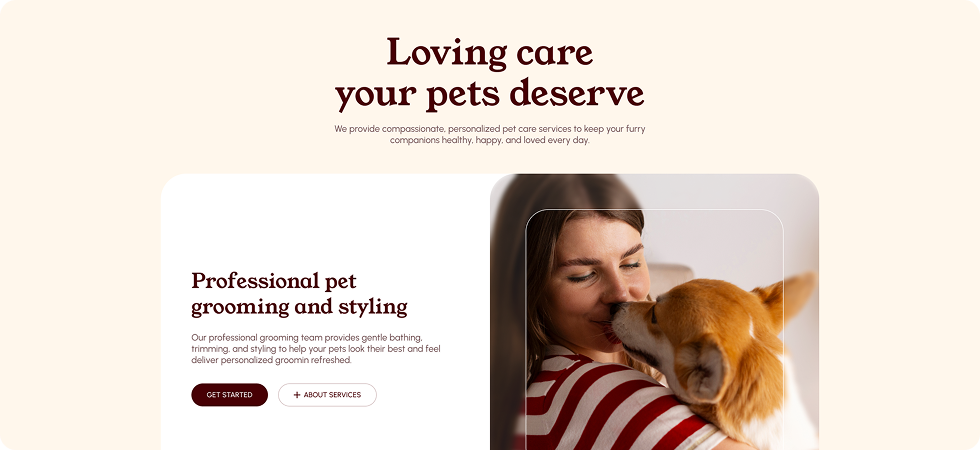
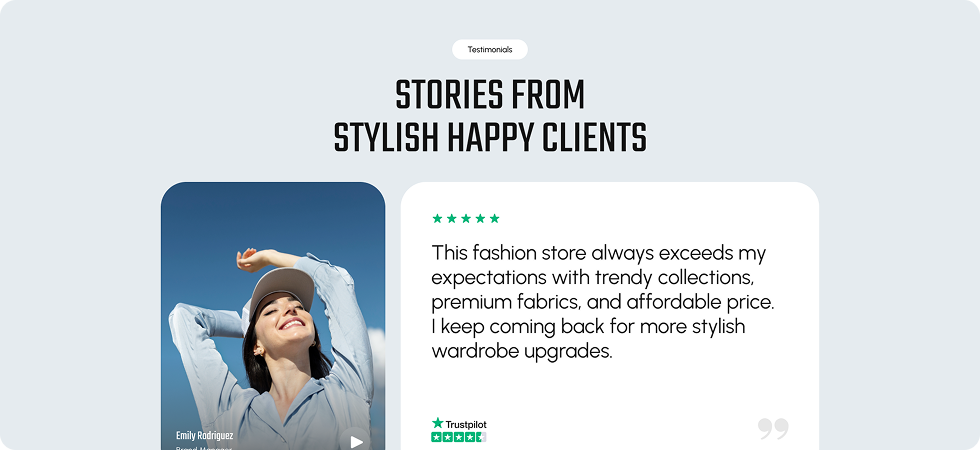
Skip the setup and go straight to publishing. Our pre-built Horizontal Scroll layouts are fully customizable, responsive on all devices, and ready to drop into any Divi page. Choose a layout, swap in your content, and your scroll experience is live in minutes.
DiviMotion Horizontal Scroll vs Building It Yourself in Divi — Which One Gets You There Faster?
| Feature | DiviMotion Card Deck | Default Divi |
|---|---|---|
| Horizontal filmstrip scroll |  Built-in, one setting Built-in, one setting |  Requires custom JS Requires custom JS |
| Direction control (LTR/RTL) | Toggle in the Design panel | Not available natively |
| Fixed panels per view | Item Number control | Manual CSS/media queries |
| Lead-in and trailing gaps | Offset Left/Right | Manual padding hacks |
| Scroll pacing control | Scrub Speed + Scroll Length | Not configurable |
| Custom progress bar | Fully customizable | Not available natively |
| Per-device disable | Any combination |  Possible but requires extra CSS Possible but requires extra CSS |
| No-code setup | Design panel only | Code required |
| Performance-safe loading | Script loads only when used | Depends on implementation |
Ready to Make Visitors Scroll Sideways Through Your Story?
Helpful Resources
Documentation
Divi Horizontal Scroll Extension Overview

Video
How to Use Divi Horizontal Scroll Extension

Coming Soon
Try DiviMotion Risk-Free for 30 Days
Not sure yet? Every DiviMotion plan comes with a 30-day money-back guarantee. Try it on your site, and if it's not the right fit, you get a full refund — no questions asked.
Frequently Asked Questions
Everything you need to know about horizontal scroll before you get started.
Does Horizontal Scroll work with Divi 5?
Yes. DiviMotion is built specifically for Divi 5. It is not compatible with Divi 4 or earlier.
Does Horizontal Scroll work with any Divi layout?
It works on Sections, Rows, and Columns — but not on individual modules like Text, Image, or Button.
How many panels do I need for the effect to work?
You need at least two child panels. With only one, the effect is skipped and the layout stays normal.
Is Horizontal Scroll powered by GSAP?
Yes. It runs on GSAP's ScrollTrigger, the same animation engine that powers the rest of DiviMotion.
Do I need to write code to use Horizontal Scroll?
No. Every setting is available in the Divi Design panel. No custom JavaScript or CSS required.
Can I add a progress bar to my horizontal scroll section?
Yes. Turn on Show Progress Bar and customize its position, size, and colors to match your design.
Does Horizontal Scroll support right-to-left (RTL) scrolling?
Yes. Set Direction to Right to Left and panels slide the opposite way as visitors scroll down.
Can I disable Horizontal Scroll on mobile?
Yes. Use Disable On to turn it off for Phone, Tablet, or Desktop independently. Disabled devices fall back to Divi's normal vertical layout.
Will Horizontal Scroll slow down my site?
No. The script only loads on pages where you've applied the effect — pages that don't use it are unaffected.
What's the difference between Horizontal Scroll and Card Stack?
Horizontal Scroll moves panels sideways across the screen in a continuous filmstrip as visitors scroll down. Card Stack keeps panels in place and pins, peels, or slides them on top of each other — motion happens in layers, not across the viewport.

We offer a 30-day money-back guarantee; so joining is completely risk-free.
Don’t Just Design Divi Sites; Bring Them to Life
a