

Divi Page Transitions
DiviMotion Page Transitions animates the move between pages on your Divi 5 site with seven styles, from a soft Crossfade to a 3D Cube, so every click feels connected.
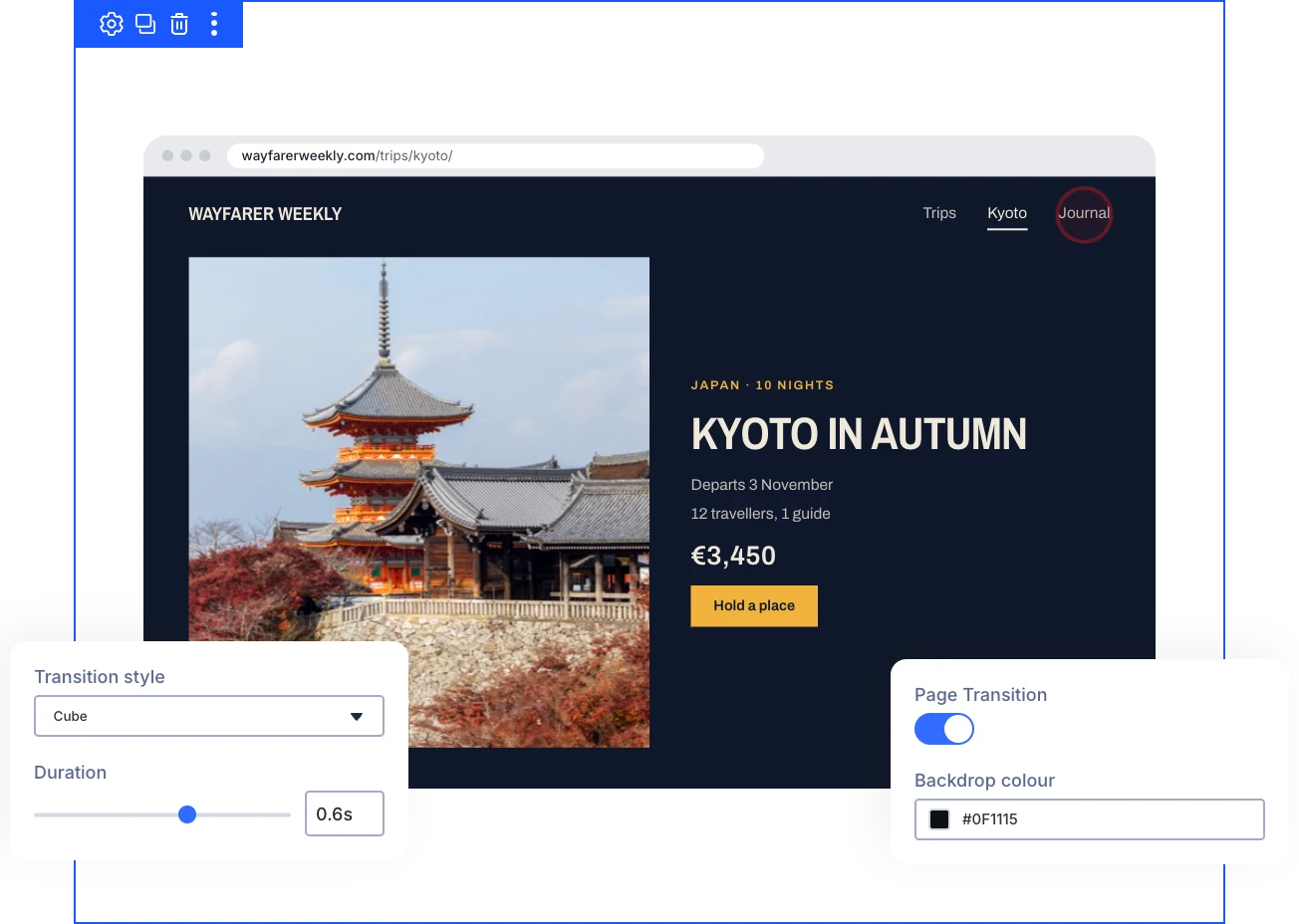
Seven Transition Styles
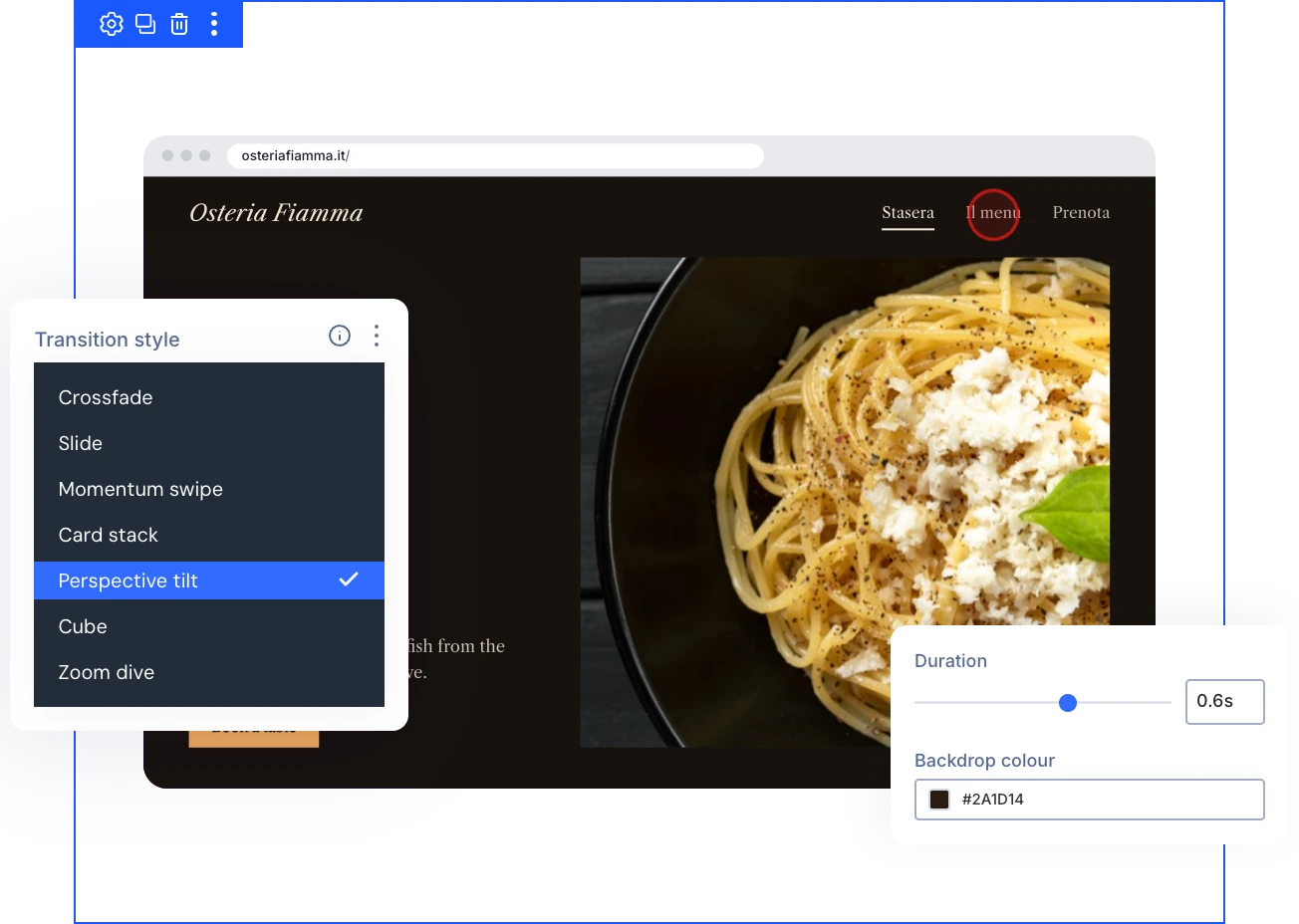
Crossfade, Slide, Momentum Swipe, Card Stack, Perspective Tilt, Cube, or Zoom Dive gives every click between pages a motion that fits your brand.
One Site-Wide Setting
Turn it on and pick a style in the DiviMotion dashboard, so internal links animate without editing a single page or layout.
Native Browser Transitions
Transitions run on the browser's native View Transitions in Chrome, Edge, and Safari 26.2+, while other browsers load pages normally with nothing broken.
Animate Page ChangesThat Look Polished and Keep Navigation Predictable
Pick the Motion That Fits Your Site
- Keep transitions quick with a duration from 0.3 to 0.8 seconds, so navigation stays snappy.
- Match the backdrop behind moving pages to your brand color on the four styles that show it.
- Start with Crossfade for a subtle change, or choose Cube or Perspective Tilt for a bolder effect.
- Switch styles anytime in one settings screen, and your whole site picks up the change.
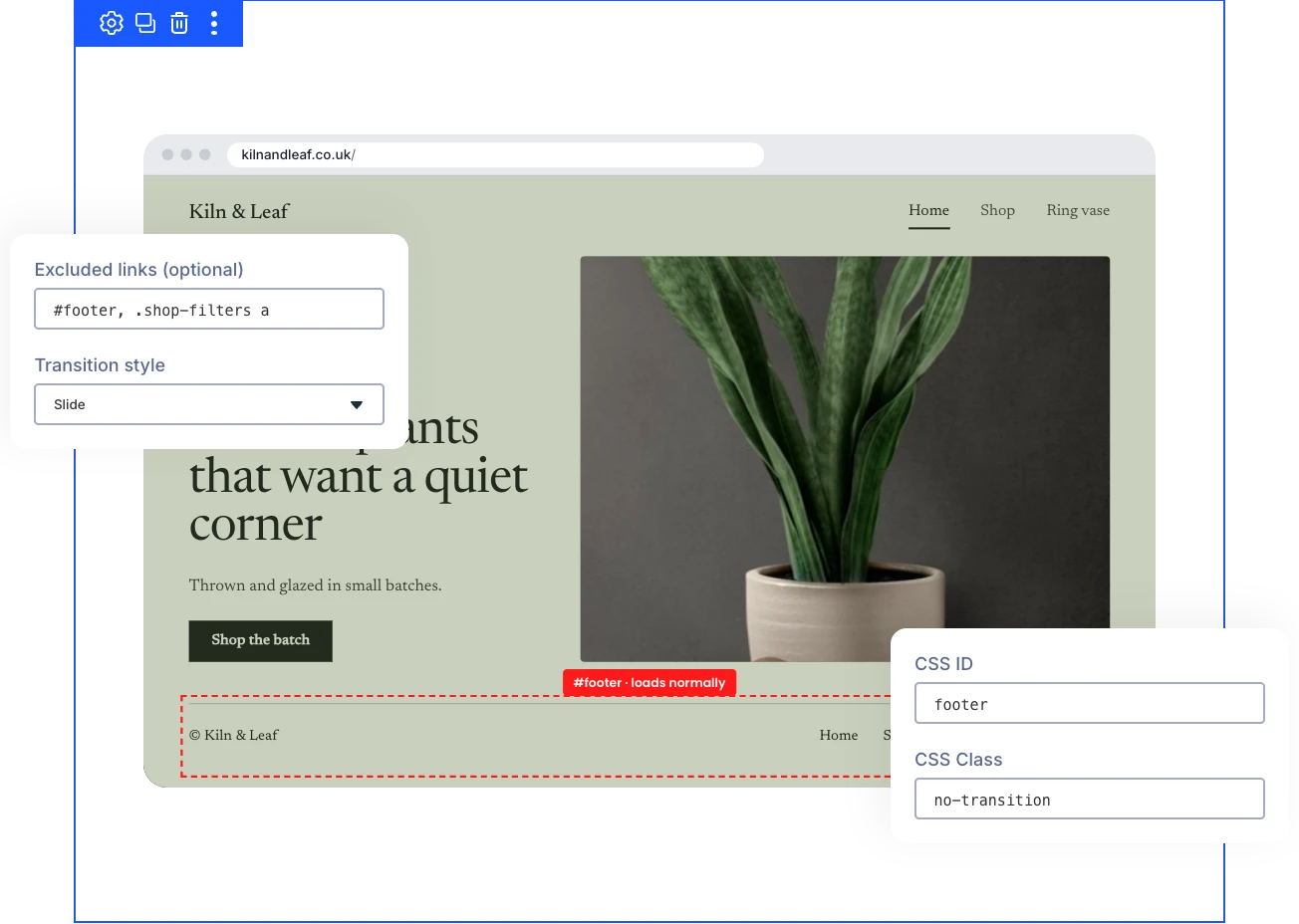
Choose Exactly Which Links Get a Transition
- Keep forms, downloads, the back and forward buttons, and external links loading normally on their own.
- Skip transitions for a whole menu or footer by entering its CSS selector in Excluded Links.
- Exclude several areas at once by separating selectors with commas in the Excluded Links field.
- Add the no-transition class to any link, module, or section that should load normally.
Stay Accessible and Compatible With Your Stack
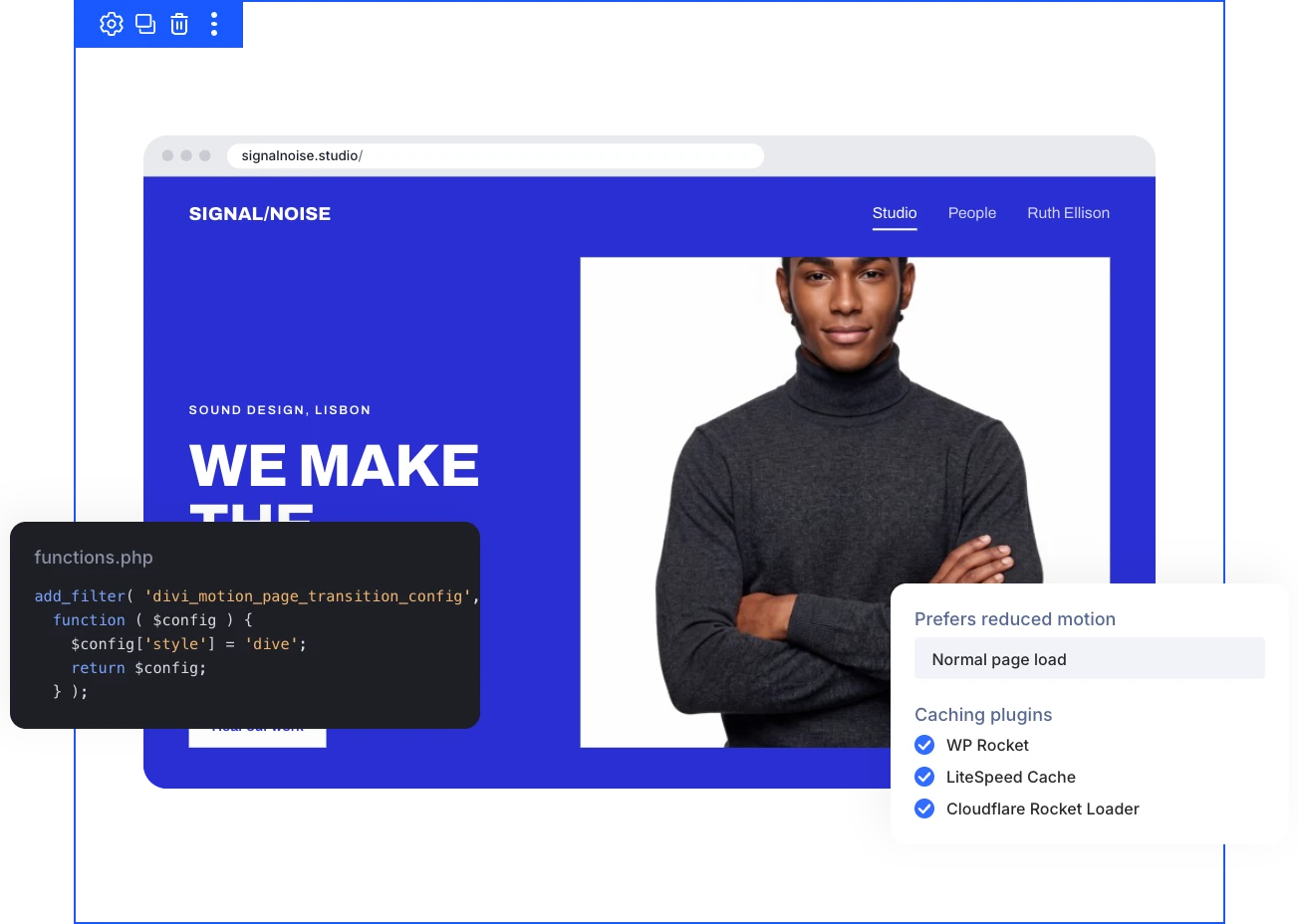
- Give visitors who ask their device to reduce motion a normal page load with no transition.
- Edit freely, because transitions never run inside the Divi Visual Builder or Customizer preview.
- Keep speed and caching plugins such as WP Rocket and LiteSpeed from breaking the transition code.
- Let developers change any setting from a child theme or plugin with the divi_motion_page_transition_config filter.
Ready to Make Every Click Feel Like Part of the Journey?
Helpful Resources
Documentation
Divi Vertical Marquee Overview

Video
How to Use Divi Vertical Marquee Module

Coming Soon
Try DiviMotion Risk-Free for 30 Days
Not sure yet? Every DiviMotion plan comes with a 30-day money-back guarantee. Try it on your site, and if it's not the right fit, you get a full refund — no questions asked.
Frequently Asked Questions
Everything you need to know about Page Transitions before you get started.
What Are Divi Page Transitions?
Divi Page Transitions is a DiviMotion extension for Divi 5 that animates the move between pages when visitors click a link on your site, in one of seven transition styles.
What Does Each Transition Style Look Like?
Crossfade fades one page into the next. Slide brings the new page in from the right. Momentum Swipe swipes the old page away with a slight tilt. Card Stack lifts the old page away like a card. Perspective Tilt tilts the pages backward and forward. Cube turns them like two sides of a cube. Zoom Dive zooms the old page toward the visitor to reveal the new one.
Which Browsers Support Page Transitions?
Chrome, Edge, and Safari 26.2 or newer play transitions through native View Transitions. Other browsers load pages normally, so no visitor sees a broken page.
Which Version of Divi Does It Require?
Page Transitions requires Divi 5, like every DiviMotion feature.
How Do I Turn On Page Transitions?
Go to DiviMotion → Extensions in your WordPress dashboard, enable Page Transitions, and click Configure to open its settings.
How Long Does a Transition Take?
Duration runs from 0.3 to 0.8 seconds, with 0.5 seconds as the default. Card Stack and Perspective Tilt can take slightly longer, and a new click waits until the current transition finishes.
How Do I Change the Backdrop Color?
Set Backdrop Color in the Page Transitions settings. It shows behind the pages during Momentum Swipe, Card Stack, Perspective Tilt, and Cube.
How Do I Stop Transitions on a Menu, Footer, or Link?
Enter the area's CSS selector, such as #footer, in Excluded Links, separating several with commas. Or add the no-transition class to a link, module, or section under Advanced → CSS ID & Classes.
How Does Page Transitions Work With the Preloader?
The Preloader shows on a visitor's first page view, and page transitions play when they move to another page.
How Do I Preview a Transition?
Save your settings, open your site on the front end, and click links between pages. Transitions don't run inside the Divi Visual Builder, so preview them on the live site.
Does Page Transitions Work With Caching Plugins?
The transition CSS and script are printed inline in the page head and marked so WP Rocket, LiteSpeed, Cloudflare Rocket Loader, and similar plugins leave them alone.
How Does Page Transitions Handle Reduced Motion?
Visitors who ask their device to reduce motion get a normal page load with no transition. It follows the device setting automatically, with nothing to configure.