

Divi Scroll
Video Animation
DiviMotion's Scroll Video module hands the timeline over to your visitor's scrollbar — scroll down and the clip plays forward, scroll back up and it rewinds — so product reveals, 360° spins, and animated explainers unfold at exactly the pace people move down your page.
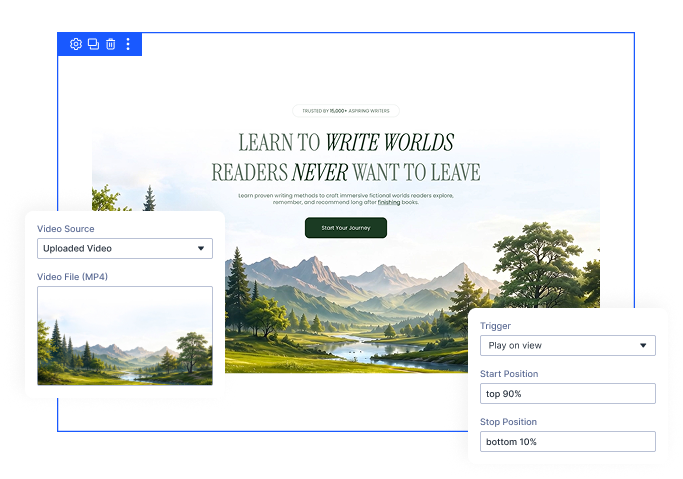
Scroll-Scrubbed Playback
Map a stretch of scrolling onto the playhead, so every frame lands exactly where the visitor stops.
Play on View
Prefer something simpler? Let the clip start on its own the moment it scrolls into view, and pause when it leaves.
Mobile-Ready by Design
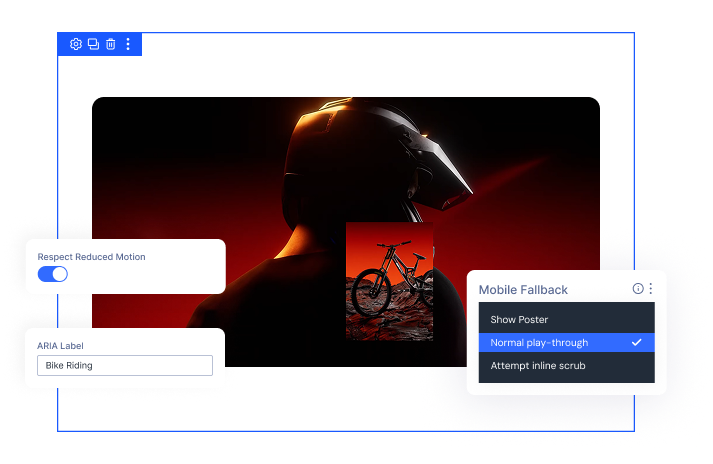
Decide exactly what phone visitors get — a polished poster image, a normal play-through, or the full scrub.
Build Scrollytelling MomentsThat Feel Cinematic and Still Load Fast
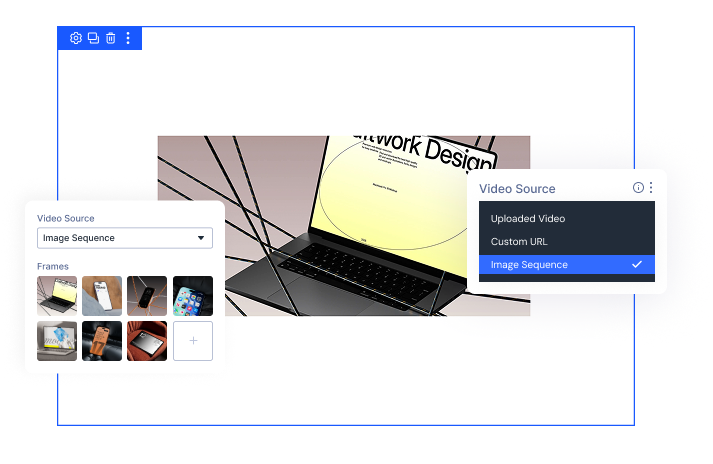
Pick the Media Source That Fits Your Project
- Upload an MP4 straight to your Media Library, with an optional WebM so supporting browsers get the lighter file.
- Point to a video already hosted elsewhere, whether that's your own CDN or another site, using a direct link.
- Choose an image sequence for the smoothest possible scrub, with no special video encoding required at all.
- Set a poster image for any source, so visitors never see an empty box while your media loads.
Turn Scrolling Into the Play Button
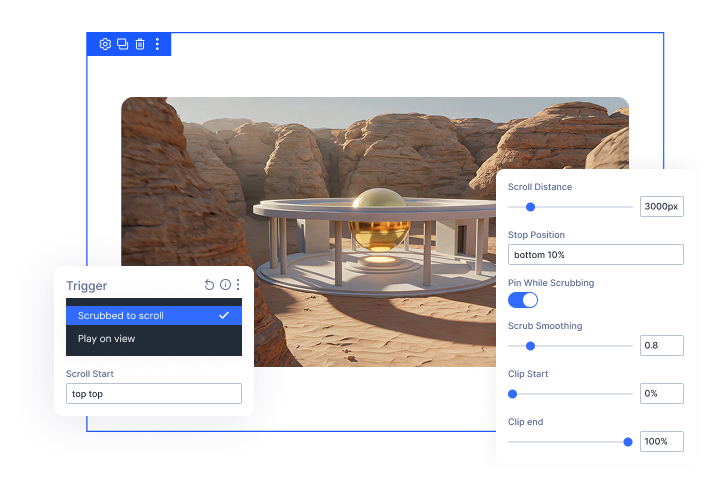
- Choose between scroll-scrubbed playback and simple play-on-view, and set a different mode per device.
- Pin the media in place while it scrubs, so it plays right where the visitor is already looking.
- Control how much scrolling it takes to reach the last frame, from a drawn-out story to a quick sweep.
- Smooth the playhead so it glides toward the scroll position instead of snapping straight to it.
- Set a clip start and end point to scrub just part of your media, skipping a title card or end slate without re-editing it.
Frame It Exactly How You Want
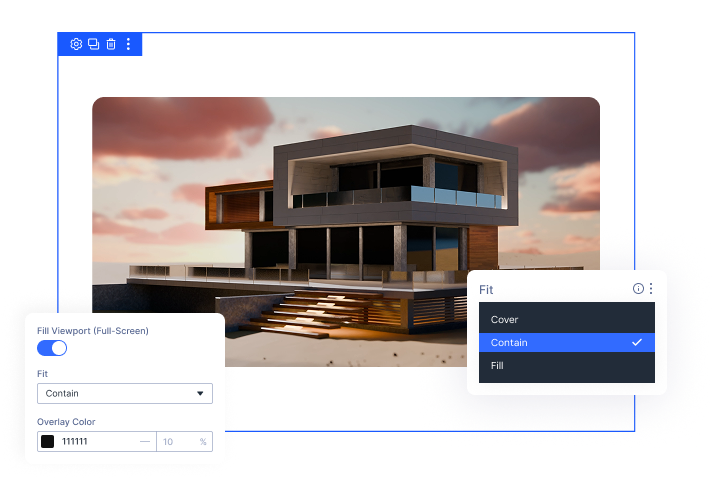
- Fill the entire viewport for a full-screen scroll story, or keep your media inside a normal content box.
- Lock a fixed aspect ratio so the space is reserved before your media loads and nothing shifts on the page.
- Choose how the media fills its frame — crop to fill, letterbox the whole frame, or stretch to fit.
- Add a colour tint over your media to keep overlaid headings and body text perfectly readable.
- Set a poster image so visitors see a polished still the moment the section comes into view.
Built to Load Fast and Stay Accessible
- Choose how aggressively the browser buffers your video, balancing scrub smoothness against bandwidth.
- Decide exactly what mobile visitors get, from a static poster to a full play-through.
- Respect reduced-motion preferences automatically, showing the poster image instead of moving media.
- Add an ARIA label for meaningful clips, or leave it blank so screen readers skip decorative ones.
Free Ready-to-Use Scroll Video Layouts to Get Started
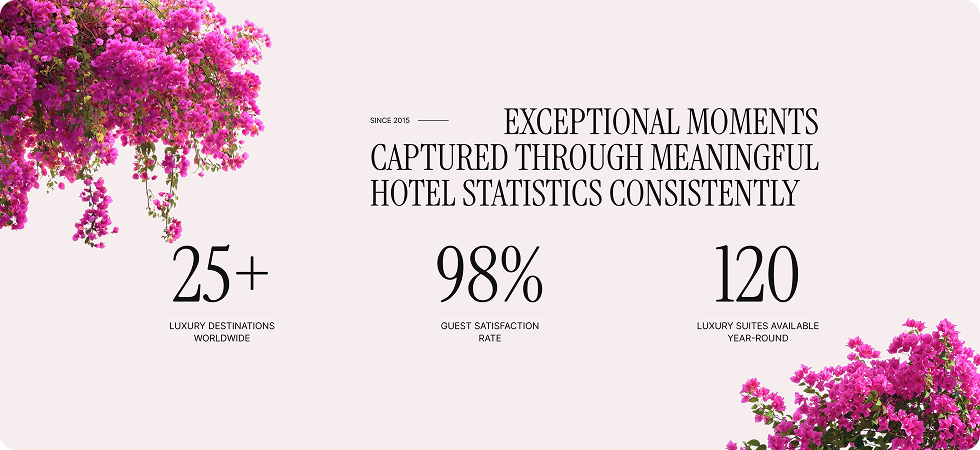
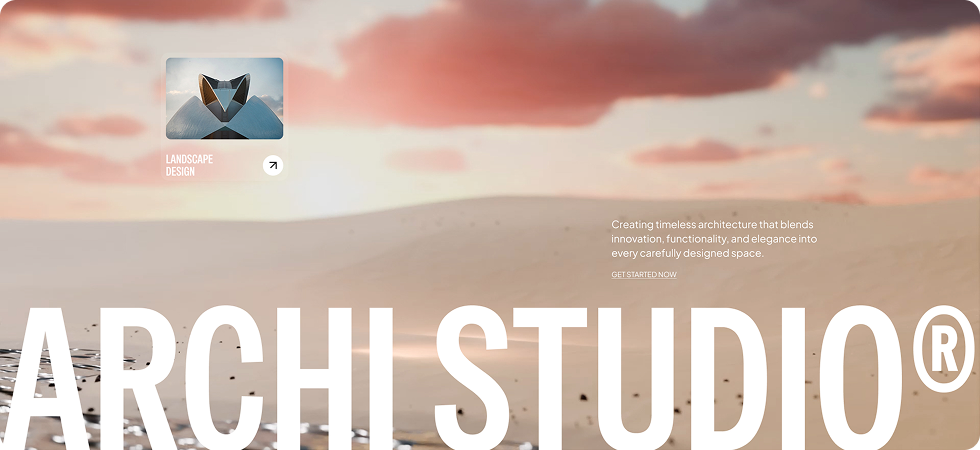
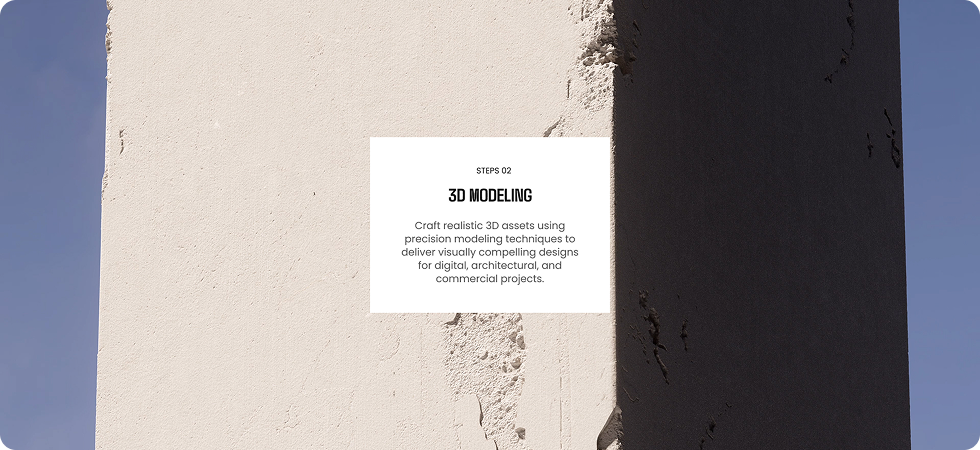
Skip the setup and go straight to publishing. Our pre-built Scroll Video layouts are fully customizable, responsive on all devices, and ready to drop into any Divi page. Choose a layout, swap in your own clip, and your scroll story is live in minutes.
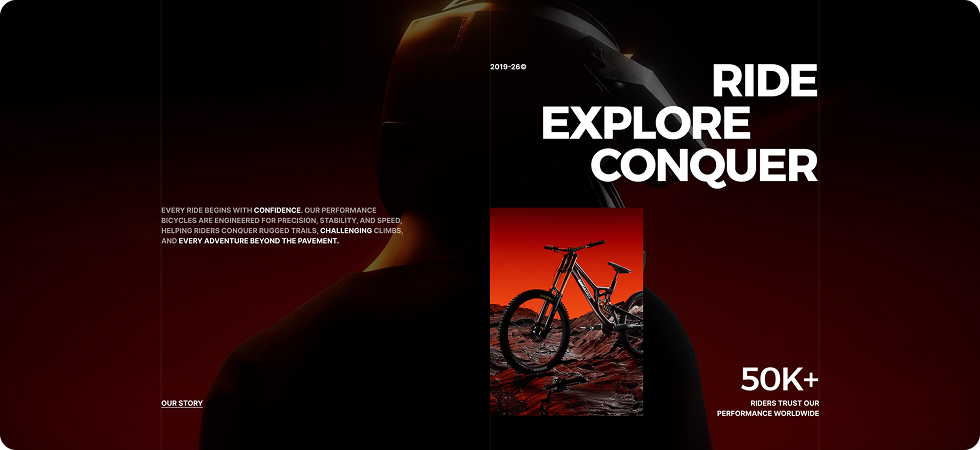

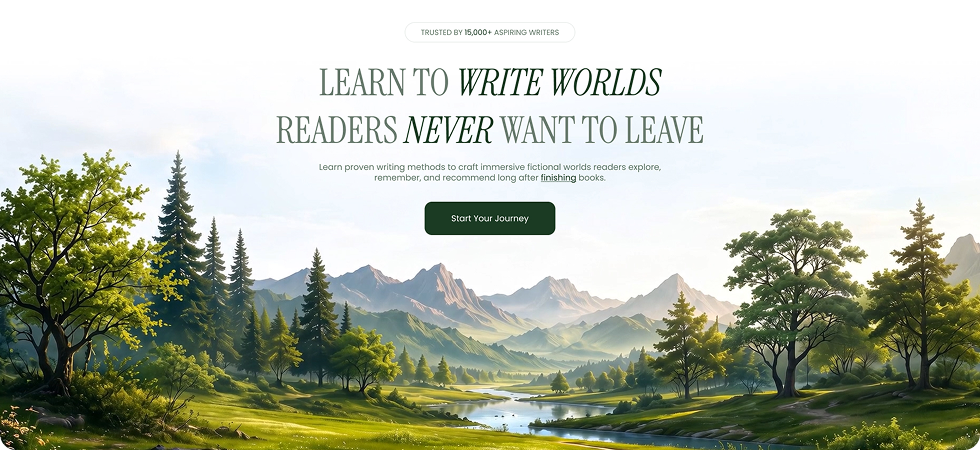
DiviMotion Scroll Video Module vs Default Divi Video Module — Which One Gives You More Control?
| Feature | DiviMotion Scroll Video | Default Divi Video Module |
|---|---|---|
| Dedicated video module |  Yes Yes | Yes |
| Poster image | Built-in | Built-in |
| Media sources | Uploaded video, direct URL, or image sequence |  Video file or URL only Video file or URL only |
| Scroll-scrubbed playback | Built-in, powered by GSAP ScrollTrigger |  Not available Not available |
| Play when scrolled into view | Built-in, with start and stop positions | Not available |
| Pin the media while it scrubs | Built-in | Not available |
| Scroll pacing control | Scroll distance and scrub smoothing | Not available |
| Trim the clip without re-editing | Clip start and clip end | Not available |
| Smooth scrubbing on iPhone | With an image sequence | Not available |
| Full-screen and aspect ratio control | Fill viewport, fixed ratios, and fit modes | Limited |
| Frame rendering control | Smooth or pixel-perfect | Not available |
| Overlay tint for text readability | Built-in colour overlay | Custom CSS needed |
| Mobile fallback options | Poster, play-through, or inline scrub | Not available |
| Reduced-motion support | On by default | Not available |
| Code required | None | Custom CSS/JS for any scroll behaviour |
Ready to Let Your Visitors Scroll Through the Whole Story?
Helpful Resources
Documentation
Divi Scroll Video Animation Module Overview

Video
How to Use Divi Scroll Video Animation Module

Coming Soon
Try DiviMotion Risk-Free for 30 Days
Not sure yet? Every DiviMotion plan comes with a 30-day money-back guarantee. Try it on your site, and if it's not the right fit, you get a full refund — no questions asked.
Frequently Asked Questions
Everything you need to know about scroll-driven video before you get started.
Is Scroll Video compatible with Divi 5?
Yes. DiviMotion is built specifically for Divi 5. It is not compatible with Divi 4 or earlier.
How do I add Scroll Video to a page?
Enable it once in WordPress Dashboard → DiviMotion → Modules, then drop the Scroll Video module into any Section, Row, or Column like any other Divi module.
What's the difference between Scrubbed to Scroll and Play on View?
Scrubbed to Scroll turns the scrollbar into your media's timeline — scrolling down plays it forward and scrolling up rewinds it. Play on View is simpler: the clip starts on its own when it scrolls into view and pauses when it scrolls out.
What is an image sequence, and when should I use one?
It's a set of still frames that swap as the visitor scrolls, instead of a video file. The trade-off is a larger total download, so keep your frames a sensible size and your frame count modest.
Is the animation powered by GSAP?
Yes. Scroll playback runs on GSAP ScrollTrigger, the same animation engine behind DiviMotion's other scroll, hover, click, and load effects.
What kind of video works best for scrubbing?
Short, purpose-cut clips of a few seconds at a sensible resolution. For the smoothest result, re-export your clip with frequent keyframes — a standard web export only stores one every couple of seconds, which is what makes scrubbing look steppy. Our documentation includes the exact export setting to use.
Can I use a YouTube or Vimeo link?
No. Scrubbing needs frame-level control over the file, so Scroll Video works with a direct MP4 you upload or link to, with an optional WebM version for browsers that support it.
Does it work on mobile?
Yes. You choose exactly what phone visitors get — a static poster image, a normal play-through of the clip, or the full inline scrub — and you can switch the effect off entirely on any breakpoint.
Can I play just part of a video?
Yes. Set a clip start and clip end to scrub only a slice of the file, so you can skip a title card or an end slate without re-editing the video.
Will the layout jump while the media loads?
No, as long as you set a fixed aspect ratio. That reserves the box before your media arrives, so nothing shifts on the page as it loads.
Is it accessible?
Yes. The module respects each visitor's reduced-motion preference automatically and shows the poster image instead, and you can add an ARIA label for meaningful clips or leave it blank to mark decorative ones as hidden from screen readers.
Will this slow down my site?
No. The Scroll Video script only loads on pages where you've actually applied the module, and you control how aggressively the browser buffers the file.
What's the difference between Scroll Video and DiviMotion's Horizontal Scroll?
Horizontal Scroll pins a section and slides your existing panels sideways as the visitor scrolls. Scroll Video pins a single video and moves its playhead instead, so the motion comes from the footage rather than the layout.


We offer a 30-day money-back guarantee; so joining is completely risk-free.
Don’t Just Design Divi Sites; Bring Them to Life
a