

Divi Image Hover List
DiviMotion Image Hover List reveals a matching image for every row on hover or tap, with four reveal styles, so visitors see each project, service, or person before they click.
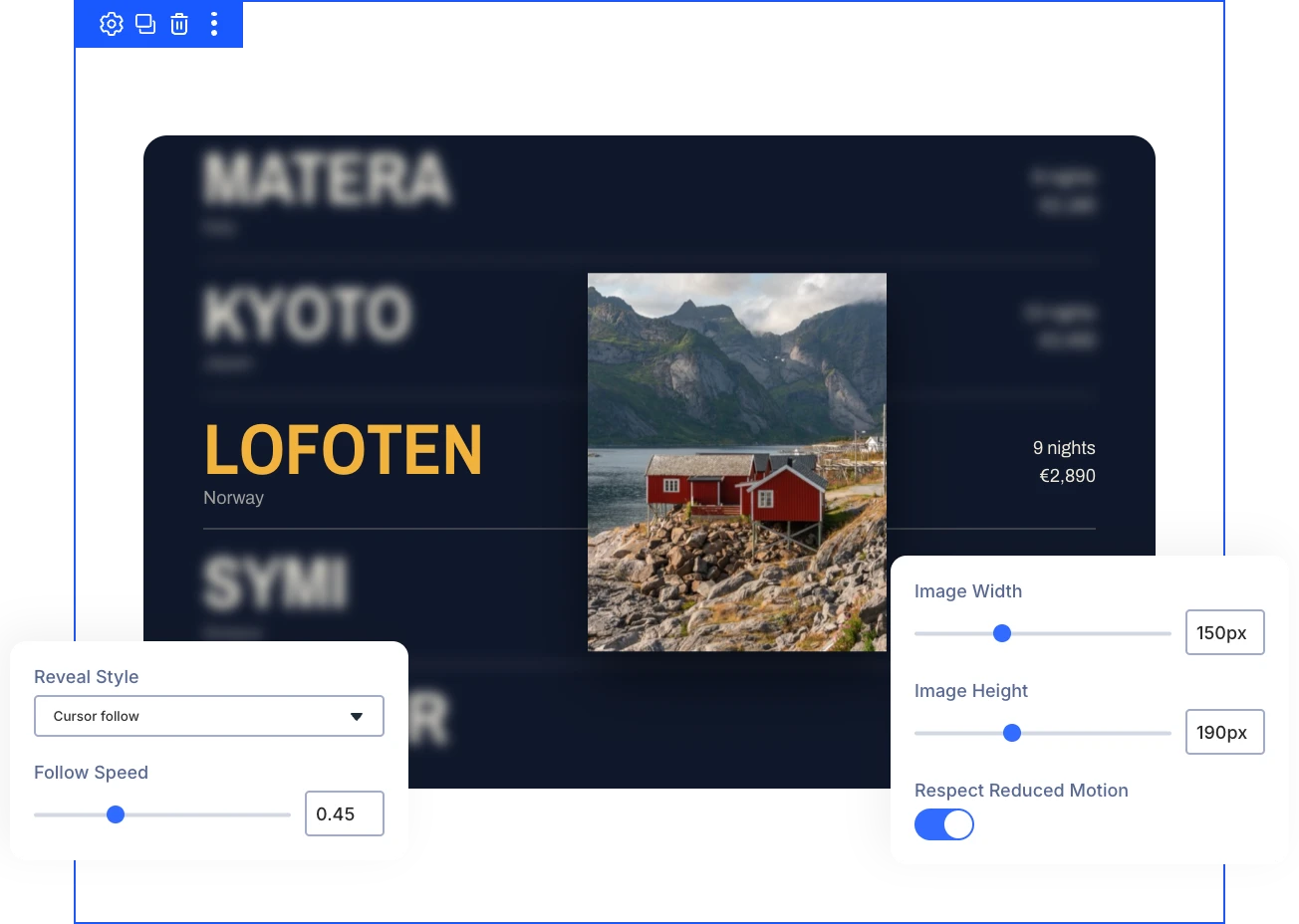
Four Reveal Styles
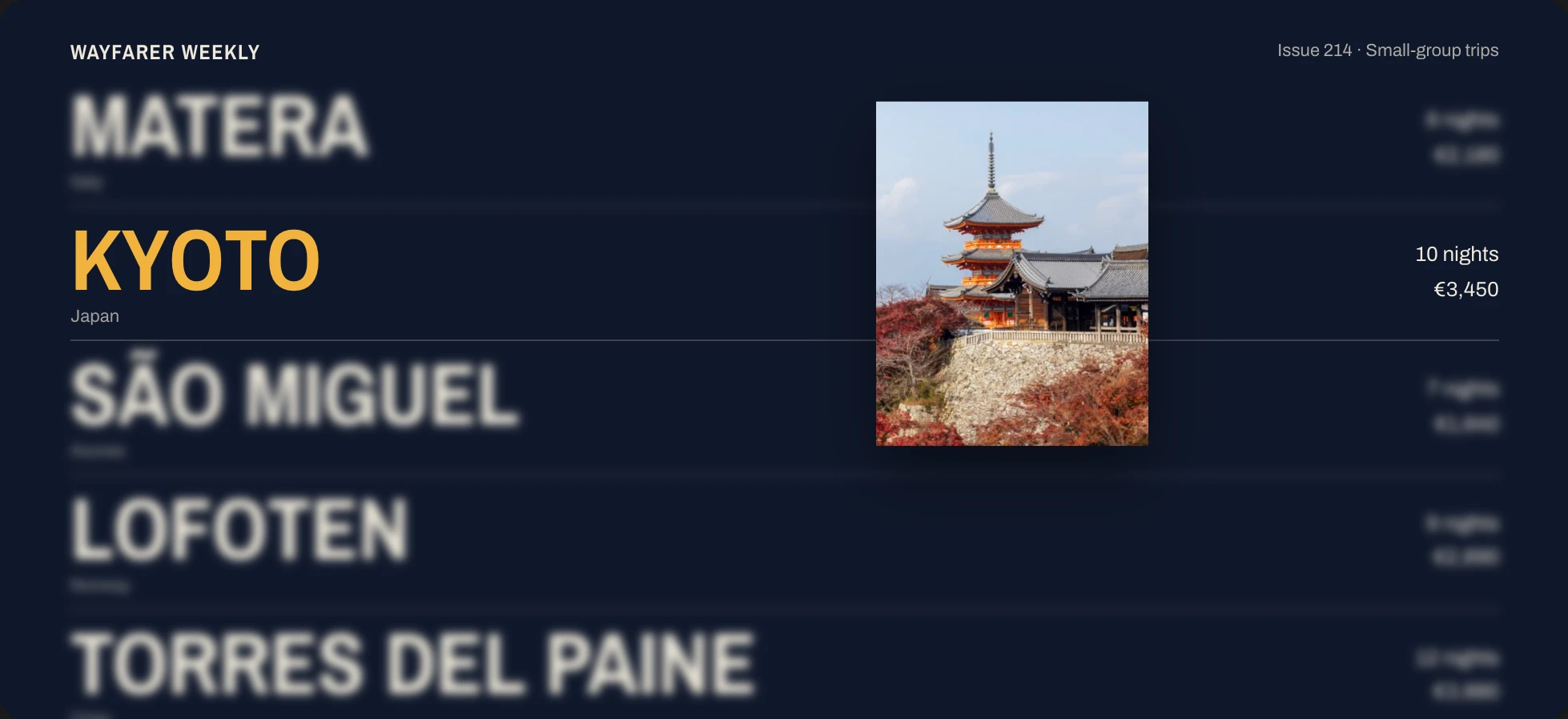
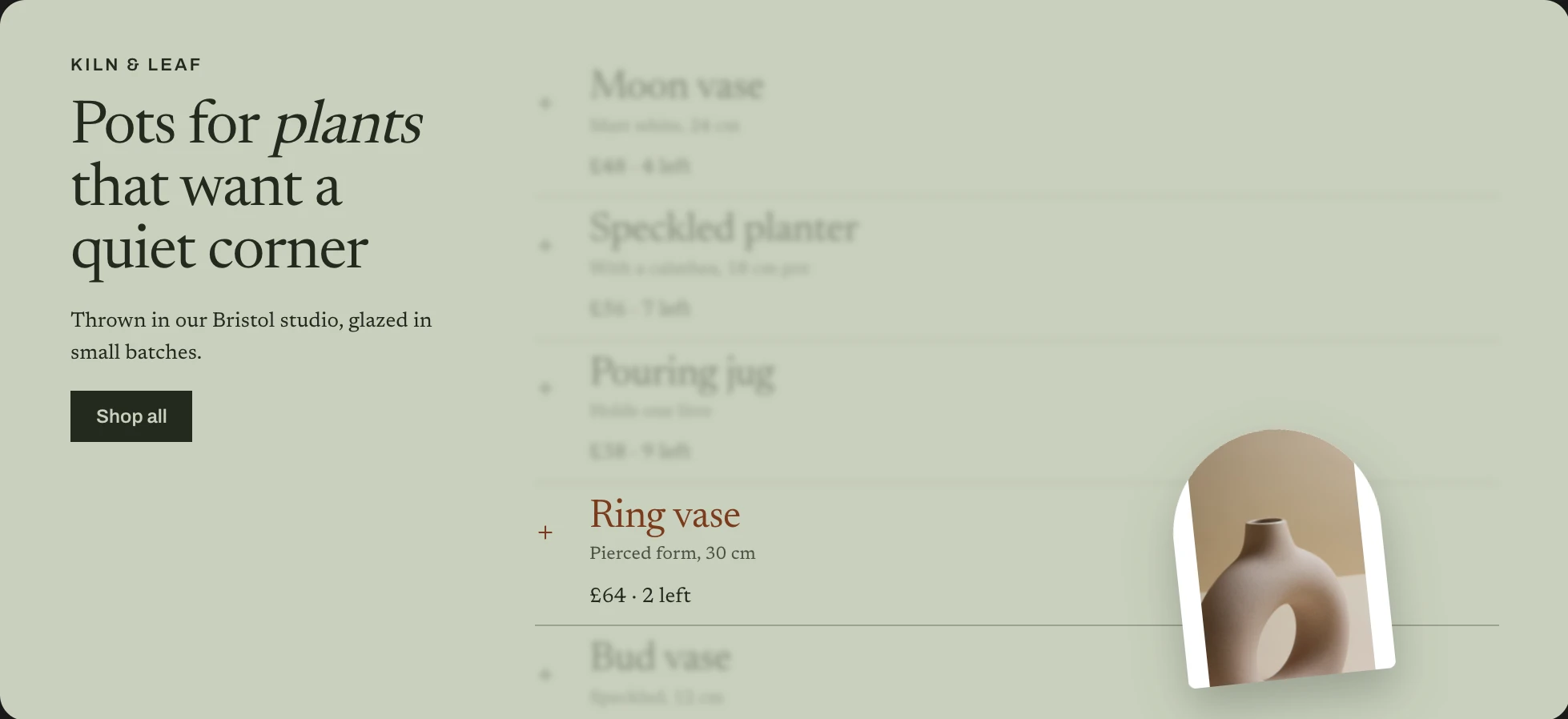
Cursor Follow, Tumble, Side Preview, or Inline Expand reveal row images in four distinct ways, so one list adapts to any layout you design.
Active Row Focus
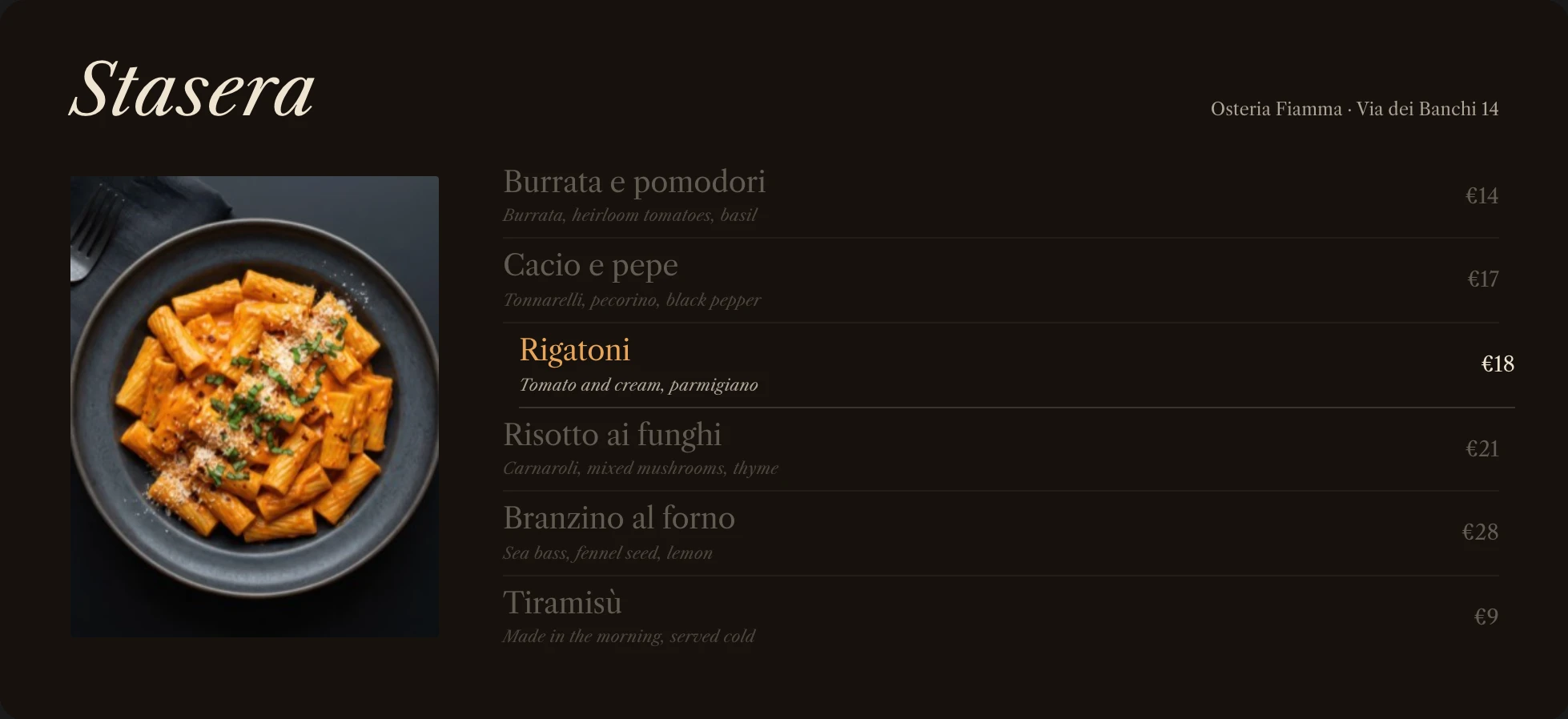
Inactive rows can blur and fade while one row is active, so visitors look at the chosen item and its image first.
Touch and Keyboard
Rows reveal on tap and links work with click or keyboard, so the list stays easy to use on phones and without a mouse.
Build Image ListsThat Reveal More and Still Stay Scannable
Pack Each Row With Useful Details
- Pair each title with a short subtitle beneath it, such as a role, client, or category.
- Add a description, such as a place, tag, price, or count, beside the title or below it.
- Make each whole row a link to any page, so visitors can open the full project or profile.
- Place buttons, text, or any other Divi module inside a row, below its description, with Add Element.
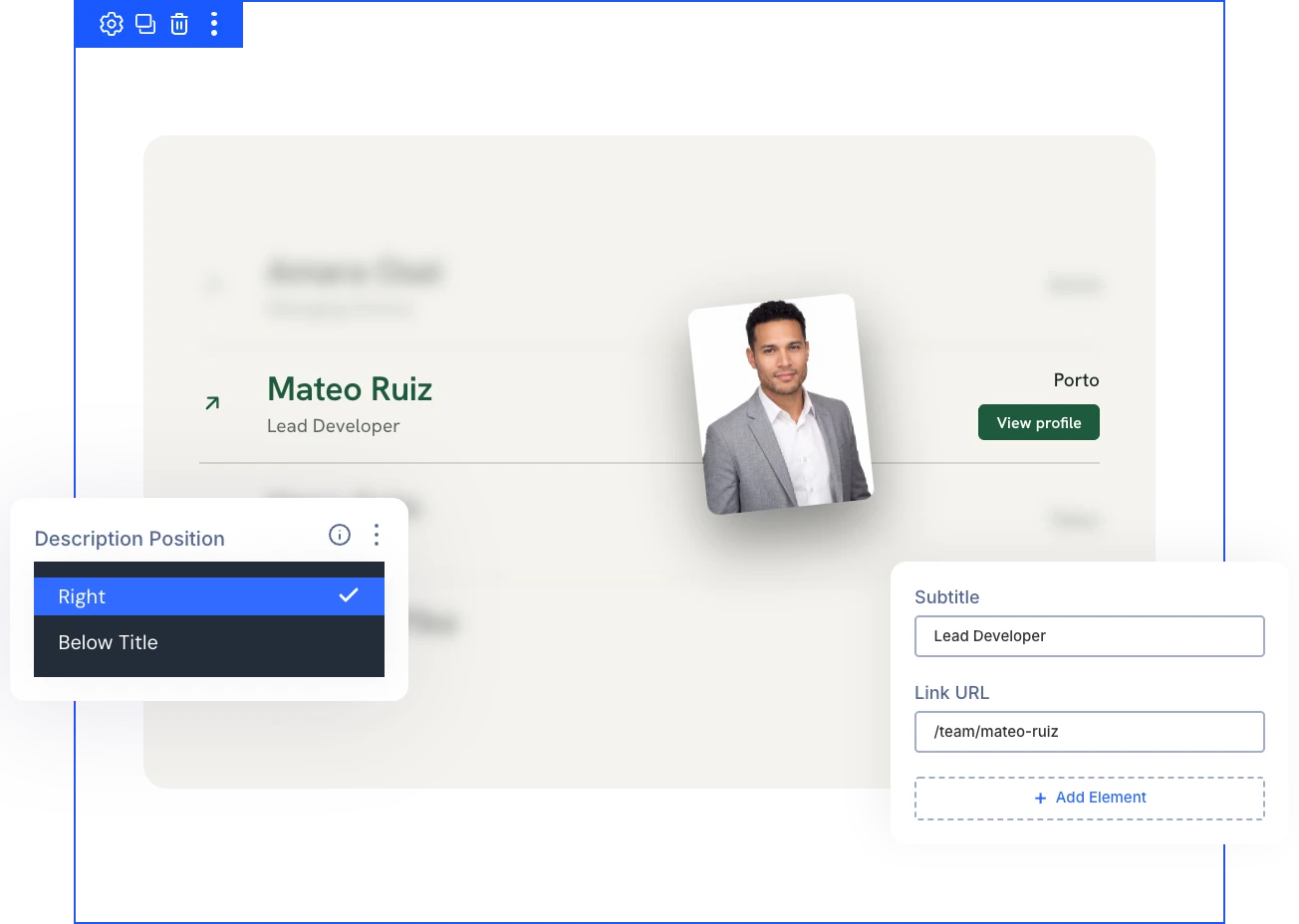
Choose How Each Row's Image Appears
- Make the image trail the cursor with a Follow Speed from snappy to softly lagging.
- Dock the preview frame on the right, left, top, or bottom of the list with Side Preview.
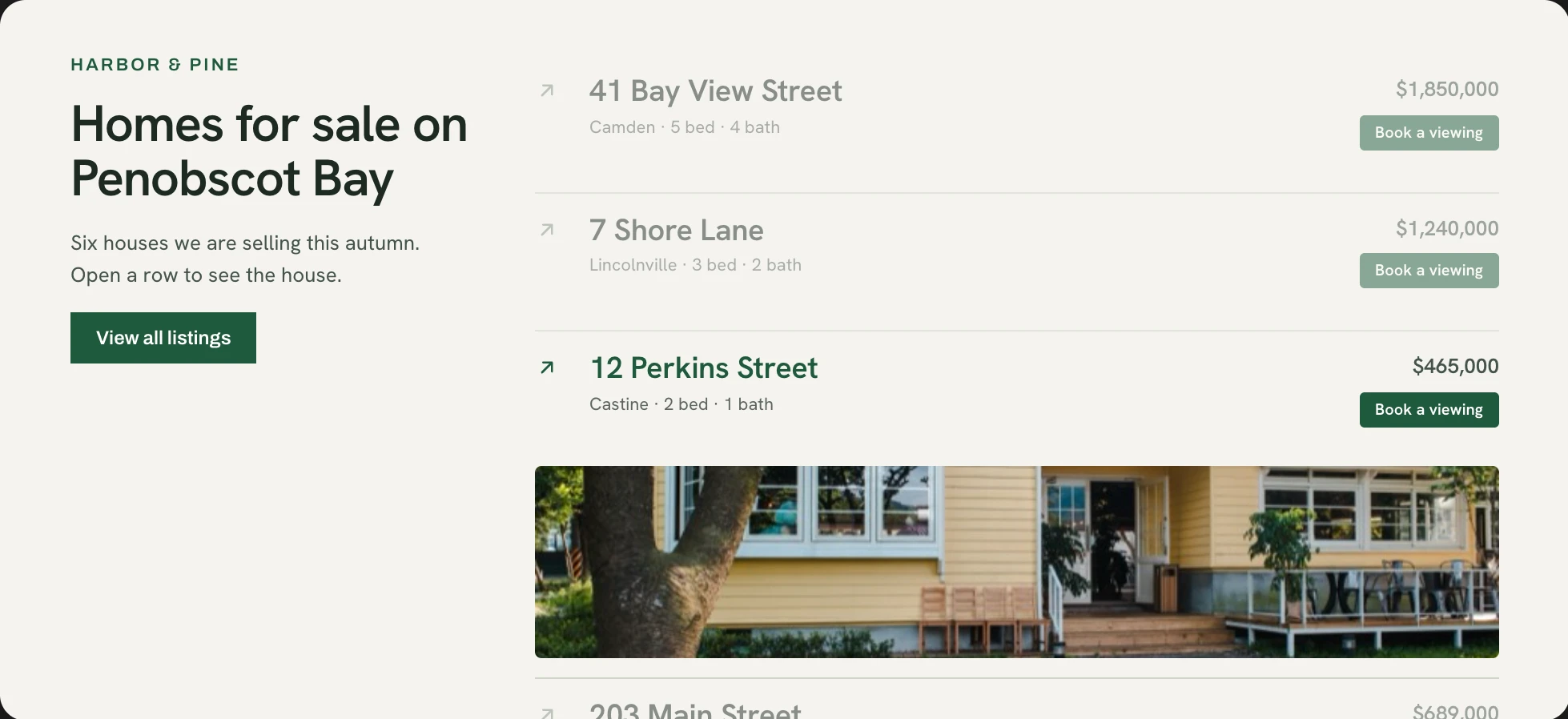
- Open an image strip beneath the active row with Inline Expand, a compact choice for narrow layouts.
- Keep faces in view by choosing which part of each photo stays visible when cropped.
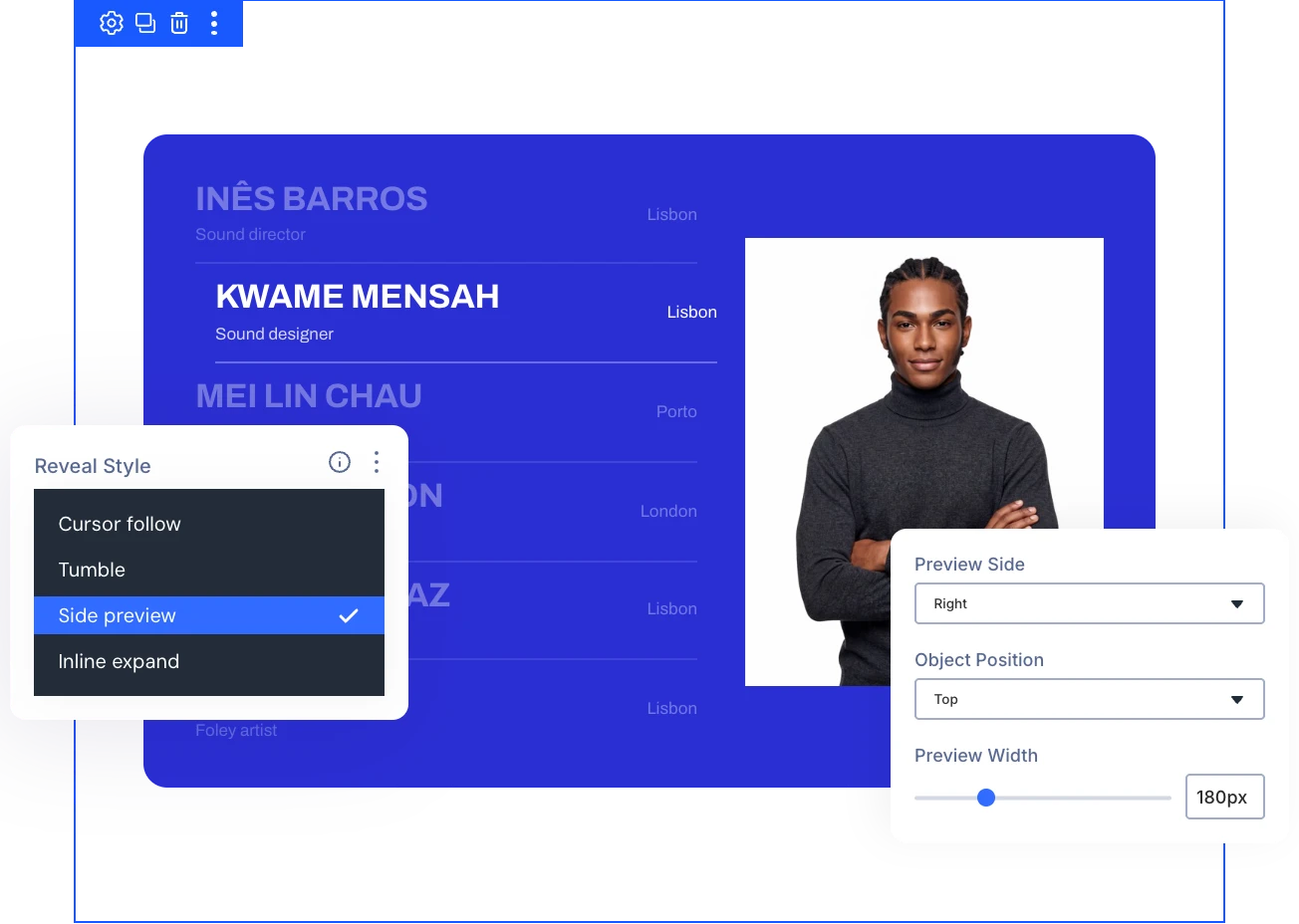
Keep Attention on the Row Visitors Choose
- Start from inactive-row blur and opacity defaults set per reveal style, then override either one.
- Recolor the active row's title and icon to match your brand when visitors hover, tap, or focus.
- Shift each row's background and border on hover so the active row reads as selected.
- Keep every visitor comfortable with Respect Reduced Motion, which shows image previews without animated fades or movement.
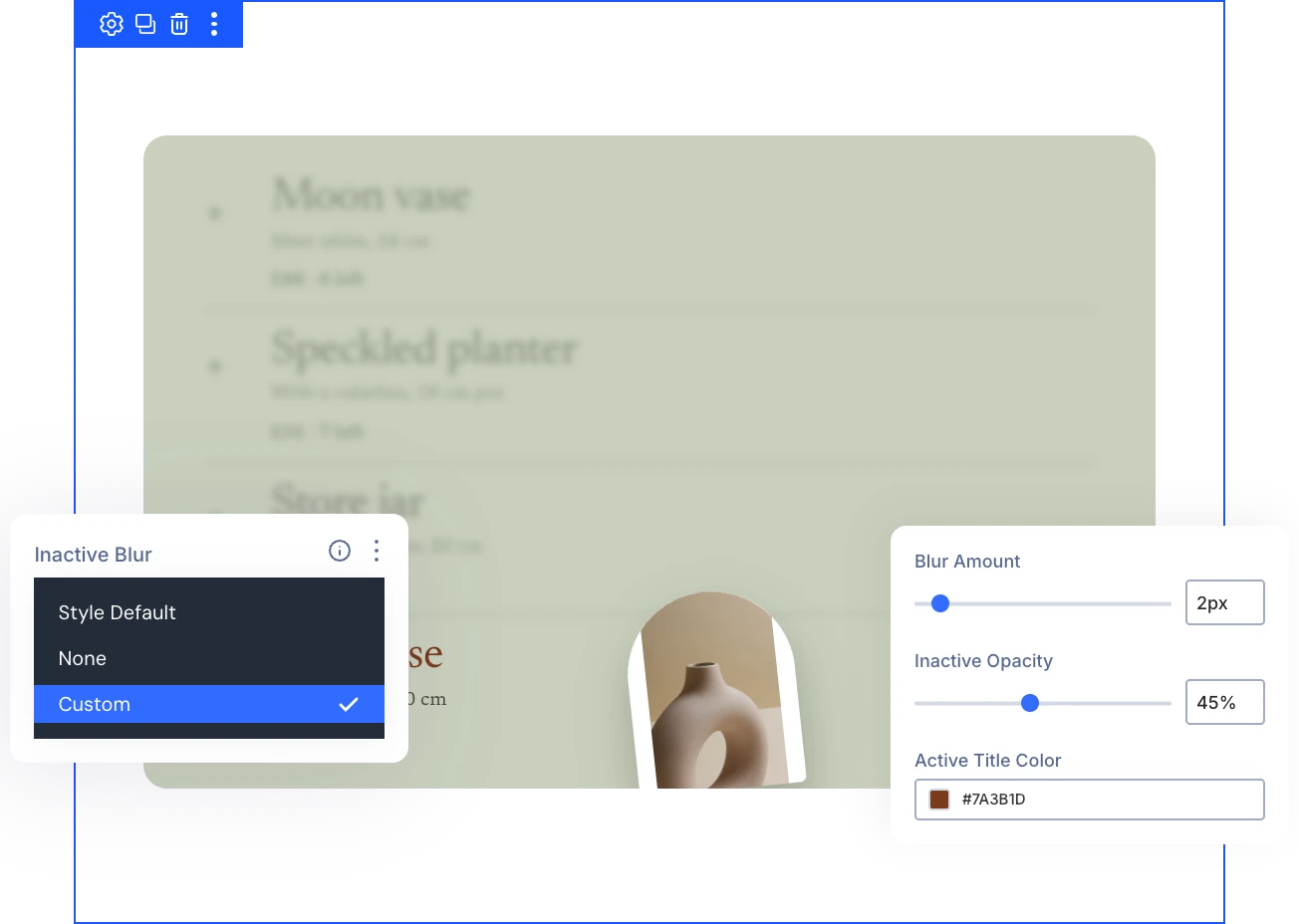
Size and Style Every Row and Image
- Set the exact size of floating images, the side preview frame, or the expanding image strip.
- Frame revealed images with a border and shadow so every preview matches your card style.
- Give every row its own background, spacing, border, and shadow to match your design.
- Override the shared row style on a single item so featured rows stand apart.
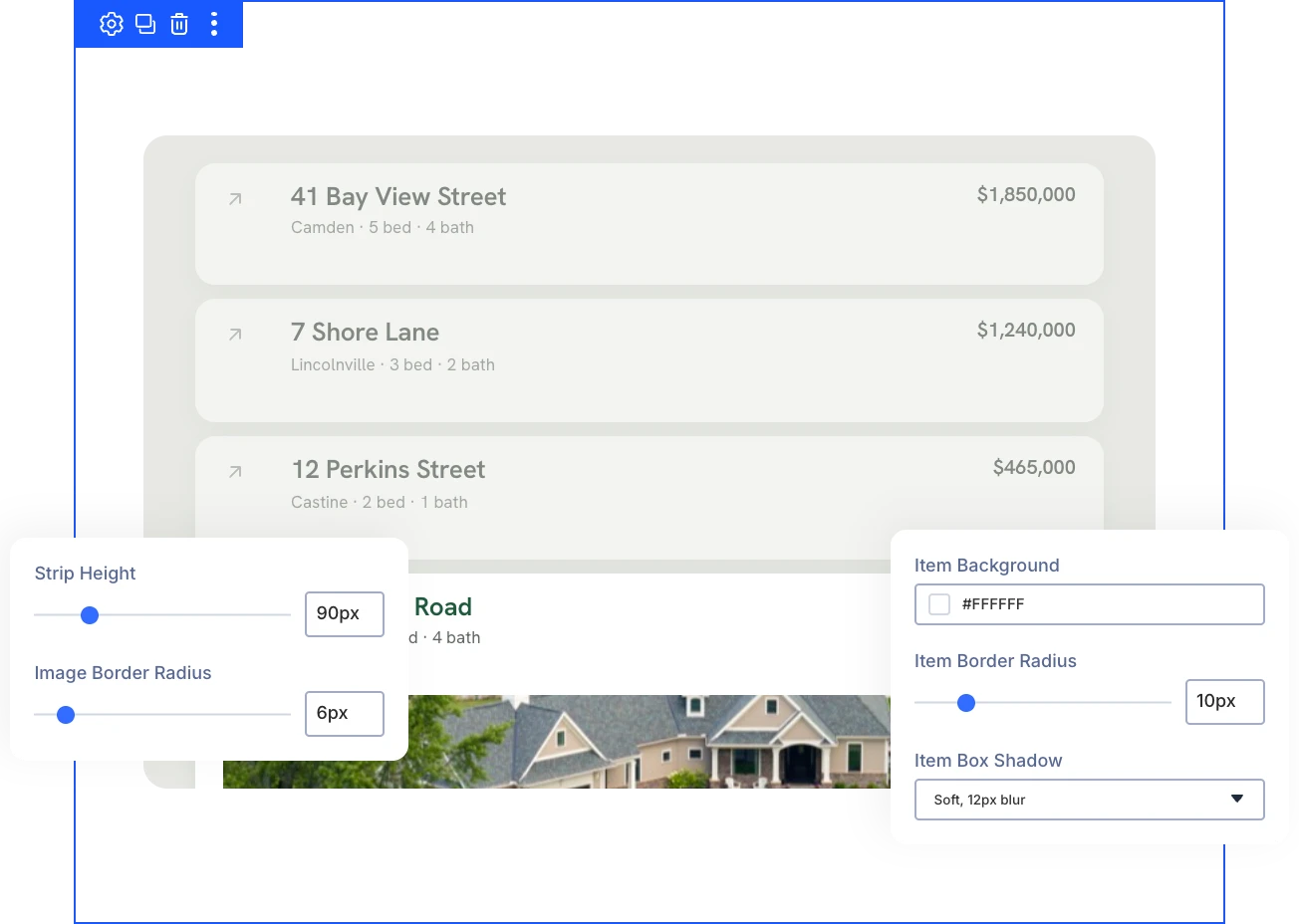
Free Ready-to-Use Image Hover List Layouts to Get Started
Skip the blank canvas. Our pre-made Image Hover List layouts are fully customizable, responsive on every device, and ready to drop into any Divi page, saving you time from the first click.


Ready to Turn Your Next List Into Something Visitors Want to Explore?
Helpful Resources
Documentation
Divi Horizontal Scrolling Animation Overview

Video
How to Use Divi Horizontal Scrolling Module

Coming Soon
Try DiviMotion Risk-Free for 30 Days
Not sure yet? Every DiviMotion plan comes with a 30-day money-back guarantee. Try it on your site, and if it's not the right fit, you get a full refund — no questions asked.
Frequently Asked Questions
Everything you need to know about Image Hover List before you get started.
What Is the Divi Image Hover List?
The Divi Image Hover List is a DiviMotion module for Divi 5 that turns a list of rows into a gallery, revealing a different image for each row on hover or tap.
What Can I Build With Image Hover List?
Portfolio and project indexes, service menus, team directories, and location or event lists all work. Use the subtitle for a role or client and the description for a place, tag, or price.
Which Version of Divi Does It Require?
Image Hover List requires Divi 5, like every DiviMotion feature.
How Do I Enable Image Hover List?
Image Hover List is switched off by default. Enable it under DiviMotion → Modules in your WordPress dashboard, and it appears in the Divi Builder.
How Do I Add Rows to the List?
Use Add New Item in the Content tab to add, rearrange, edit, or remove rows. Each item has its own title, image, link, and design settings.
Which Reveal Style Should I Choose?
Choose Cursor Follow for a floating image that trails the cursor, Tumble for an image that tumbles in beside the row, Side Preview for a fixed frame beside, above, or below the list, and Inline Expand for a strip that opens beneath the row.
How Do I Make a Row Link to a Page?
Add a Link URL to the item, and the whole row becomes a link that works with click and keyboard.
How Do I Add Buttons or Other Modules to a Row?
Use Add Element on an item to add any Divi module, such as a Button. Added modules appear below the description and keep their own settings and links.
How Do I Focus Attention on the Active Row?
Set Inactive Blur and Inactive Opacity to Style Default, None, or Custom, then adjust Blur Amount and Opacity. Active Title Color and Active Icon Color restyle the row visitors hover, tap, or focus.
How Do I Keep Faces Visible When Images Are Cropped?
Set Object Position in the Image settings to Top. It keeps the top of each photo in view, which suits team and speaker lists.
Does Image Hover List Work on Touch Screens?
Inline Expand opens its image strip on tap. For linked rows, the first tap reveals the image and the second tap follows the link. Phones also place descriptions below the title by default.
How Does Image Hover List Handle Reduced Motion?
Respect Reduced Motion, in the Layout settings, shows image previews without animated fades or movement for visitors who prefer reduced motion.