

The Horizontal Scrolling Text module lets you animate text horizontally as visitors scroll, with controls for direction, scroll length, smoothing, and letter reveal effects.
Important Note: Horizontal Scrolling Text was introduced in v2.2.0 and is disabled by default. To enable it, go to WordPress Dashboard > DiviMotion > Modules, then enable Horizontal Scrolling Text.
Here is an overview of the Horizontal Scrolling Text module settings.
Content Tab
The Content tab lets you add the text, control its horizontal scroll movement, configure the letter reveal effect, and manage advanced motion options.
Text
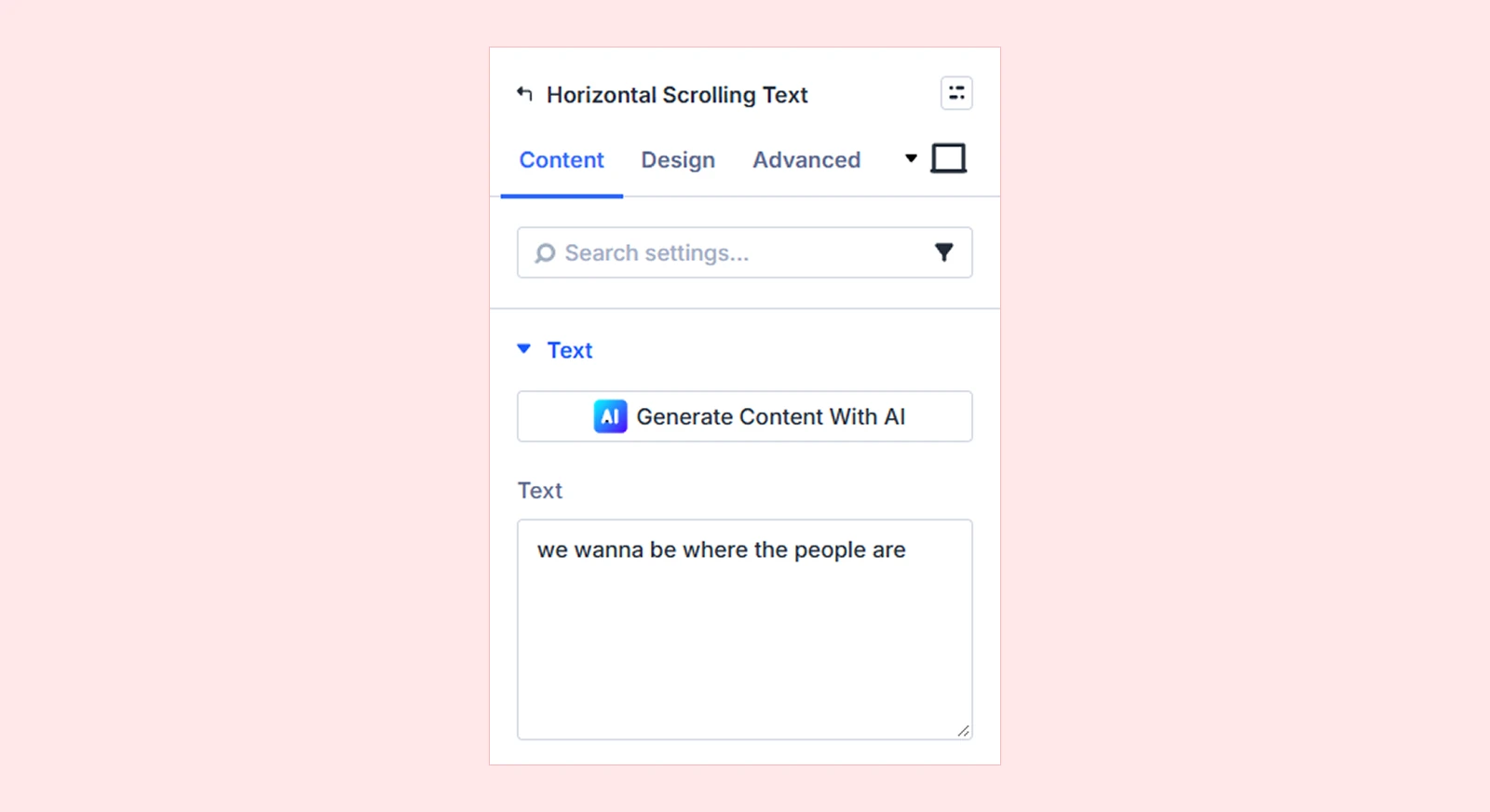
- Text: Enter the text you want to display and animate.
Scroll Motion
Use these settings to control how the text moves as visitors scroll.
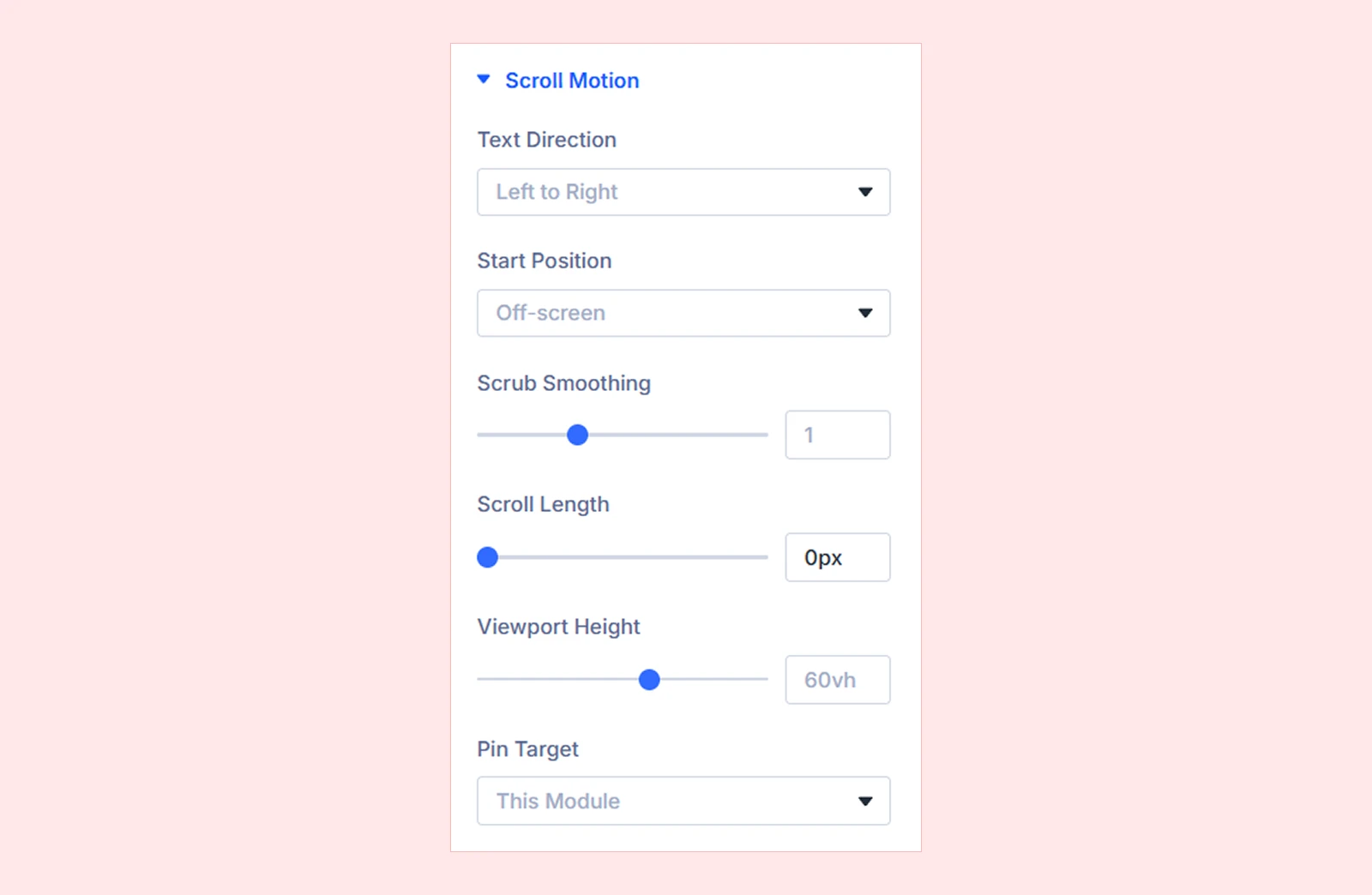
- Text Direction: Choose the horizontal direction the text moves.
- Left to Right
- Right to Left
- Start Position: Choose where the text starts before the scroll animation begins.
- Scrub Smoothing: Control how smoothly the text movement follows the page scroll.
- Scroll Length: Set how much scrolling is required to complete the text movement.
- Viewport Height: Set the viewport height used for the scroll motion and pinned area.
- Pin Target: Choose which element stays fixed while the scroll animation runs, such as the module, parent row, or parent section.
Letter Reveal
Use these settings to control how individual letters appear during the animation.
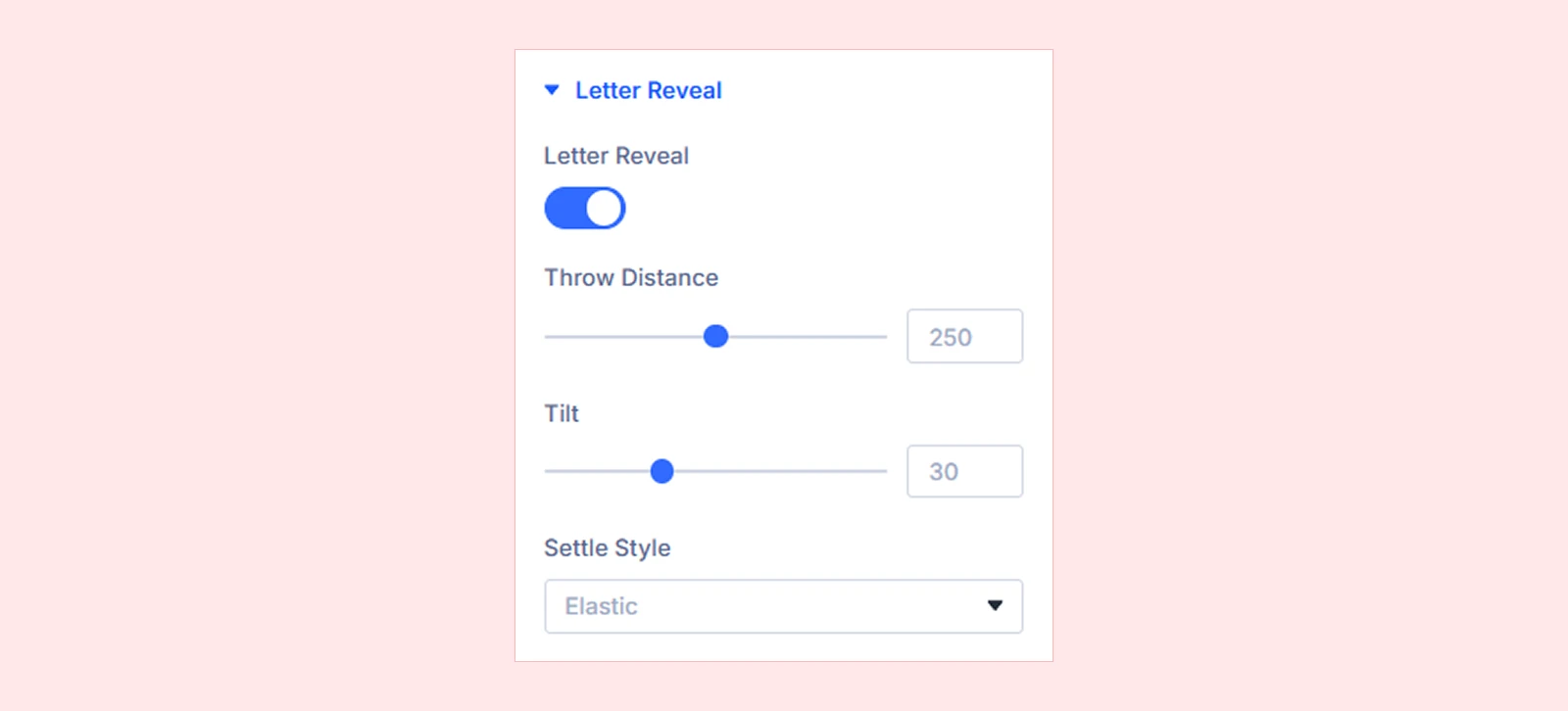
- Letter Reveal: Enable or disable the individual letter reveal effect.
- Throw Distance: Set how far the letters move before settling into place.
- Tilt: Control the rotation or tilt applied to the letters during the reveal.
- Settle Style: Choose how the letters finish their movement and settle into position. You can choose from:
- Elastic: Adds a spring-like movement before the letters settle.
- Back: Moves slightly past the final position, then returns.
- Power (Smooth): Creates a smooth and controlled finish.
- Bounce: Makes the letters bounce before settling.
- None: Applies no extra settling effect.
Advanced
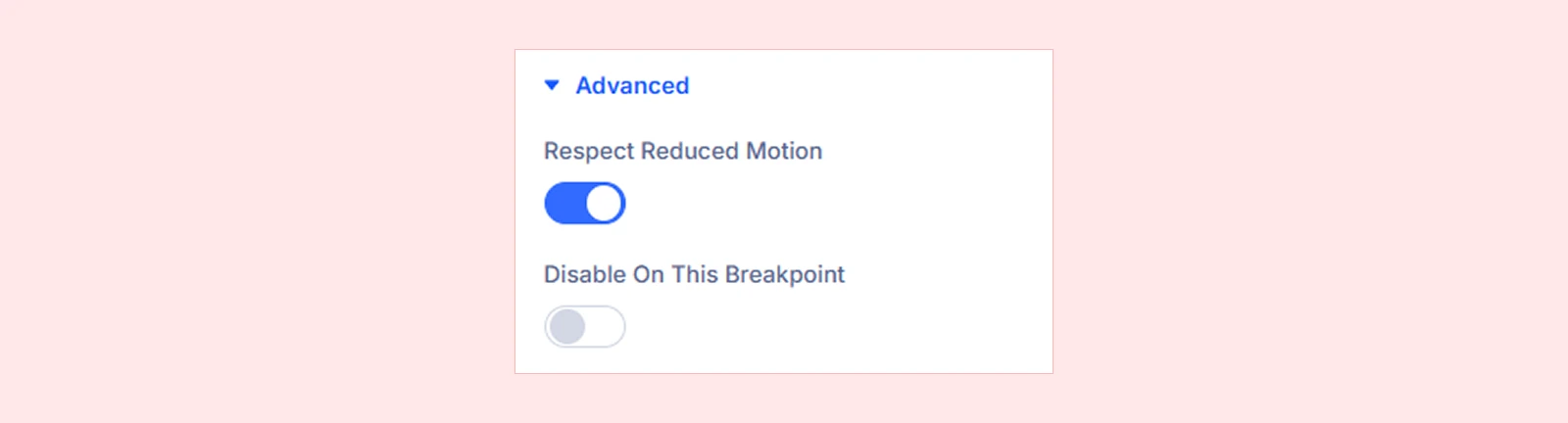
- Respect Reduced Motion: Show the text normally without pinning or horizontal movement for visitors who prefer reduced motion.
- Disable On This Breakpoint: Disable the Horizontal Scrolling Text effect on the current breakpoint. The text will display normally without the horizontal scroll animation.
Background: Add a background color, gradient, image, video, pattern, or mask to the module.
Element Label: Add an internal label to identify the module more easily inside the Divi Builder.
Design Tab
The Design tab lets you customize the text appearance, sizing, spacing, and other visual properties of the Horizontal Scrolling Text module.
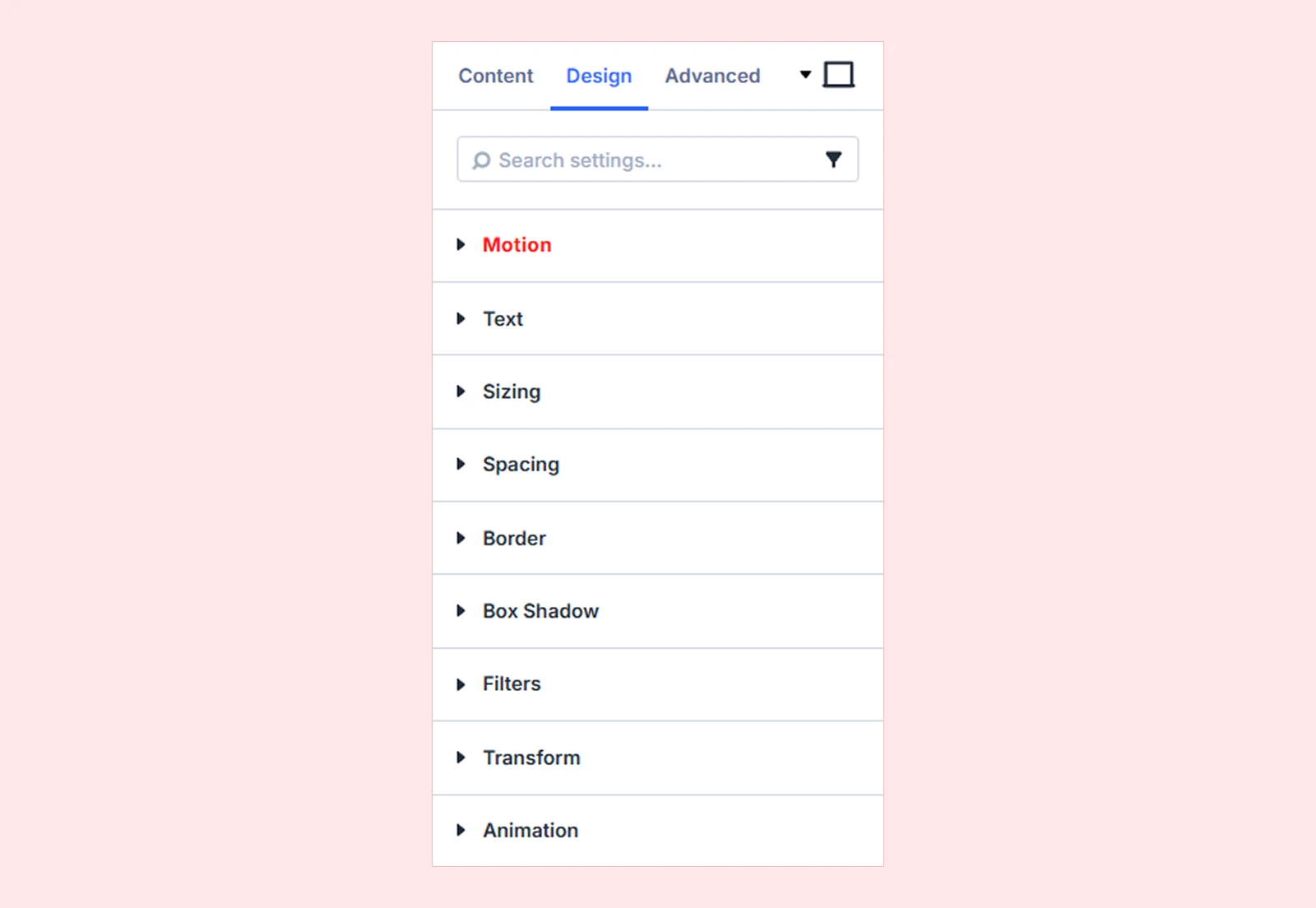
Motion: Configure interaction and animation settings for the module.
Text: Customize the font, size, weight, alignment, and other typography settings for the text.
Sizing: Adjust the module's width, height, and alignment.
Spacing: Configure the module's margin and padding.
Border: Customize the border radius, style, width, and color.
Box Shadow: Add a shadow around the module.
Filters: Apply visual effects such as opacity, brightness, and contrast.
Transform: Scale, rotate, move, or skew the module.
Animation: Apply Divi's built-in entrance animations to the entire Horizontal Scrolling Text module.
Advanced Tab
The Advanced tab provides Divi’s standard controls for custom CSS, visibility conditions, transitions, attributes, positioning, and other advanced settings.
Need Help?
If you have any questions or need assistance, contact our support team: [email protected]


