

Divi Gravity Box Physics Animation
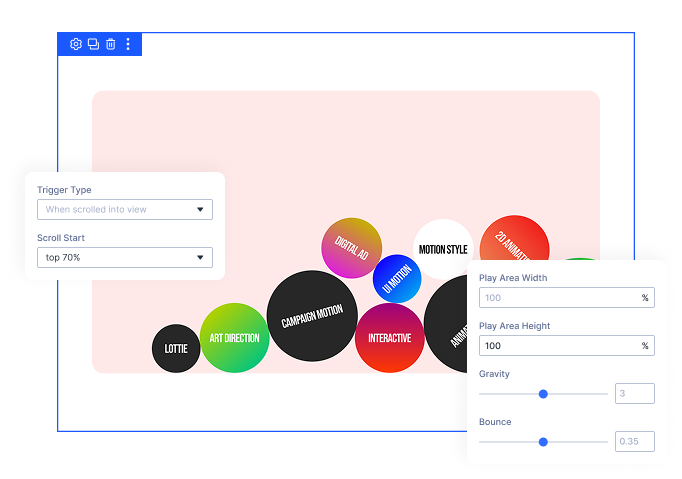
DiviMotion's Gravity Box turns the elements inside a box into real physics objects — they drop under gravity, collide with each other and the walls, bounce, and settle into a pile. Let visitors grab one and fling it across the screen, and it moves with real momentum.
Real Physics Simulation
Every element inside the box becomes a body that falls, collides with its neighbors, and stacks up exactly the way real objects would.
Grab and Throw
Dragging and throwing is on by default — visitors pick up any element and fling it, and it flies off with real momentum before gravity pulls it back down.
Drops Right on Cue
Start the whole thing on scroll, page load, or hover, so the reveal lands exactly when you want it to.
Turn Static ElementsInto Objects Visitors Can Actually Play With
Fill the Box With Anything Divi Can Buildt
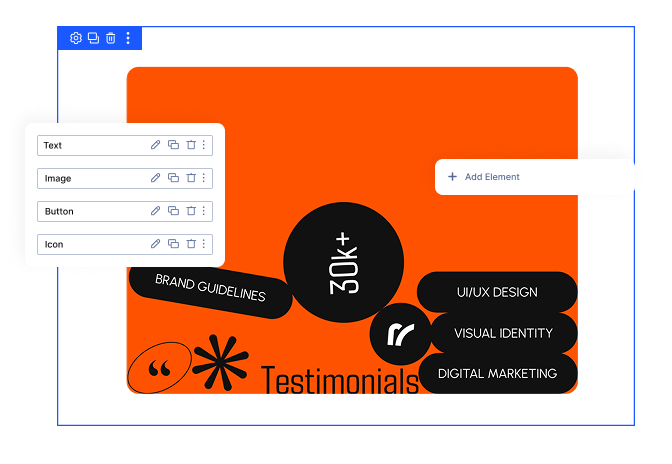
- Drop in images, blurbs, buttons, icons, or text as elements inside the box — each one becomes its own falling body
- Reorder elements from the element list or the layers panel, just like any other Divi content
- Elements sit in a normal layout inside the builder and only come alive on the live page
- Mix element types freely for logo walls, skill tags, awards, or sticker piles
Dial In Exactly How It Feels
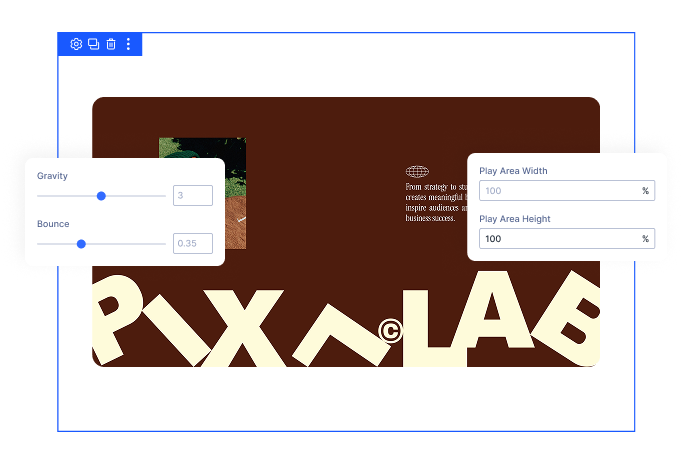
- Frame the space with a play area width and height that set the walls and floor
- Make the drop slow and dreamy or fast and punchy by adjusting gravity strength
- Control how lively the landing is, from a soft settled pile to elements that keep rebounding
- Extend the play area past the row for a full-bleed effect, or keep it inside your content
- Set play area size per device so the box never takes over a small screen
Control the Interaction and Timing
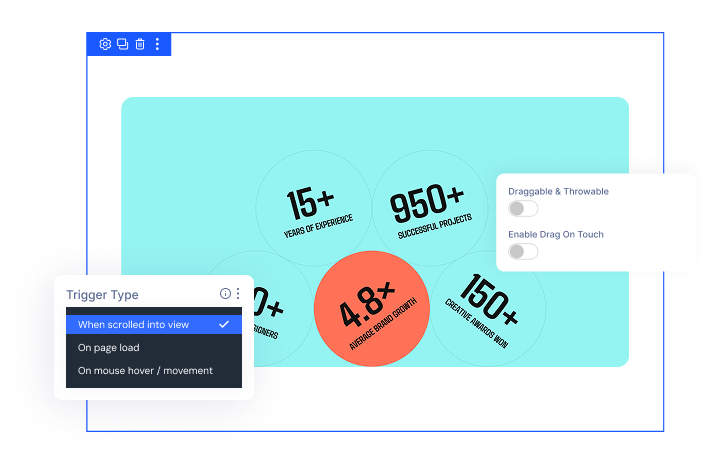
- Dragging and throwing is on by default — turn it off to keep the drop as a one-time animation
- Trigger the drop on scroll, page load, or hover
- Fine-tune where on the screen the scroll trigger fires
- Touch dragging is off by default, so the box never blocks scrolling on phones
- Respects reduced-motion preferences automatically; disable physics on any breakpoint
Free Ready-to-Use Gravity Box Layouts to Get Started
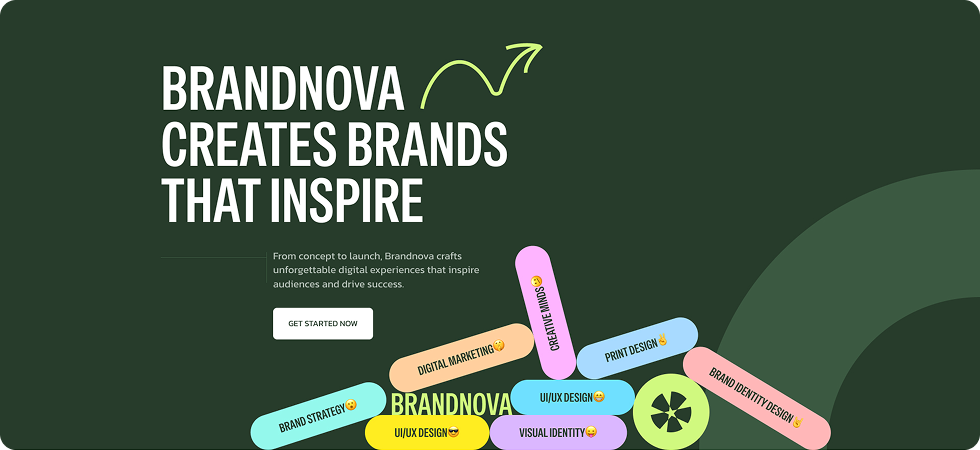
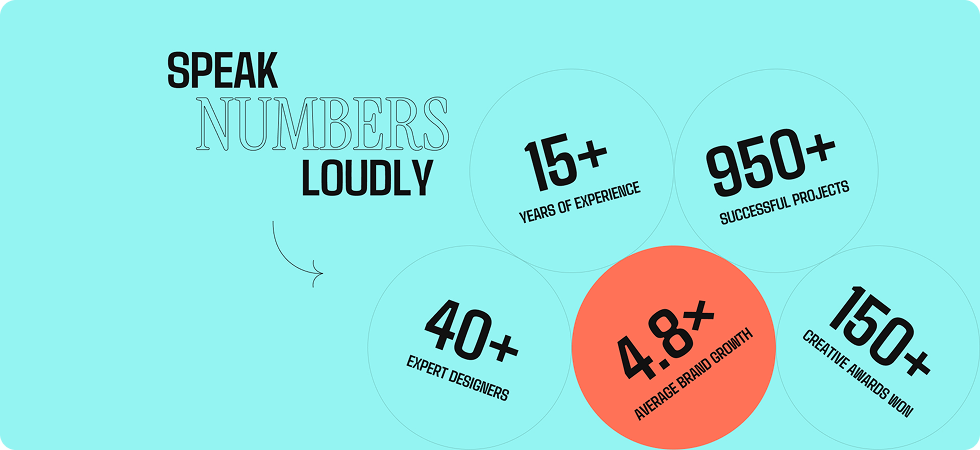
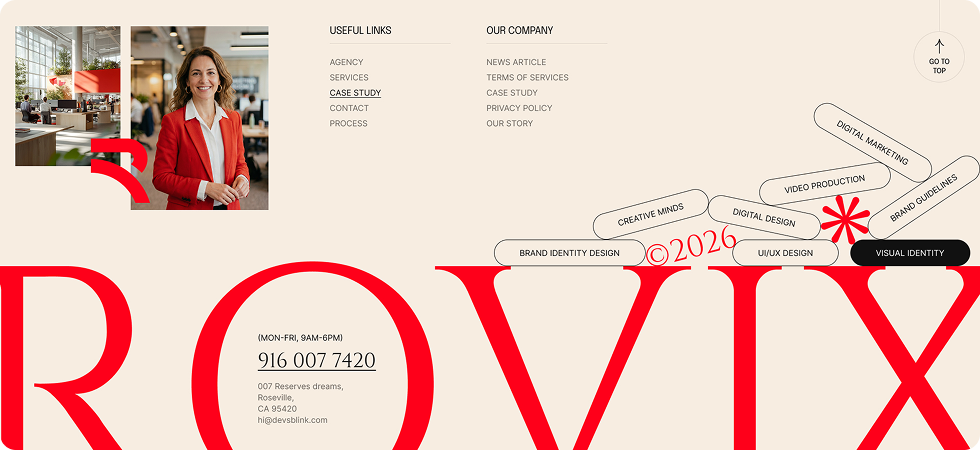
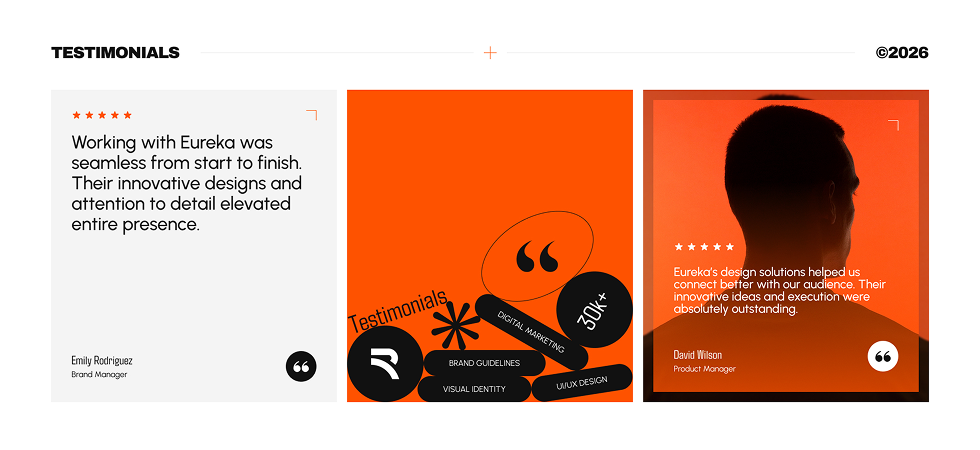
Skip the setup and go straight to publishing. Our pre-built Gravity Box layouts are fully customizable, responsive on all devices, and ready to drop into any Divi page. Choose a layout, swap in your own logos or icons, and your interactive physics section is live in minutes.


DiviMotion Gravity Box vs Manual Divi / Custom Code — Which One Gives You More Control?
| Feature | DiviMotion Gravity Box | Manual Divi / Custom Code |
|---|---|---|
| Physics simulation for page elements |  Built-in Built-in |  Not available Not available |
| Elements collide with each other | Built-in | Not available |
| Gravity and bounce control | From the Divi panel | Not available |
| Drag and throw with real momentum | Built-in, on by default | Not available |
| Defined play area with walls and floor | Width and height controls |  Custom JavaScript needed Custom JavaScript needed |
| Trigger on scroll, load, or hover | All three | Custom JavaScript needed |
| Use any Divi module as a falling object | Images, blurbs, buttons, icons, text | Not available |
| Responsive play area sizing | Per device, from the panel | Media queries written by hand |
| Touch-safe scrolling by default | Built-in | Manual event handlingS |
| Reduced-motion support | On by default | Manual media query |
| Disable on any breakpoint | One toggle per device | Custom CSS |
Ready to Give Your Visitors Something They Can Actually Play With?
Helpful Resources
Documentation
Divi Gravity Box Physics Animation Module Overview

Video
How to Use Divi Gravity Box Physics Animation Module

Coming Soon
Try DiviMotion Risk-Free for 30 Days
Not sure yet? Every DiviMotion plan comes with a 30-day money-back guarantee. Try it on your site, and if it's not the right fit, you get a full refund — no questions asked.
Frequently Asked Questions
Everything you need to know about the Gravity Box module before you get started.
Is Gravity Box compatible with Divi 5?
Yes. DiviMotion is built specifically for Divi 5. It's not compatible with Divi 4 or earlier.
How do I add Gravity Box to a page?
Gravity Box is disabled by default. Enable it once in WordPress Dashboard → DiviMotion → Modules, then add the Gravity Box module to your page like any other Divi module. From there, add your images, blurbs, buttons, icons, or text as elements inside it — each one becomes its own falling body.
What can I put inside the box?
Anything Divi can build — images, blurbs, buttons, icons, and text all work as elements inside the box.
How many elements should I add?
Around a dozen is plenty for most sections. Fewer, bolder elements read better than a crowd of tiny ones, and heavy elements colliding at once is more work for lower-end phones.
Can visitors actually drag the elements?
Yes — dragging and throwing is on by default. Visitors grab an element and fling it, and it flies off with real momentum before gravity brings it back down. Turn it off if you'd rather keep the drop as a one-time animation.
Does dragging work on phones?
Touch dragging is off by default so the box never captures swipes visitors need for scrolling. Turn it on whenever the box is small enough or placed where it won't interfere.
When does the drop happen?
Your choice — scroll (as visitors reach the section), load (the moment the page opens), or hover (waits for interaction).
Is it editable in the Visual Builder?
Yes. Elements sit in a normal layout inside the builder so you can style and rearrange them easily. Physics only run on the live page and in preview.
Is it accessible?
Yes. The module respects each visitor's reduced-motion preference by default, showing elements in a static layout instead of animating them.
Will this slow down my site?
No. Gravity Box is built to stay lightweight and only runs where you've applied it.
What's the difference between Gravity Box and the Animation Builder?
The Animation Builder plays animations you design, following the exact path and timing you set. Gravity Box runs a live simulation — elements react to gravity, walls, and each other, so no two drops land quite the same way.


We offer a 30-day money-back guarantee; so joining is completely risk-free.
Don’t Just Design Divi Sites; Bring Them to Life
a