

Divi Horizontal Scrolling Text Animation
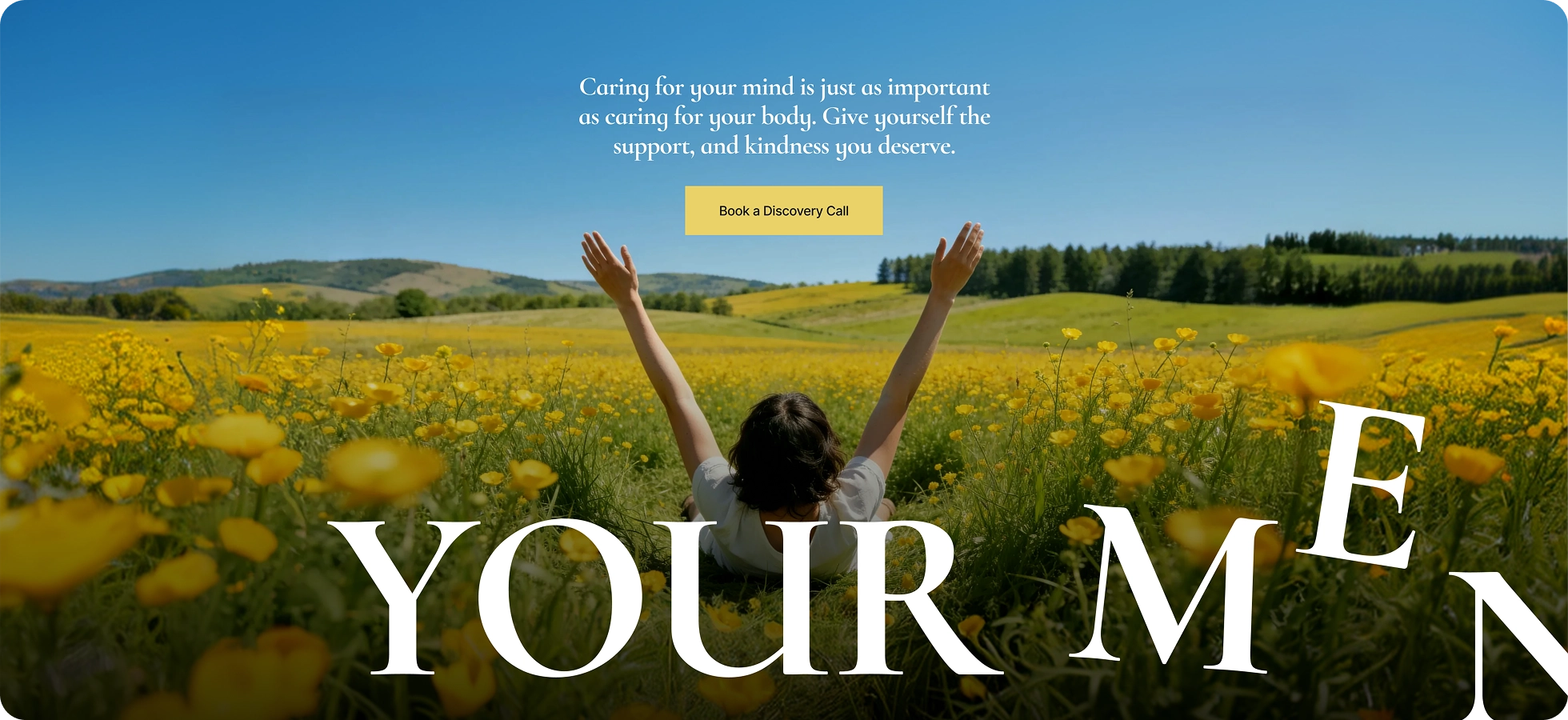
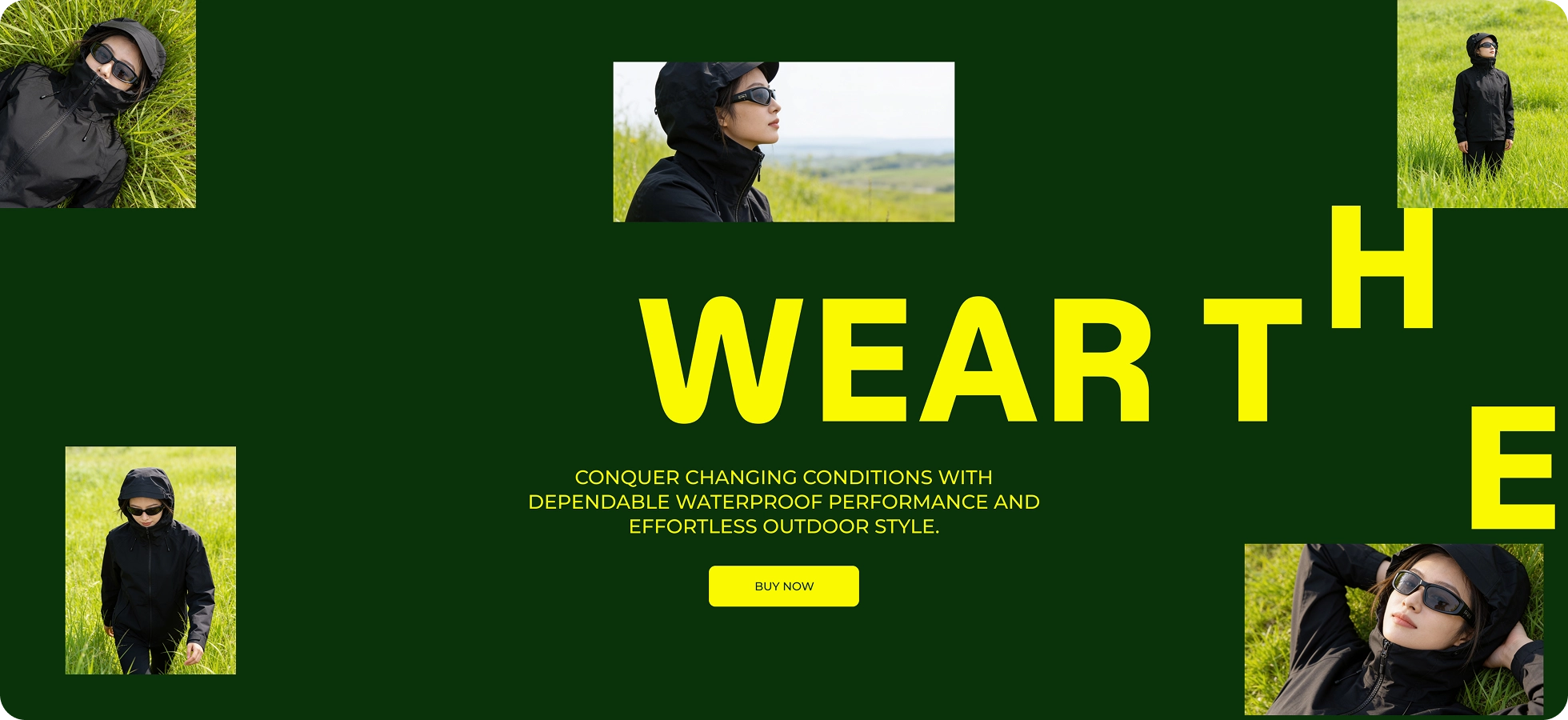
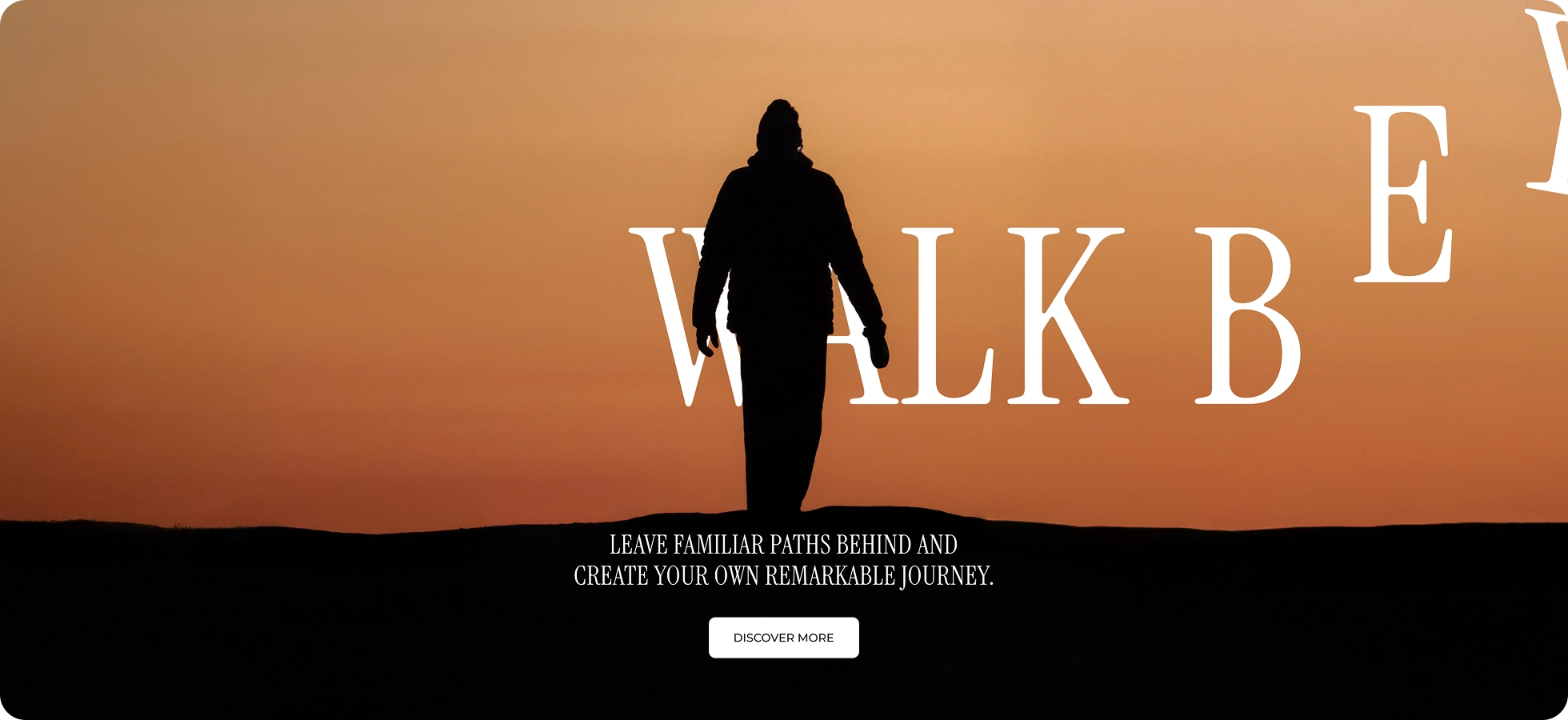
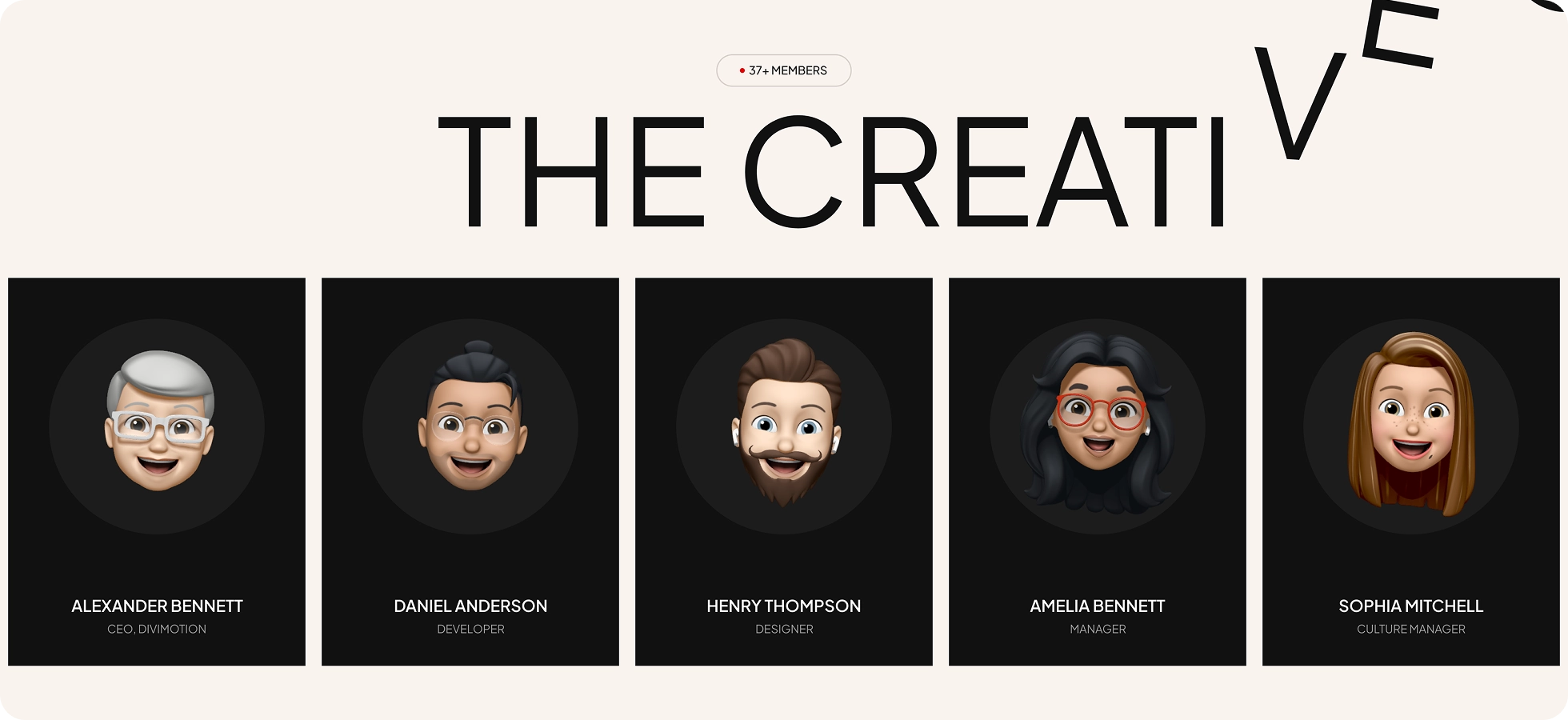
Divi Horizontal Scrolling Text module pins your headline in place and sweeps it across the screen as visitors scroll, with four letter settle styles and left-to-right or right-to-left direction control.
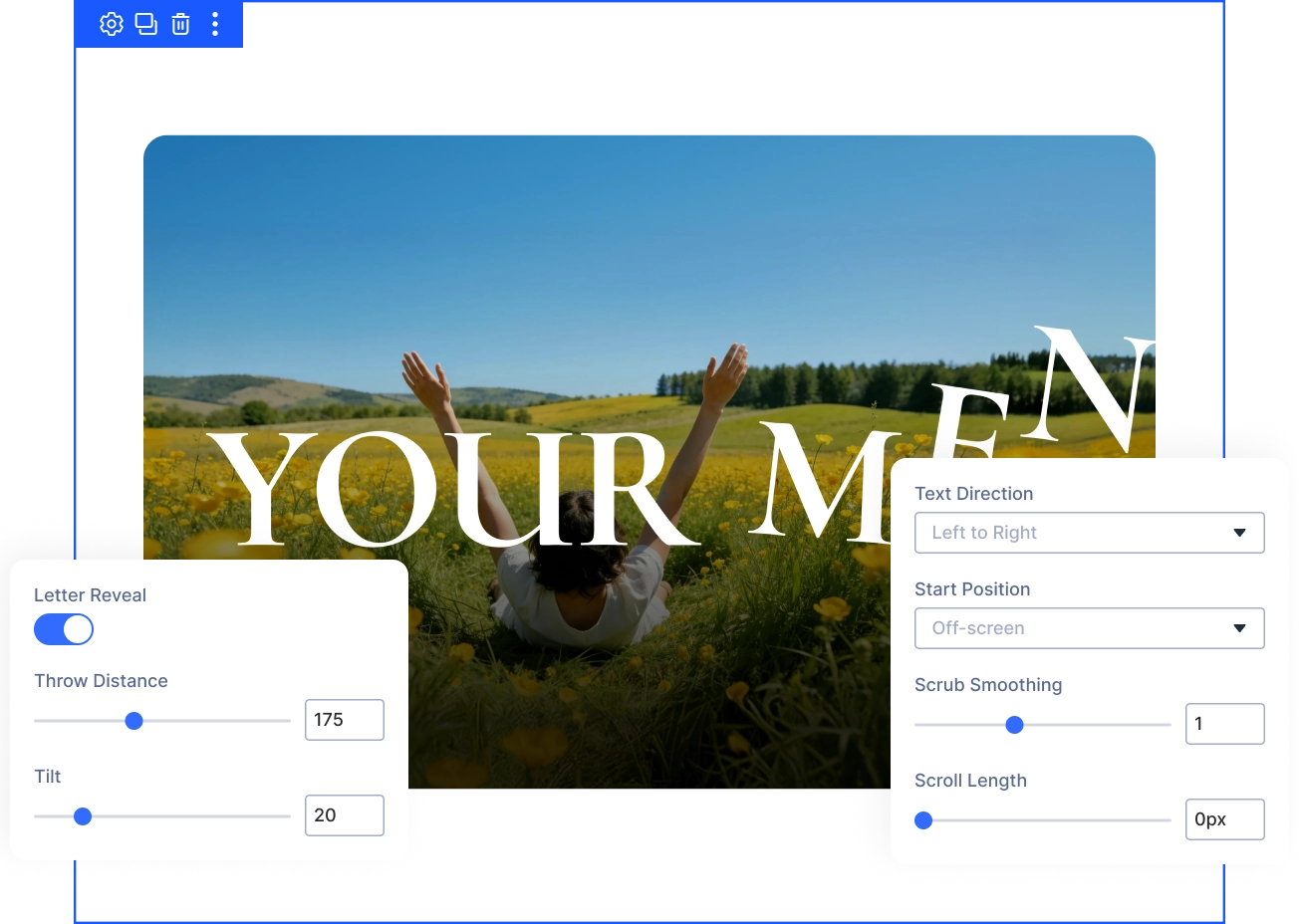
Four Settle Styles
Choose Elastic, Back, Power, Bounce, or None to control how each letter settles into place.
Full Scroll Control
Pin the module, row, or section, tune scroll length per device, and turn the effect off on any breakpoint you choose.
Real Text Always
The headline still renders as real text, so search engines and screen readers read every word normally while it animates.
Sweep HeadlinesAcross the Screen Without Losing Control
Design the Sweep to Fit Your Layout
- Set Pin Target to Parent Row or Parent Section, keeping the whole area still while it sweeps.
- Set Viewport Height from 0 to 100 percent, fitting the sweep band to your section without clipping.
- Switch Text Direction to Right to Left for languages like Arabic, keeping the sweep and letter order correct.
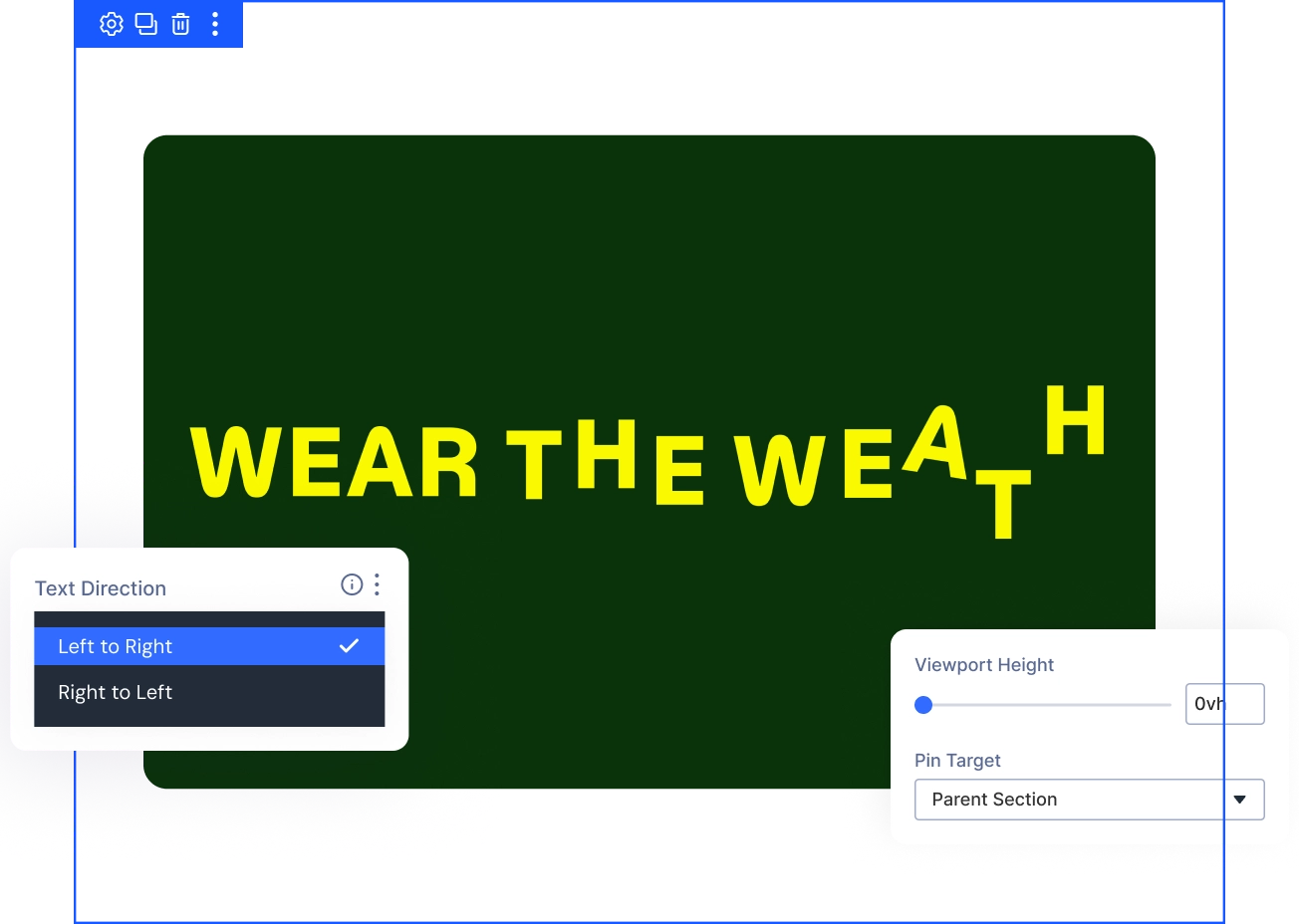
Control How Smoothly Your Headline Scrolls
- Set Scrub Smoothing from 0 to 3 seconds, choosing a tight scroll lock or a soft lag.
- Adjust Scroll Length up to 5000 pixels, controlling exactly how long the section stays pinned.
- Leave Respect Reduced Motion on by default, showing a still, centered headline to sensitive visitors.
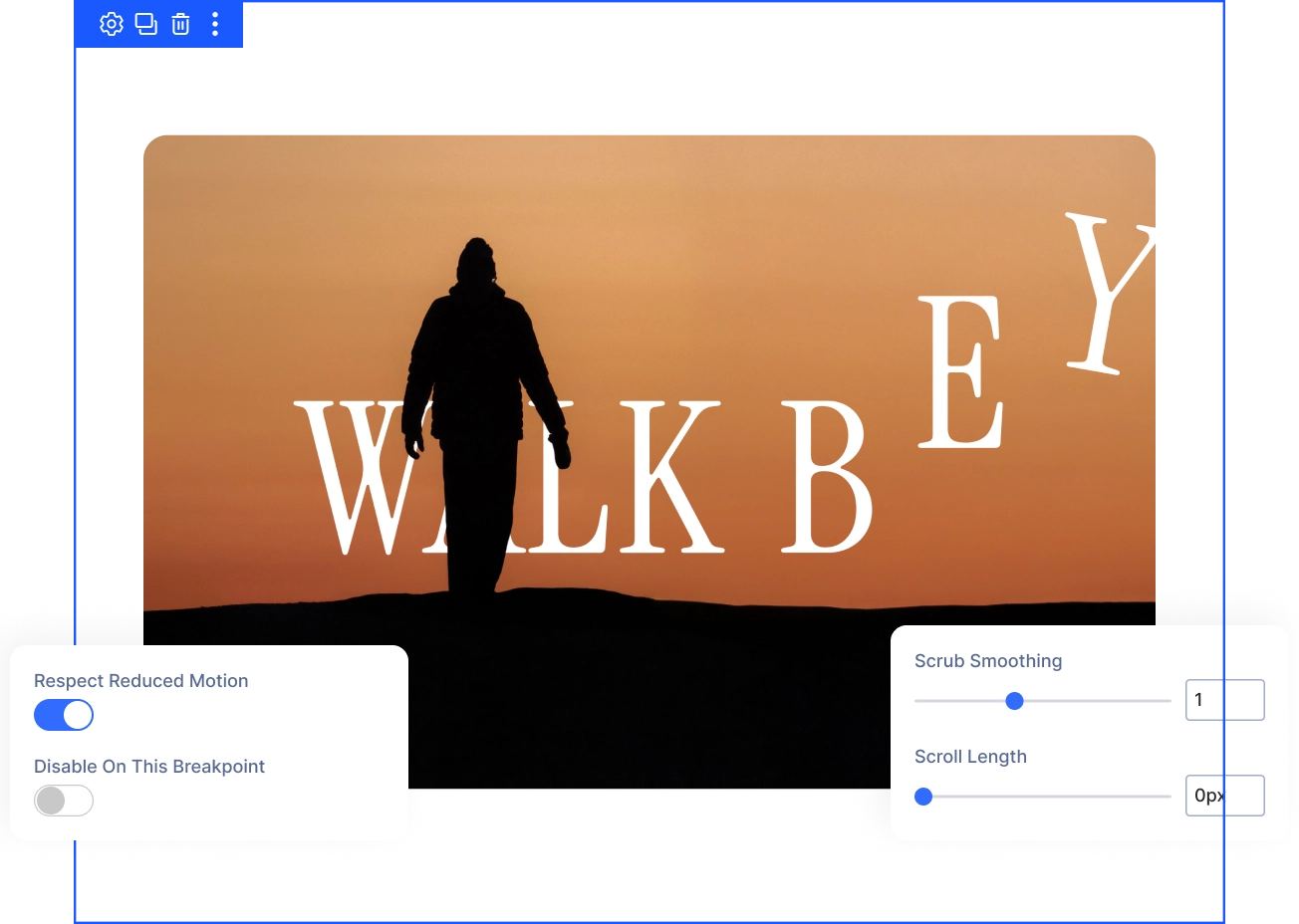
Turn O Letter Reveal for Impact
- Set Throw Distance up to 500 percent, sending each letter further before it settles.
- Control Tilt from 0 to 90 degrees, letting letters rotate in or settle flat.
- Choose Elastic, Back, Power, Bounce, or None as your settle style, matching the motion to your brand.
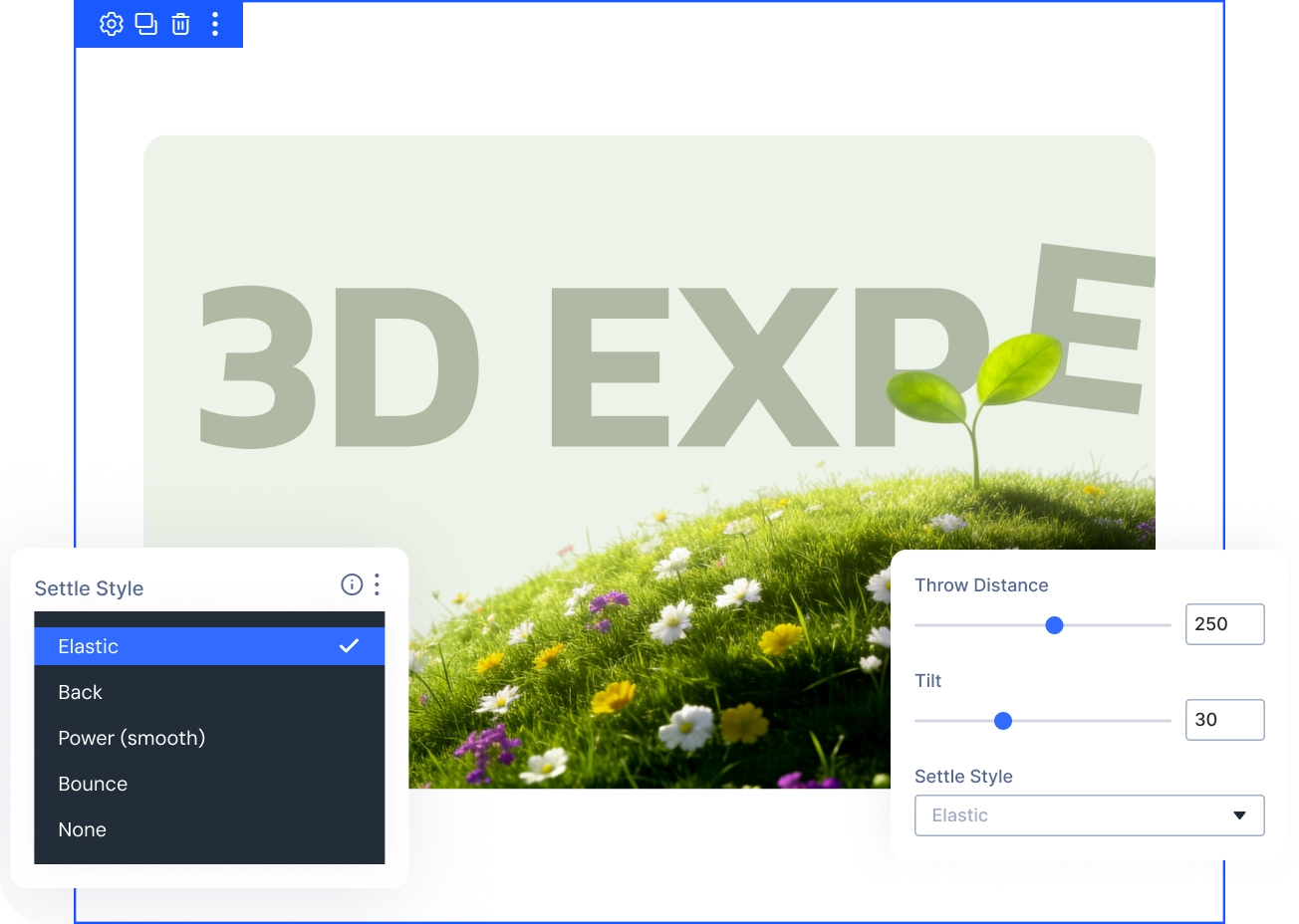
Free Ready-to-Use Horizontal Scrolling Text Layouts to Get Started
Skip the blank canvas. Our pre-made Horizontal Scrolling Text layouts are fully customizable, responsive on every device, and ready to drop into any Divi page — saving you time from the first click.


DiviMotion Horizontal Scrolling Text vs Default Divi Text Animation — Which One Gives You More Control?
| Feature | DiviMotion Horizontal Scrolling Text | Default Divi Text Animation | |
|---|---|---|---|
| Animation approach |  Scroll-driven, fully customizable Scroll-driven, fully customizable |  Predefined animation effects Predefined animation effects | |
| Scroll and viewport control | Scrub, pin, per-device scroll length | Limited scroll behavior | |
| Element pinning | True scroll pinning, three pin targets | Sticky only | |
| Split text animation | Per-letter throw, tilt, and settle style |  Not available Not available | |
| Motion control and properties | Advanced easing plus fine-grained scroll tuning | Basic easing and presets |
Ready to Pin a Headline and Sweep It Across the Screen as Visitors Scroll?
Helpful Resources
Documentation
Divi Horizontal Scrolling Animation Overview

Video
How to Use Divi Horizontal Scrolling Module

Coming Soon
Try DiviMotion Risk-Free for 30 Days
Not sure yet? Every DiviMotion plan comes with a 30-day money-back guarantee. Try it on your site, and if it's not the right fit, you get a full refund — no questions asked.
Frequently Asked Questions
Everything you need to know about Horizontal Scrolling Text before you get started.
Is Horizontal Scrolling Text a module or a layout element?
It's a standalone Divi 5 module you add directly to a row. It has no child modules — you type one line of text and configure the sweep, pin, and letter reveal from its settings panel.
Do I need to enable it before I can use it?
Yes. Horizontal Scrolling Text ships disabled by default. Enable it under WordPress Dashboard → DiviMotion → Modules before it appears in the Divi Builder.
Does it support right-to-left languages like Arabic?
Yes. Choosing Right to Left (Arabic) mirrors the sweep direction while keeping letters in their natural reading order.
Will this hurt my SEO or accessibility?
No. The headline renders as real text on the page, so search engines and screen readers read the full line normally — the animation layers on top of it, not in place of it.
What happens for visitors with reduced motion enabled?
With Respect Reduced Motion on (the default), the headline displays centered and static for those visitors, with no scroll animation.
Can I turn it off on mobile?
Yes. Disable On This Breakpoint switches off the pinned scroll on any device tab — the headline just displays as normal text there instead.
Does the text loop or scroll continuously, like a news ticker?
No. Horizontal Scrolling Text ties the sweep to scroll position, so the headline moves once per scroll pass and settles once it clears the pinned band, rather than looping on a timer.
Can I use dynamic content in the Text field?
Yes, the Text field supports dynamic content such as a post title, so the same module can pull in different headlines across templates.


We offer a 30-day money-back guarantee; so joining is completely risk-free.
Don’t Just Design Divi Sites; Bring Them to Life
a