

Divi Parallax Carousel
DiviMotion Parallax Carousel shows images and videos in a draggable row where each image glides inside its card, with six styles from Classic Parallax to Coverflow, so every swipe adds depth to your showcase.
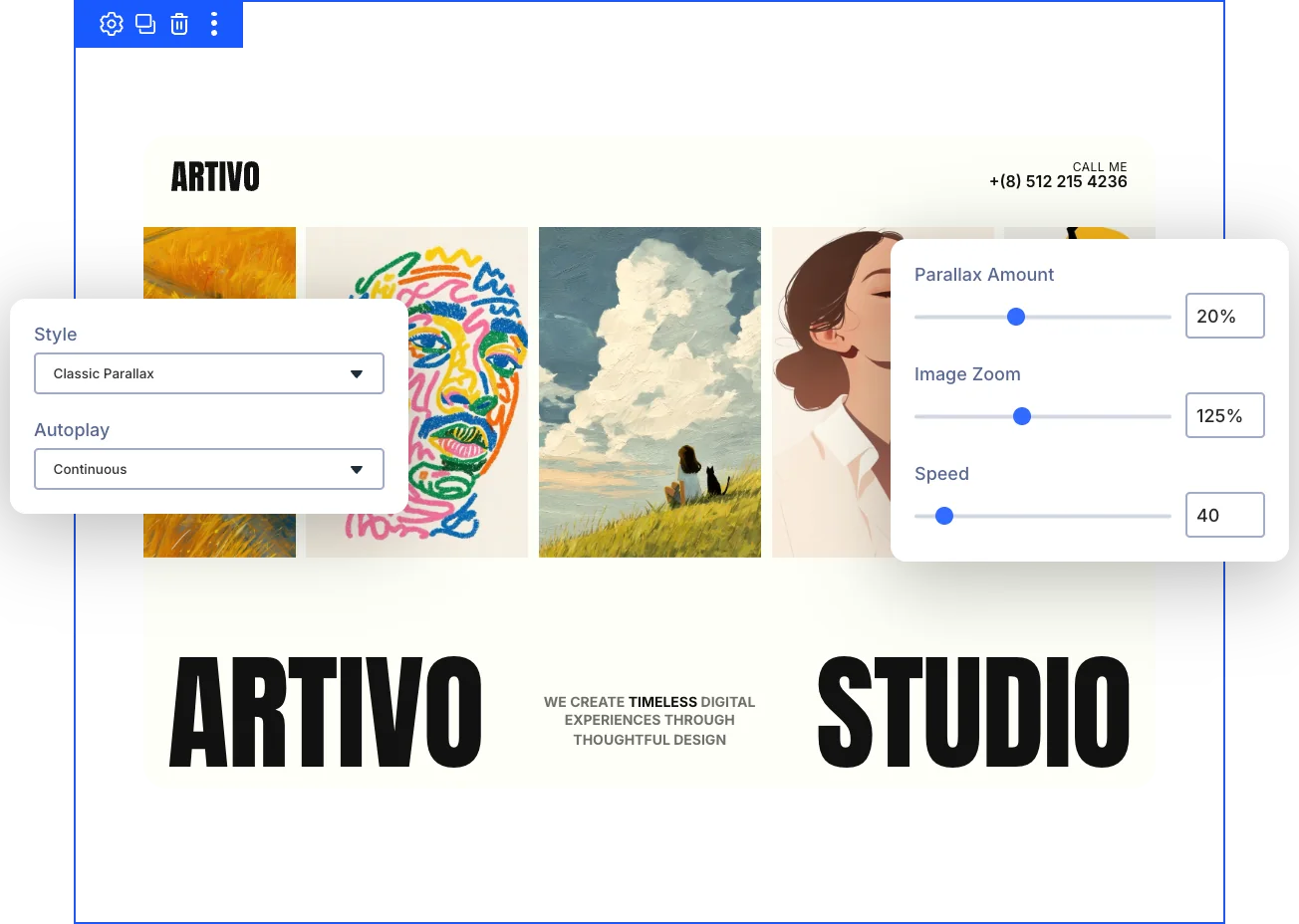
Six Carousel Styles
Keep cards even, squeeze them at speed, scatter them, layer them, enlarge the center, or turn the sides away in 3D with Coverflow.
Parallax in Every Card
Each image shifts inside its card as the slides move, with a parallax amount you set and extra zoom so edges never show.
Drag, Scroll, Autoplay
Visitors drag or swipe the slides, scroll the page to move through them, or watch them glide on their own in an endless loop.
Build Image Carousels That Move With Depth and Still Stay Easy to Swipe
Fill Each Slide With Images or Video
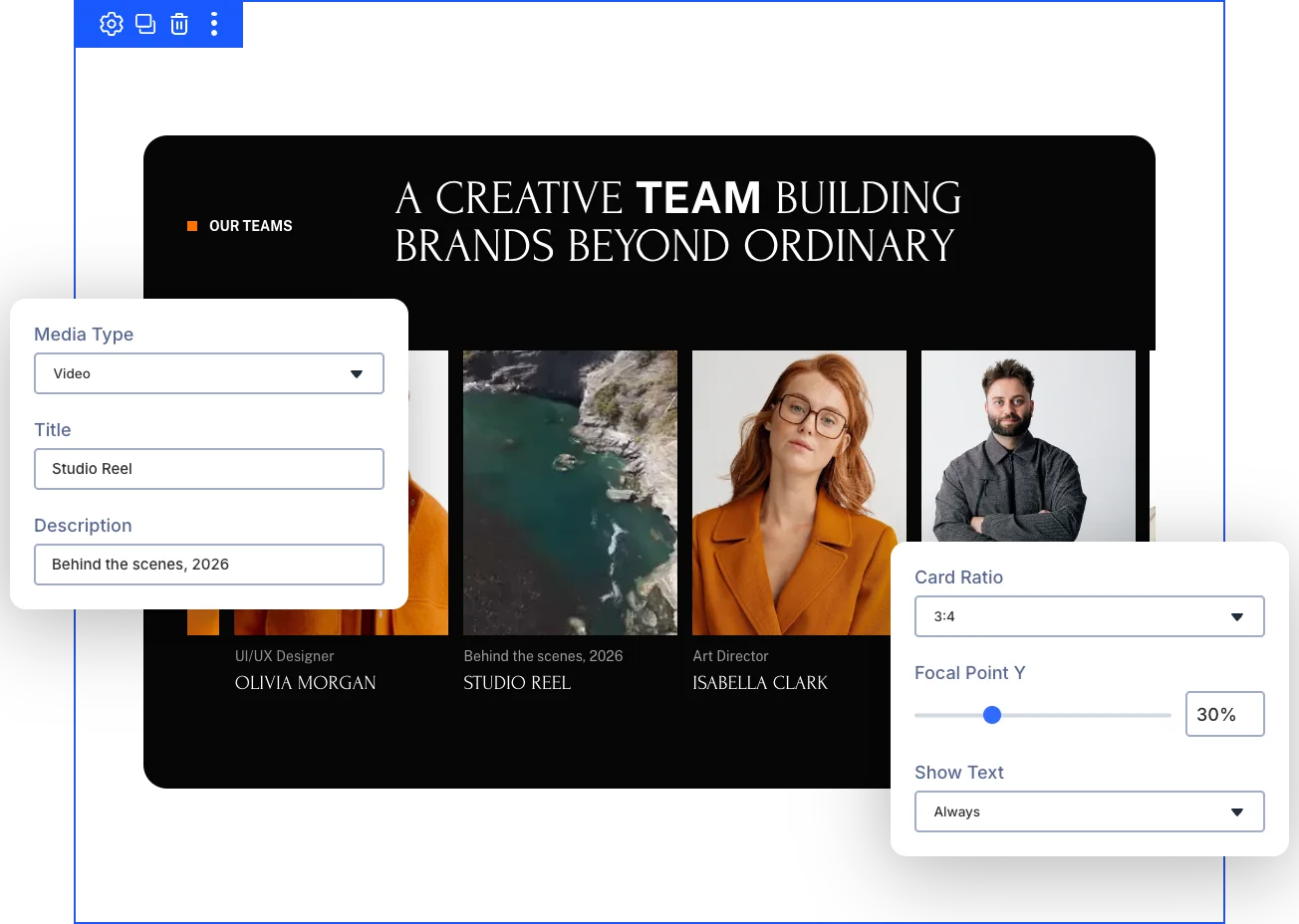
- Add an image or an MP4 or WebM video to each slide, uploaded or linked by URL.
- Give slides a title and description, shown always, on hover, or not at all.
- Set each slide's card shape and focal point so the important part stays in view.
- Build one slide per post, product, or page with Divi's Loop Builder and dynamic content.
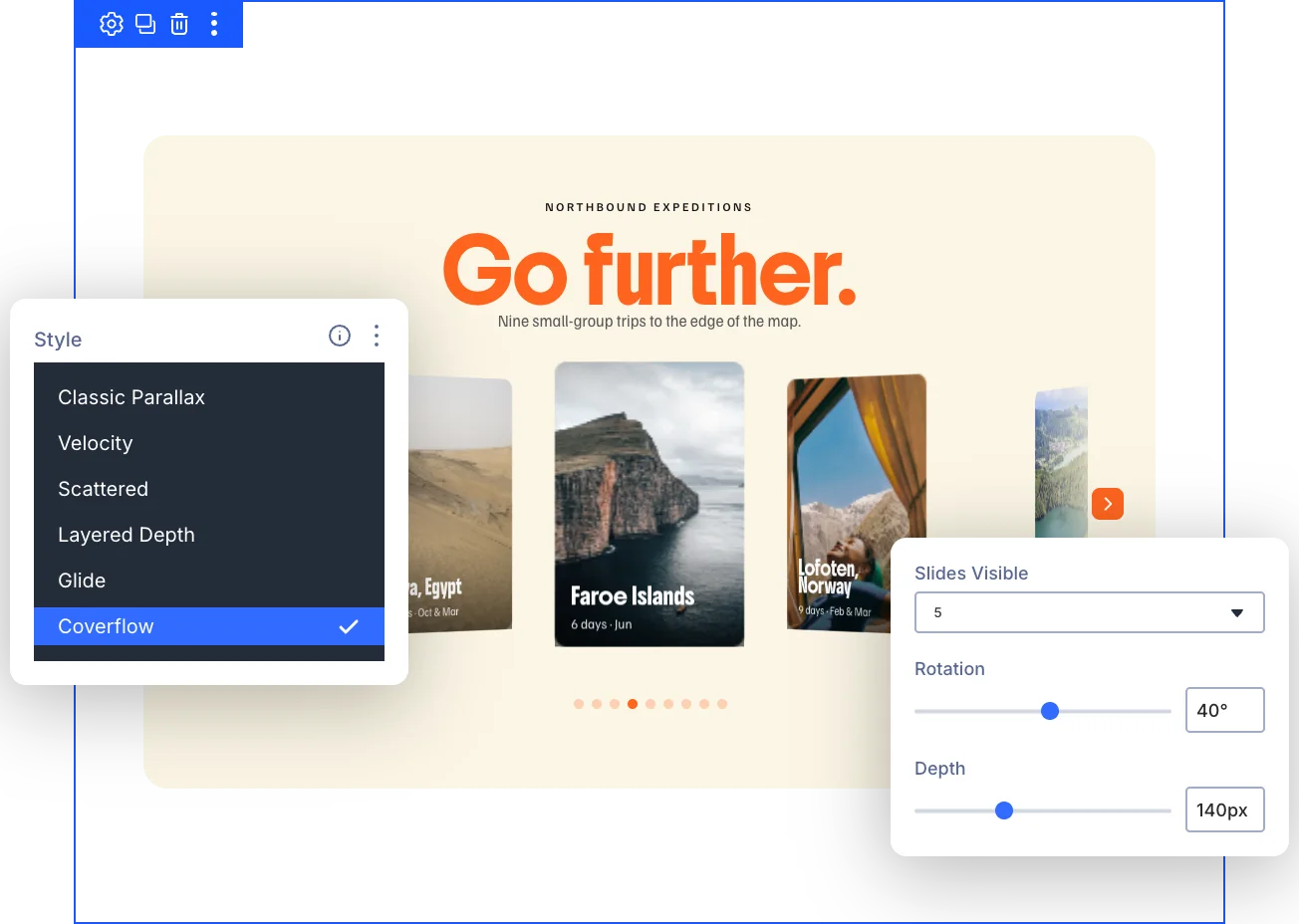
Choose the Style That Fits Your Showcase
- Show 1 to 6 slides across, including part of the next one, with separate values per device.
- Enlarge the center card in Glide, or turn side cards up to 75 degrees in Coverflow.
- Scatter mixed-size cards at different heights, or stack them in three layers of depth.
- Squeeze, shrink, or skew cards while the carousel moves fast with Velocity's speed effect.
Control How Visitors Move Through Every Slide
- Let visitors drag with a mouse or swipe on touch, with a quick flick throwing slides farther.
- Hold the section in view while page scrolling moves through every slide, with room for a sticky header.
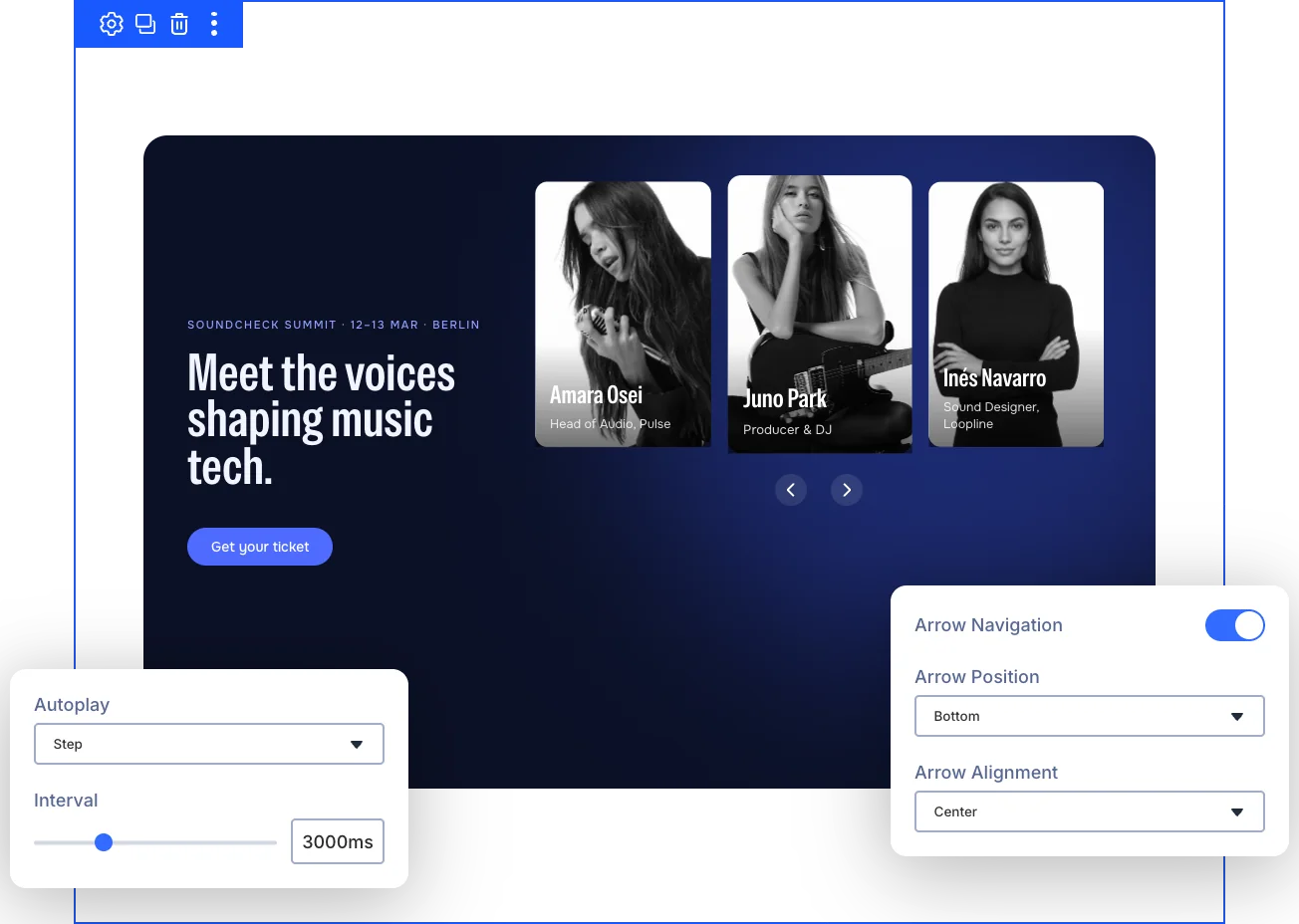
- Glide slides continuously or step one at a time, and pause whenever visitors hover or focus.
- Add previous and next arrows or dots, placed beside, above, or below the slides per device.
Style the Cards, Text, and Click Action
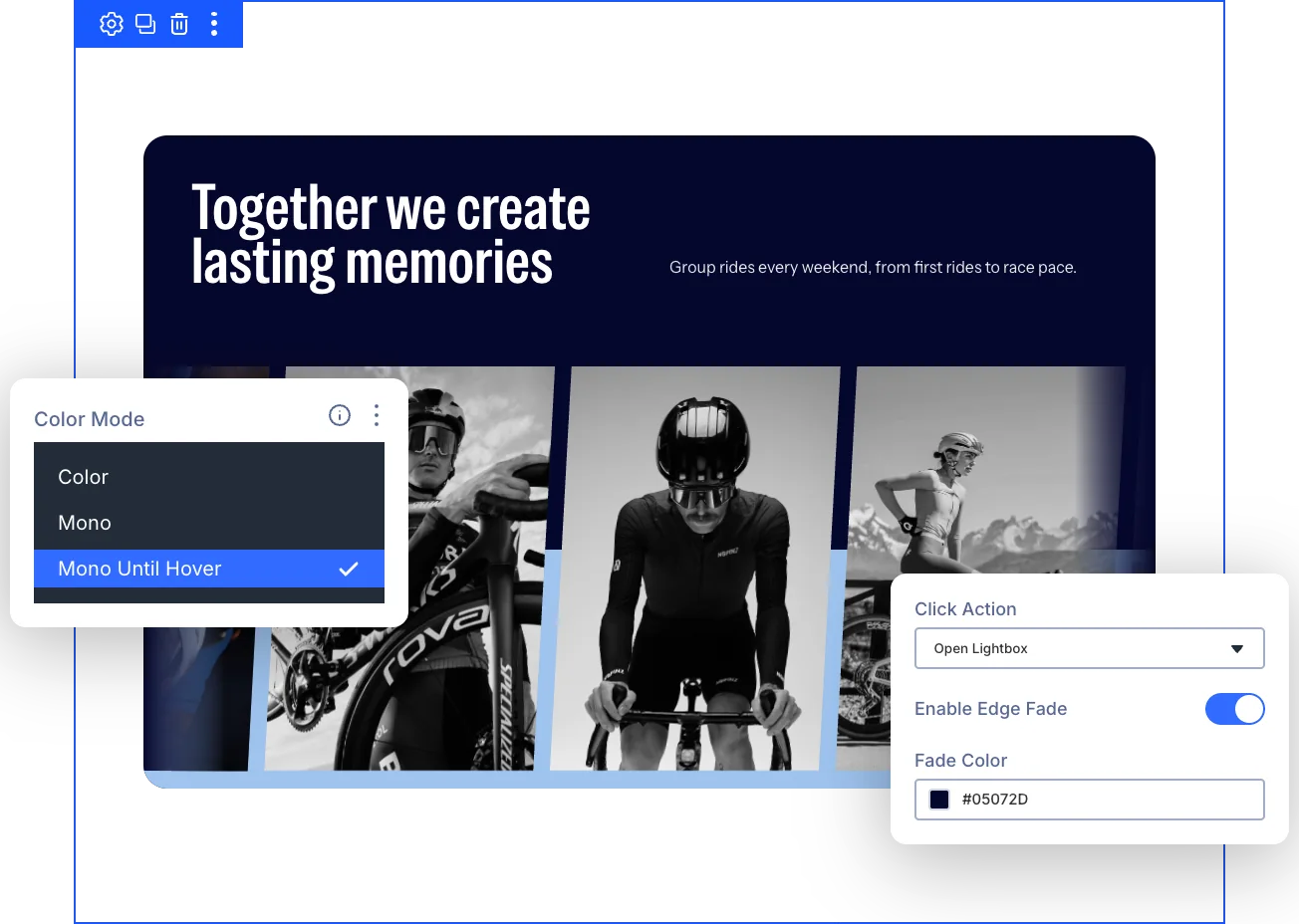
- Open slides in a lightbox, send each one to its own link, or keep them purely visual.
- Show images in color, black and white, or black and white that turns color on hover.
- Style cards, images, hover overlays, titles, and descriptions, then override any single featured slide.
- Fade slides softly at the left and right edges in a color that matches your section.
Free Ready-to-Use Parallax Carousel Layouts to Get Started
Skip the blank canvas. Our pre-made Parallax Carousel layouts are fully customizable, responsive on every device, and ready to drop into any Divi page, saving you time from the first click.






DiviMotion Parallax Carousel vs Divi Slider: Which One Gives You More Control?
Ready to Give Your Images Room to Move?
Helpful Resources
Roadmap

What’s New

Documentation

Frequently Asked Questions
Everything you need to know about Parallax Carousel before you get started.
What Is the Divi Parallax Carousel?
The Divi Parallax Carousel is a DiviMotion module for Divi 5 that shows images and videos in a draggable row, where each image moves inside its card as the slides move, in six styles from Classic Parallax to Coverflow.
What Can I Build With Parallax Carousel?
Use it for portfolio rows, product showcases, case study sliders, video reels, and latest-post carousels. Loop Builder support fills slides with your posts or products automatically.
Which Style Should I Choose?
Pick the style by the feel you want. Classic Parallax gives an even row, and Velocity reacts to speed. Scattered and Layered Depth make an editorial collage. Glide and Coverflow center one slide. Arrows and dots work in every style except Scattered and Layered Depth.
Which Version of Divi Does It Require?
Parallax Carousel requires Divi 5.0 or later, like every DiviMotion feature. It does not work with Divi 4.
Do I Need to Write Any Code?
Every setting lives in the Parallax Carousel module inside the Divi Builder, so you choose the style, motion, and styling visually without writing code.
How Does Parallax Carousel Work on Phones and Tablets?
Parallax Carousel works on touch screens, where visitors swipe the slides. Slides Visible, Gap, and arrow and dot positions take their own tablet and phone values, and Effects On Phones can switch phones to a simple, even row.
How Do I Add a Parallax Carousel to a Page?
Add the Parallax Carousel module to a column. It starts with four placeholder slides. Pick an image or video for each, then choose a Style and how many Slides Visible.
How Do I Show Posts or Products in the Carousel?
Open a Slide and turn on Loop Element. Choose the post type, then fill the image, title, description, and link with Loop dynamic content. The carousel shows one slide per result.
How Does Mouse Scroll Work?
With Mouse Scroll on and Autoplay off, the section stays in view while page scrolling moves the slides from first to last, then the page carries on. Top Offset keeps a sticky header from covering it.
How Do Videos Work in the Carousel?
Videos play MP4 or WebM files muted and looped while in view, and show their first frame until then. Pause Videos Off Screen stops each one when its slide leaves view.
How Do the Lightbox and Keyboard Controls Work?
Set Click Action to Open Lightbox and a click opens the slide large over the page, where arrow keys move between slides and Esc closes it. A drag never counts as a click. Visitors can also Tab into the carousel and move it with the arrow keys.
How Does Parallax Carousel Handle Reduced Motion?
Respect Reduced Motion is on by default. Visitors who ask their device to reduce motion get no parallax, speed effect, hover zoom, or autoplay, and videos show their first frame. Dragging and Mouse Scroll still work.