

Divi Custom Scrollbar
DiviMotion Custom Scrollbar replaces the browser's scrollbar on your Divi 5 site with one in your brand colors and adds smooth mouse-wheel scrolling, so even the edge of the page feels designed.
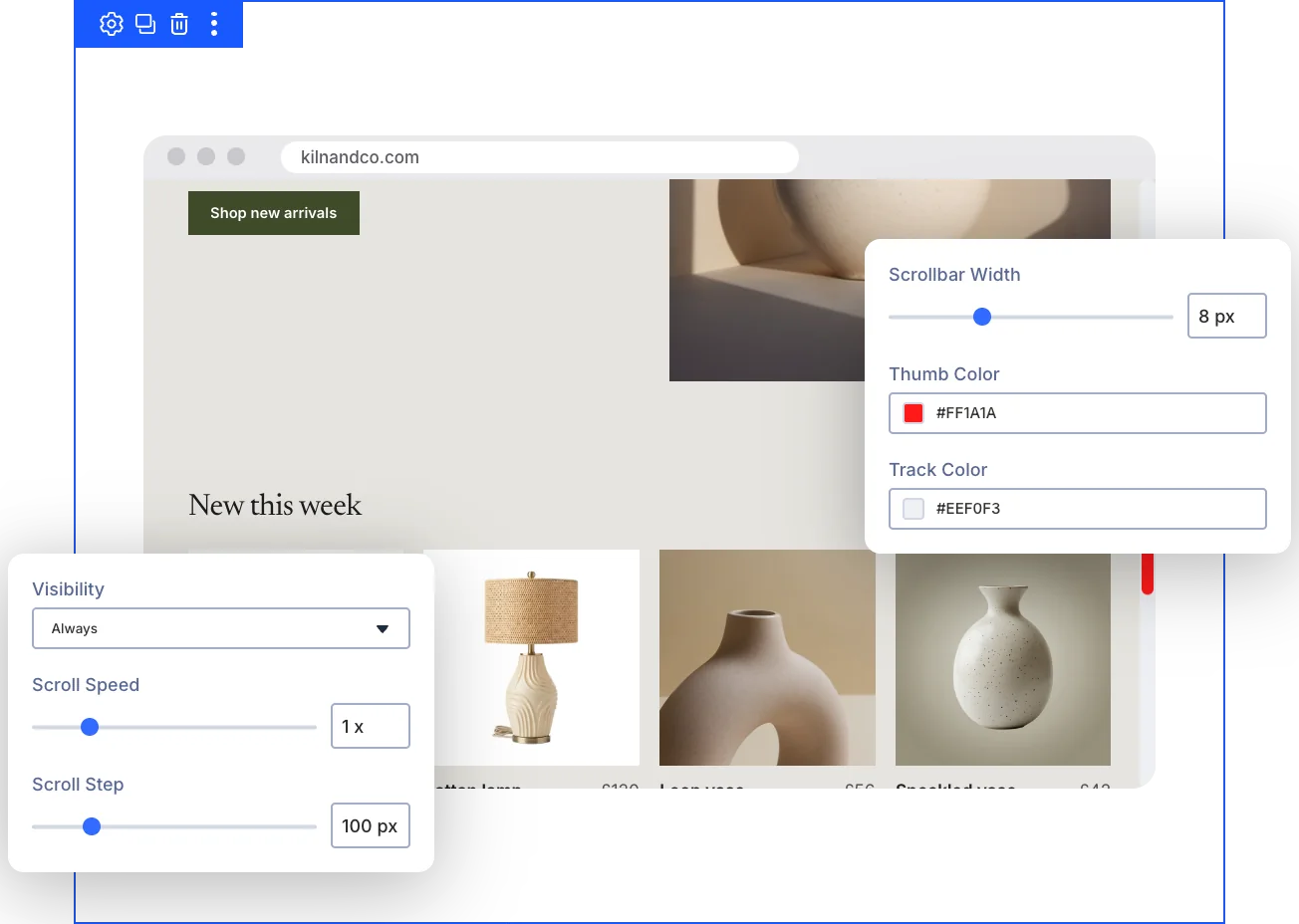
Your Brand's Scrollbar
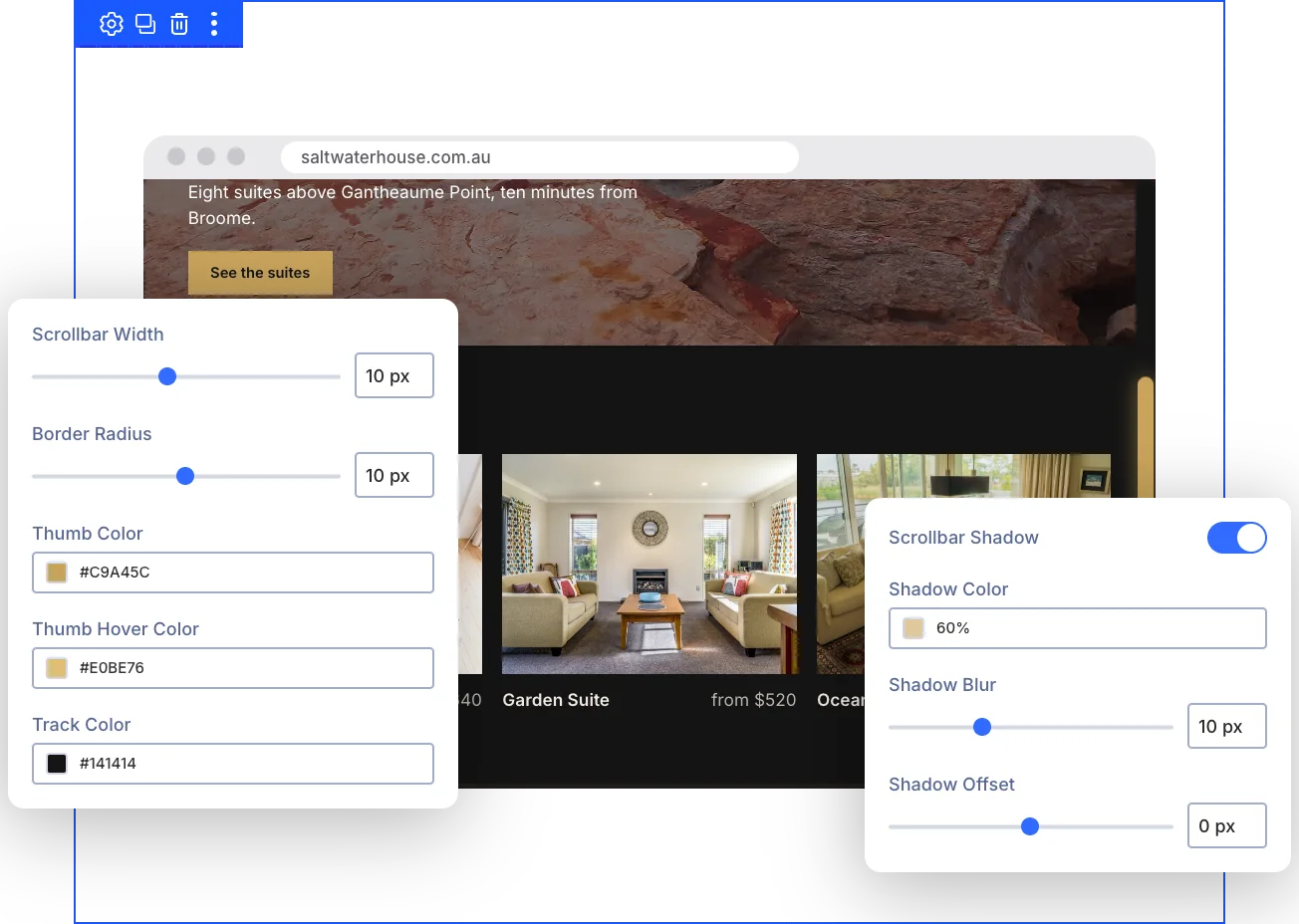
Set the width, roundness, thumb, hover, and track colors, plus an optional shadow, so the scrollbar matches the rest of your site.
Smooth Wheel Scrolling
Every mouse-wheel turn glides the page to its new spot, at the speed and step size you choose for how scrolling should feel.
Set Once, Everywhere
Turn it on in the DiviMotion dashboard and every page gets the same scrollbar, with a live preview to test it before saving.
Style a Scrollbar That Fits Your Brand and Still Scrolls Naturally
Design Every Part of the Scrollbar
- Set the scrollbar from 2 to 20 pixels wide, with corners from square to fully rounded.
- Color the thumb to match your brand, with a darker shade while visitors hover or drag it.
- Give the track its own color, or make it see-through so the page shows behind it.
- Add a soft shadow in any color, with adjustable blur and offset for extra depth.
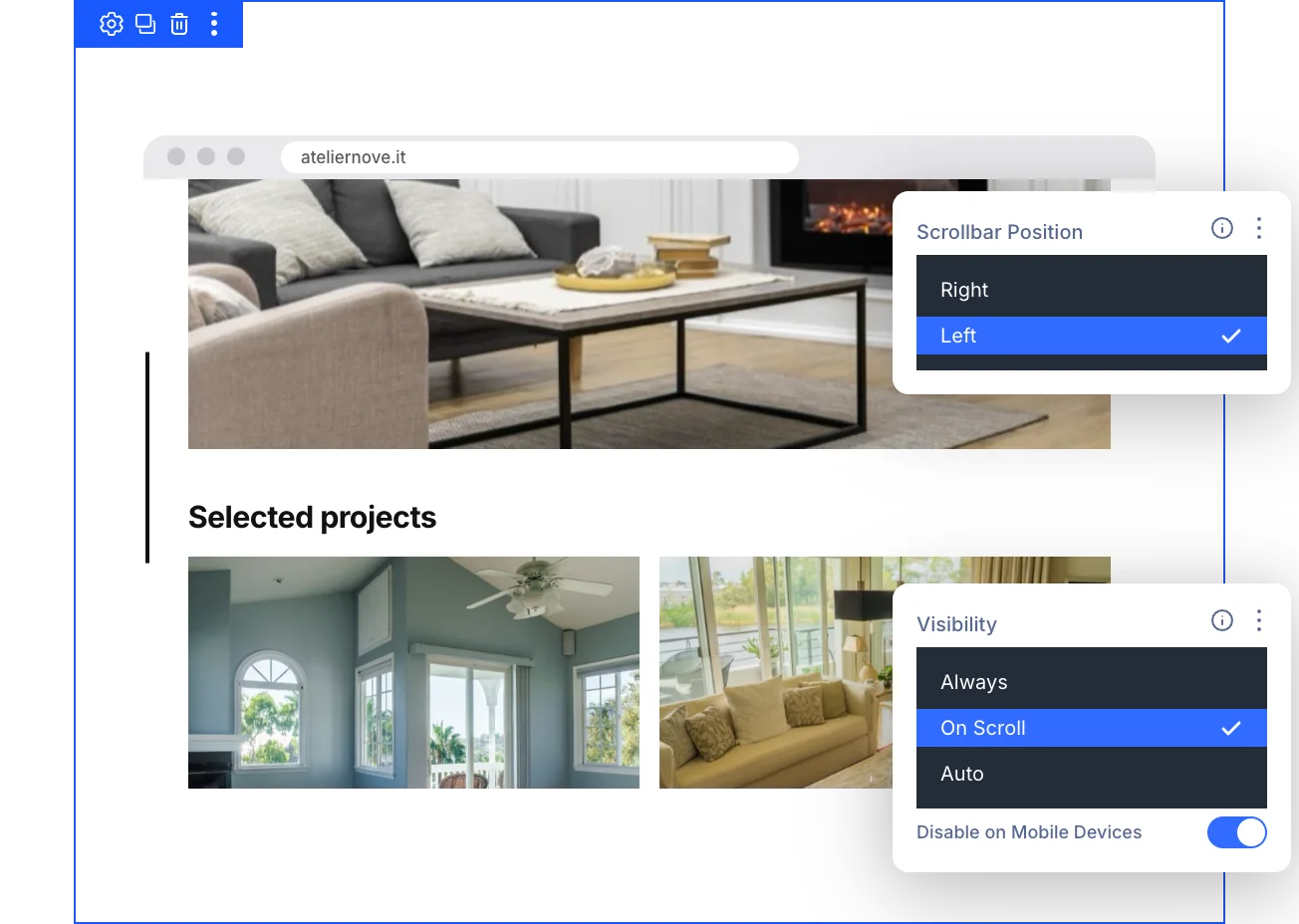
Choose Where and When It Appears
- Place the scrollbar on the right or left side, including left for right-to-left sites.
- Keep it always visible, or show it only while the page scrolls, fading out a second later.
- Reveal it on scroll and whenever the pointer comes near its edge with the Auto option.
- Keep phones and tablets on their own scrollbar, or show yours there too for finger dragging.
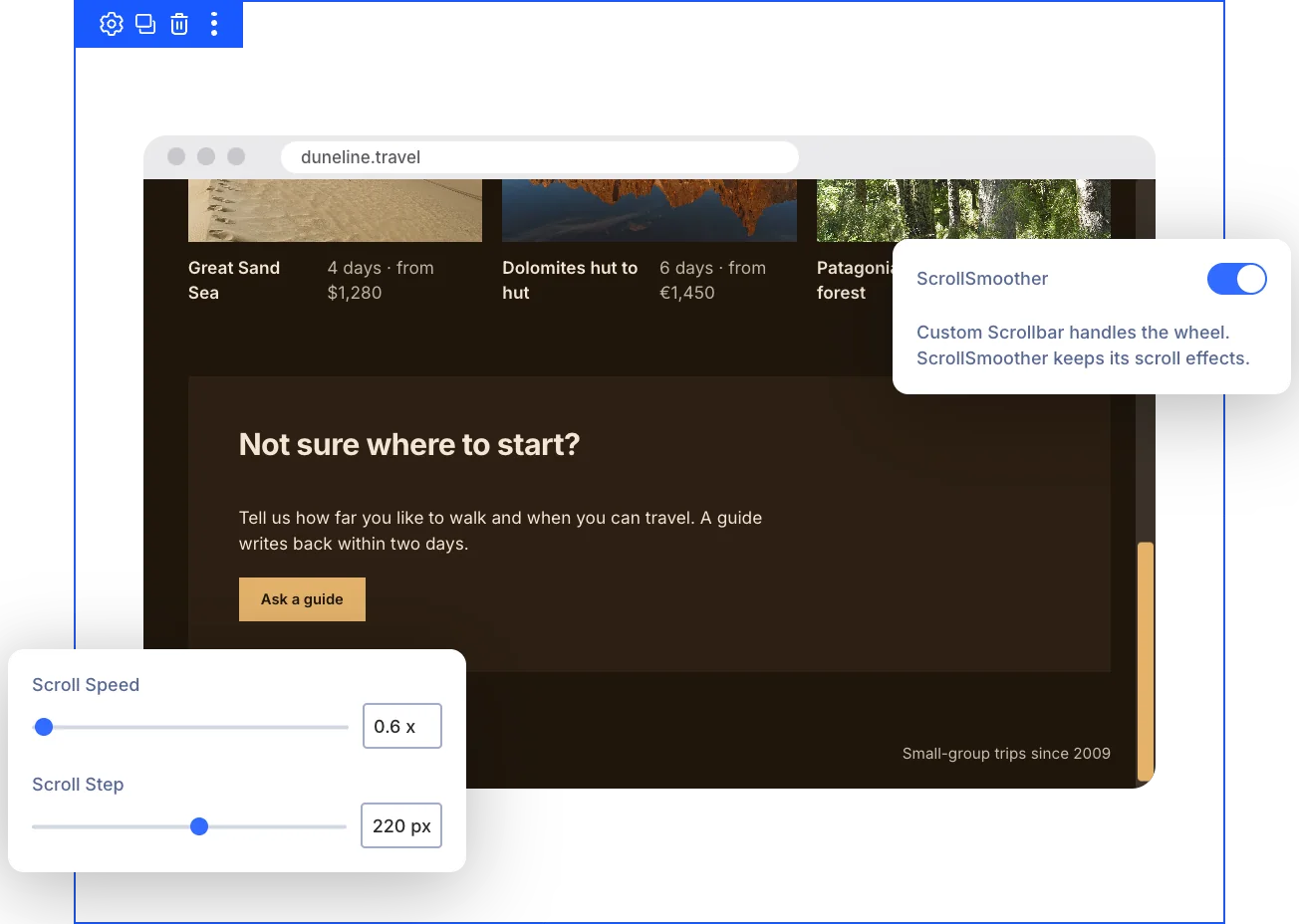
Make Every Mouse-Wheel Turn Glide Smoothly
- Set how fast the page glides after each wheel turn, from a gentle 0.5x to a snappy 3x.
- Choose how far each wheel notch moves the page, from a small 20 to a large 400 pixels.
- Keep keyboard, link, and drag scrolling exactly as visitors expect, since only the wheel is smoothed.
- Use it alongside ScrollSmoother, which keeps its scroll effects while this extension handles the wheel.
Fine-Tune Details and Keep Visitors Comfortable
- Let visitors click the empty track to jump up or down by most of a screen.
- Add your own CSS for the track and thumb, previewed before it reaches your site.
- Give visitors who prefer reduced motion instant wheel scrolling, with no glide at all.
- Leave popups, dropdowns, maps, and other scrolling boxes working exactly the way they always have.
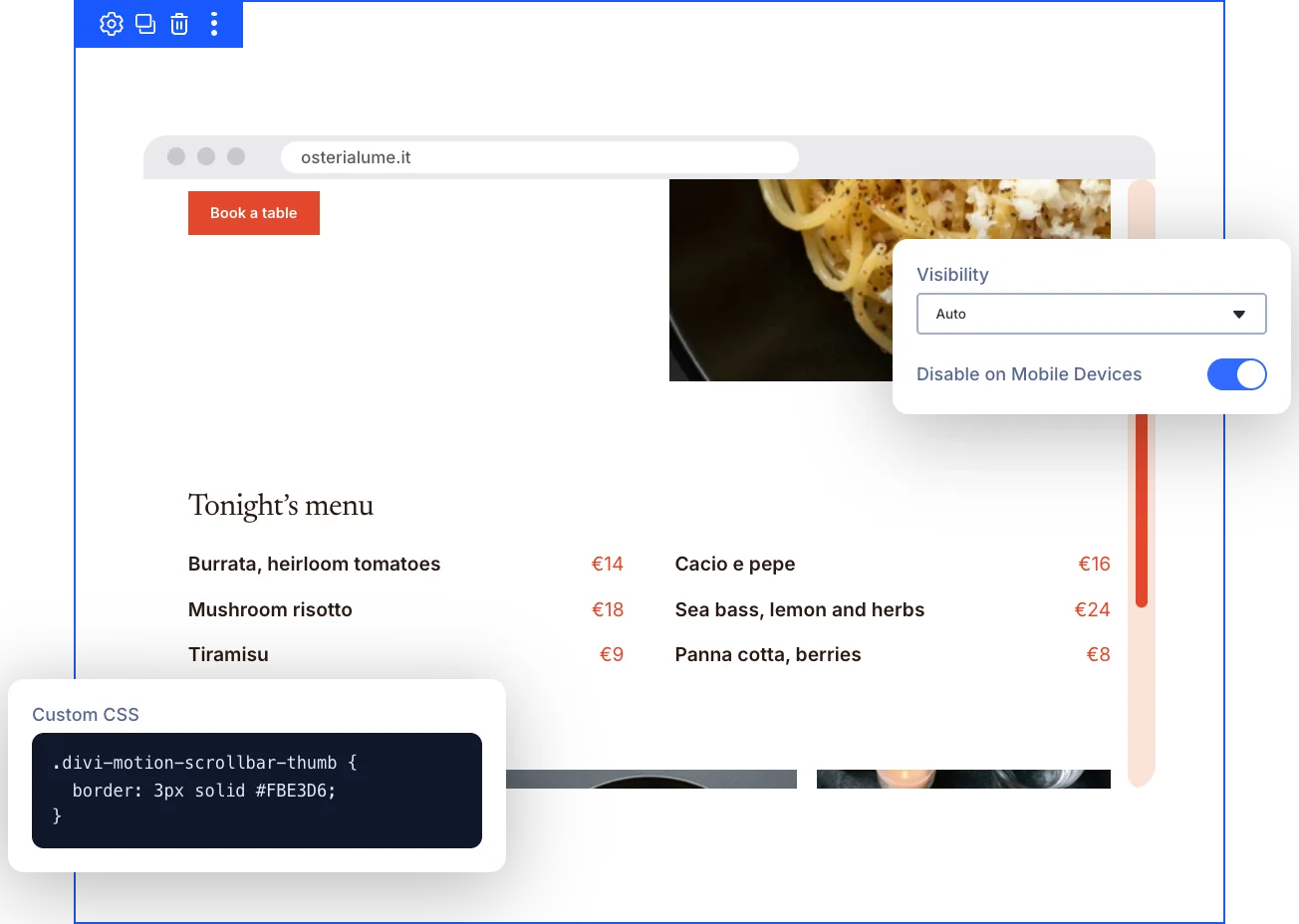
DiviMotion Custom Scrollbar vs Default Browser Scrollbar: Which One Gives You More Control?
Ready to Polish Every Page Down to the Scrollbar?
Helpful Resources
Roadmap

What’s New

Documentation

Frequently Asked Questions
Everything you need to know about Custom Scrollbar before you get started.
What Is the Divi Custom Scrollbar?
The Divi Custom Scrollbar is a DiviMotion extension for Divi 5 that replaces your site's main scrollbar with one styled in your colors and makes mouse-wheel scrolling glide smoothly across every page.
What Can I Change About the Scrollbar?
You set the side, when it shows, its width and roundness, the thumb, hover, and track colors, and an optional shadow with its own color, blur, and offset. Custom CSS covers anything else.
Which Scrollbars Does It Change?
Custom Scrollbar styles the main page scrollbar only. Scrollbars inside popups, tabs, and other scrolling areas keep their usual look and behavior.
How Does Smooth Wheel Scrolling Work?
Each mouse-wheel notch moves the page by your Scroll Step, from 20 to 400 pixels, and the page glides there at your Scroll Speed. Keyboard, link, and drag scrolling stay the same, and Ctrl or Cmd with the wheel still zooms.
Which Version of Divi Does It Require?
Custom Scrollbar requires Divi 5.0 or later, like every DiviMotion feature. It does not work with Divi 4.
Do I Need to Write Any Code?
Every setting lives in the DiviMotion dashboard, so you style the scrollbar visually without writing code. Custom CSS is there only if you want it.
How Do I Turn On Custom Scrollbar?
Go to DiviMotion → Extensions in your WordPress dashboard, enable Custom Scrollbar, and click Configure to open its settings.
Can I Use a Different Scrollbar on Different Pages?
Custom Scrollbar applies one scrollbar across the whole site, set once from the DiviMotion dashboard.
How Does Custom Scrollbar Work on Phones and Tablets?
Phones and tablets keep their own scrollbar by default. Turn off Disable on Mobile Devices to show your scrollbar there too. Touch scrolling always stays the device's own.
How Does Custom Scrollbar Work With ScrollSmoother?
When ScrollSmoother is on under DiviMotion → Integrations, Custom Scrollbar handles the mouse wheel with your Scroll Speed and Scroll Step, and ScrollSmoother keeps running its scroll effects. Turn Custom Scrollbar off to give the wheel back.
How Do I Preview the Scrollbar?
Scroll inside the live preview at the top of the settings window to see the exact scrollbar visitors get. The scrollbar doesn't run inside the Divi Builder, so check the final result on the front end.
How Does Custom Scrollbar Handle Reduced Motion?
Visitors who ask their device to reduce motion get instant wheel scrolling without the glide. It follows the device setting automatically.