

Divi Ken Burns Background
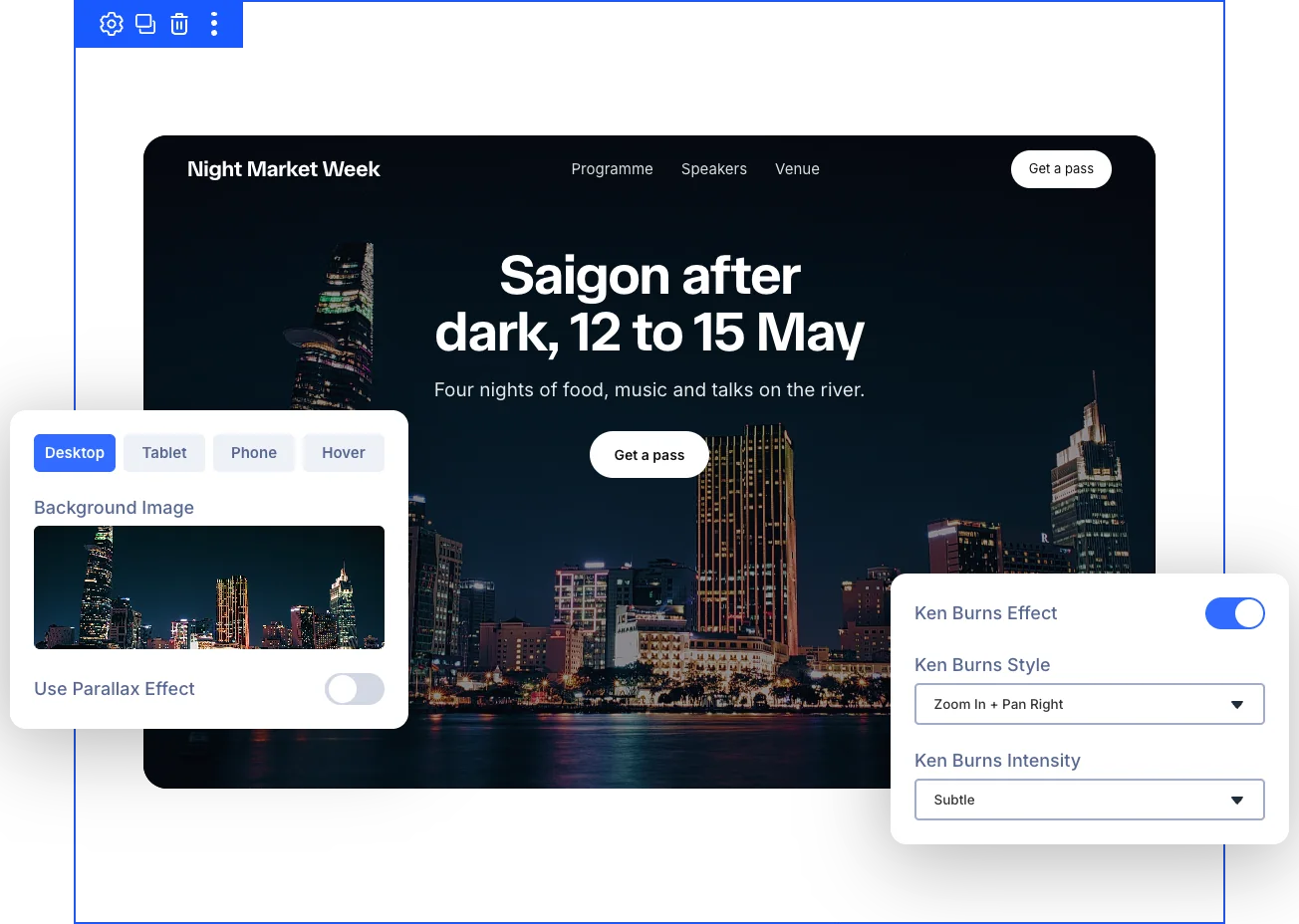
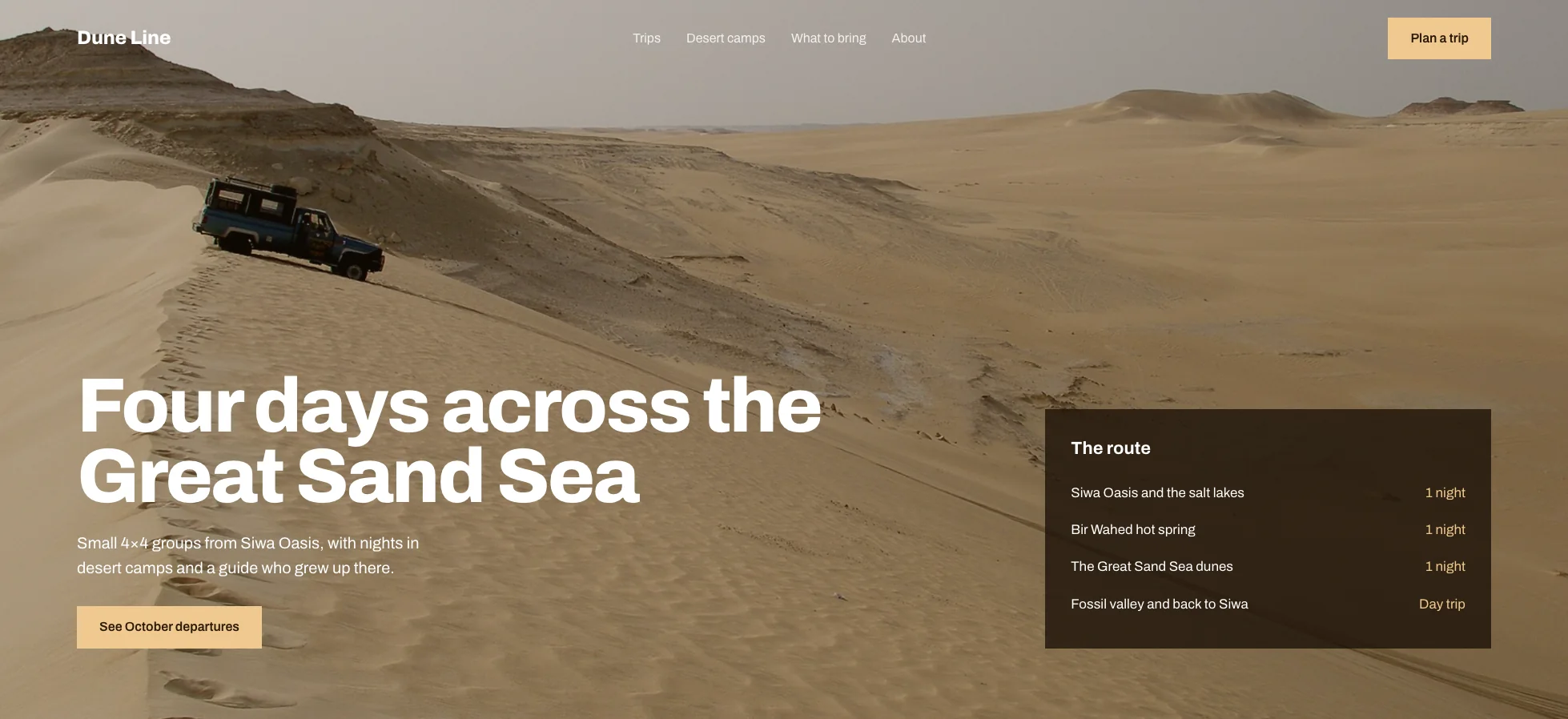
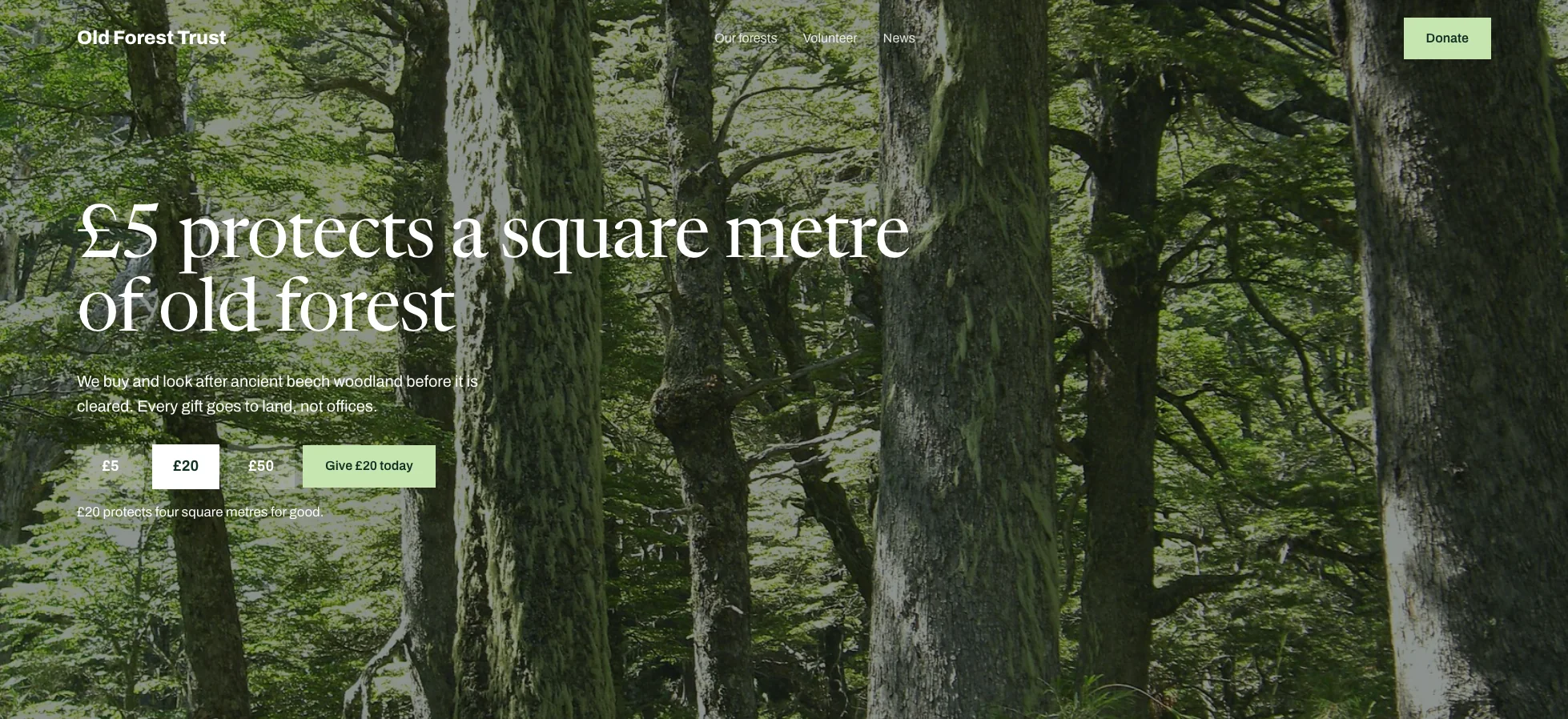
DiviMotion Ken Burns Background adds a slow, cinematic zoom and pan to the background image of any Divi 5 section, row, column, or module, so hero banners feel alive while your content stays still.
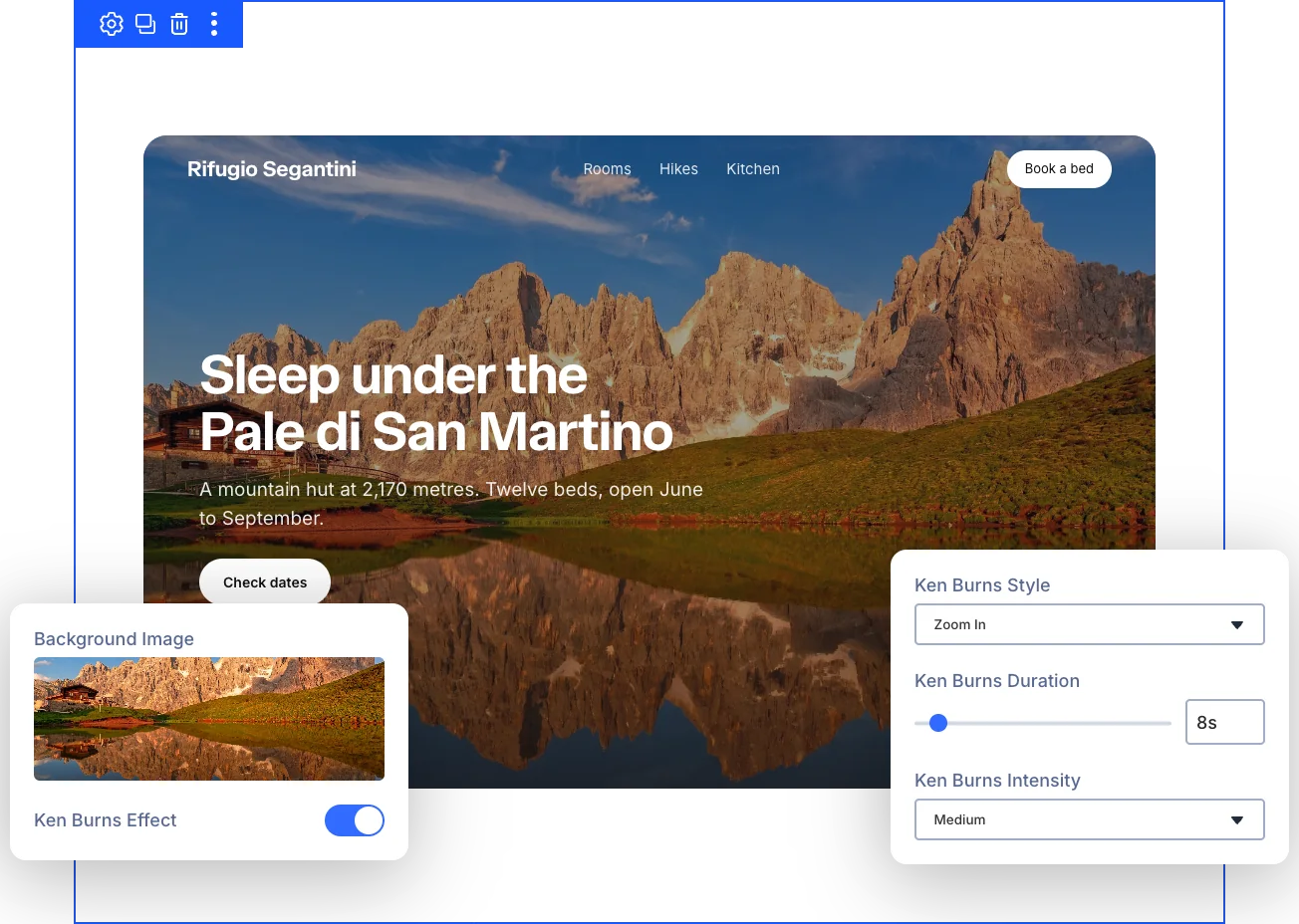
Twelve Movement Styles
Zoom in, zoom out, pan in four directions, or combine both, so every background image moves like a shot from a documentary.
Content Stays Still
Only the background image moves. Headlines, buttons, and everything else on top stay perfectly still, so your message stays easy to read.
Built Into Backgrounds
Turn it on right under Divi's background image fields on any section, row, column, or module, with no new module to add.
Bring Background Images to Life and Still Keep Every Word Readable
Pick From Twelve Zoom and Pan Styles
- Zoom the image in, or start large and zoom slowly back out to its normal size.
- Pan the image left, right, up, or down for a steady, documentary-style glide across the frame.
- Combine a zoom with a pan in six styles for richer, more layered movement.
- Anchor any zoom to the center, an edge, or a corner with Zoom Focal Point.
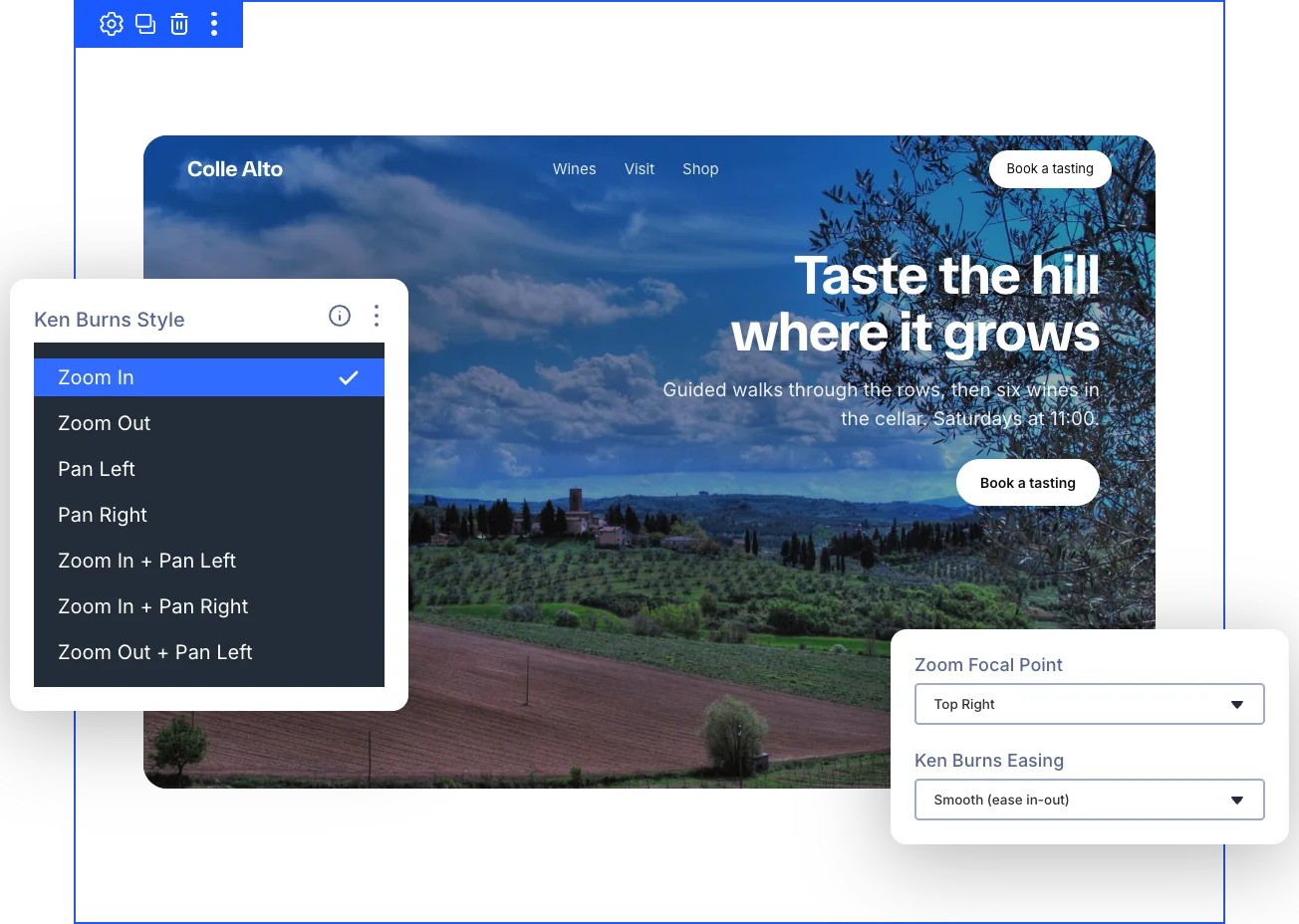
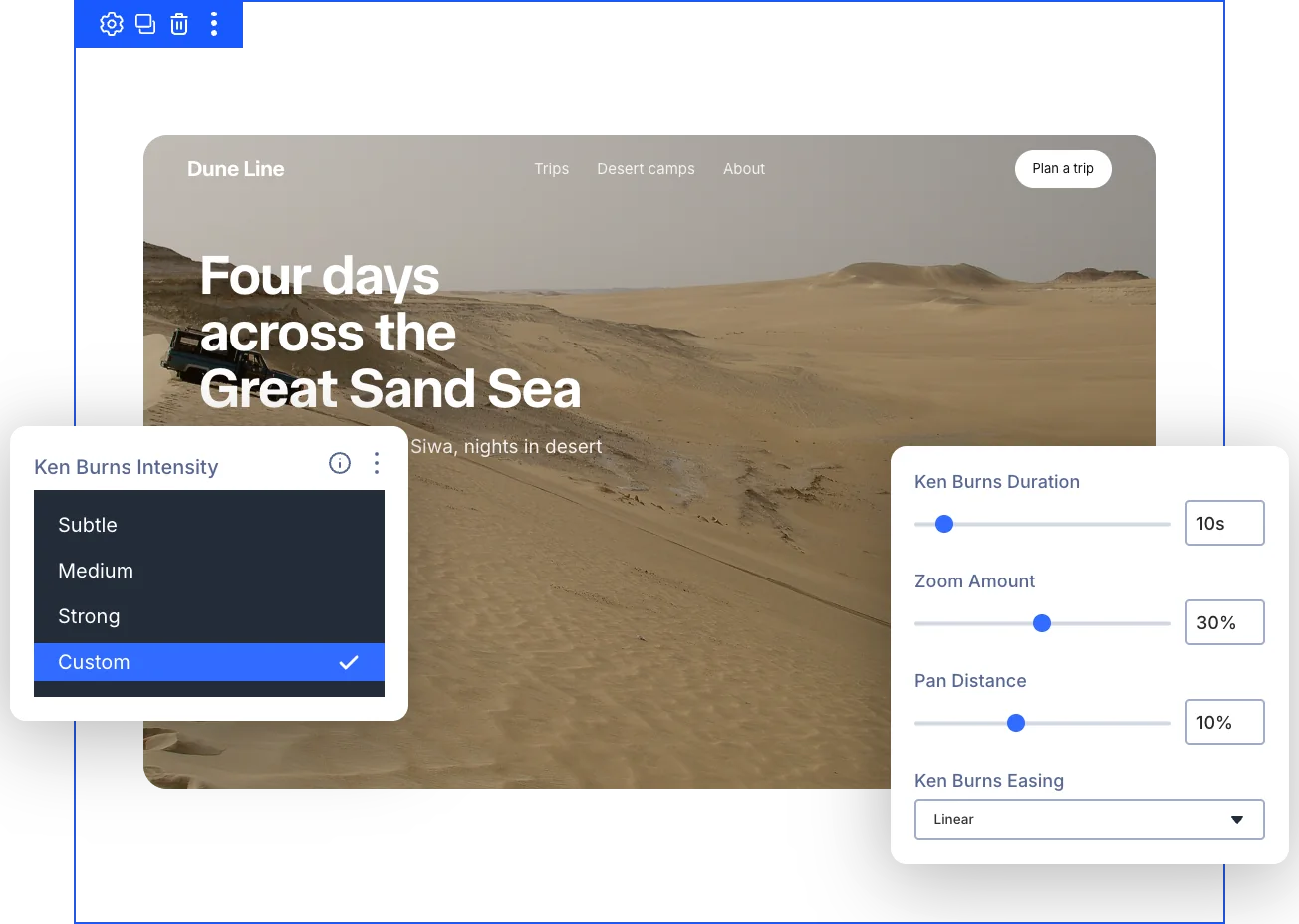
Set the Pace and Strength of Movement
- Run each pass from 3 to 60 seconds, slower for a calmer, more relaxed feel.
- Choose Subtle, Medium, or Strong intensity, or set your own zoom and pan distance.
- Keep the image covering the whole background at every step, with no empty edges showing.
- Shape every pass with Smooth, Linear, Ease Out, or Ease In timing for the feel you want.
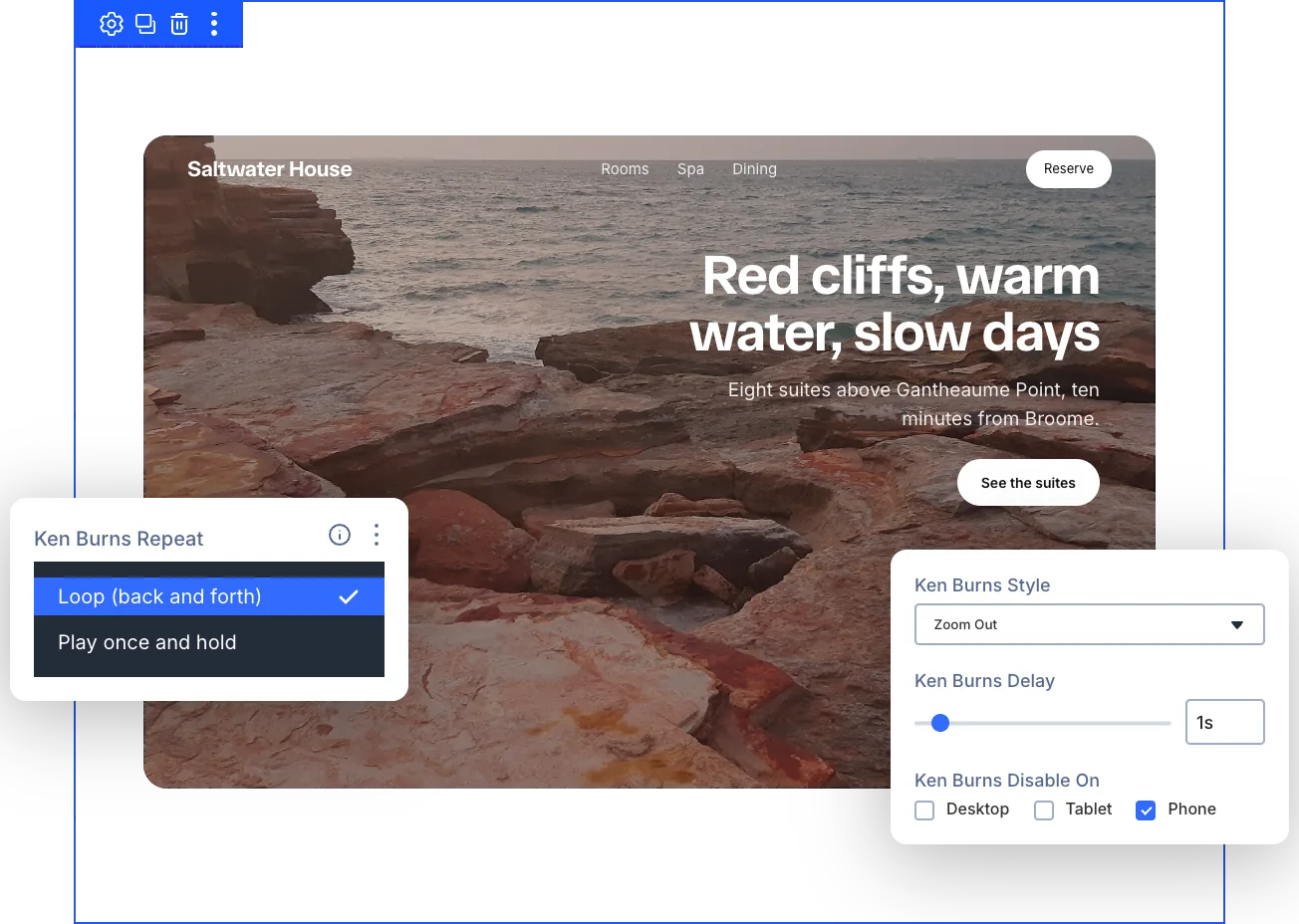
Control When and How Often It Plays
- Loop the movement back and forth forever, reversing smoothly with no jump at the end.
- Play the movement once and hold the image at its final size and position.
- Delay the start by up to 10 seconds after the page loads to stage your hero.
- Show a still background on desktop, tablet, or phone with Ken Burns Disable On.
Works Inside the Background Settings You Know
- Watch every change replay live in the Visual Builder, so you see the result as you adjust.
- Keep different tablet, phone, hover, and sticky images, each moving with the same style.
- Show visitors who prefer reduced motion a still image, so the background never distracts them.
- Switch the extension off in DiviMotion anytime, and every background returns to a still image.
Free Ready-to-Use Ken Burns Background Layouts to Get Started
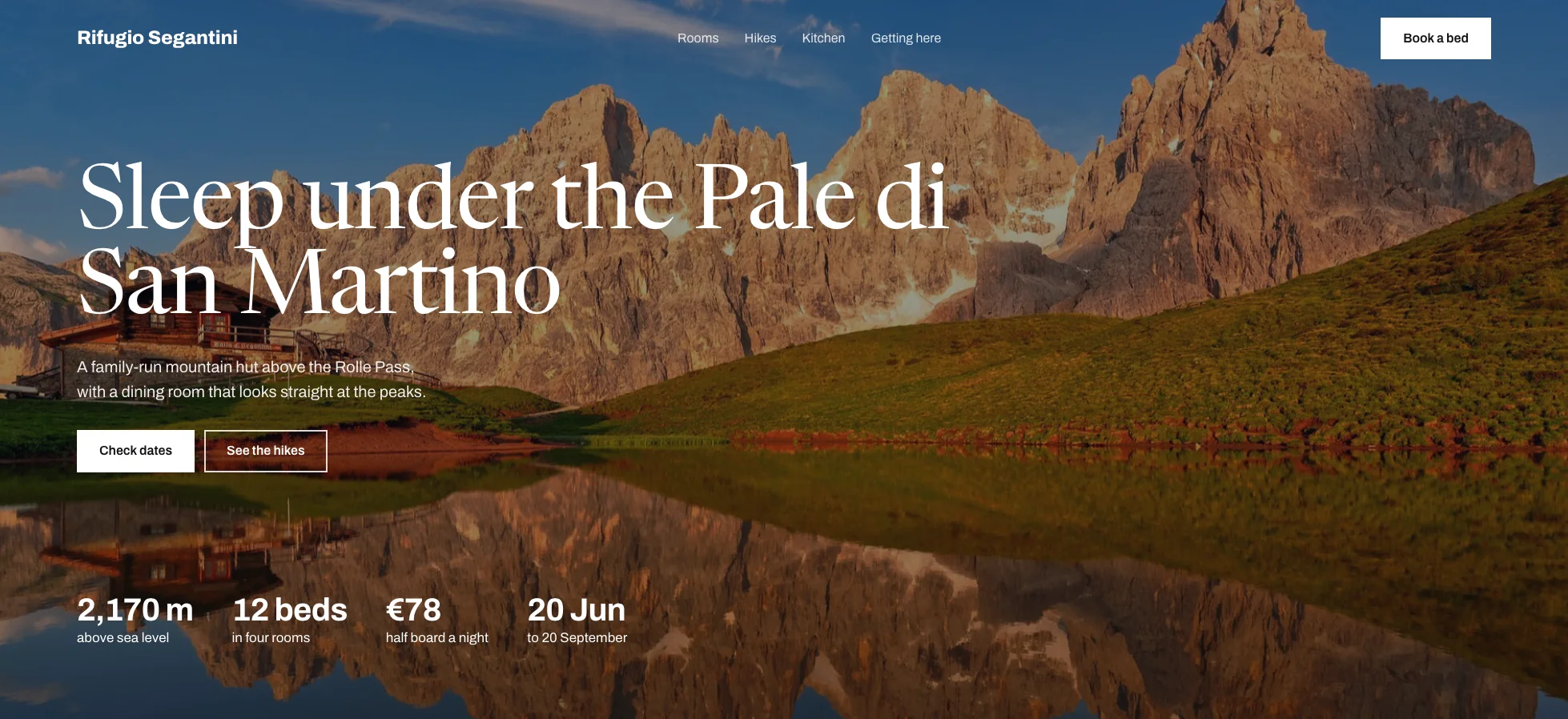
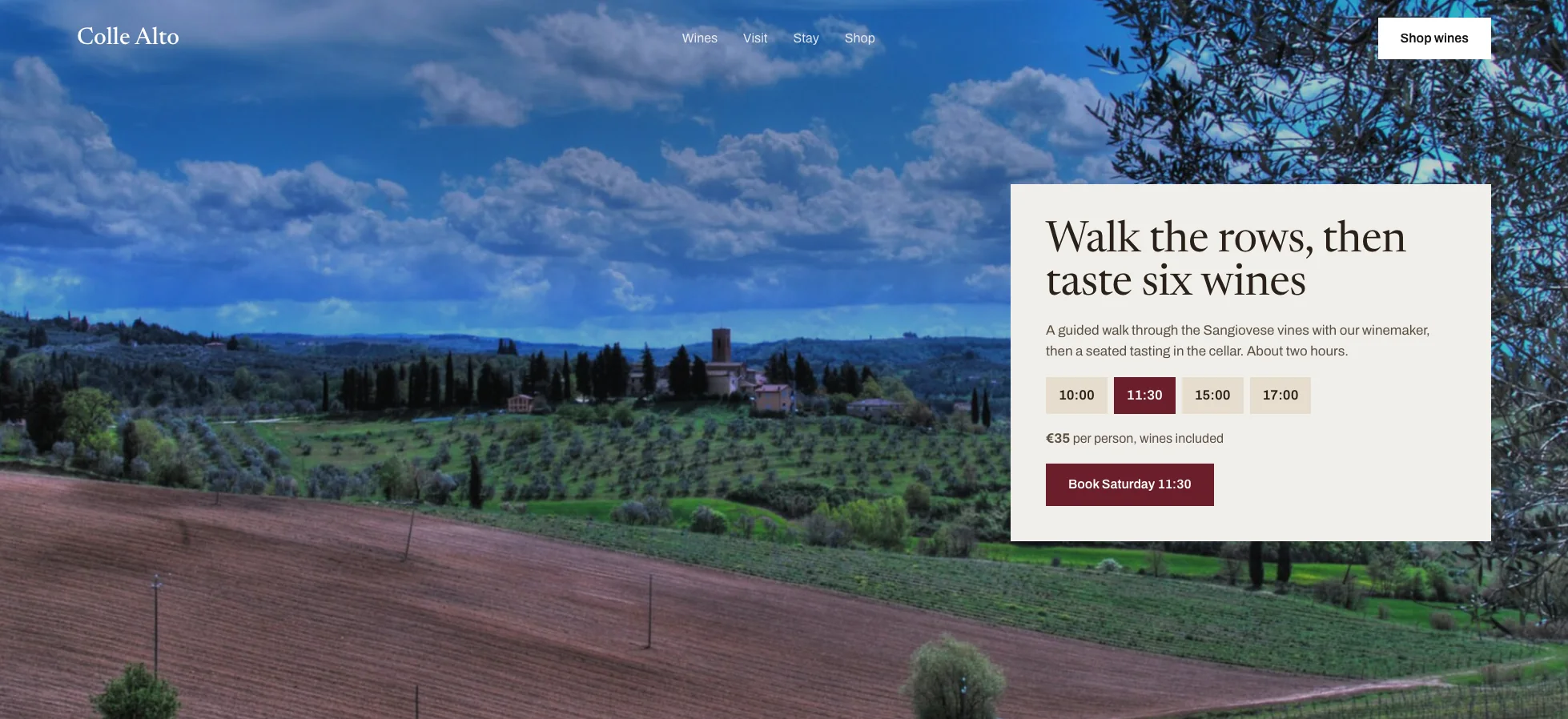
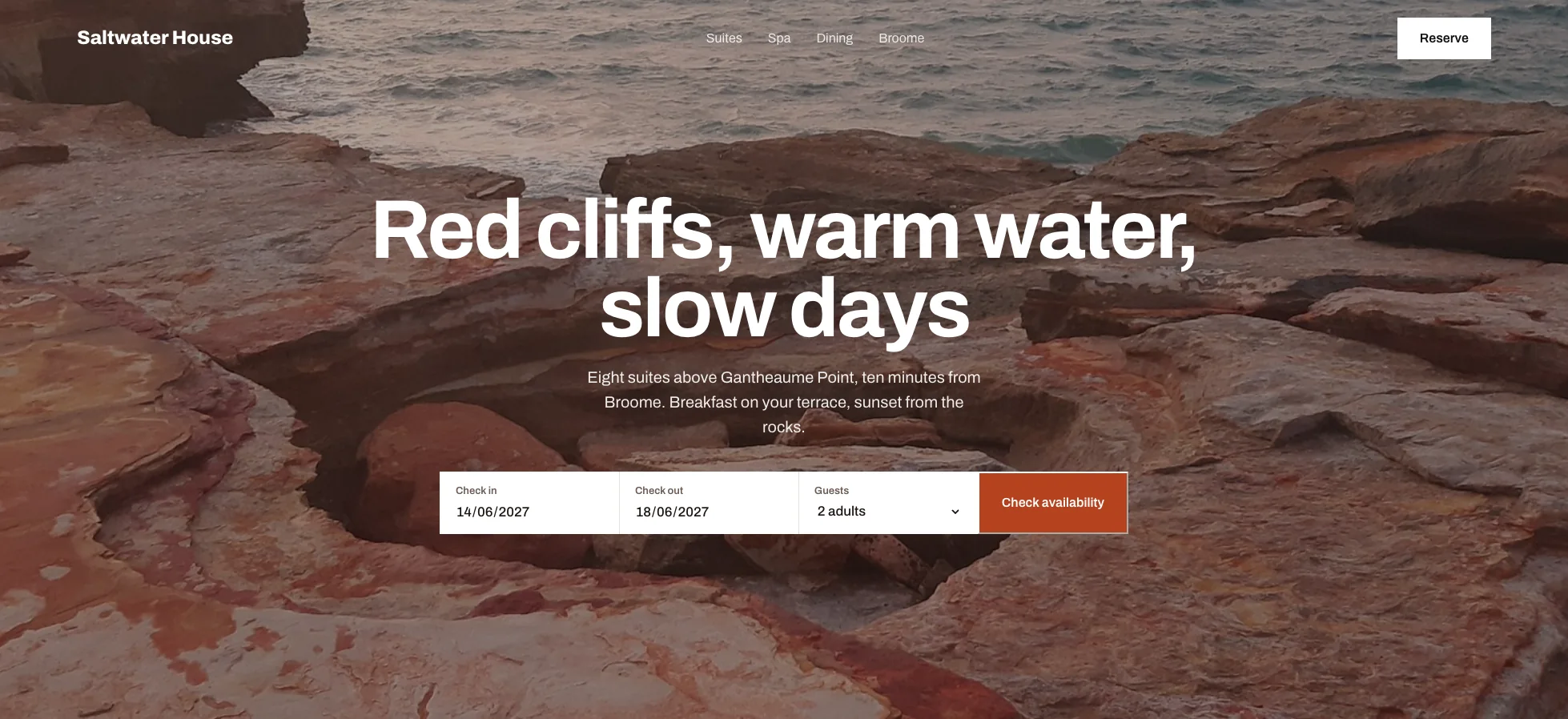
Skip the blank canvas. Our pre-made Ken Burns Background layouts are fully customizable, responsive on every device, and ready to drop into any Divi page, saving you time from the first click.

DiviMotion Ken Burns Background vs Custom CSS in Divi: Which One Gives You More Control?
Ready to Bring Your Background Images to Life?
Helpful Resources
Roadmap

What’s New

Documentation

Frequently Asked Questions
Everything you need to know about Ken Burns Background before you get started.
What Is the Divi Ken Burns Background?
The Divi Ken Burns Background is a DiviMotion extension for Divi 5 that adds a slow, cinematic zoom and pan to the background image of any section, row, column, or module, while the content on top stays still.
What Is the Ken Burns Effect?
The Ken Burns effect is a slow zoom and pan across a still photo, named after the documentary filmmaker who made it famous. It gives an image gentle movement without turning it into a video.
How Is Ken Burns Background Different From Ken Burns Drift in Image Reveal?
Ken Burns Drift moves a Divi Image module after its reveal animation finishes. Ken Burns Background moves the background image of any section, row, column, or module, with 12 styles of its own.
Which Version of Divi Does It Require?
Ken Burns Background requires Divi 5.0 or later and DiviMotion 2.4.0 or later. It does not work with Divi 4.
Do I Need to Write Any Code?
Every setting sits right under the background image fields in the Divi Builder, so you pick the style, speed, and strength visually without writing code.
How Do I Turn On Ken Burns Background?
Go to DiviMotion → Extensions in your WordPress dashboard and enable Ken Burns Background. Then open any element's Background → Image settings, pick an image, and turn on Ken Burns Effect.
Which Elements Can Use Ken Burns Background?
Ken Burns Background works on the main background image of any section, row, column, or module. Backgrounds of parts inside a module, such as a button, don't get it.
How Does It Work With Divi's Parallax Background?
Ken Burns Background is not available while the background's Use Parallax Effect is on. Turn parallax off to show the Ken Burns settings.
How Does Ken Burns Background Work on Phones and Tablets?
One set of Ken Burns settings covers every device. Tablet and phone background images move with the same style, and Ken Burns Disable On shows a still image on any device you choose.
What Does Ken Burns Background Load on the Page?
Ken Burns Background runs on pure CSS with no script, and its small stylesheet loads only on pages that use it.
How Does Ken Burns Background Work With Divi Presets?
Divi presets don't store Ken Burns settings, so set them on each element where you want the movement.
How Does Ken Burns Background Handle Reduced Motion?
Visitors who ask their device for less motion always see the still background image. It follows the device setting automatically.