

Divi Staggered Entrance
DiviMotion Staggered Entrance animates every element inside a Divi 5 section, row, or column as it scrolls into view, so whole sections arrive in sequence without setting up each module.
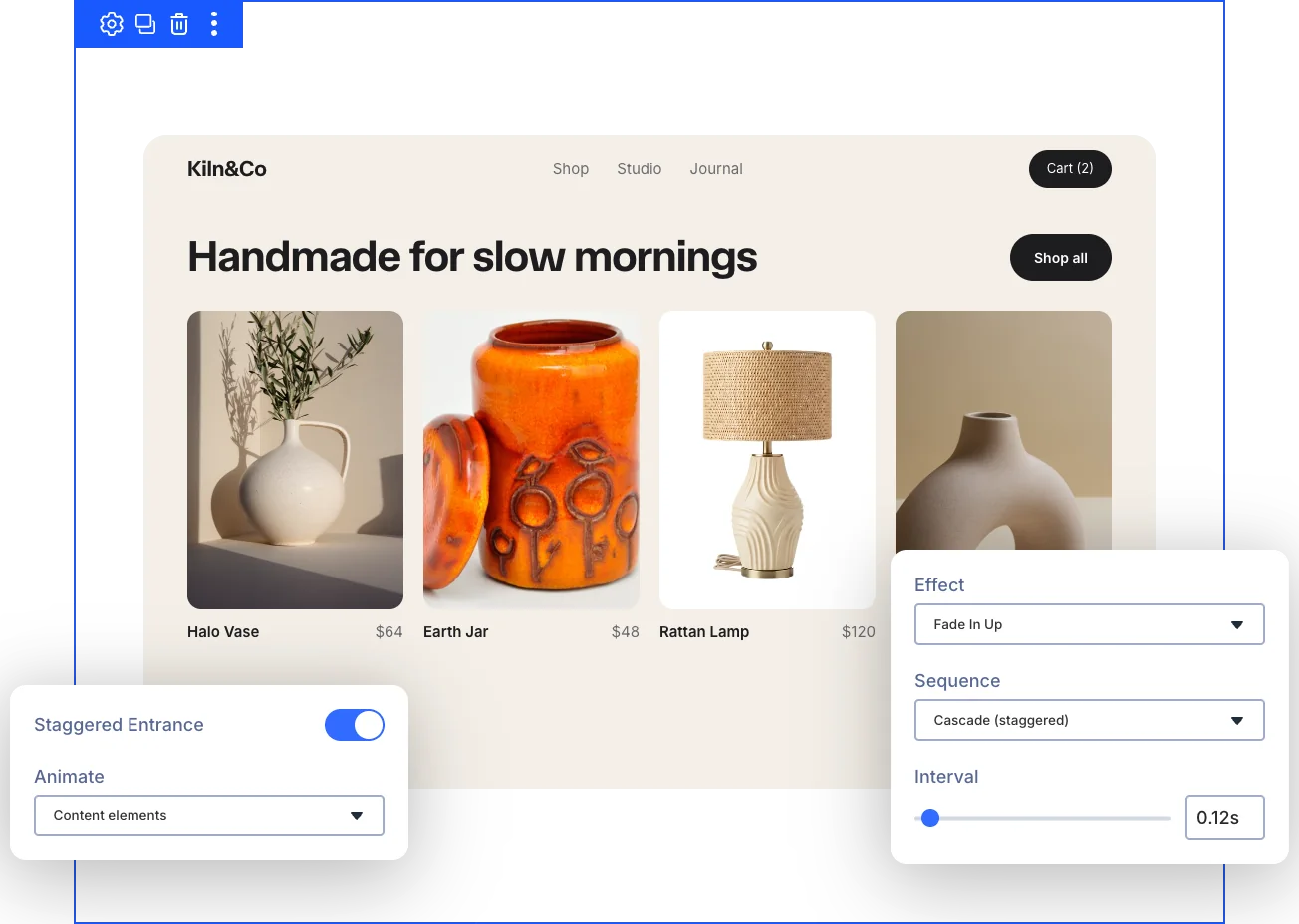
No Per-Module Setup
Turn it on for a section, row, or column and every module inside animates in, with no animation to set up on each one.
Twenty-One Entrance Effects
Fade, slide, zoom, rotate, wipe, or blur each element into view, from a subtle lift to a bold, eye-catching arrival for each section.
Automatic Stagger Timing
Pick Cascade, One after another, Overlap, or All together to set the rhythm, so elements land on cue without a delay typed by hand.
Animate Whole Sections in One Step and Still Control Every Detail
Choose What Animates and How It Enters
- Animate every module, each column, each row, or only the elements directly inside the container.
- Bring elements in from above, below, left, or right, or uncover them with a directional wipe.
- Include elements you add later automatically, so the sequence keeps up as the page grows.
- Uncheck any element to leave it out, while the rest keep animating in order.
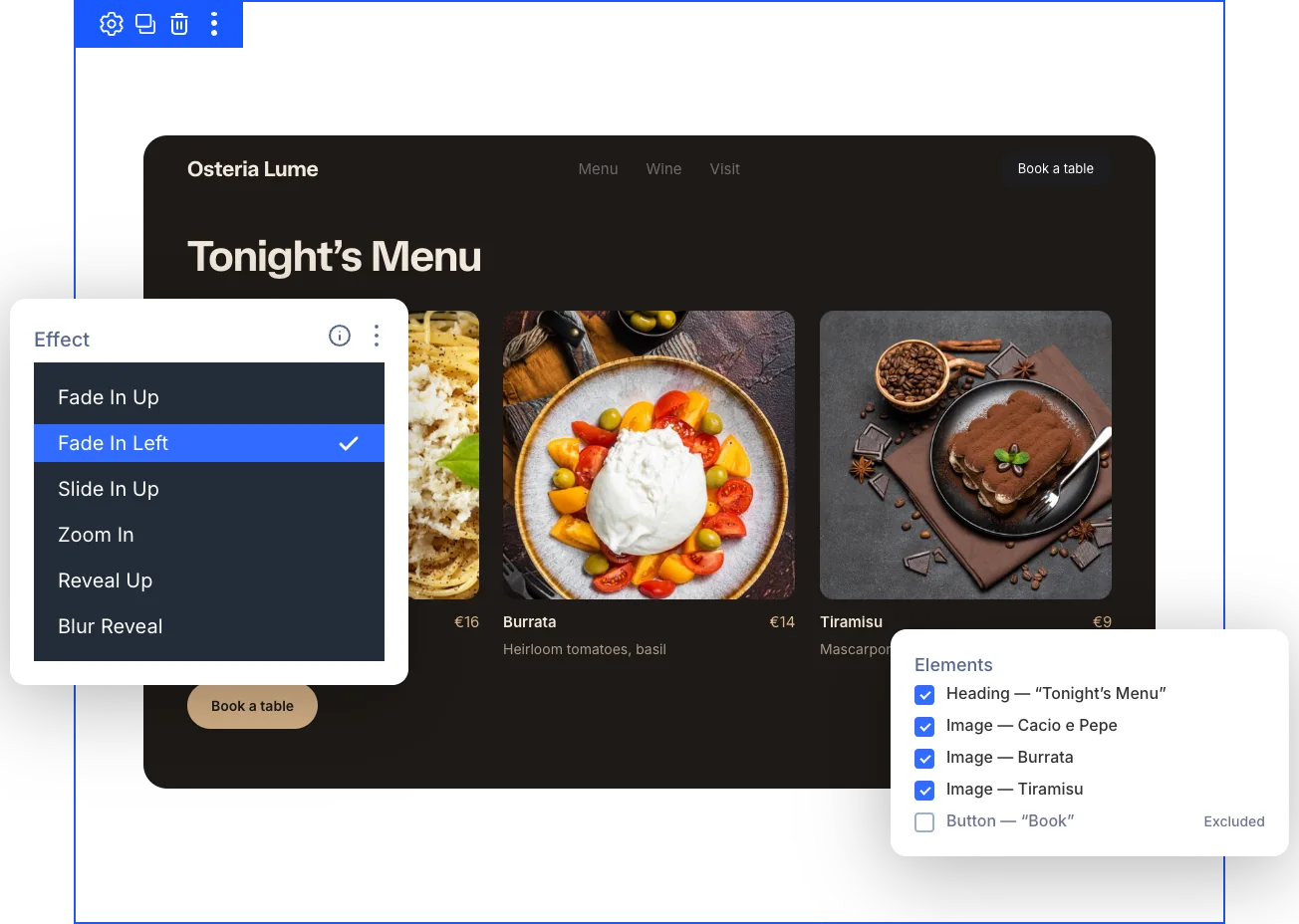
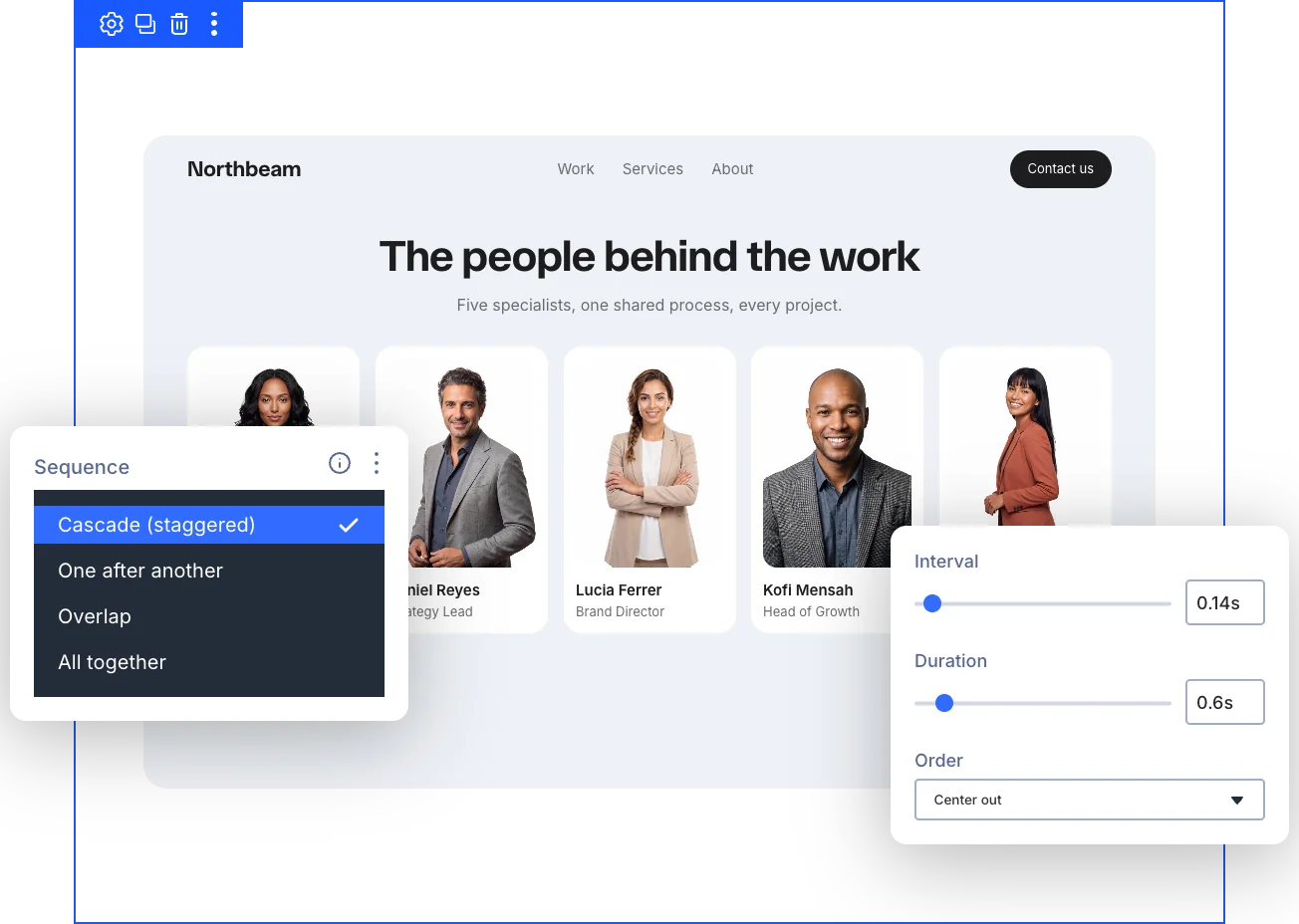
Set the Rhythm of Every Sequence
- Cascade elements a set interval apart, from instant to two seconds between each start.
- Start each element once the previous one finishes, with an optional pause of up to three seconds.
- Overlap each animation with the next by up to 95%, or bring everything in together.
- Play elements forward, in reverse, from the center outward, or in a random order.
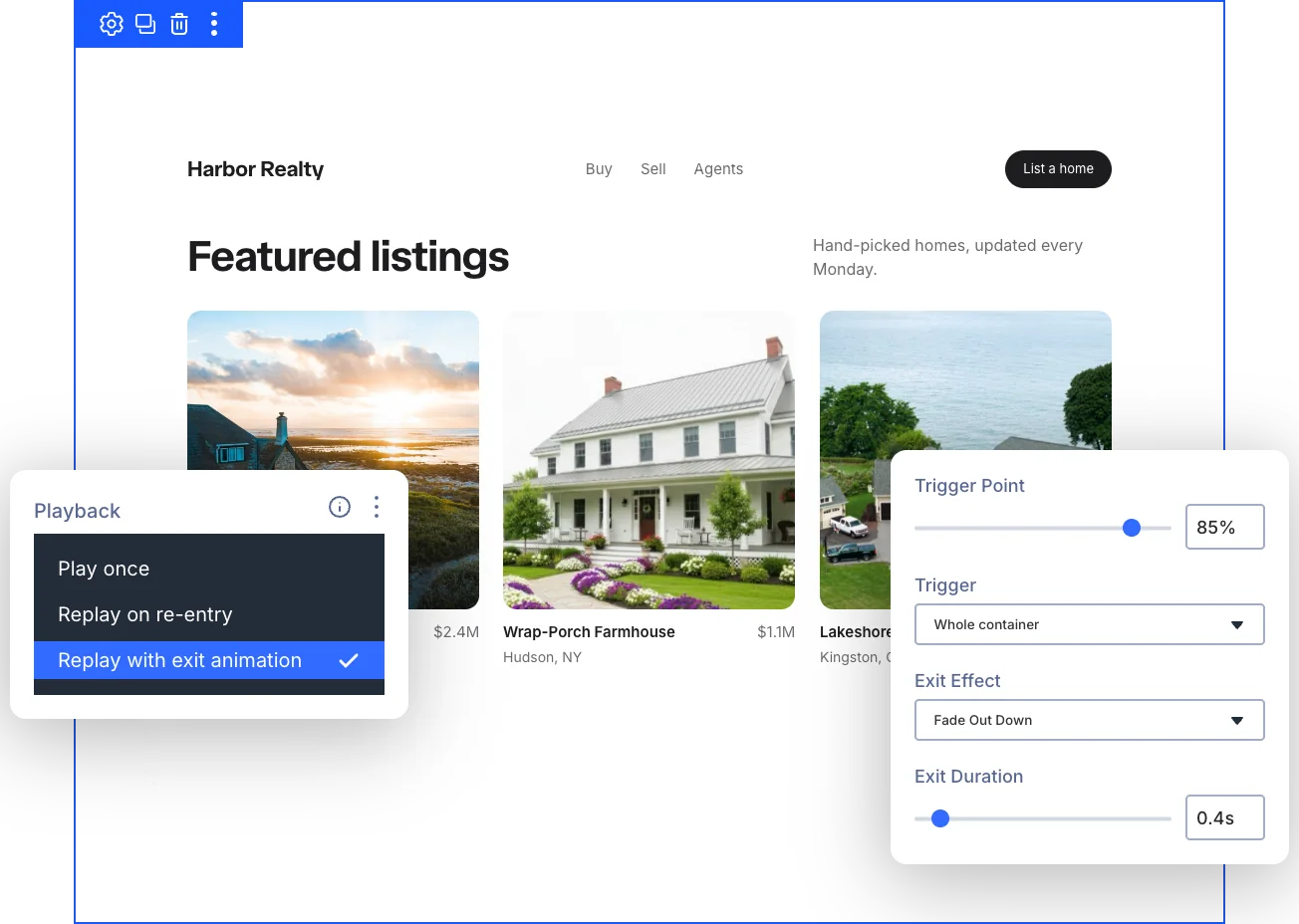
Control When It Plays and Replays
- Start the sequence when the container reaches a trigger point you set on the screen.
- Trigger each element on its own as it scrolls in, ideal for sections taller than the screen.
- Play once, replay every time the content returns, or animate out as visitors scroll past.
- Choose an exit effect, order, and duration so elements leave as smoothly as they arrived.
Fine-Tune Motion and Keep Visitors Comfortable
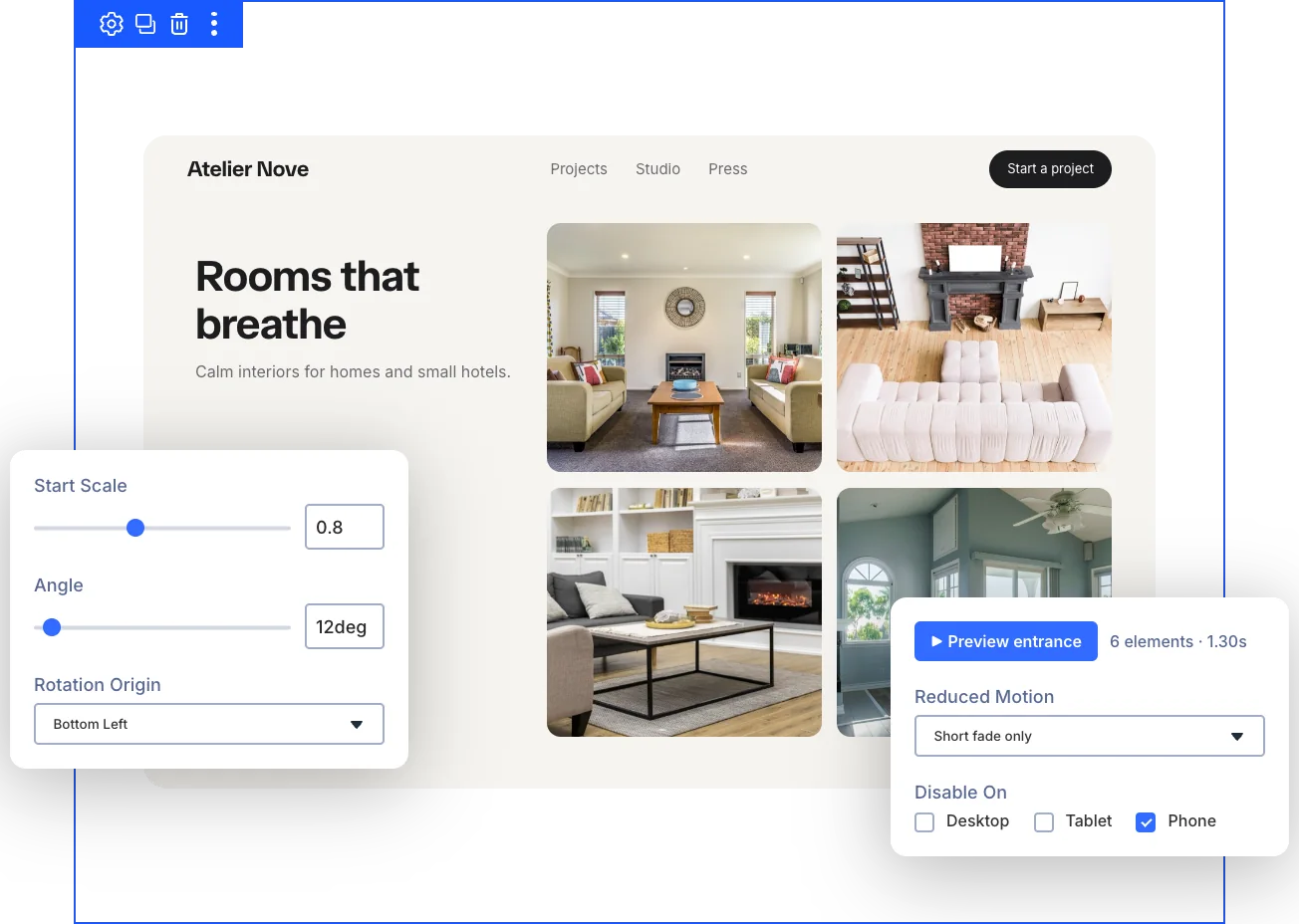
- Set distance, start scale, angle, rotation origin, and blur for the exact feel you want.
- Give timing and size settings their own tablet and phone values, or disable the entrance there.
- Show content instantly or with a short fade to visitors who prefer reduced motion.
- Preview the whole entrance inside the Divi Builder with one click before you save the page.
Free Ready-to-Use Staggered Entrance Layouts to Get Started
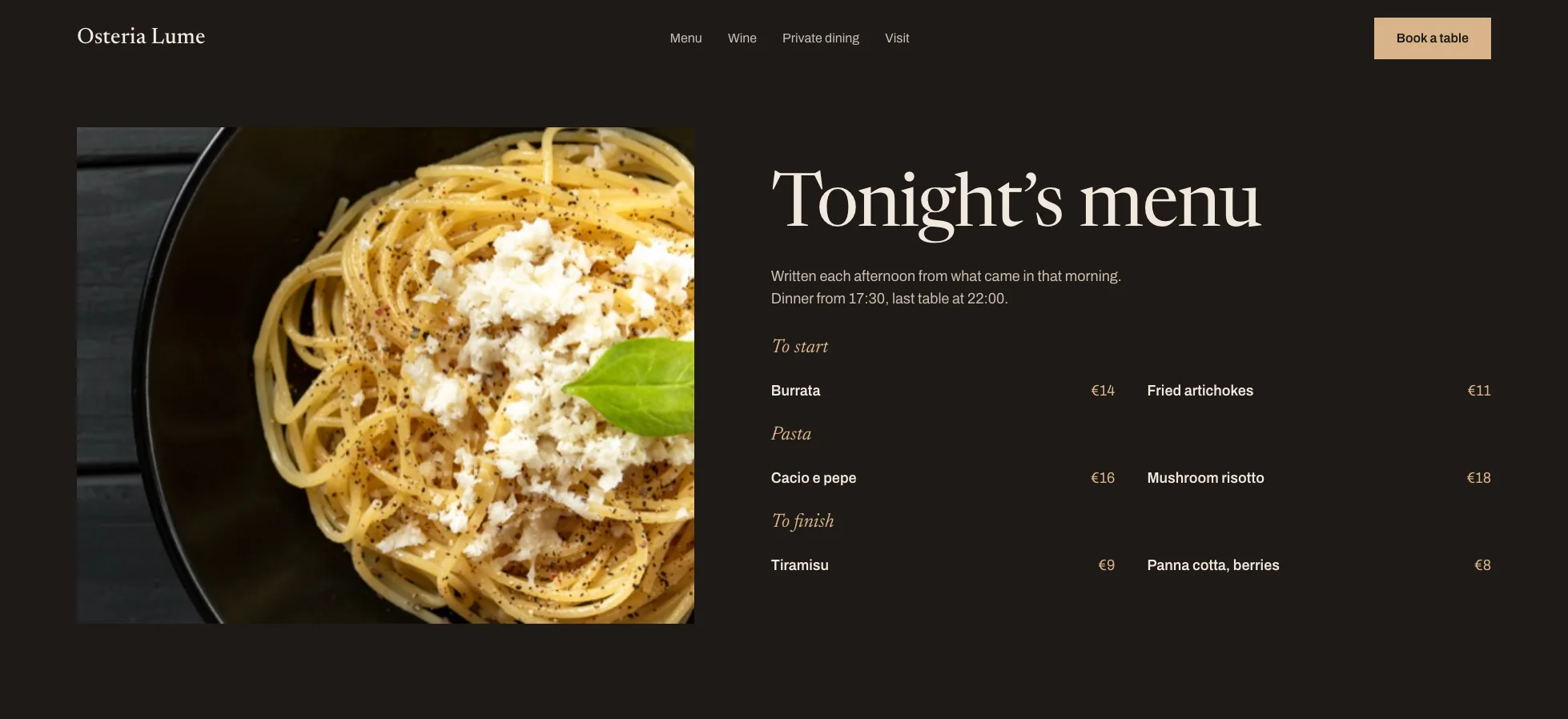
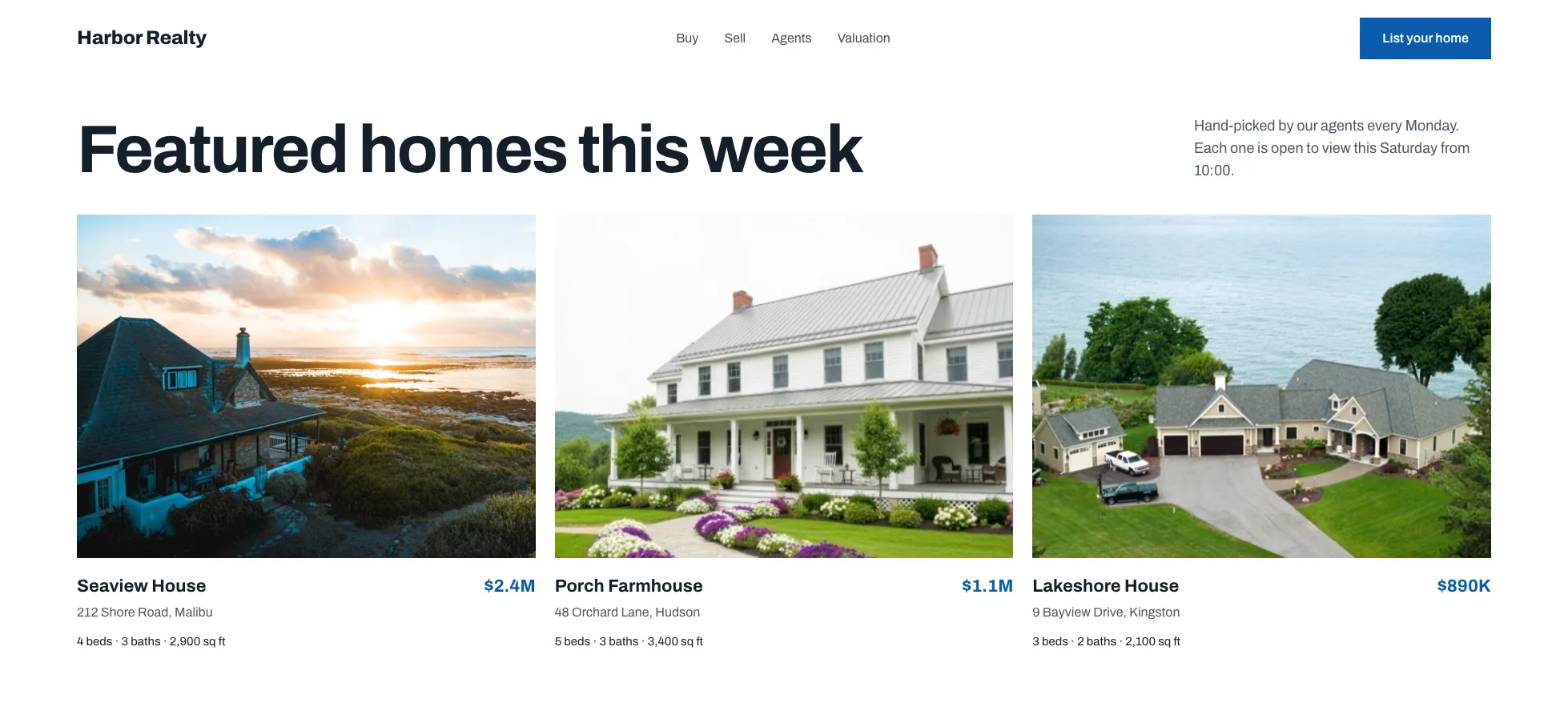
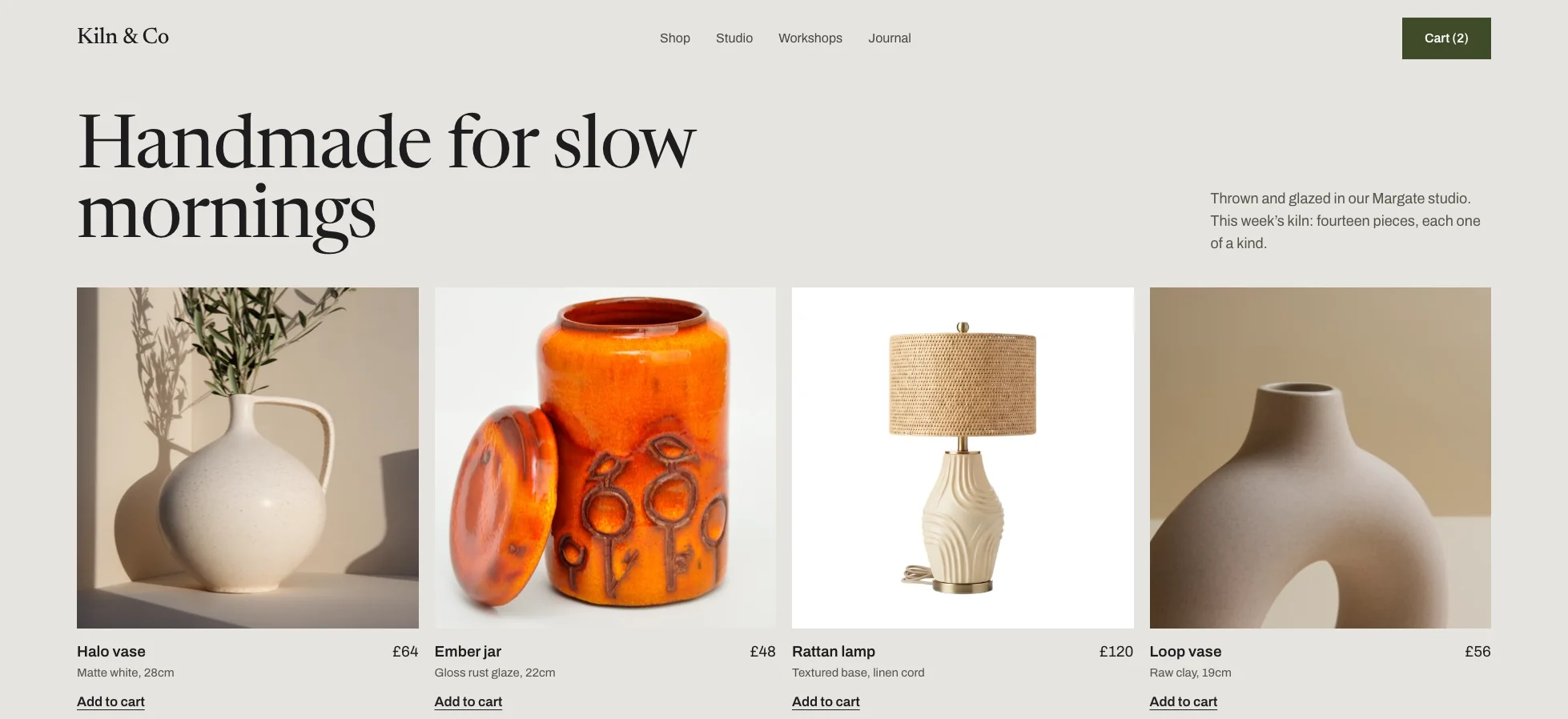
Skip the blank canvas. Our pre-made Staggered Entrance layouts are fully customizable, responsive on every device, and ready to drop into any Divi page, saving you time from the first click.


DiviMotion Staggered Entrance vs Divi Built-In Animations: Which One Gives You More Control?
Ready to Make Every Section Arrive in Sequence?
Helpful Resources
Roadmap

What’s New

Documentation

Frequently Asked Questions
Everything you need to know about Staggered Entrance before you get started.
What Is Divi Staggered Entrance?
Divi Staggered Entrance is a DiviMotion extension for Divi 5 that animates every element inside a section, row, or column as it scrolls into view, with 21 effects and automatic timing. A staggered entrance plays each element's animation a moment after the last, so content arrives in a smooth wave.
How Is Staggered Entrance Different From Divi's Built-In Animations?
Divi's built-in animations are set on each module, with delays typed by hand to build a sequence. Staggered Entrance is set once on the section, row, or column, and it times every element inside for you.
Which Sequence Should I Choose?
Pick the sequence by the rhythm you want. Cascade gives the classic stagger. One after another tells a step-by-step story. Overlap feels fluid, and All together brings the whole group in at once.
Which Version of Divi Does It Require?
Staggered Entrance requires Divi 5.0 or later, like every DiviMotion feature. It does not work with Divi 4.
Do I Need to Write Any Code?
Every setting lives in the Design tab of the section, row, or column inside the Divi Builder, so you set the entrance visually without writing code.
How Do I Turn On Staggered Entrance?
Go to DiviMotion → Extensions in your WordPress dashboard and enable Staggered Entrance. Then open a section, row, or column, go to Design → Staggered Entrance, and turn it on.
Which Elements Can Use Staggered Entrance?
Staggered Entrance is set on sections, rows, and columns, including inner rows and columns, and animates what's inside them. It does not appear on single modules.
How Does It Work With Other DiviMotion Animations?
Elements that already have their own DiviMotion animation keep it, and Staggered Entrance skips them, so the two never clash. Use the Animation Builder for one-off custom motion and Staggered Entrance for the rest.
How Do I Replay the Entrance When Visitors Scroll Back?
Set Playback to Replay on re-entry, or Replay with exit animation to also animate elements out as they leave the screen.
How Does Staggered Entrance Work on Phones and Tablets?
Timing and size settings such as Interval, Duration, and Distance take their own tablet and phone values. Disable On shows content without the entrance on any device you choose.
How Does Staggered Entrance Work With Divi Presets?
Divi presets don't store Staggered Entrance settings. Each section, row, or column keeps its own.
How Does Staggered Entrance Handle Reduced Motion?
Visitors who ask their device to reduce motion see content instantly, or with a short fade if you choose. You pick the option in the Reduced Motion setting.