

The DiviMotion Dashboard is your control center for managing licensing and unlocking DiviMotion’s full capabilities through integrations, modules, and extensions.
Onboarding Wizard
After installing and activating DiviMotion, first-time users are guided through a 3-step onboarding wizard. This helps you understand the animation workflow in DiviMotion and get started fast.
Welcome Screen
After completing the onboarding wizard (or anytime you return to the dashboard), you'll land on the Welcome screen.
This screen includes a quick overview of DiviMotion’s core features.
Right below the welcome area, you’ll find:
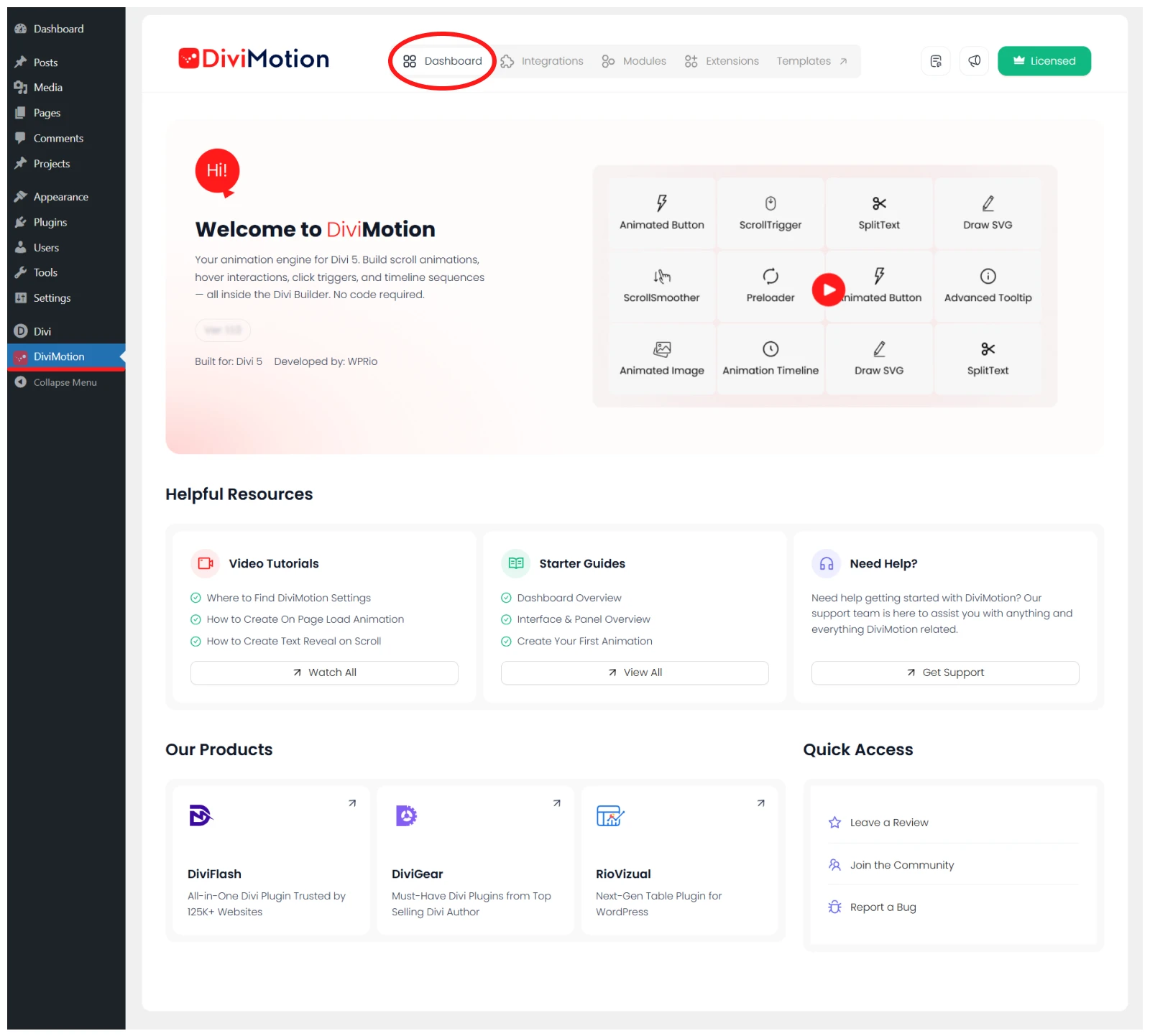
- Helpful Resources: Video tutorials, Getting Started guides, and links to support
- Other Products: Solutions that extend WordPress and the Divi Builder
- Quick Access Links: Leave a review, join the user community, or report a bug
Integrations Tab
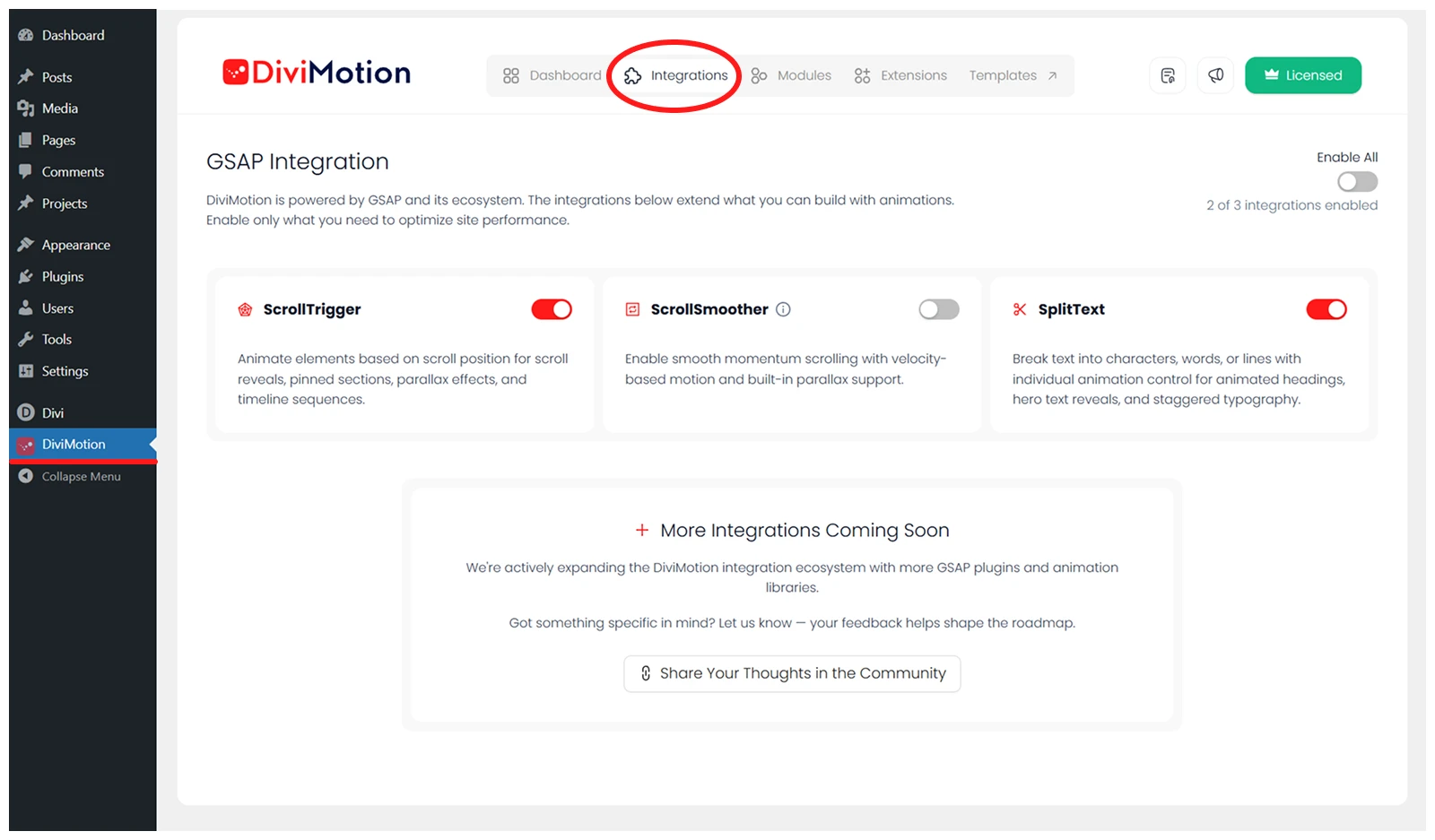
This tab lets you enable or disable specific GSAP-powered animation features, depending on what you need. Only enabled features are loaded on your site — keeping things lean and performance-friendly.
Modules Tab
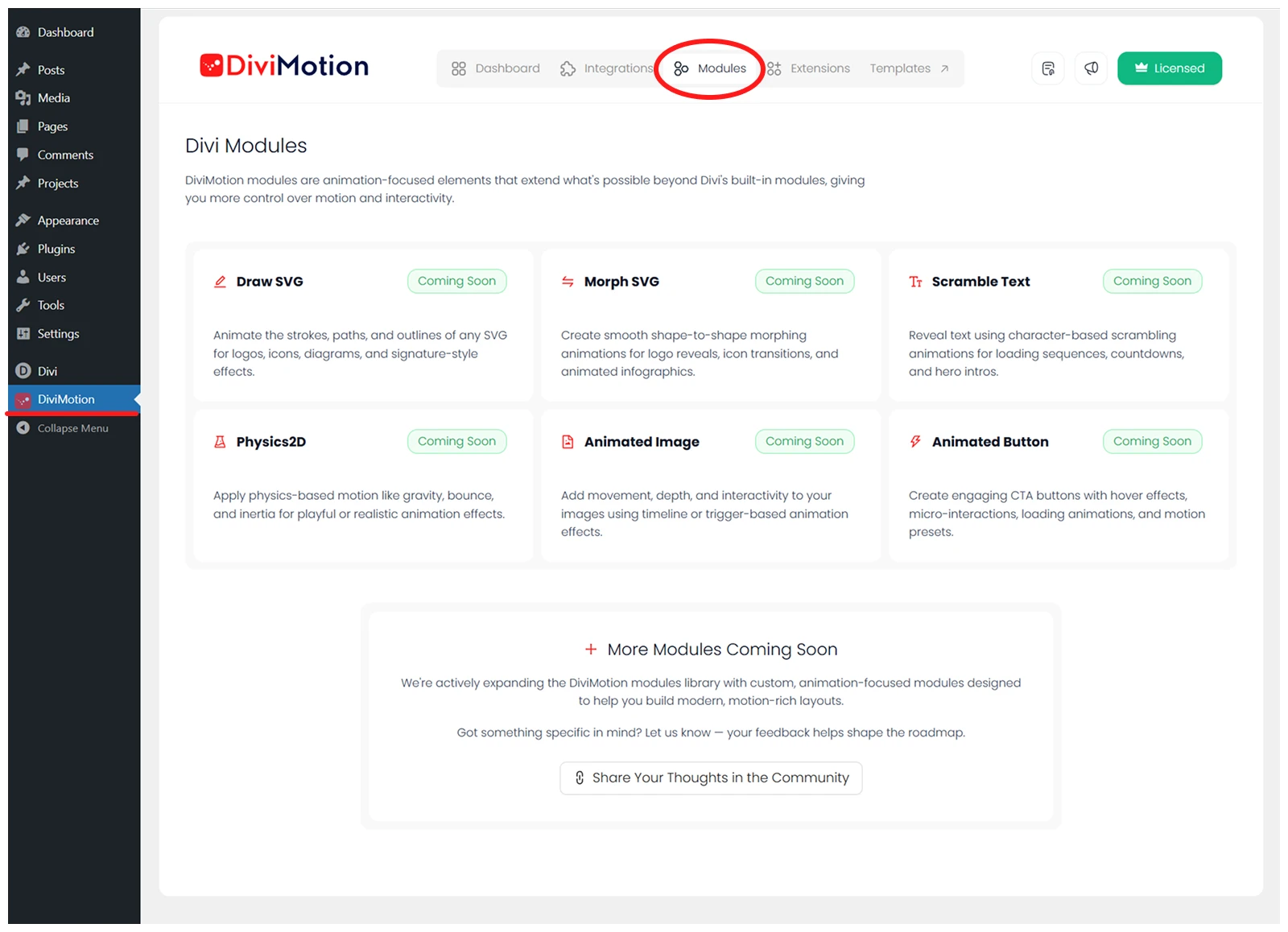
This tab previews dedicated animation modules that Divi doesn't offer by default — such as animated buttons, images, or SVG drawing tools. These are purpose-built to help you build more interactive layouts inside Divi.
Extensions Tab
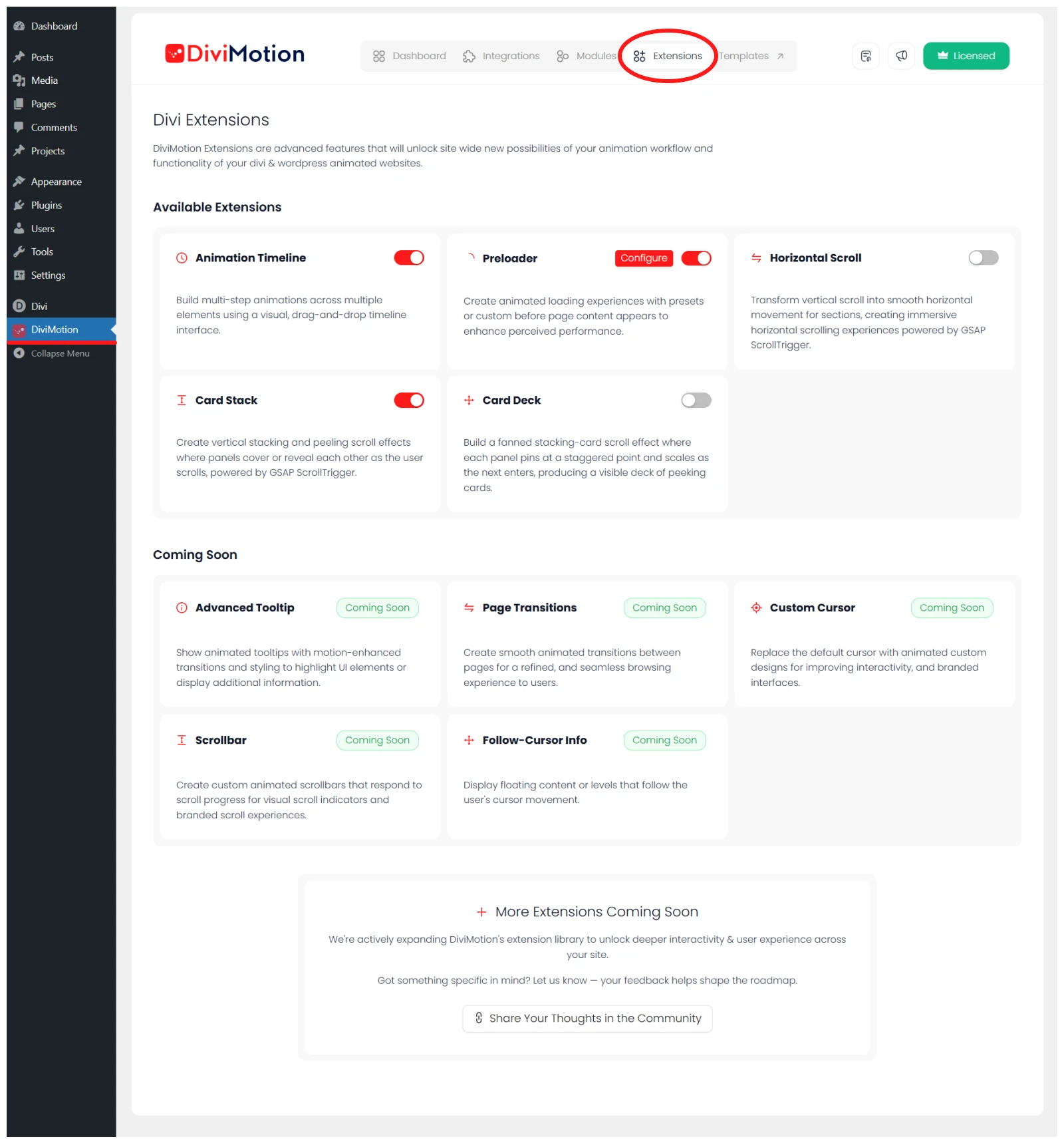
Here, you’ll find advanced tools that go beyond what Divi or WordPress offer out of the box — like preloaders, animation timelines, or advanced scroll effects.
Templates Tab

This tab links to a growing library of pre-designed, ready-to-use animation layouts and sections. You can use these to quickly launch animated websites.
Quick Actions (Top Right)
In the top-right corner of the dashboard, you'll find three helpful shortcuts:

- Docs Icon – Opens the full DiviMotion documentation
- Megaphone Icon – View recent updates and new features in a popup
- License Icon – Activate, deactivate, or manage your license key
What’s Next?
Now that you're familiar with the dashboard and setup flow. Lets learn how DiviMotion integrates into the Divi Visual Builder.


